
How to Create a Podcast (and Actually Start It This Month): The No-Nonsense UK Guide
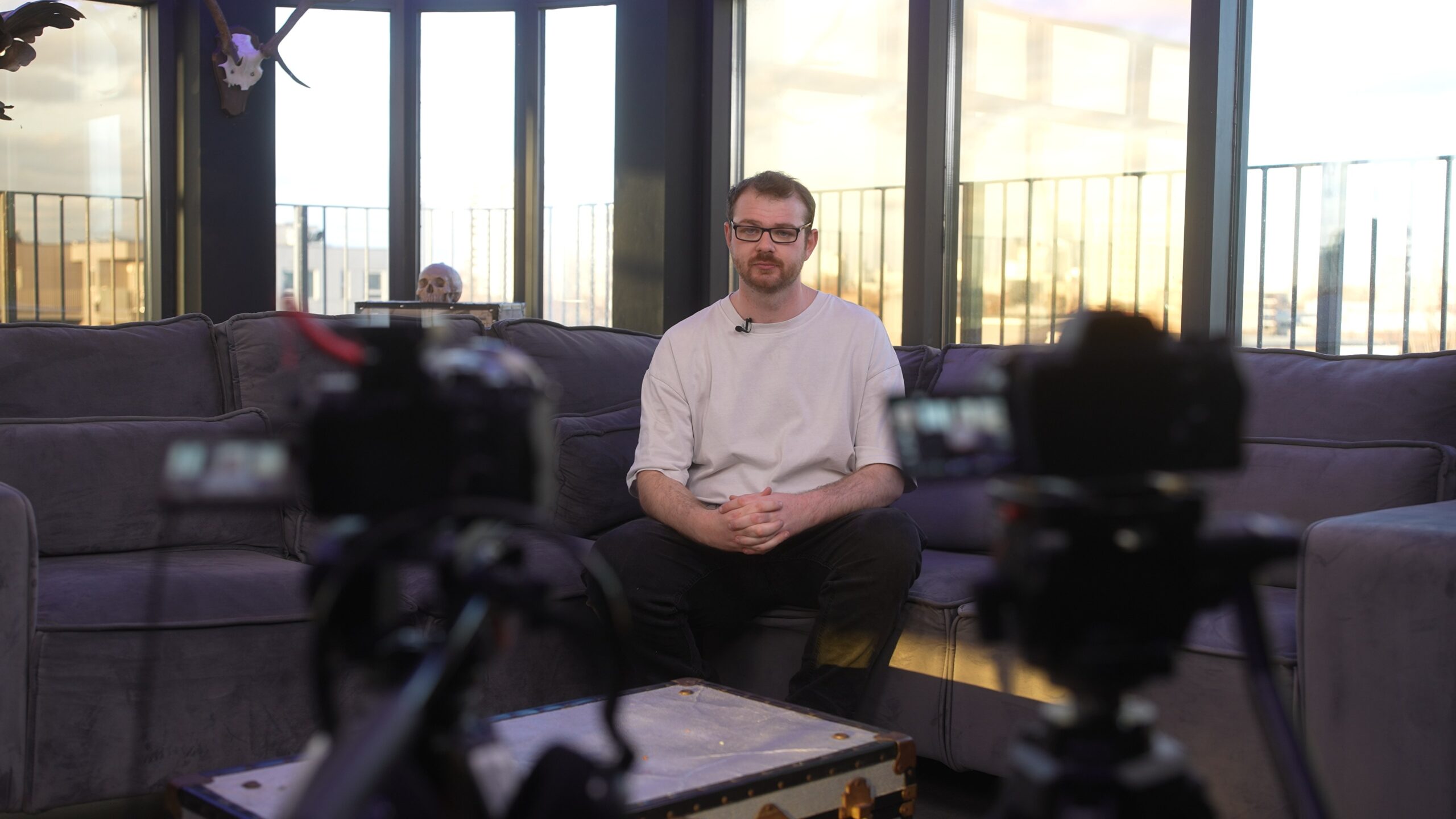
To create a podcast, decide what the show is about and who it’s for, record a few episodes with a decent microphone in a quiet room, edit them, then upload them to a podcast host. The host gives you an RSS feed, which you submit once to Apple Podcasts, Spotify and YouTube, and every new episode then appears there automatically. That’s genuinely all there is to how to create a podcast; the hard part is keeping going.
This guide walks through each step in plain English, with a four-week plan so you can actually launch this month rather than “sometime”.
Step 1: Decide what your podcast is (in one sentence)
Before you buy a single microphone, write one sentence: “A podcast for [who] about [what], so they can [why].” If you can’t fill that in, listeners won’t understand why they should press play either.
Then make three decisions:
- Format: solo, co-hosted, interview, or a mix. Interviews are easier to sustain because guests bring the content, but they take more scheduling.
- Length: long enough to cover the subject properly, short enough that you’d listen to it yourself. Consistency matters more than any magic number.
- Schedule: weekly, fortnightly or in seasons. Pick something you can keep up for six months, not six weeks.
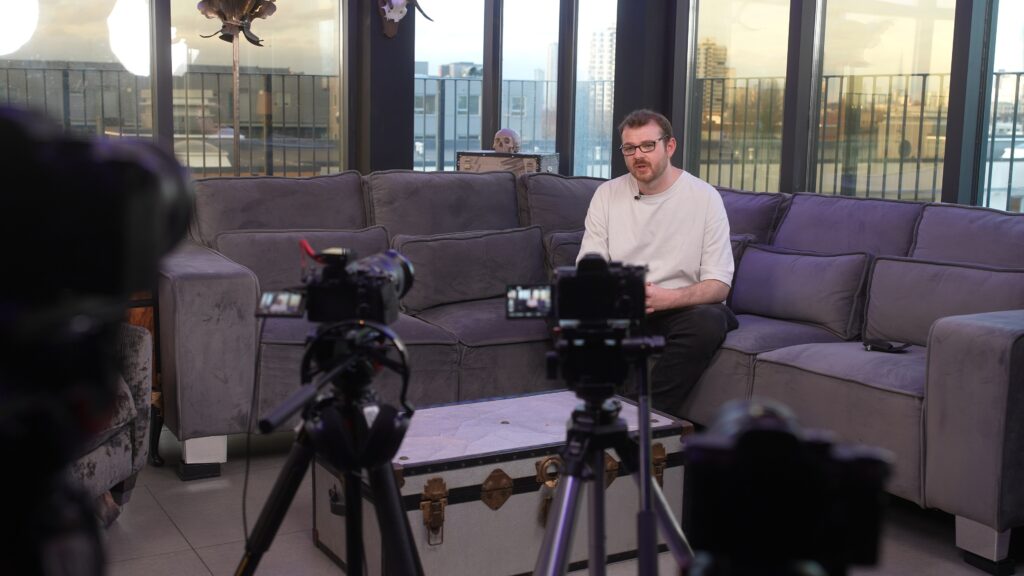
Finally, decide whether it’s audio only or a video podcast. Video takes more kit and more editing, but it gives you clips for social media and a proper presence on YouTube.
Step 2: Get your recording set-up right
Listeners will forgive a basic set-up. They won’t forgive bad sound: echo, background hum, or one person far louder than the other. You don’t need a studio, but you do need to get the basics right.
Microphones
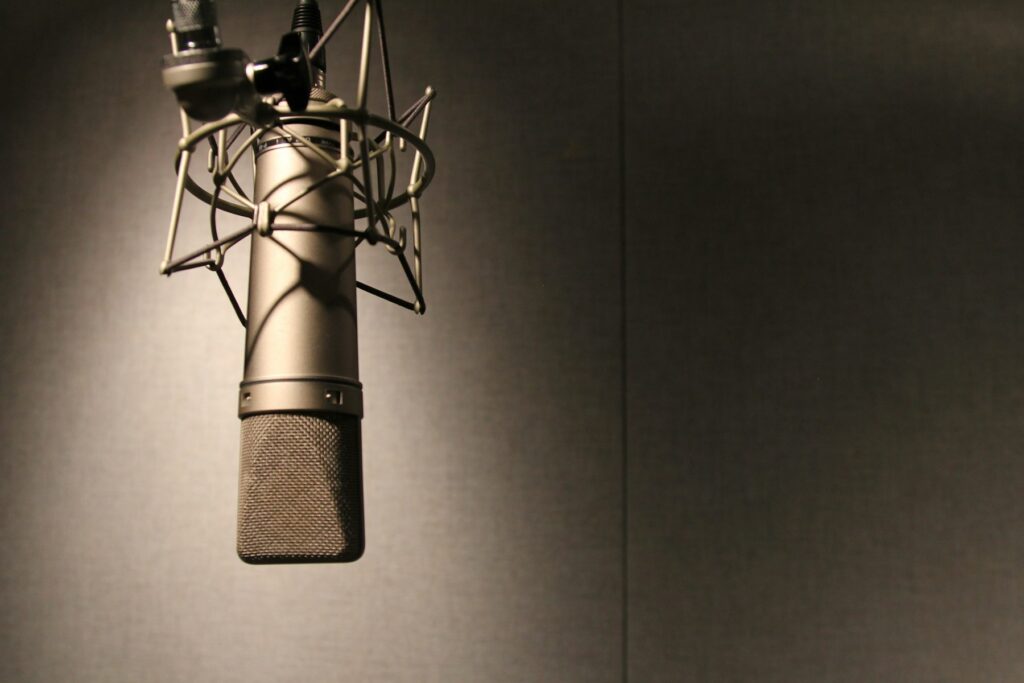
A dynamic microphone is usually the better choice for most people recording at home or in an office. It picks up mainly what’s directly in front of it, so it hears less of the room. Condenser microphones sound lovely in a treated studio but capture every echo and passing car in an untreated room. Whatever you choose, give each person their own mic.
The room
Soft furnishings soak up echo. A carpeted room with curtains, a sofa and bookshelves will sound far better than a kitchen or a glass meeting room. Turn off fans, fridges and notifications, and put a sign on the door.
Recording remote guests
If your guest is somewhere else, use a remote recording platform that records each person locally on their own device and uploads it, rather than simply recording a video call. The quality difference is obvious. Ask guests to wear headphones so your voice doesn’t echo back through their mic.
Step 3: Record, then edit (lightly)
Do a short test recording first and listen back on headphones. Check levels, background noise and whether you’re too close to or too far from the mic.
When you edit, aim for clarity rather than perfection:
- Cut long false starts, technical problems and tangents that go nowhere.
- Leave natural pauses and the odd “um”. Over-edited speech sounds robotic.
- Even out the volume between speakers, and remove hum or hiss.
- Add a short intro and outro, ideally the same every episode so the show feels familiar.
Apple’s guidance for podcast audio is to aim for loudness of around -16 LKFS (plus or minus 1dB), with true peaks no higher than -1dBFS. Most editing software and many online tools can measure and set this for you, and it means your show won’t sound noticeably quieter or louder than others in the listener’s queue.
Step 4: Sort out music (and be careful with it)
This is where UK podcasters most often get caught out. You can’t just use a song you like because you bought it or it’s on Spotify.
A piece of commercial music usually involves two sets of rights: the composition (the song itself, written by the songwriter) and the sound recording (that particular recording, usually owned by a record label). In the UK, PRS for Music licenses the songwriting side for online use, but its online licence explicitly excludes sound recording rights, which have to be cleared separately. Getting both for a podcast is rarely straightforward.
The simplest route for most shows is to use royalty-free or production library music where the licence clearly covers podcasts, commission something original, or record your own. Keep a copy of every licence. YouTube and other platforms can flag music they recognise, so check your uploads for copyright notices.
Step 5: Choose a podcast host and get your RSS feed
This is the bit that confuses most people. Apple Podcasts and Spotify are mostly directories and apps, not places where you store your files. Your audio lives on a podcast host, which creates an RSS feed: a web address listing all your episodes and show details. Apps read that feed and show your episodes to listeners.
When choosing a host, check:
- That it provides a standard RSS feed you can move to another host later.
- Storage or upload limits, and whether it supports video.
- The listening statistics it gives you.
- Whether it offers one-click submission to the main apps.
Spotify for Creators can also host your show directly, with audio, video or both, and publishes episodes straight to Spotify. After your first episode is live you can distribute the show to other platforms from there.
Your cover art
You’ll need square show artwork. Apple asks for 3000 × 3000 pixels and accepts 1400 × 1400 up to 3000 × 3000 for shows submitted by RSS, as JPG or PNG, with no transparency. Keep the title large and readable, because most people will see it as a thumbnail on a phone.
Step 6: Get your podcast onto Apple, Spotify and YouTube
Once your first episode is uploaded to your host, submit the RSS feed to each platform. You only do this once per show.
| Platform | How to get listed | Good to know |
|---|---|---|
| Apple Podcasts | Sign in to Apple Podcasts Connect with your Apple Account and add your show’s RSS feed | Artwork and audio need to meet Apple’s published requirements |
| Spotify | Log in to Spotify for Creators, choose to find an existing show, then submit or claim it using your RSS feed | Or host the show on Spotify for Creators from the start |
| YouTube | Audio shows can submit an RSS feed in YouTube Studio, where available. Video podcasts are uploaded as normal videos and organised into a podcast | RSS episodes become static-image videos using your show art. Sponsorships and host-read promotions must be declared |
Many hosts list other apps they can send your feed to as well. Google Podcasts closed in 2024, so you can ignore any older guides that tell you to submit there.
How to create a podcast this month: a four-week plan
If you want to know how to start a podcast without it drifting for a year, put dates on it:
- Week 1: Write your one-sentence description, pick a name, choose the format and schedule, and list ten episode ideas.
- Week 2: Sort your microphones and room, do test recordings, and design your cover art.
- Week 3: Record three episodes, edit them, and set up your host and RSS feed.
- Week 4: Submit to Apple, Spotify and YouTube, publish all three episodes together, and tell everyone you know.
Launching with three episodes gives new listeners something to binge and gives you a small buffer for the weeks when life gets in the way.
Want help making your podcast sound and look professional?
Plenty of great shows start in a spare room. But if your podcast represents a business or brand, it helps to have people who do this every day. We offer video podcast production from our Suffolk base across Essex, London and further afield, with multi-camera filming, full episodes and short clips. If you’re recording yourself, our audio equipment hire covers the microphones and recorders, and our sound editing and audio clean-up service can rescue a recording that didn’t go to plan. Have a look at our pricing or get in touch.
Frequently asked questions
Do I need a licence to start a podcast in the UK?
You don’t need a licence just to publish a podcast. You do need permission for any music or other material you didn’t create, so stick to properly licensed music and keep records.
How do I begin a podcast with no audience?
Start with a clear niche, invite guests who will share their episode with their own followers, and cut short clips for social media. Growth is usually slow at first, so consistency matters.
Can I host my podcast on Spotify or Apple directly?
Spotify for Creators can host your show and then distribute it elsewhere. For Apple Podcasts, you normally submit an RSS feed from a podcast host.
Should my podcast be on YouTube?
It’s worth it for most shows. A video podcast tends to suit YouTube best, but audio shows can also submit an RSS feed in YouTube Studio where the feature is available.
How long should a podcast episode be?
As long as it needs to be and no longer. Choose a length that suits your format and your listeners, then keep it roughly consistent.