
What Is a Content Management System? The Plain-English Guide for Business Owners
What is a content management system? A content management system (CMS) is software that lets you create, edit and publish the pages of a website without writing code. Instead of asking a developer every time you want to change a price, add a blog post or swap a photo, you log in, make the change in an editor that looks a bit like a word processor, and press publish.
If you’re wondering whether your business needs one, the answer is almost always yes, and if you already have a website you’re probably using one. This guide explains how a CMS works, the main types, and how to pick the right one for your business.
What is a content management system, in plain English?
Think of a website as two things: the content (your words, photos, videos and products) and the design that displays it (the layout, fonts, colours and menus). A CMS keeps those two things separate.
Your content sits in a database. The design sits in a template, usually called a theme. When someone visits a page, the CMS pulls the right content out of the database and drops it into the template. That’s why you can rewrite a page without breaking the layout, and why a redesign doesn’t mean retyping every page.
Most systems give you a private admin area, sometimes called the dashboard or back end, where you and your team log in to manage everything. Visitors only ever see the finished front end.
What does a CMS actually do?
Every CMS is different, but most share the same core features:
- A page and post editor. Add headings, text, images, video and buttons, usually by dragging blocks into place.
- A media library. One place to upload and organise photos, videos and documents so you can reuse them across the site.
- Menus and navigation. Change what appears in your site’s menu without touching code.
- User roles. Give different people different permissions. For example, an editor can publish anything, while an author can only write and publish their own posts.
- Scheduling and drafts. Write something now, preview it, and set it to go live at a specific time.
- Revision history. Roll a page back to an earlier version if something goes wrong.
- Add-ons. Extra features such as contact forms, booking calendars, online shops and SEO tools, added as plugins or apps.
The main types of content management system
Business owners usually come across three broad types. They overlap a little, but the differences matter when it comes to cost, control and who looks after the site.
Traditional (self-hosted) CMS
You install the software on your own web hosting and have full control over it. WordPress (the free, open-source version from WordPress.org) is by far the best-known example, with Joomla and Drupal as other long-standing options. You can add almost any feature and move hosts whenever you like, but you’re responsible for updates, backups and security, or for paying someone to handle them.
Hosted website builders
Platforms such as Wix, Squarespace and Shopify bundle the CMS, hosting, security and updates into one monthly subscription. They’re quick to set up and hard to break, which makes them popular with small businesses. The trade-off is less flexibility: you work within the platform’s features and templates, and moving to another system later can be awkward.
Headless CMS
A headless CMS stores and manages content but doesn’t control how it’s displayed. Developers pull the content into a separately built website, app or digital screen. Contentful, Sanity and Strapi are well-known names. Headless systems suit larger organisations publishing the same content in lots of places, but they almost always need a developer, so they’re rarely the right first choice for a small business.
WordPress, Wix, Squarespace or Shopify: how they compare
According to W3Techs, which tracks the technology behind millions of websites, WordPress powered 39.5% of all websites at the end of October 2026, well ahead of Shopify (5.3%), Wix (4.2%) and Squarespace (2.4%). Popularity isn’t everything, but it does mean plenty of themes, plugins and people who know how to work on it.
| Platform | Type | Best for | Things to know |
|---|---|---|---|
| WordPress (self-hosted) | Traditional, open source | Businesses that want full control and room to grow | You need hosting and someone to keep it updated |
| Wix | Hosted builder | Simple brochure sites built quickly | Easy to use, less flexible for complex sites |
| Squarespace | Hosted builder | Design-led sites for creatives and service businesses | Polished templates, fewer add-ons |
| Shopify | Hosted, ecommerce first | Online shops | Excellent for selling, transaction and app costs can add up |
One common point of confusion: WordPress.org is the free software you install on your own hosting, while WordPress.com is a hosted service run by a company called Automattic. They share the same core software but work quite differently in practice.

How to choose the right CMS for your business
Rather than starting with the platform, start with what you need the site to do. Ask yourself:
- Who will update it? If it’s you, on a Friday afternoon, ease of use matters more than anything. If you have a marketing team, user roles and workflows matter.
- What will you publish? A few service pages, a regular blog, a product catalogue and video case studies all point to different choices.
- Do you sell online? If ecommerce is the main job, a platform built for it, such as Shopify or WordPress with WooCommerce, will save headaches.
- How much control do you want? Self-hosted gives you more freedom and ownership. Hosted builders give you less to worry about.
- Who looks after it long term? Updates, backups and security don’t go away. Decide early whether that’s you, your web designer or the platform.
- What will it cost over three years? Compare subscriptions, hosting, plugins, apps and support, not just the price to get started.
For what it’s worth, our own website runs on WordPress. It lets us publish new guides, portfolio pieces and blog posts ourselves, and it handles a lot of video and photography without fuss.
A CMS is only as good as what you put in it
The best CMS in the world won’t help a website with thin copy and stock photos that look like everyone else’s. The sites that win enquiries tend to combine clear structure, honest words and real images and video of the business.
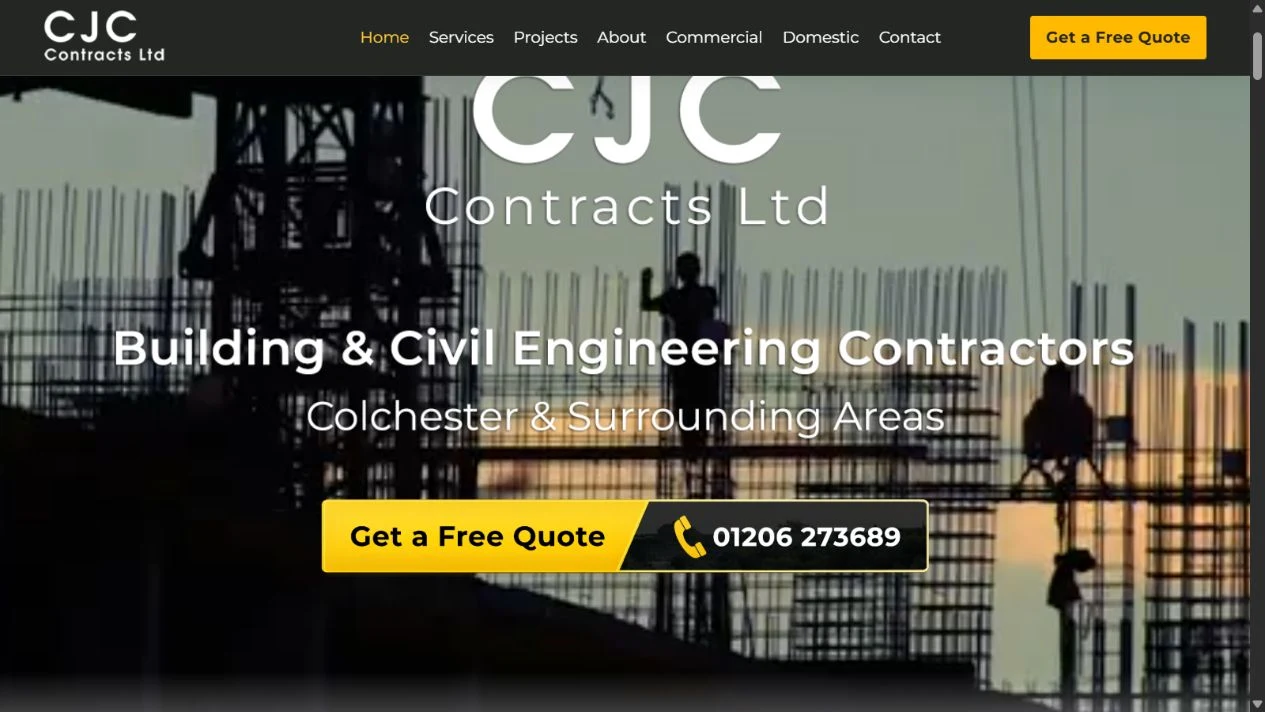
That’s why we build websites alongside the content that fills them. When we created a new site for CJC Contracts, we wrote the copy, produced supporting articles and edited video for the homepage, all planned as one project. You can read how that came together in our CJC Contracts website case study. If you’re thinking about your own site, our guides on how to use video on your company’s website and why good photography matters for your business website are worth a read, and you can see everything we offer on our services page.
Frequently asked questions
Is WordPress a content management system?
Yes. WordPress started as a blogging tool but is now a full CMS used for everything from small business sites to large news publishers.
Do I need a CMS for a small business website?
Almost certainly. Without one, every small change means editing code or paying a developer. A CMS lets you keep prices, team pages and news up to date yourself.
Is a website builder the same as a CMS?
Broadly, yes. Builders like Wix and Squarespace include a CMS, but they also bundle hosting, templates and security into one package, so you have less to manage and less control.
Can I change CMS later?
You can, but it’s rarely a one-click job. Moving content, images and page addresses between systems takes planning, especially if you want to keep your search rankings, so it’s worth choosing carefully at the start.
What is a headless CMS?
A headless CMS manages content without controlling how it’s displayed. Developers connect it to a website or app built separately. It’s powerful but usually needs ongoing developer support.