
How to Use Video on Your Company’s Website

A visitor should not have to watch your company film to find out what you do.
They should be able to read that on the page. The video can then show them something the words cannot: how a product works, what your team is like or how a customer describes working with you.
That is where website video earns its place. Not by filling a gap in the design, and not by playing automatically behind every heading.
Before commissioning a film or embedding one you already have, ask a simple question: what will someone understand better after watching it? The answer should help you choose both the content and where it belongs.
Your homepage does not need the whole company history
A homepage film can give people a feel for the business before they explore further. Show the work, introduce the people and make the offer recognisable. Leave the detailed explanations to the pages built for them.
Imagine a joinery company. A short film of the workshop, materials and finished installations could give visitors a useful first impression. A lengthy account of every machine, accreditation and service would be a different film, for a different viewing situation.
A company profile video is one option. It does not need to become a catalogue of everything the organisation has ever done.
Keep the written headline, service links and enquiry route available without pressing play. The film should add to the introduction, not stand between the visitor and the rest of the website.
Put the more specific films on the more specific pages
Someone looking at your homepage and someone comparing a particular service have different questions. Give them different material where that is useful, rather than repeating the same general showreel throughout the site.
Service and product pages: show what the customer is buying
Use a service-page film to explain something that might otherwise feel abstract. What happens during an installation? What does the customer need to prepare? What does the finished work look like?
For products, a demonstration video can show movement, scale, controls or an item being used. Keep specifications, compatibility information and prices in accessible page text as well. Nobody should have to scrub through a video to check a measurement.
For a service business, consider a member of the team answering one important question, supported by footage of the work. That gives the page something more useful than another montage of people walking through an office.
Case studies: let the customer explain the experience
A customer testimonial belongs beside the project or service it helps explain. Introduce the customer, describe the work and let the film add their perspective.
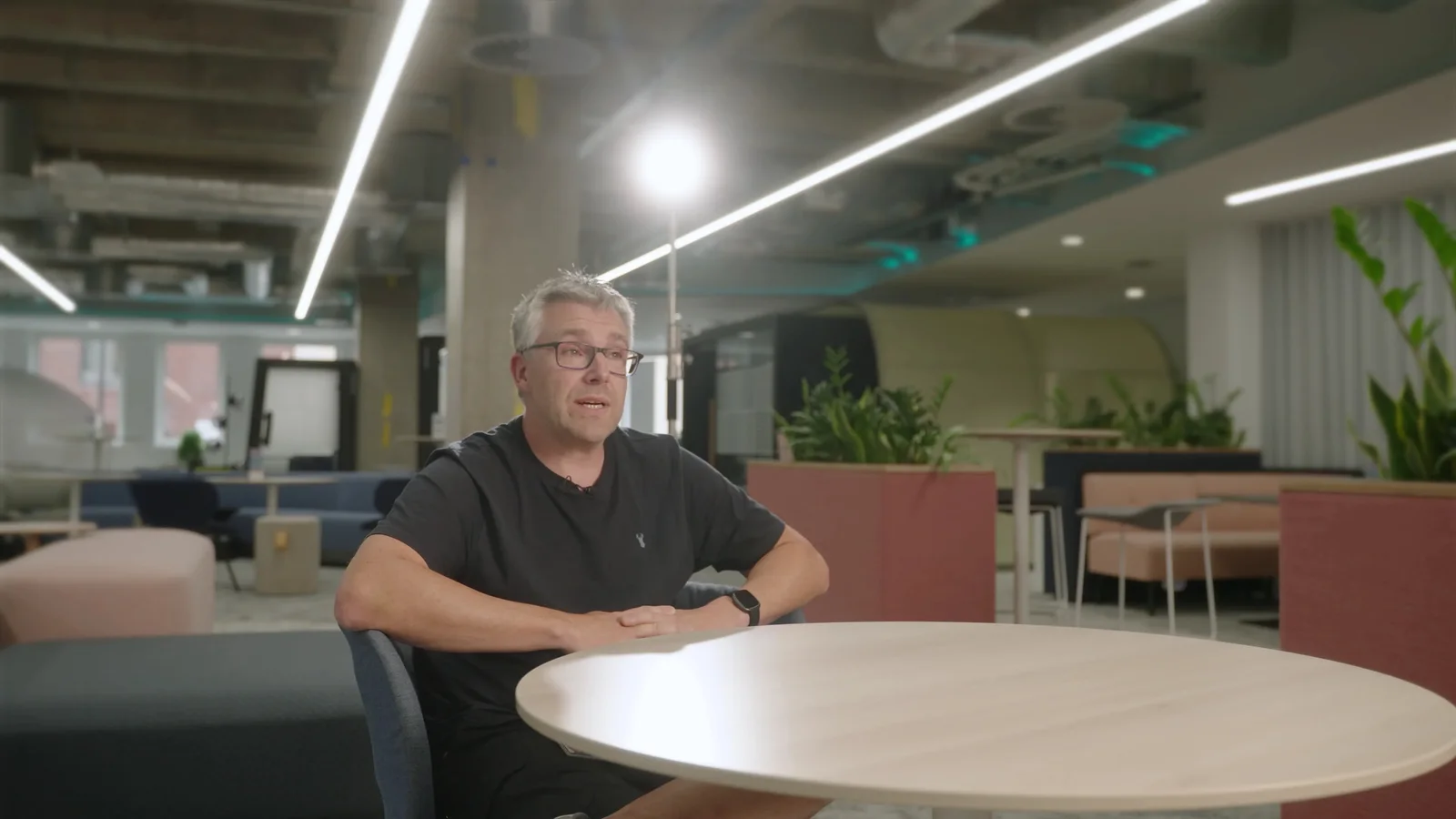
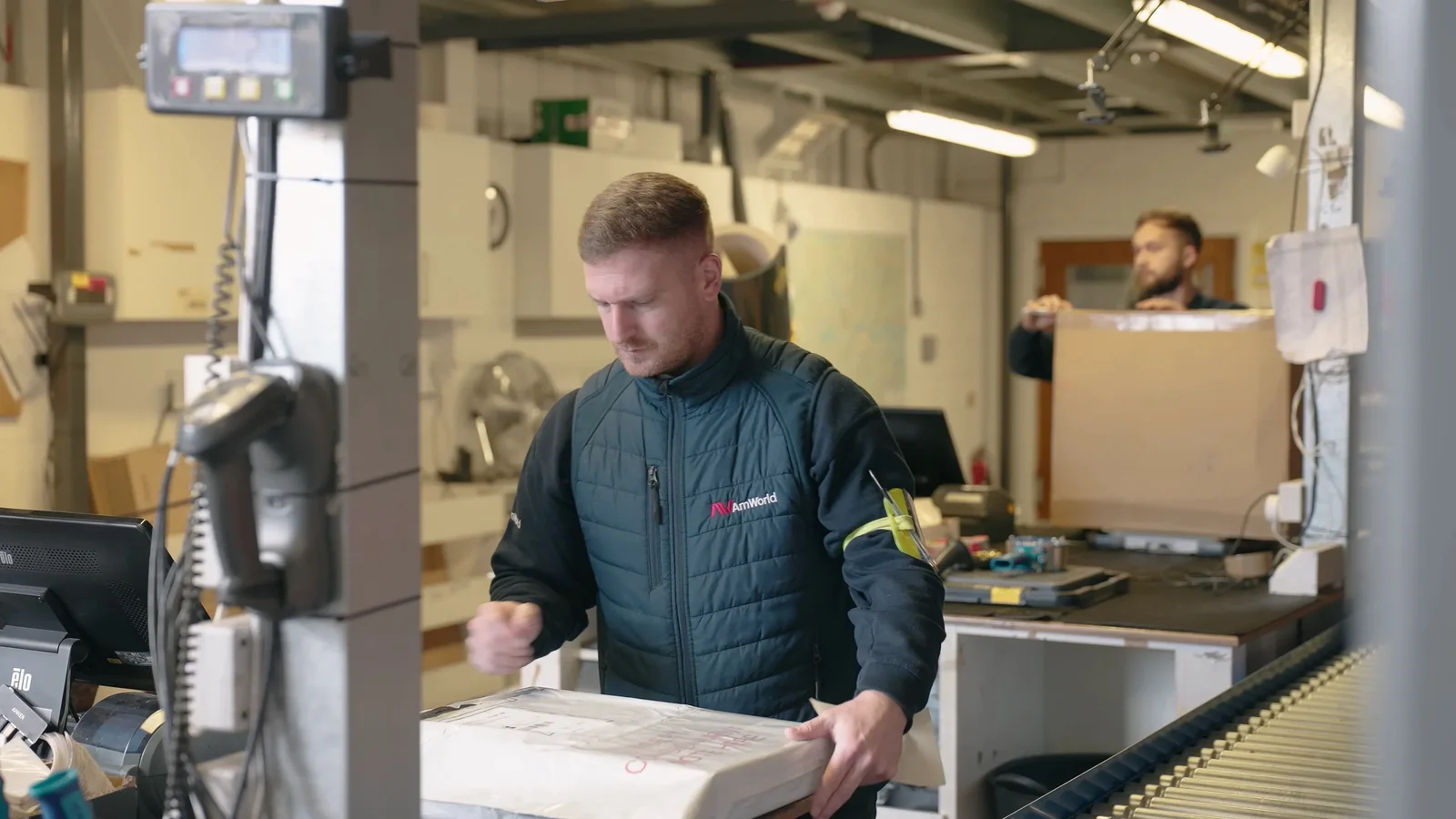
Our Sony and AMWORLD testimonial film explored AMWORLD's logistics and fulfilment support through an interview with Darren from Sony and footage around Sony's London headquarters. The production was commissioned via AMWORLD / Mitchell & Stones, with web and social use in mind.
For your own case-study page, that is a useful model: explain the relationship in writing, then let the viewer hear from somebody involved. A specific account of the work has more substance than asking a customer to deliver a string of compliments.
Careers and About pages: show the people behind the claims
On a careers page, show what the role involves. Let potential applicants see the working environment and hear from people doing the job, then put the relevant vacancies nearby.
Our guide to planning a recruitment video goes into the questions worth answering. The film should help someone decide whether the work suits them, not just repeat that the company is a great place to work.
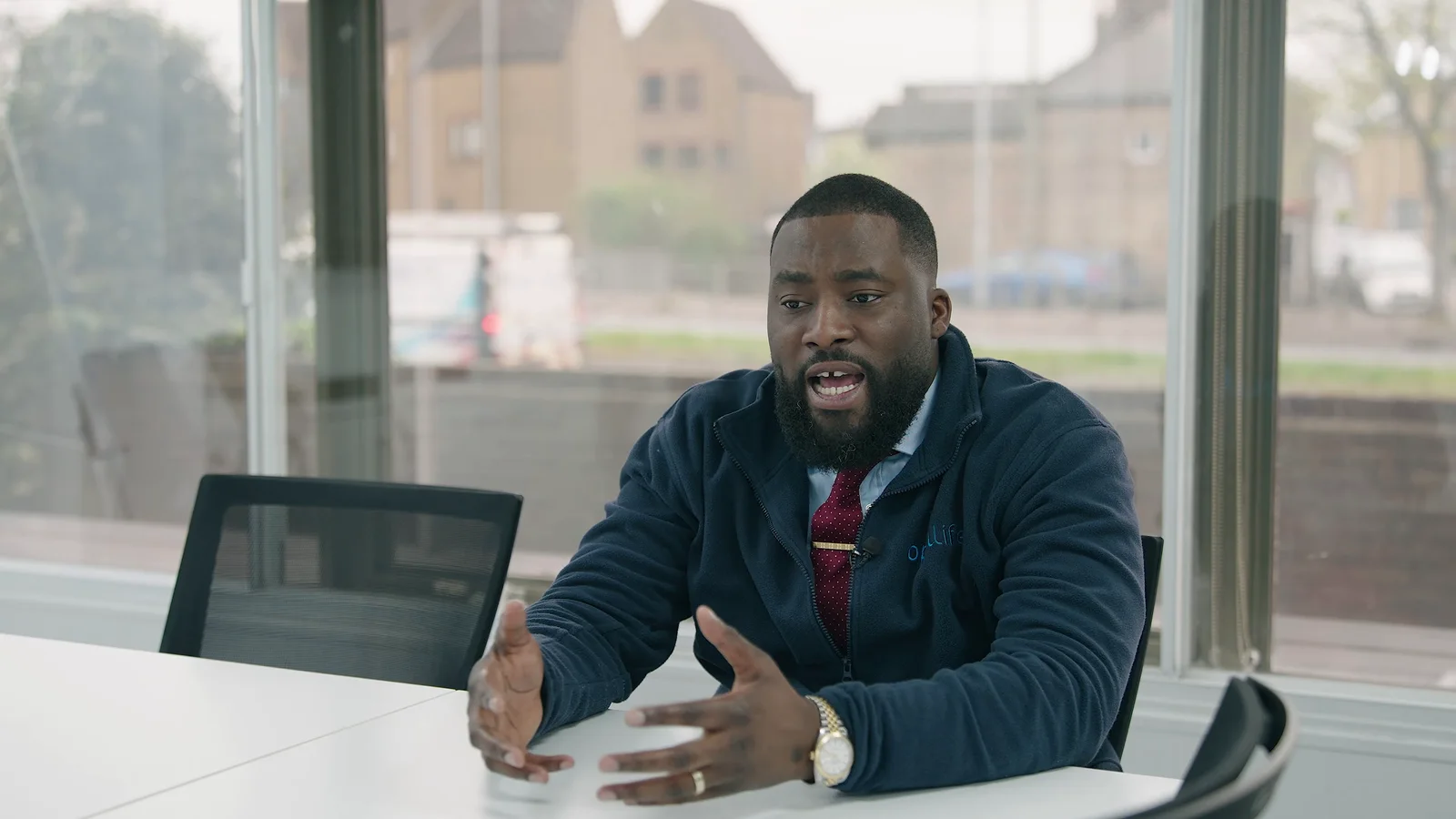
An About page has a different purpose. It might introduce the founder, explain an approach or show the team outside a formal interview. For our Opul Life corporate film, a leadership interview was combined with real community-outreach footage and supporting photography. The filming gave the company story something tangible to show alongside the explanation.



Give people a reason to press play
A large video player is not an explanation of why someone should watch it.
Put a descriptive heading above the film and a sentence about what it covers. "See how we install a fitted kitchen" tells the visitor more than "Our video". "Hear how the team handled a difficult delivery" is more informative than "Watch now".
Choose the preview image deliberately. Use a clear frame that represents the film, not a black screen, a blurred transition or a tiny logo. Show the actual running time so the viewer knows what they are choosing to watch.
There is no need to force every website film into the same duration. A brief introduction and a detailed demonstration have different jobs; our guide to corporate video length explains how to make that decision.
Place the next step beside or beneath the player. That might be a related service, the full project story, a product enquiry or an application button. Do not make someone reach the end of the film before they can act.
And reconsider an end card that says "visit our website". They are already there.
A background loop is not the same as a company film
A muted background video can be a design choice. A film with speech, demonstrations or a customer story is content someone needs to choose to watch. Treat them separately.
For a background loop, choose footage that still works when cropped on a phone and when a headline sits over it. Keep essential information out of the moving image. Avoid shots where a face, product or important action disappears behind the text.
Do not start audio unexpectedly. Give people a way to pause persistent movement and provide a still alternative. W3C's guidance on moving content explains the pause, stop or hide requirement for non-essential movement that starts automatically, lasts more than five seconds and appears alongside other content. We would also use the still version for visitors who request reduced motion.
Sometimes the better choice is a photograph. Our guide to photography for business websites is useful when the page needs a strong image rather than another moving element.
The page must still work without the video
Some visitors will read rather than watch. Others will need captions, a transcript or a different way to understand the visual information. Write the page so that the essential message and next step remain available either way.
W3C's accessible-media guidance covers captions for speech and meaningful sound, transcripts, descriptions of important visual information and accessible players. Plan these alongside the film rather than treating them as a final upload task.
Check names, technical terms and numbers in the captions. For demonstrations, make sure important visual steps are explained, not just accompanied by "like this". A text summary is useful, but it does not automatically replace the audio description or descriptive transcript the content may need.
Test the player using a keyboard as well as a mouse. People should be able to reach and operate its controls, including captions, without guessing where the focus has gone.
Where an embedded video is held back by the website's privacy settings, show a clear explanation and a working way to review those choices. Do not leave an empty rectangle that looks broken, and do not hide the page's essential information behind the player.
Do not upload the biggest file and hope for the best
Discuss the website delivery with whoever is building the page. A high-quality production master is not automatically the right file to load directly into every visitor's browser.
Ask how the video will be hosted, what size it will be displayed at and whether the page needs a full player or a silent background version. Agree web-ready delivery rather than choosing settings solely because "4K" sounds better.
Embedded players need attention too. Google's web.dev guidance explains that delaying off-screen video embeds can avoid downloading their resources before visitors approach them. That is useful for films further down a page, not a reason to apply the same loading rule indiscriminately.
A prominent video or preview image at the top needs a different approach. The web.dev guide to loading video warns against lazy-loading a video that is the page's main large loading element. Give the player a reserved space so the layout does not jump, and test what appears before playback starts.
Ask to see the result on a phone and a slower connection. Check the page before playback, during playback and with embedded media disabled. A film that looks excellent on the editor's monitor can still be awkward to use on the finished website.
Will adding video help the page appear in Google?
Do not treat an embed as an automatic SEO improvement. Make the page useful first.
Google's video guidance distinguishes a dedicated watch page, where a single video is the main content, from a service or product page where it is supplementary. A supporting video does not automatically make that page eligible for video search features; the page can still appear as an ordinary text result.
For video-search eligibility, Google needs an indexed watch page, a discoverable video and a valid, stable thumbnail. Accurate video structured data can support the implementation, but does not guarantee visibility. Google also says not to rely on a visitor clicking to load the video.
That last point needs to be considered alongside performance and privacy settings. Ask the developer to check what search engines can actually access, rather than assuming a play button or metadata alone solves it.
Plan the website version before the shoot
Send the production team the relevant page link or design, not just a request for "a video for the website".
A useful video production brief might say:
The film will sit on our installation service page. It should show what happens during a visit and answer the questions customers ask before booking. We need a playable film, a clear preview image and checked captions. The enquiry button will sit directly below it. A separate silent loop for the homepage should be quoted as an additional version.
That gives the crew and editor something concrete to plan around. It also stops a background loop, a complete explanation and several social clips being treated as though they are all the same deliverable.
Agree which versions are needed, where text will sit over footage and who is supplying captions, transcripts and stills. When a website refresh also needs portraits or workspace images, include business photography in the conversation before the schedule is fixed.
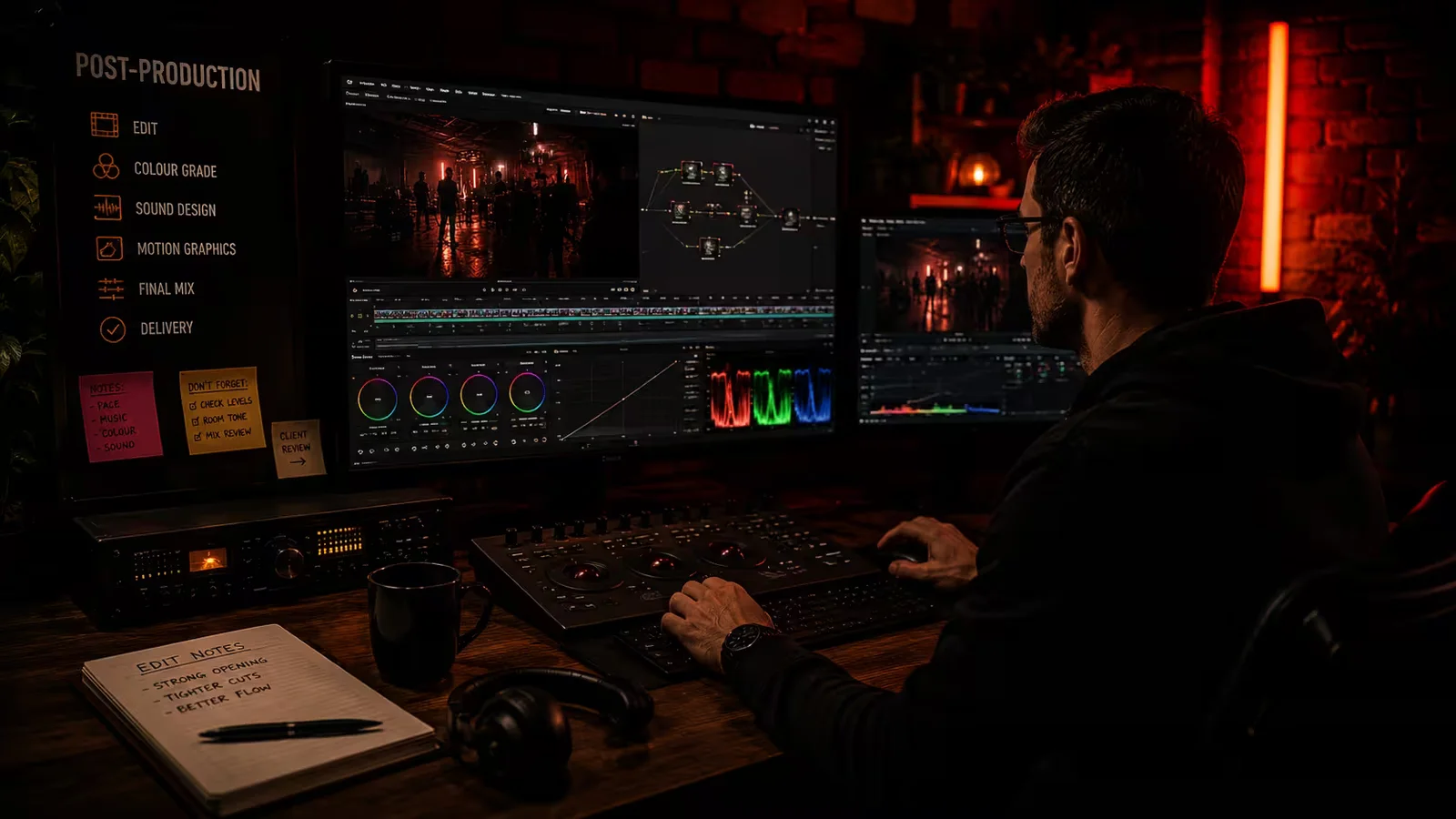
The post-production stage includes shaping and finishing those versions. Extra edits, graphics, accessibility work and exports need to be included in the agreed scope. Our pricing page provides a starting point for discussing that work.
Also confirm who will upload the files, configure the player and test the live page. Those responsibilities are not automatically included in a filming booking; our guide to what a production company does helps separate production from the other work around it.
Check whether the film is helping, not just being played
Decide what you want to learn after launch. For a service page, look at relevant enquiries and whether customers still ask the question the film was meant to answer. For a careers page, consider whether applicants understand the role. For a help page, check whether people can complete the task.
Play counts and viewing time can be useful clues, but they are not the whole result. Somebody might stop watching because they found the answer, not because the film failed. Equally, a completed view does not tell you whether the person was a suitable customer.
Use the website's approved analytics setup and gather feedback. Comparing viewers with non-viewers does not, on its own, prove that the video caused a difference; those groups may have arrived with different intentions.
For a wider plan across your site and other channels, see our small business video marketing tips.
Finally, give someone responsibility for keeping the film current. When a product, process, team member or offer changes, check the video, captions, preview image and surrounding copy together.
Start with the page you want to improve
You do not need a new film for every page. Choose one place where showing the work, hearing from a customer or meeting the team would genuinely add something.
At The Camera Guys, our corporate video production covers company films, interviews, customer stories and content planned for different uses. Share the page you are working on, what visitors need to understand and any footage you already have.
Talk to us about video for your website, and we can plan the filming and editing around where the finished work will actually be used.