Organise, synchronise and log
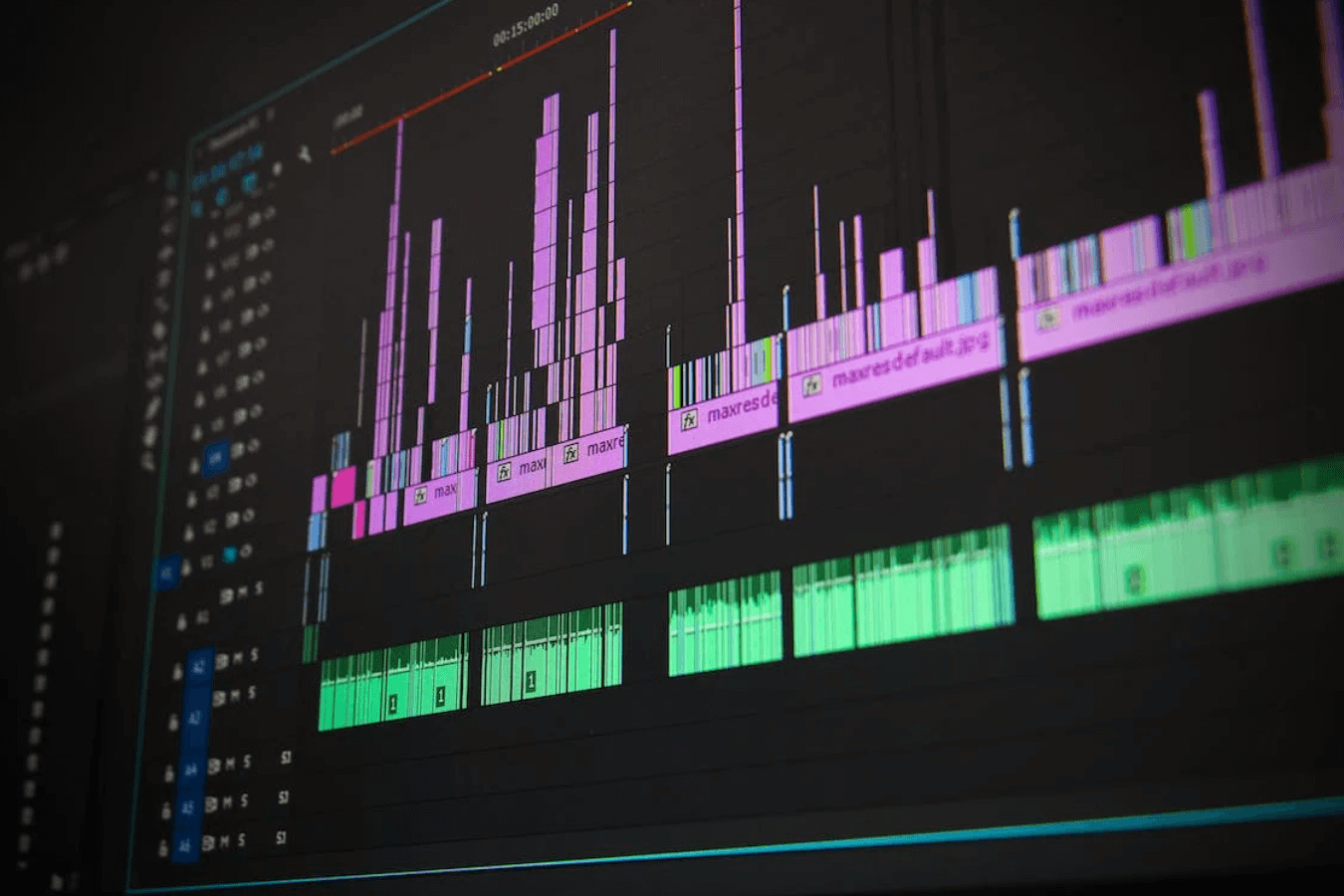
Editors label cameras, scenes, contributors and useful takes; synchronise separately recorded sound; and connect notes, releases or transcript information to the relevant material. Proxy files may make demanding footage easier to edit without replacing the masters.
Good metadata saves repeated searching and helps future versions. It also exposes missing names, pronunciation, product details or permissions while they can still be resolved.
Build the assembly and rough cut
An assembly gathers the relevant material in a workable order. The rough cut tests the argument, sequence, duration and balance of contributors before time is spent polishing every transition.
Review the story at this stage. Replacing a major section after colour, graphics and sound finishing creates avoidable rework.
Refine picture and pacing
The fine edit removes repetition, clarifies relationships, selects stronger performances and adjusts the rhythm of speech, action and supporting footage. Cutaways should illustrate the subject or preserve continuity rather than conceal misleading edits.
Temporary titles, music and graphics can indicate intent, but reviewers should know which elements are placeholders and which are ready for approval.
Manage client review deliberately
Send the right review stage with clear questions and a deadline. One client owner should consolidate comments, resolve contradictions and separate factual corrections from creative preferences.
Use precise time references and explain the desired outcome. ‘The product name is wrong at 01:12’ is actionable; several parallel email threads saying ‘make it punchier’ are not.
Lock the structure before specialist finishing
Picture lock means the approved sequence and timing will not change without an explicit scope decision. It gives sound, colour, captions and motion graphics a stable version to finish.
Small technical corrections may remain, but adding scenes or changing durations after lock can affect every downstream track and export.
Edit and mix the sound
Dialogue is cleaned and balanced; unwanted gaps, clicks or transitions are repaired where possible; atmosphere and purposeful effects support the space; and music is edited under the message. The mix must remain intelligible on the intended playback systems.
Post-production can reduce many problems, but it cannot reliably recreate clean speech that was clipped, obscured or never recorded.
Correct and grade the colour
Sources are interpreted correctly, exposure and white balance are balanced, cameras are matched and the creative look is applied. Faces, products and brand colour need particular care.
Colour is judged through a controlled workflow and checked in representative exports; it is not merely a preset placed over every shot.
Finish graphics and captions
Titles, names, logos, diagrams, calls to action and motion graphics are checked for spelling, accuracy, brand use, contrast and safe placement. Captions need human review for names, numbers and specialist vocabulary.
Keep clean versions where future localisation or updates may be required. Burned-in text is difficult to remove from a compressed final file.
Create and test every deliverable
Landscape, portrait, short, captioned and platform-specific files may use the same source, but each needs its own framing, graphics, audio and quality check. Confirm filenames, duration, resolution, frame rate, colour, channels and caption format against the delivery list.
Watch the export from beginning to end. Check starts and finishes, flashes, spelling, sync, missing media, audio dropouts and whether links or dates are current.
Archive with a clear retention agreement
Preserve the agreed masters, project information, licences, release records and useful source material according to the contract. State how long working projects and raw footage will be retained and who owns future storage.
A future editor needs organised, high-quality sources and rights information—not a social-media download with no record of its origin.
Post-production checklist
- Recordings are verified and independently protected.
- Sources, sound, notes and permissions are organised.
- Story approval happens before specialist finishing.
- Feedback is consolidated and time-specific.
- Sound, colour, graphics and captions are reviewed.
- Every promised version receives a complete quality check.
- Delivery files match the written specification.
- Masters, rights and retention are documented.
Explore the colour-grading stage, understand the soundtrack with the professional-audio guide, or discuss an edit and delivery plan.