
Why Good Photography Matters for Your Business Website

Your website can describe your business as experienced, approachable and meticulous. A visitor still needs to understand what that looks like in practice.
Photographs of your people, products and work give those words something concrete behind them. Instead of asking someone to imagine your premises or take your description of a product on trust, you can show them.
Good website photography should help someone make a decision, not simply fill a space in the design.
That is a useful starting point for business photography. Before choosing a dramatic banner image, work out what a prospective customer needs to see. The answer might be a detailed product view, an approachable team portrait or a straightforward photograph of how your service works.
What is the visitor trying to find out?
Different pages need different photographs. Repeating the same image of your office across the website may give it a consistent appearance, but it does not explain every service you provide.
Take a page you are about to update and finish this sentence: "Before someone enquires or buys, they need to understand…"
That answer gives the photography a purpose.
On a service page: show the work behind the description
Imagine an installation company explaining its careful finishing process. A photograph of someone checking the completed work gives that explanation more substance than a generic picture of tools.
The useful detail might be the equipment used, the stages involved or the finished result in its surroundings. Place the image beside the relevant explanation, with a caption when the significance is not obvious.
A photograph cannot prove every claim. It can show an inspection taking place; it cannot, by itself, establish the reliability of every installation. Keep the words and pictures honest about what they demonstrate.
On a product page: remove the guesswork
Consider a customer looking at a bag online. They might need to see its fastening, internal compartments, material and size when carried. One attractive front view will not answer all those questions.
Plan product photography around the information needed to compare and choose. Include clear views and useful details, then show the product in use where that adds context. Photographs should complement measurements and specifications, not replace them.
Our guide to commercial and lifestyle photography explains why clean product images and more contextual scenes can belong in the same brief.
On a team or recruitment page: show who is actually there
Portraits introduce the people behind the names. Workplace photographs can show the setting, activities and interactions that a headshot cannot.
Choose pictures that reflect the roles you are describing. A photograph of everyone gathered around a meeting table says little about a job that mostly happens in a workshop or on customers' premises.
For a larger team, planning a company headshot day helps organise the portraits without leaving staff to fit themselves into an open-ended queue.
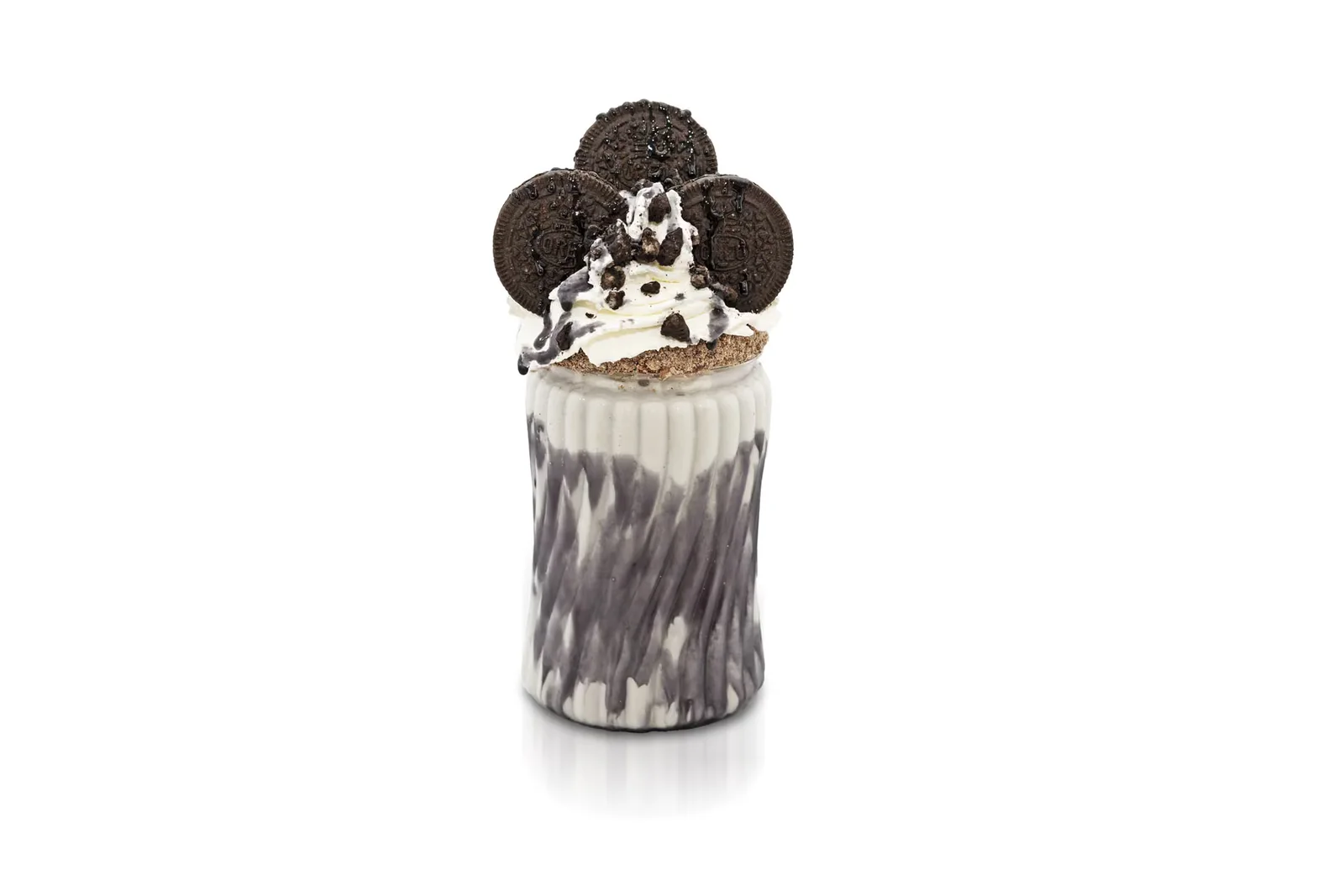



Your own photographs give the business something specific to show
There is a difference between illustrating an industry and documenting your company.
A stock photograph of a warehouse can suggest logistics. It does not show your warehouse, your staff or the way an order moves through your operation. Stock can have a place in general illustrations, but it should not stand in for evidence of your team, facilities or completed projects.
The same distinction applies to AI-generated imagery. A conceptual illustration is not a photograph of a job you completed. Do not present it as one.
Our work with Root-Power has included video, photography and aerial coverage across its project work. The Denby commission included a dedicated photographer alongside a videographer. It is an example of commissioning content around a business's own people and projects rather than leaving imagery disconnected from the work being discussed.
For a smaller business, the principle is the same. You do not need an impressive-looking headquarters that bears no resemblance to your premises. You need clear photographs of the things that make your offer understandable.
Show the photographer the website before the shoot
A photograph that looks excellent on its own can be awkward inside a page layout.
Perhaps the person is standing exactly where the headline needs to go. Perhaps the product sits at the edge of a wide image and disappears when the mobile layout crops it. Those are composition problems worth addressing before the photograph is taken.
Share your current pages, design mock-ups or even rough sketches. Mark where text and buttons will sit, which images need to work in narrow cards, and where visitors should be able to inspect detail.
Ask for deliberate alternatives where necessary. A wide banner and a portrait image may need separate compositions, not increasingly severe crops of the same file.
Our guide to planning a brand photography shoot starts with those intended uses. You do not need the entire website finished, but the photographer and designer should be working towards the same requirements.
Keep headings and buttons as website elements rather than baking them into photographs. Real text is easier to adapt to different screens and make accessible than words that exist only as pixels inside an image.

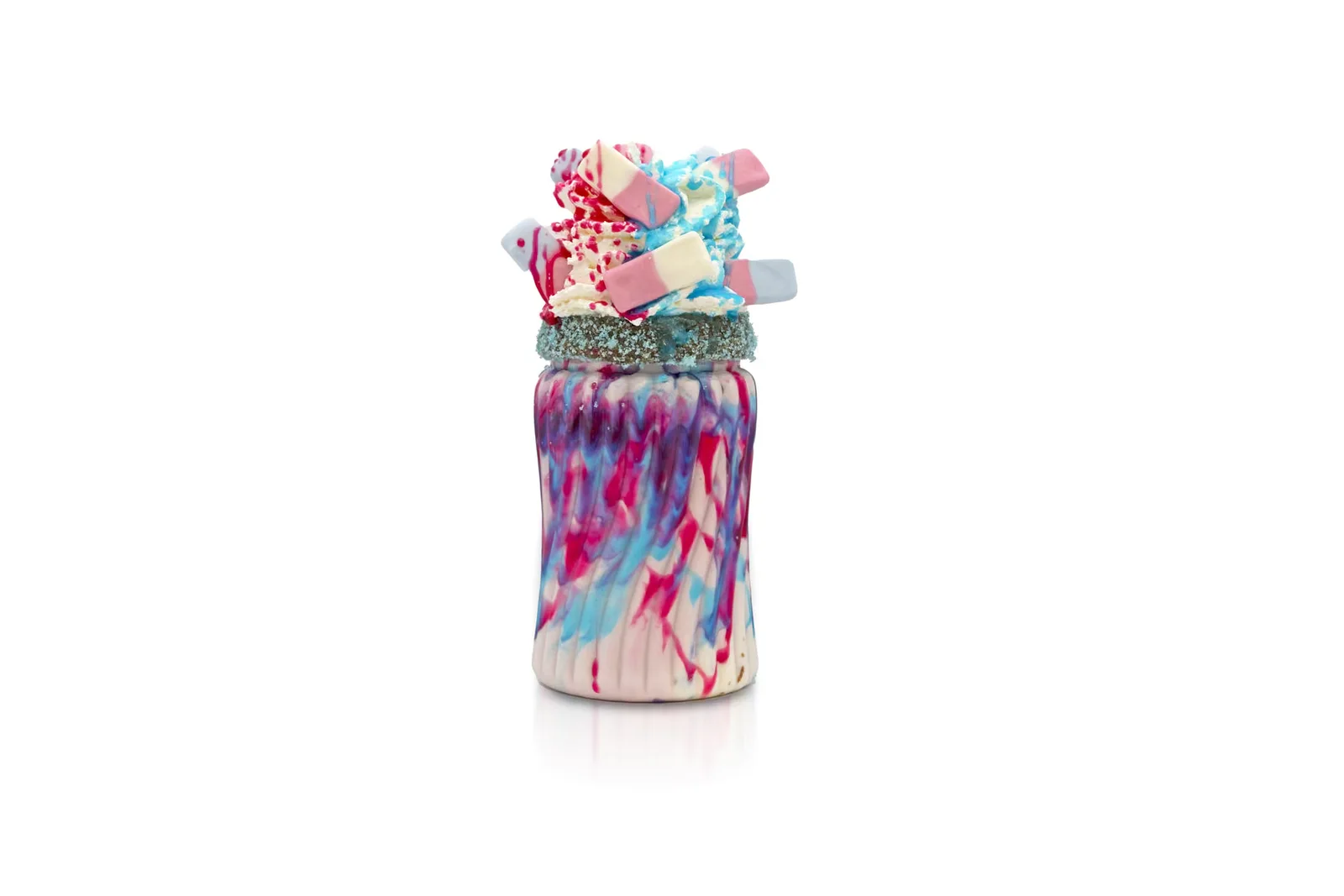
Consistent does not have to mean staged
Look at your images together, not only one at a time. Do the colours, backgrounds and general finish belong on the same website?
A team page is an obvious place to check. Some portraits photographed against a wall, others cropped from event pictures and one very tightly framed selfie can be difficult to combine convincingly.
Agree a repeatable approach, while allowing people to look like themselves. Our comparison of studio-style headshots and environmental portraits explains how either can work, depending on whether you need a simple background or useful workplace context.
For photographs of people working, give them a genuine task. A colleague explaining a sample has a reason to look at it and use their hands; someone instructed to "look busy" may not.
Prepare the space without removing everything that makes it recognisable. Clear confidential paperwork, check product versions and tidy distracting clutter. Our advice on preparing for a corporate photography shoot covers those arrangements before anyone arrives with a camera.
The finished photograph still needs a proper web version
A high-resolution master is useful to keep. It is not automatically the right file to serve every visitor on every page.
Ask your website developer to size and compress images for their actual use and provide responsive versions, so a small screen need not download an unnecessarily large file. Formats such as WebP or AVIF can be useful, but the finished result still needs checking for visible loss of detail.
Loading behaviour matters too. Images further down a page can often wait until someone approaches them. The main image visible when the page opens should not be delayed by applying lazy loading to everything. Reserving space for images also helps prevent text and buttons jumping around as they appear.
Check the published page on a phone, including the crops, clarity and loading experience. A technically smaller file is not a success if the customer can no longer inspect the feature the photograph was meant to show.
Write alt text for the image's job
Alternative text gives a text equivalent for meaningful image content, including for people using screen readers. Its wording should reflect why the image appears on that page.
For an imagined product-detail photograph, "Inside the bag, showing the padded laptop sleeve and zipped pocket" explains more than "product photo". Do not turn it into a list of search keywords.
Not every image needs a description read aloud. A purely decorative image normally needs an empty alt attribute, rather than a missing attribute or a redundant sentence. Linked images need their purpose considered too. Ask whoever publishes the page to review this in context, not apply one description automatically wherever a file is used.
What about search rankings?
Google's image guidance recommends relevant page context, descriptive filenames and useful alt text, alongside attention to image quality and performance. These help search engines understand and discover images; they are not a promise that commissioning new photography will move your website up the rankings.
For new files, a short name describing the actual subject is more useful than an arbitrary camera filename. Place photographs beside relevant copy and write captions when they explain something important.
Treat photography as part of the page, alongside the information, navigation and offer. A better photograph cannot correct an unclear service description or a broken enquiry form.
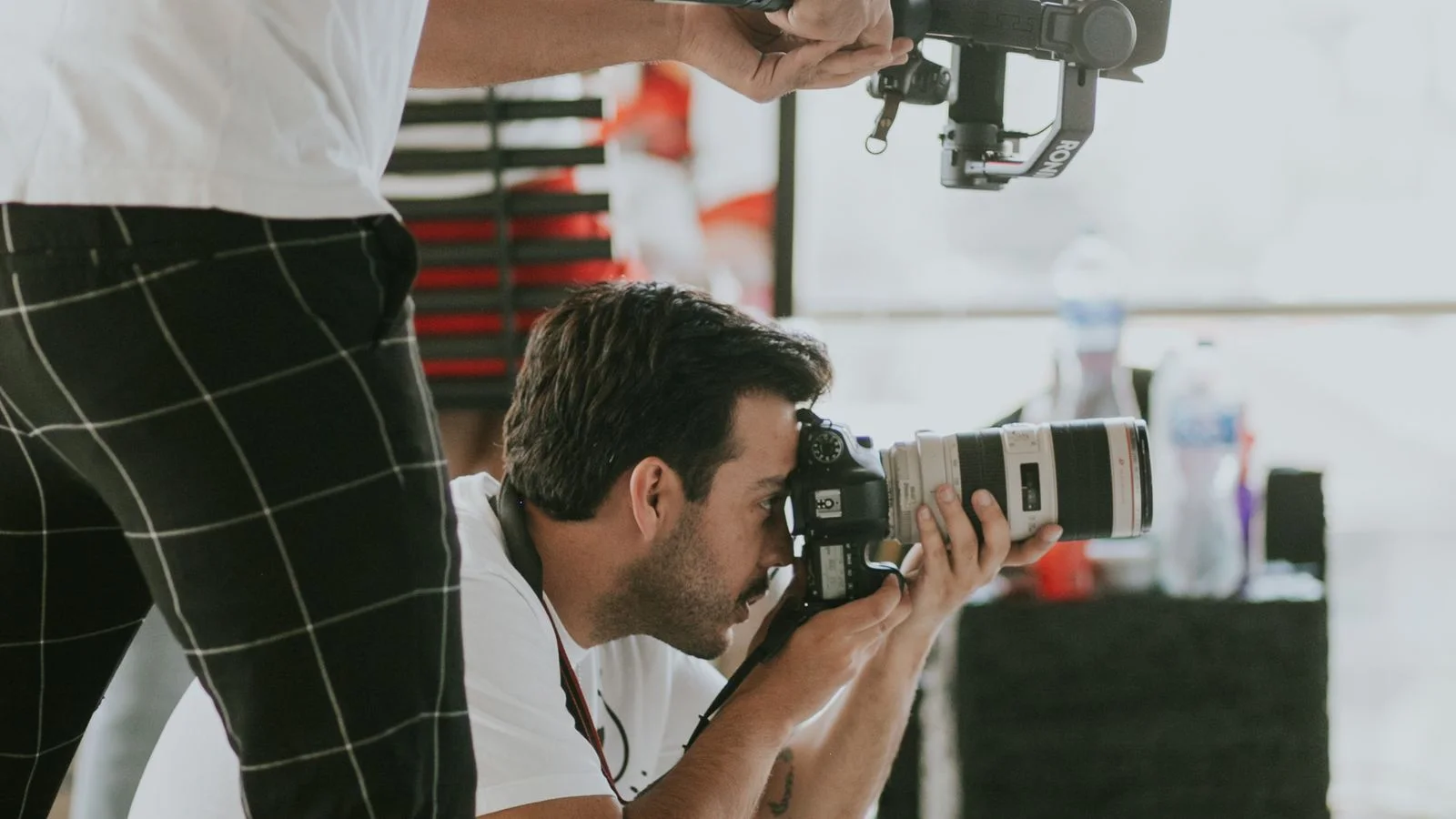
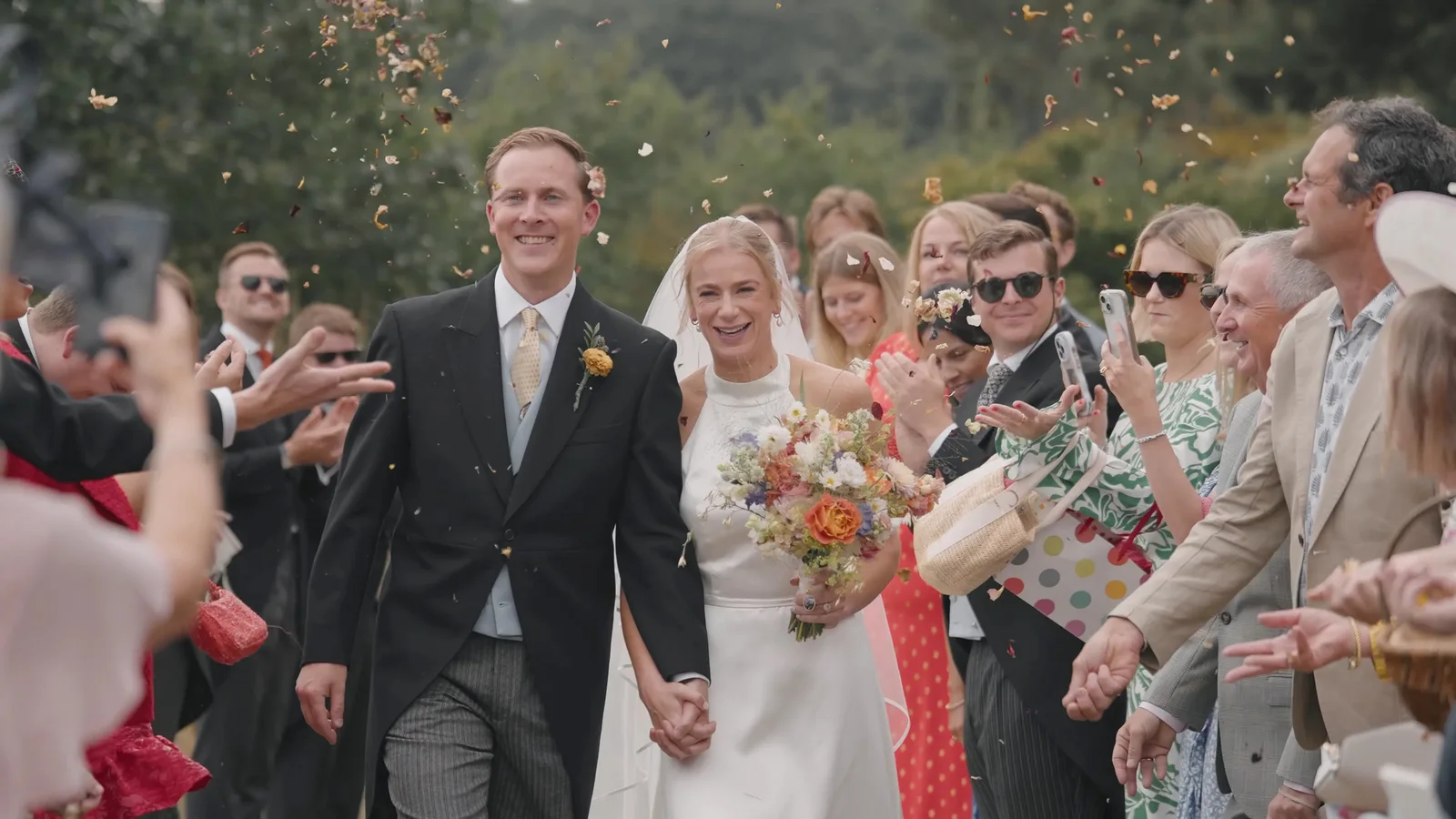
You may not need to replace everything
Start with the photographs you already own. Some may still be accurate and useful; others might need a different crop, a more suitable placement or an updated web export.
A clear phone photograph can be entirely appropriate for an informal update. Professional production becomes worth discussing when you need controlled lighting, accurate product detail, a consistent team set or several specific compositions that your current collection cannot supply.
Prioritise the gaps on important pages rather than commissioning an enormous library without a use for it.
Then keep it current. A team portrait, product range or reception photograph needs reviewing when the people, products or premises change. Our guide to updating your business photography explains why that is more useful than replacing images simply because another year has passed.
Keep approved files organised, with the agreed uses and any restrictions recorded. Know who will update the website when an image is no longer appropriate.
Start with the page that is hardest to explain
Choose one important page and look at it as someone unfamiliar with the business. What are you asking them to take on trust? What could a photograph actually clarify?
Use that to brief the shoot. For example:
We need photographs showing the people customers will meet, how the service is carried out and what the finished work looks like. Here are the three pages they will appear on, including the mobile layouts.
That gives a photographer something more useful than "we need some new website pictures".
When choosing a commercial photographer, ask to see complete, relevant image sets and discuss how they would handle your locations and people. Agree the finished image quantity, editing, usage and delivery date. Our photography pricing provides a starting point, with the particular requirements confirmed in your quote.
Send us the website pages you are working on, along with what feels missing. A live site, a draft design or a few screenshots will help us plan photographs with a clear place and purpose.