
How to Plan a Company Headshot Day
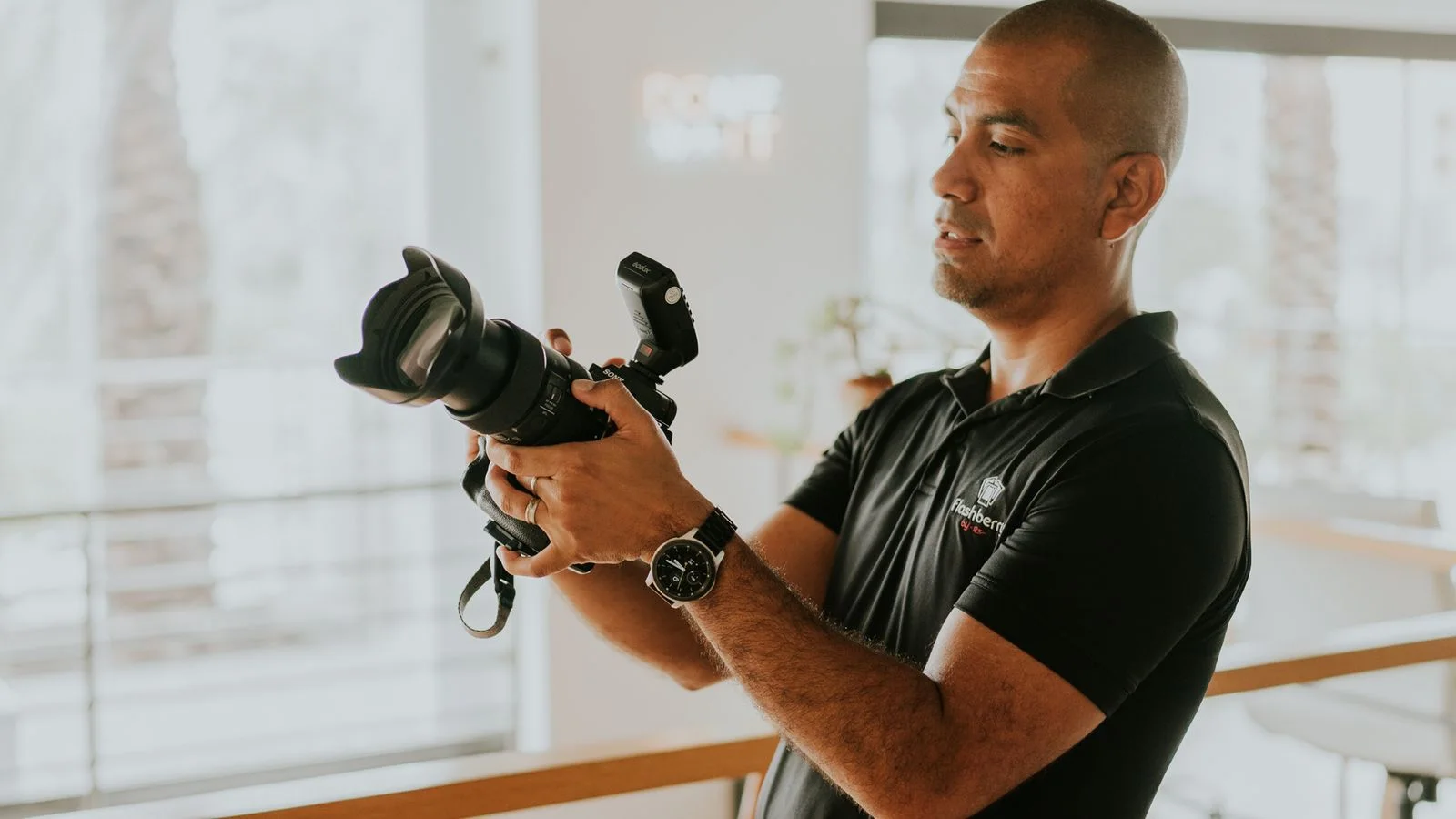
You have twelve people to photograph, one available meeting room and a website update waiting on the pictures. Who needs to be where, and for how long?
A company headshot day brings those individual portraits into one coordinated session. The aim is a set of photographs that work together, without leaving a queue of colleagues outside the door.
Start by agreeing how the pictures should look and where they will appear. Then build the appointments around the photography, rather than asking the photographer to squeeze everyone into a timetable that is already full.
Look at the team page before choosing the background
Show the photographer the actual website layout, not just a favourite portrait. Will the images sit in circles, square cards or taller profile pages? Do you need room around the person for different crops?
A photograph can look right on its own but feel out of place beside the rest of the team. Agree the background, lighting, framing and general tone, then check a test image in the intended layout before continuing through the appointments. Our guide to photography for your business website explains why the page design belongs in the brief.
A plain background is one option, not a requirement. Portraits in an office or workshop can show something of the business, while a portable background and lighting can create a studio-style look at your premises. Compare studio-style headshots and environmental portraits before committing to either.
Aim for consistent photography, not identical people. Colleagues do not need the same expression or stance for their portraits to belong together.
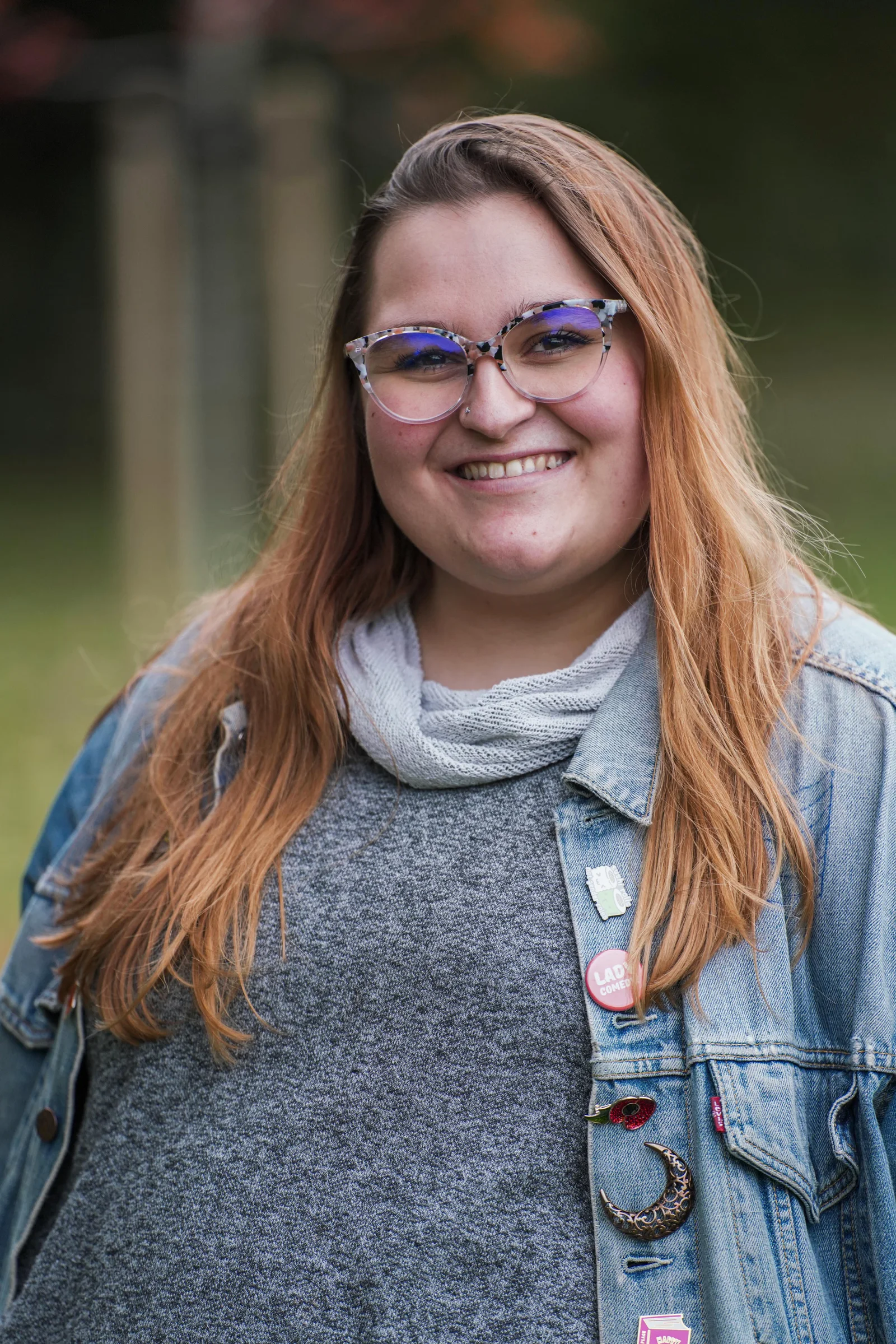
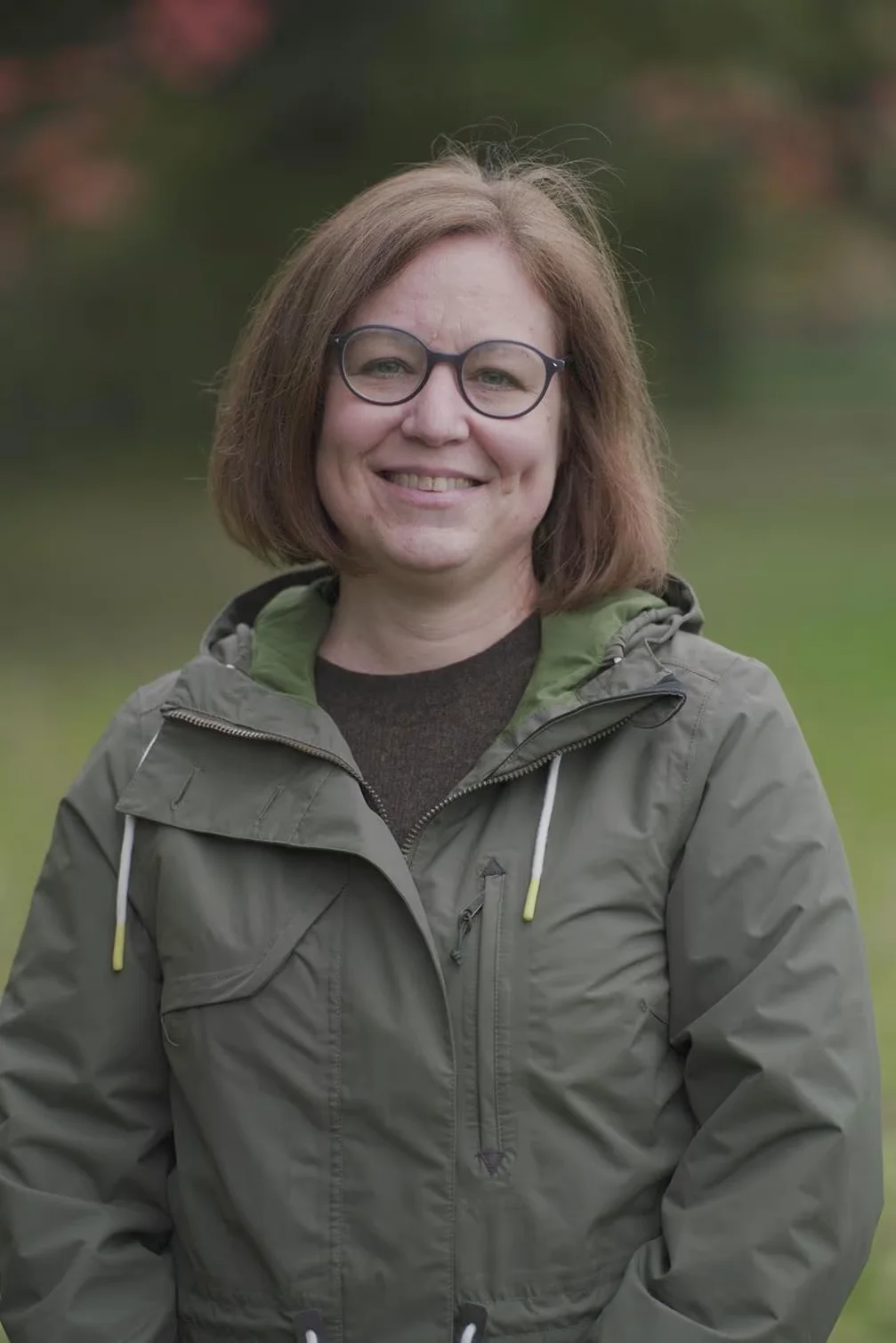
Book appointments, not an open invitation
An email saying "drop in between nine and twelve" leaves the order to chance. Give people individual slots, checking working patterns, remote-working days and essential meetings before publishing the schedule.
Ask the photographer how much time your brief needs per person. That appointment has to accommodate a greeting, small adjustments, photographs and a record of whose files are whose. Choosing a favourite on the spot takes additional time; so do outfit changes and extra portrait styles.
Share any arrangements that need a different appointment length privately. Someone needing more space or time should not have to negotiate it with a queue behind them.
When choosing a commercial photographer, ask how they would organise your particular group. Look at complete portrait sets as well as standout individual images, and find out who will actually be photographing your colleagues.
An example morning for twelve people
Here is an illustrative four-hour room booking, assuming one setup, no outfit changes and final image selection after the shoot. The ten-minute appointments are a planning example, not a standard headshot time or a guaranteed production rate.
| Time | Plan |
|---|---|
| 08:30-09:15 | Photographer arrives, brings in equipment and sets up. |
| 09:15-09:30 | Test portrait, lighting adjustments and approval of the intended crop. |
| 09:30-10:30 | Six individual appointments, ten minutes each. |
| 10:30-10:45 | Break and allowance for minor delays. |
| 10:45-11:45 | Six more individual appointments. |
| 11:45-12:00 | Catch-up time and a check that everyone required has been photographed. |
| 12:00-12:30 | Pack down and return the room to its usual arrangement. |
The appointments use two hours; the room is reserved for four. The difference is deliberate. Setup, testing, breaks and packing away all need space in the diary, even though nobody is having their portrait taken during those periods.
Your photographer may recommend a different arrangement. Agree it before sending invitations, and distinguish room access from the billable time and services stated in the quote.

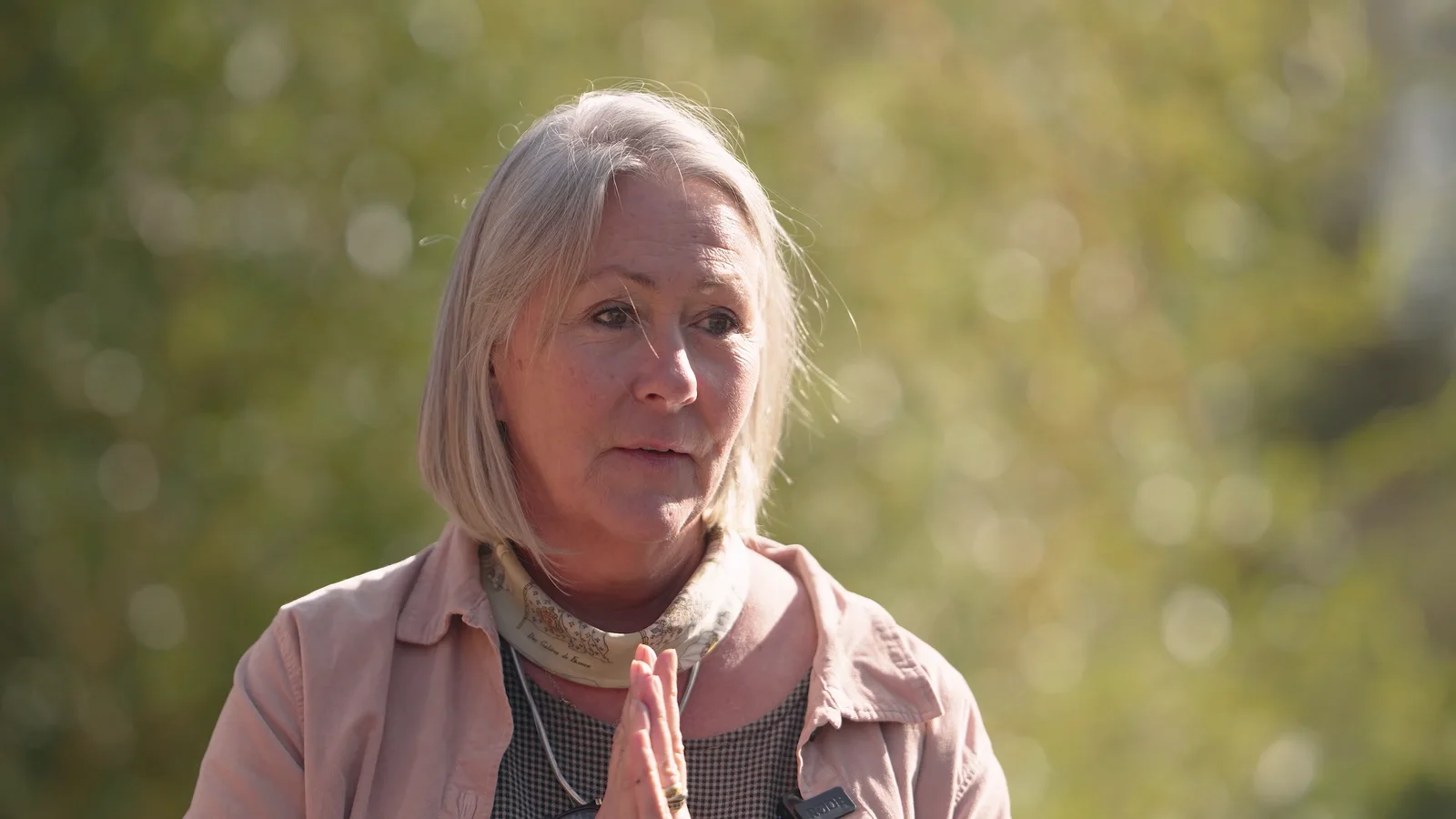
Choose a room you can keep for the whole session
Send photographs of the proposed room and its approximate dimensions before the day. Show the windows, furniture and access route, not only the corner you think will make a good background.
The photographer needs room for the person, camera, background and lighting, with clear routes around the equipment. Confirm whether furniture can move and arrange access before the first appointment. A room available from 9am is no use for an 8.30am setup.
Privacy matters too. A space away from passing colleagues gives people a chance to settle in without an audience. Keep the waiting area separate where possible, and ask others not to interrupt a portrait halfway through.
Reserve the room through pack-down, rather than letting another meeting displace the setup. Our guide to preparing for a corporate photography shoot covers the wider arrangements around rooms, access and staff availability.
Tell people what to expect, including what to wear
"Dress smartly" can mean something different to everyone. Explain the intended look and ask people to wear clean, comfortable clothing that suits their role. Where uniforms or branded workwear matter, confirm which version should appear.
Do not invent a company-wide ban on particular colours without discussing the background and lighting. Someone can bring an alternative top or jacket when useful, but nobody needs a new wardrobe for a headshot.
Invite private questions about access, comfort or appearing in photographs. Explain the planned uses and how concerns or requests not to appear will be handled through the organisation's agreed process. Do not leave that conversation until someone is standing in front of the camera. Our approach to responsible photography and production puts respectful treatment of contributors at the centre of the work.
A staff email you can adapt
Fill in the details and agreed arrangements before sending:
Subject: Your company headshot appointment – [date]
We are arranging new team photographs for [specific internal and public uses]. Your appointment is at [time] in [room/location] and should take approximately [duration].
Please arrive a few minutes beforehand and wear [agreed clothing guidance]. The background will be [description]. You do not need to practise poses; the photographer will guide you.
Your photograph will be selected through [explain the selection process and deadline]. We will let you know when the finished image is ready and how to access it.
Please contact [name/contact] privately before the day about any access or comfort arrangements, questions about image use, or concerns about taking part. Contact the same person if your appointment clashes with another commitment.
Thank you for helping us keep the session running to time.
Keep it informative rather than apologetic. People need the practical details and someone to ask, not repeated warnings about how awkward being photographed might feel.

Keep the day moving without making people feel rushed
Nominate a colleague to manage attendance and schedule changes. They can find the next person or arrange a swap while the photographer concentrates on the person in front of the camera.
Good portrait direction should be understandable: where to stand or sit, which way to turn and where to look. Nobody should be expected to know what to do with their shoulders simply because their job involves meeting clients. Helping people through those adjustments is part of a corporate photographer's role.
Agree how each person's name will be matched to their photographs. A checked name list and a recorded file reference can prevent confusion later, especially when appointments change order. Do not rely on remembering who wore which jacket.
Keep the necessary information with the authorised coordinator and photographer. Private adjustment requests do not belong on a publicly visible appointment sheet.
Agree what the finished headshots include
Before booking, decide how many final portraits each person needs and who chooses them. One selected image each is a different deliverable from several expressions, outfits and backgrounds.
A practical option is for the photographer to narrow the photographs to a short selection, with each employee choosing from that set by an agreed deadline. Another is for a nominated company contact to select the images. State the process in advance, including what happens when someone misses the selection deadline.
Be specific about editing. Exposure, colour and cropping are different from detailed skin retouching, clothing repairs or replacing backgrounds. Agree the finish respectfully; a professional portrait should still look like the person, not a heavily smoothed substitute. Our photography pricing distinguishes detailed retouching from standard processing, so confirm the headshot-specific inclusions in your quote.
Request the file sizes and crops you actually need, with a clear naming convention. Confirm the delivery date, how images will be shared and the agreed uses, including personal professional profiles where relevant. Keep your own organised copy of the approved files rather than depending on a gallery link remaining available indefinitely.
Need team photographs or workplace images as well?
Mention them while the day is being planned. A group photograph means bringing people together at the same time and may need a different space. It cannot always be fitted between individual appointments without affecting the schedule.
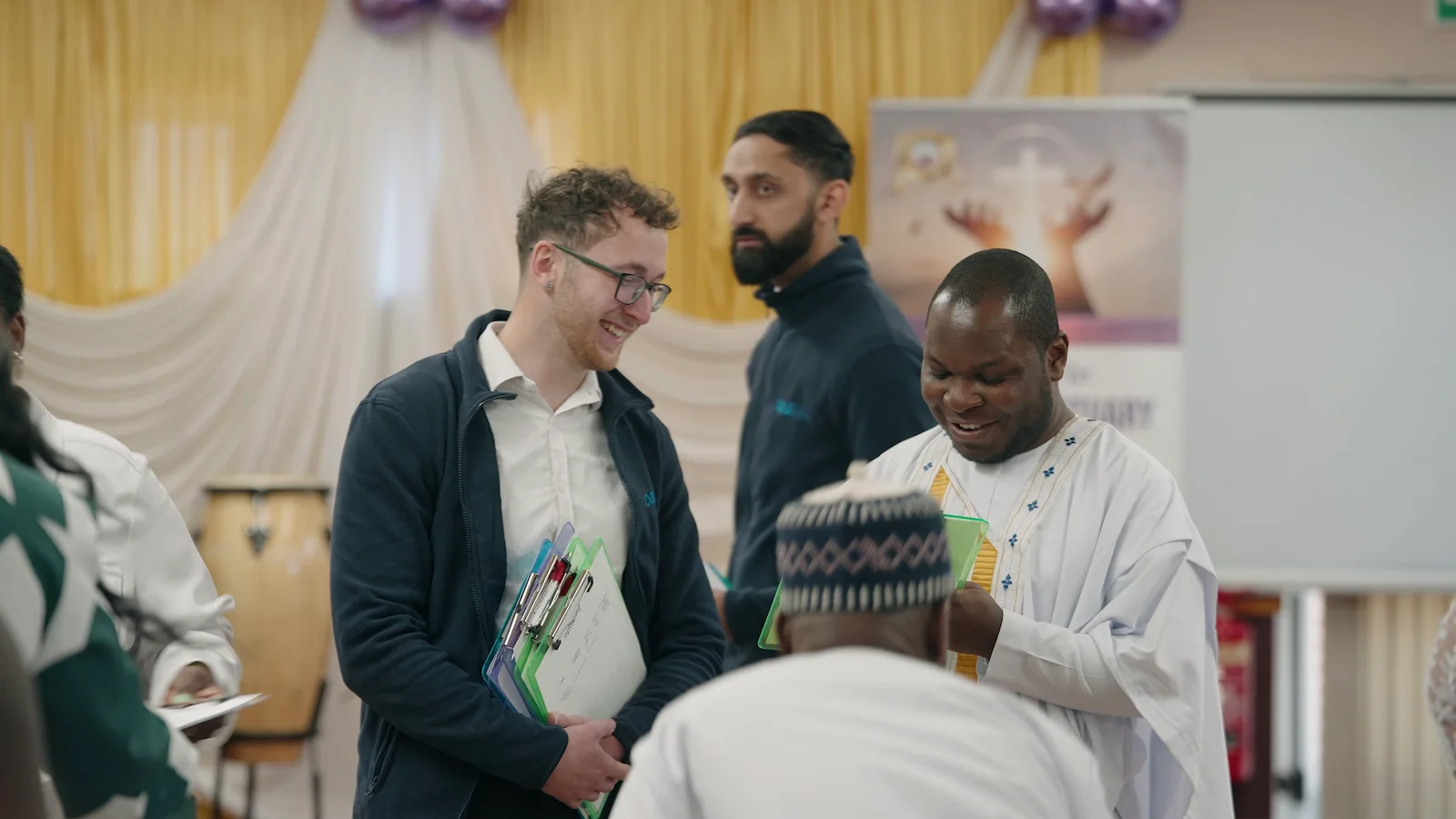
Broader coverage can make sense when it is part of the brief. For our Hive Kids summer camp project, a photographer and videographer attended for a full day. The work included activity coverage, interviews and staff headshots for the website. Those portraits were part of a wider commission, rather than a separate headshot-only day.
For your business, that might mean individual portraits plus photographs of people demonstrating their work. Our guide to planning a brand photography shoot helps separate those requirements. Give each part its own time, people and deliverables; do not assume one photographer can cover a working event while simultaneously running portrait appointments elsewhere.
Make the next person's portrait easier
Before the setup is packed away, agree what should be recorded for future sessions: the background, lighting arrangement, camera position, framing and editing approach, alongside an approved reference image.
That gives the next shoot a starting point. It does not guarantee a perfect match when the room or equipment changes, but it is more useful than asking someone to recreate "a light grey background" from memory.
Decide how absent colleagues and new starters will be included. That could be a planned return visit or another agreed session. For staff in different locations, share the same visual brief before they book a portrait, rather than trying to reconcile several unrelated styles afterwards.
Keep the team page under review as people join, leave or change roles. Our guide to updating your business photography explains why changes in the business are a better prompt than replacing every photograph simply because another year has passed.
A useful headshot day leaves you with more than a folder of portraits: the right names, agreed versions and a practical way to keep the collection current.
For company photography with The Camera Guys, start with your approximate headcount, location and where the pictures will appear. Send those details with your preferred date, and we can discuss the room, appointment plan and finished images together.