
How to Prepare for a Corporate Photography Shoot
The photographer is booked, the team has been told and there is a meeting room available. That is a useful start. But does the room stay free long enough to set up? Does everyone know when they are needed? And will the pictures fit the website you are actually building?
Preparing for a corporate photography shoot means answering those questions before people start waiting around. You do not need a complicated production document. A clear brief, a workable schedule and a few decisions about the space will do more than asking everyone to arrive looking smart.
Whether you need new headshots or a wider collection of corporate and workplace photography, start with what the finished photographs need to do.
Show the photographer where the pictures need to work
Send the pages, designs or existing material you are trying to improve. A screenshot of a proposed recruitment page can explain more than a request for something "professional but approachable".
For example, a homepage banner might need a person on the right and an uncluttered area on the left for a headline. A team directory may crop every portrait into a circle. A printed case study might need a vertical image alongside the text. These are different compositions, not simply different export sizes.
Where desktop and mobile layouts use different crops, show both. The photographer can then plan alternatives rather than leave your designer trying to squeeze a group photograph into a narrow space.
Describe the content as well as the format. Instead of "some office photos", ask for colleagues reviewing a sample, a specialist demonstrating a process or a customer-facing member of staff in the place they actually work. Identify the pictures the project cannot launch without, then discuss what else is realistic within the booking.
A few visual references help, especially when you explain what you like about them: the relaxed expressions, the amount of workplace detail or the clean backgrounds. You do not have to choose between corporate credibility and natural-looking images; our guide to commercial and lifestyle photography explains how those approaches overlap.
Agree who will make decisions on your side. The photographer can develop the visual plan, but needs someone who knows which people, products and business details are right. Our explanation of what a corporate photographer does is useful when dividing those responsibilities.
Prepare the workplace, not a pretend version of it
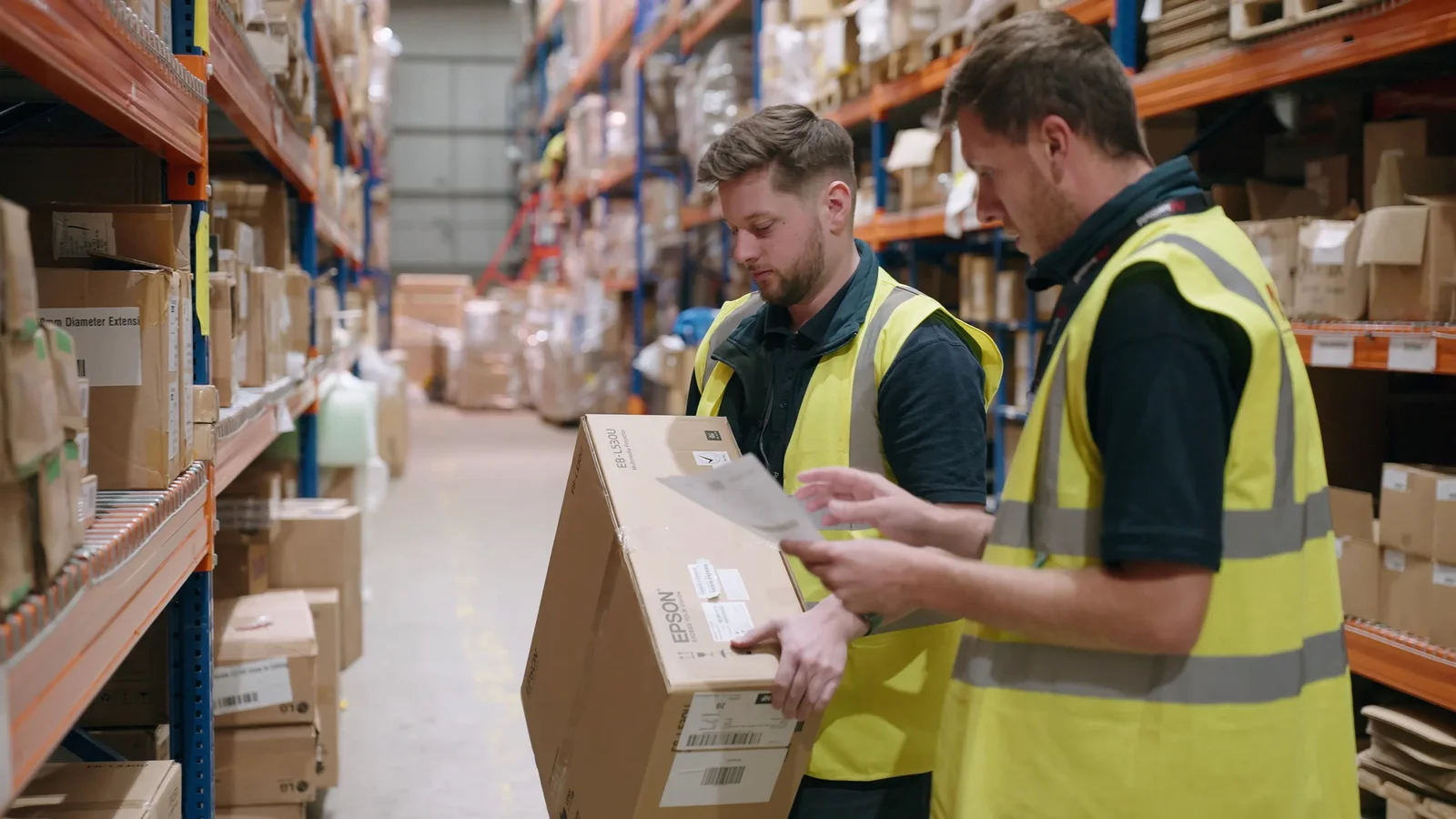
A working business does not need to resemble an empty showroom. Tools, materials and activity can give the photographs their character. The aim is to keep what explains the work and remove what distracts from it.
Walk through the proposed areas with a phone and take a few reference pictures. Look at the whole frame, including the edges: abandoned packaging, a coat draped over a chair or an old poster may be more obvious in a photograph than they are during an ordinary working day. Send these pictures to the photographer before deciding which rooms to use.
Check the things that will become close-ups. Clean the sample product, find its current packaging and make sure the demonstration device works. Prepare a non-sensitive example screen rather than opening a live customer record and hoping nobody notices.
Ask the person who understands the process to check the scene. They may spot an outdated component, incorrect setting or missing protective equipment that a visitor would not recognise. Never rearrange equipment or interrupt a process without the relevant person's approval.
Keep customer information, staff details, access credentials and confidential projects out of view. Agree with your organisation's responsible contact what can be shown and which areas are off limits. That decision belongs before the shoot, not in a request to remove sensitive material from dozens of finished photographs.
Make the day easy for the people in the pictures
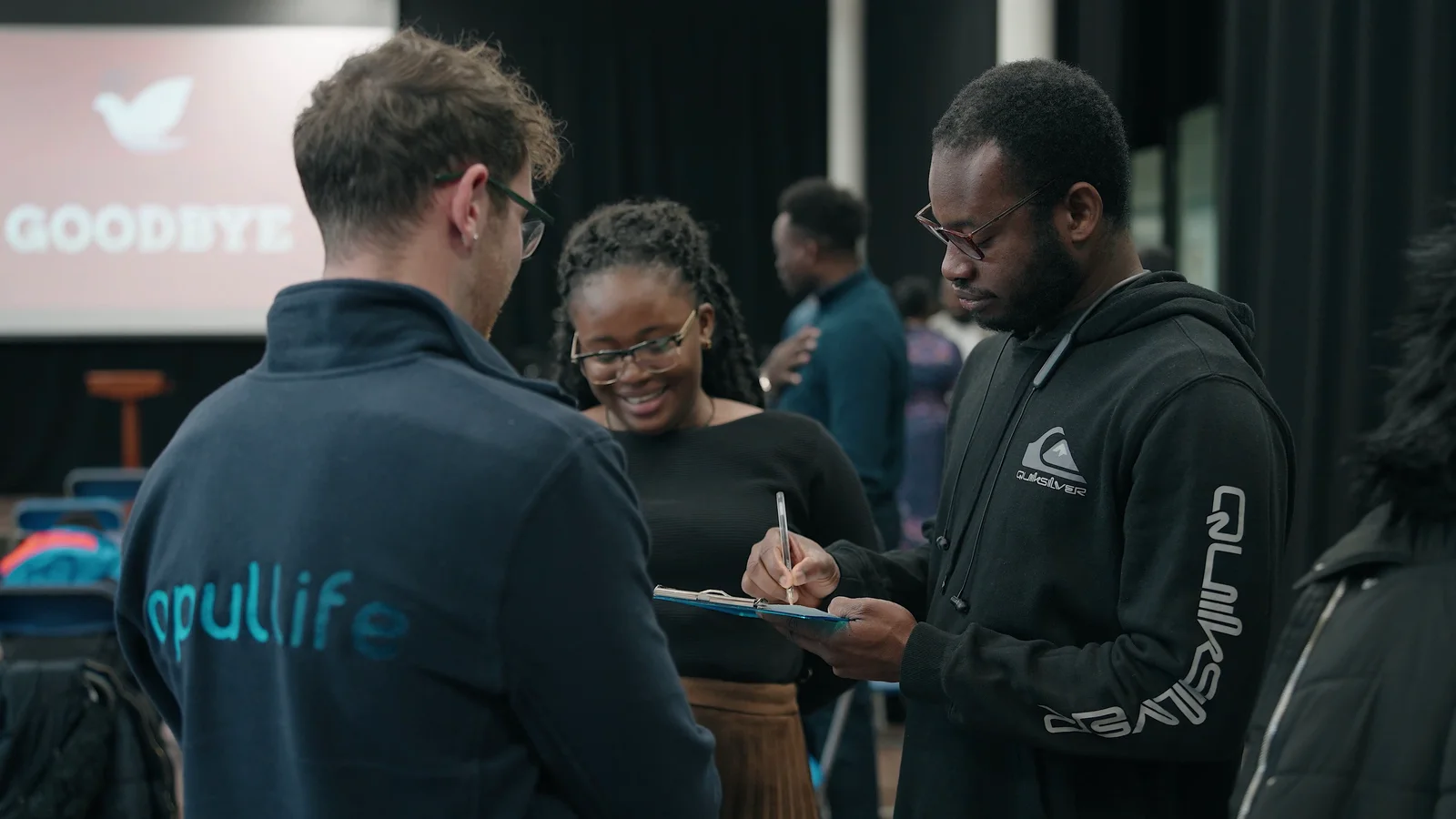
Tell colleagues why the shoot is happening, where the images are intended to appear and whether they are needed for a portrait, a group photograph or workplace activity. "There is a photographer coming on Thursday" leaves too much unanswered.
For portraits, settle the broad style before sending clothing advice. A plain-background headshot and a wider portrait in a workshop ask different things of the space and wardrobe. Our comparison of studio-style headshots and environmental portraits can help you choose.
Ask people to wear something comfortable and appropriate to their role, with clean, current uniforms where relevant. Share any agreed background colour and discuss outfits that might blend into it. Avoid blanket rules about black, white, glasses or jewellery: let the photographer advise on anything that could be distracting in the actual setup.
A spare shirt or jacket gives someone an option if the first choice does not work. There is no need to make the whole team dress identically unless that genuinely reflects the business.
A message you can adapt for your team
Confirm the arrangements with the photographer, then send something like this:
We are updating our team photographs for [planned uses] on [date]. Your appointment is at [time] in [room], and we expect to need you for [duration]. Please wear [agreed clothing guidance]. The photographer will help with positioning and expression, so you do not need to practise a pose. Contact [coordinator] privately beforehand about any access needs or concerns about appearing in the photographs.
Alongside that message, follow your organisation's process for explaining image use and arranging the permissions or approvals needed for the assignment. Make sure the coordinator knows who should not appear, including in the background of wider photographs. Inform customers and visitors when relevant areas will be photographed.
Keep the portrait area calm. Give people somewhere to put a bag, check their clothing and take a moment without colleagues watching over the photographer's shoulder. For workplace scenes, prepare a real task people understand rather than asking them to improvise a convincing-looking meeting.
Build the schedule around the people and spaces
Start with the awkward constraints: the specialist who is only available before lunch, the room that becomes busy later, or the process that happens once during the day. Those fixed points should shape the order of photography.
Keep similar setups together where possible. Moving repeatedly between a headshot background, a workshop and a meeting room uses time that could otherwise be spent taking photographs. A coordinator can bring the next person over while the photographer finishes the current session.
Do not publish portrait appointments until the photographer has helped estimate the time needed. A straightforward directory photograph and a choice of several leadership portraits are not the same job. Our company headshot-day guide goes into more detail on organising larger teams.
Include setup, breaks, changes of location and packing away. For group photographs, check when everybody can genuinely be present and have a plan for absences. An appointment list with no breathing room gives a single late arrival nowhere to go.
Adding video to the same day?
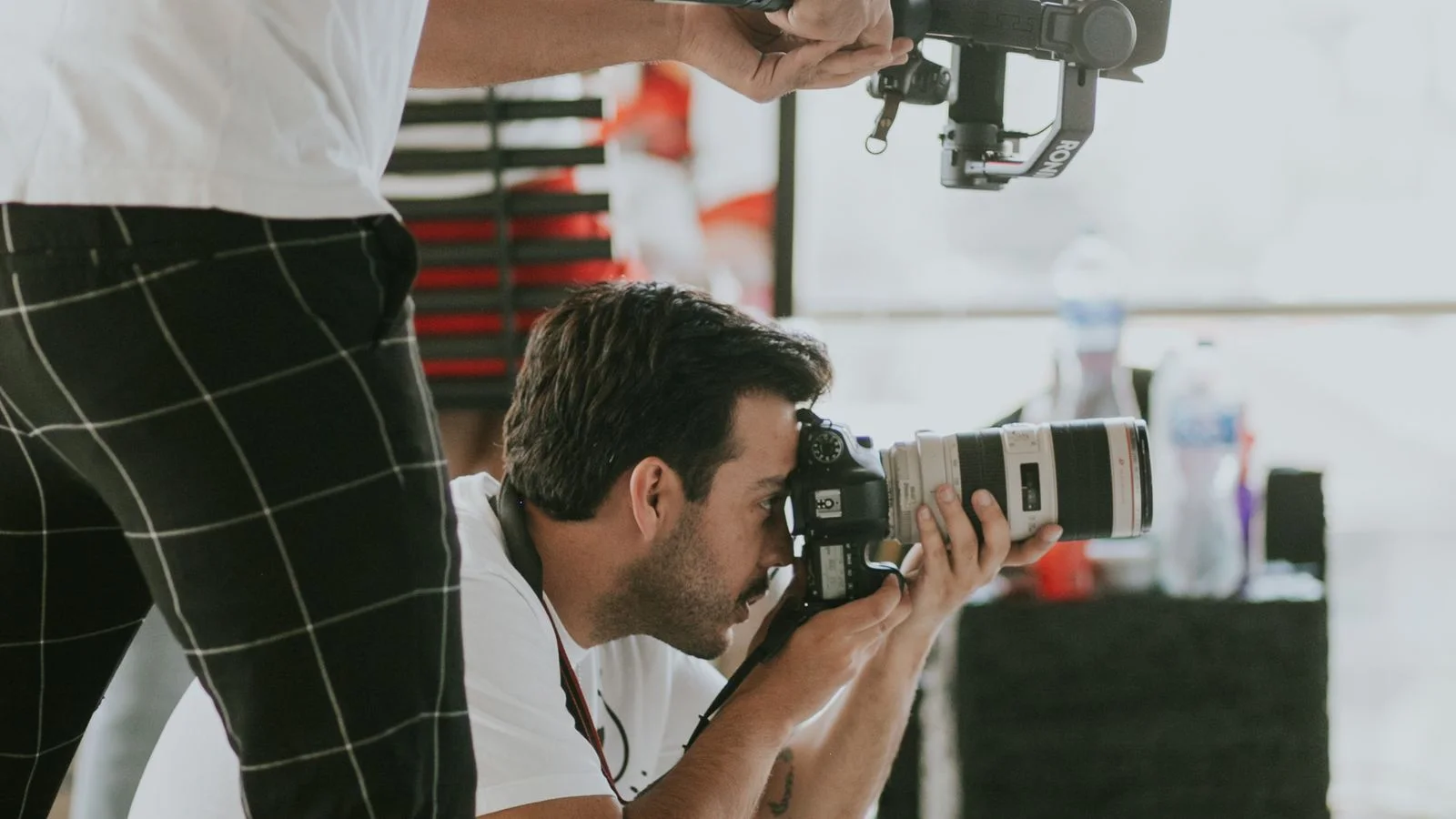
Raise it while planning, rather than asking for a few clips once photography has started. Corporate video production may need the same colleagues or room at a different time, and an interview should not be competing with a portrait queue next door.
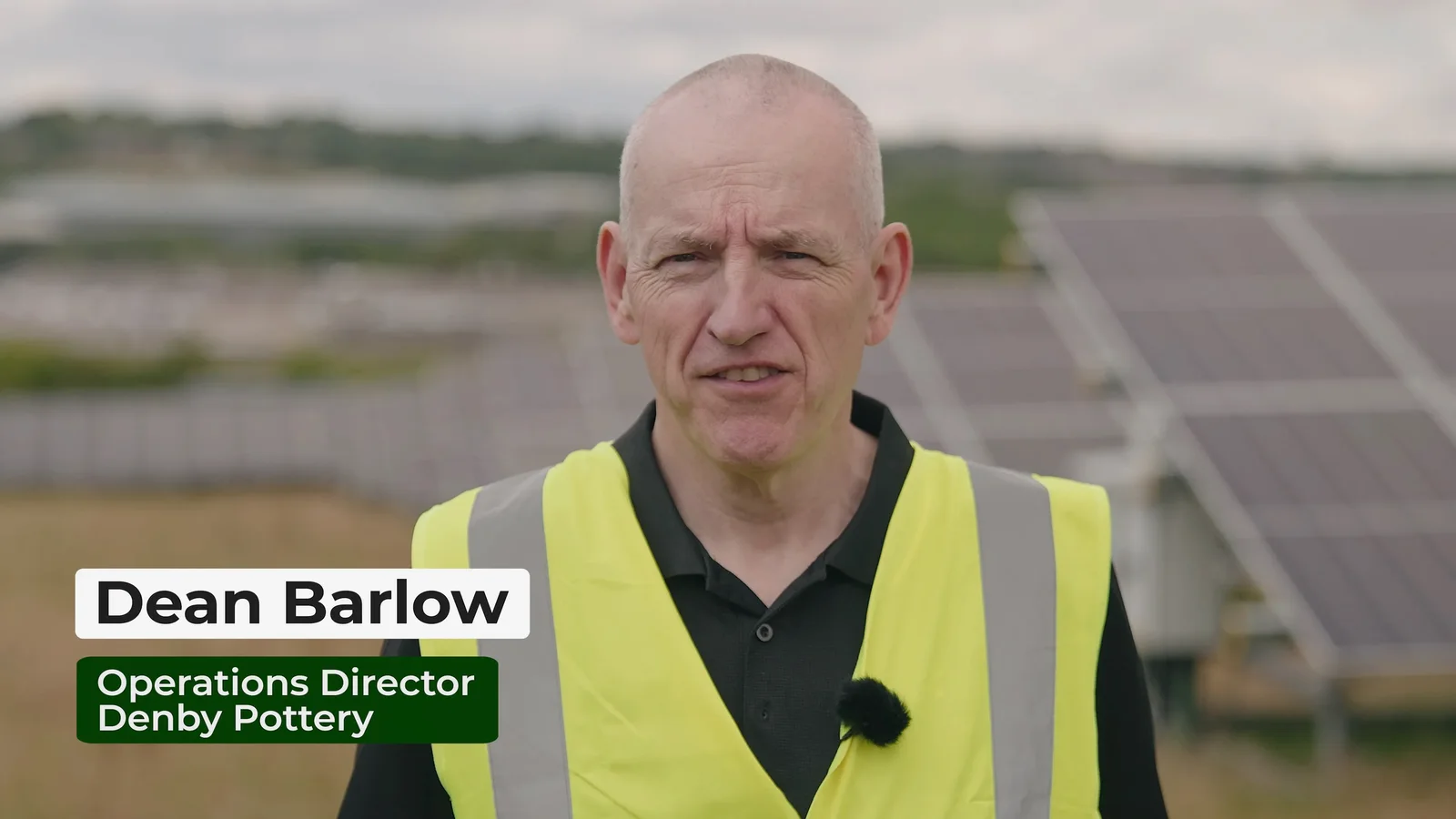
For our Root-Power shoot at Denby, the one-day production included one photographer and one videographer. That is a relevant example of planning both disciplines into the booking, not a rule that every combined shoot needs the same crew. Agree the priorities, people and spaces for each brief.
Make arrival straightforward
Send the actual entrance and an on-site phone number, not just the building's postcode. Explain where equipment can be unloaded, how the photographer gets through reception and whether lifts or access passes need arranging.
Ask about the working space before assigning the smallest spare room. Include any site induction, restrictions on lighting or equipment, and anything that cannot be moved. Reserve the room from setup through to packing away, rather than only for the portrait appointments.
Our guide to planning business photography in London or Cambridge covers the extra location questions that can arise on a city shoot.
For outdoor photographs, agree an indoor alternative or a clear decision point for changing the plan. Decide which images really need an exterior and which could work elsewhere, so the entire day does not depend on one patch of good weather.
Agree what happens after the camera goes away
Preparation includes the handover. Before the shoot, confirm the expected selection of finished images, who chooses the portraits and who checks business details before publication.
Tell the photographer about any fixed launch date and whether a small priority selection is needed earlier than the rest. Allow time for your own review, not just the photography and editing.
Discuss retouching with examples. Removing a temporary mark, changing a background and rebuilding a product label are different requests. Clarify what the quotation includes instead of assuming anything visible can be repaired later.
Confirm the required file sizes and formats with the people who will use them. For staff portraits, agree how names will be matched to images. Check that the agreed image usage covers the channels you have discussed, and nominate one person to gather feedback into a clear response.
The afternoon-before walk-through
Take the final plan around the workplace and test it against reality. Is the first room available? Does the demonstration have everything it needs? Has the first person received their appointment? Can the coordinator answer a question without disappearing into a meeting?
Then send any changes to the photographer. A useful update is better than a perfect-looking plan that everyone knows is out of date.
You should finish with clear priorities, prepared colleagues and enough flexibility to notice a good photograph that was not on the original list.
At The Camera Guys, we can help turn your requirements into a shot list and schedule. Send us the pages you are updating and the people or places you need photographed, even when the brief is still taking shape. That gives us something concrete to plan around.