Why does a food brand need a content library?
A single hero image can launch a product, but it cannot comfortably support an entire menu. Food and drink businesses regularly need clean item photographs, grouped selections, topping details, campaign images and social-first video. New offers and seasonal moments create more demands.
A library gives designers and marketing teams options. Instead of repeatedly cropping one photograph beyond its limits, they can choose a front view for a menu, an overhead for a graphic layout and a detail frame for a social post.
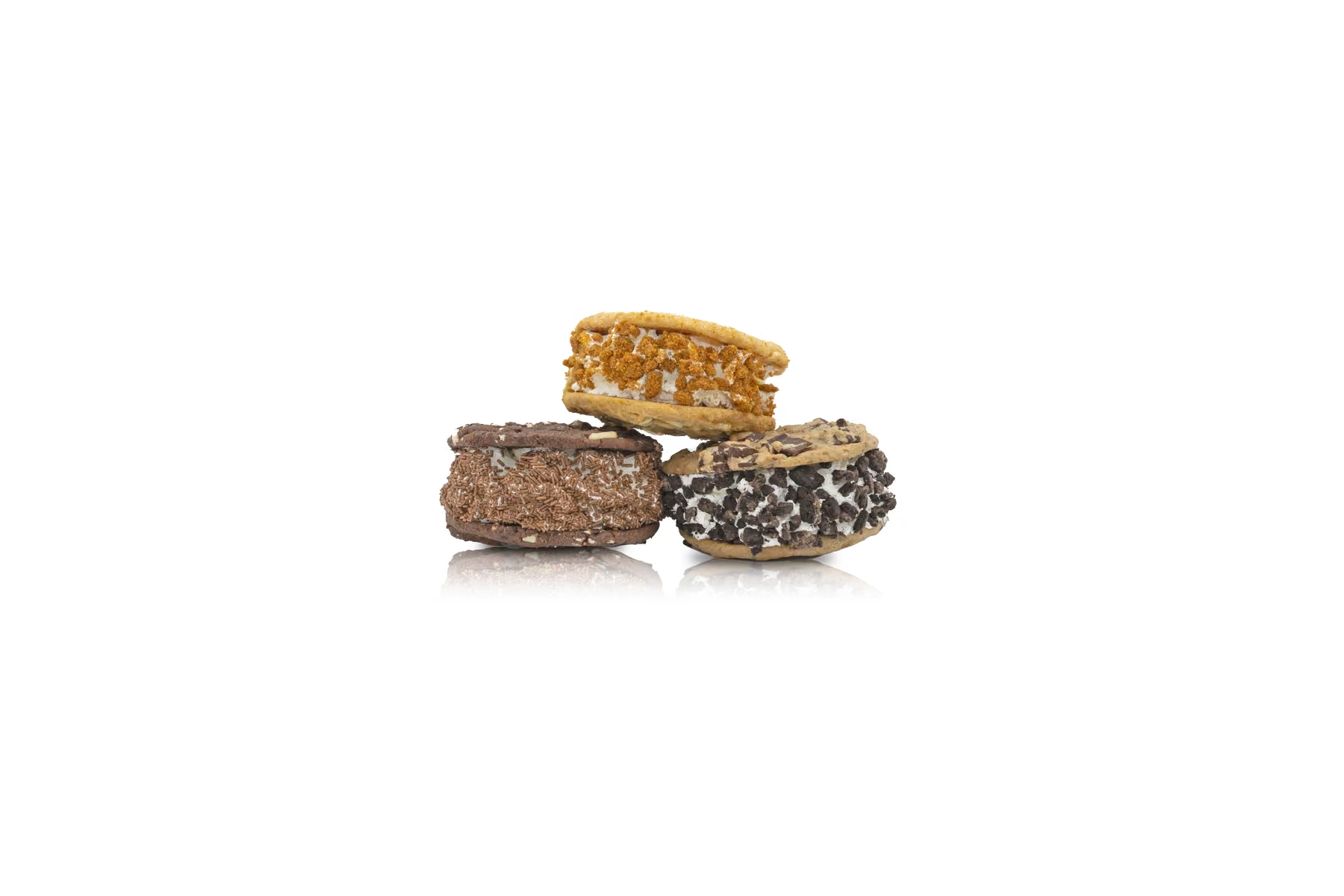
For Social Shakes, the products were highly visual: bright sauces, tall whipped toppings, sweets, biscuits and chocolate bars. The photography needed to preserve that personality while remaining consistent enough to sit together as one range.
Create a repeatable photography setup
Volume only helps when the images feel related. Lock the background, light direction, camera height, focal length and basic product position before photographing the range. A reference frame and simple measurements help the setup survive breaks and later shoot days.
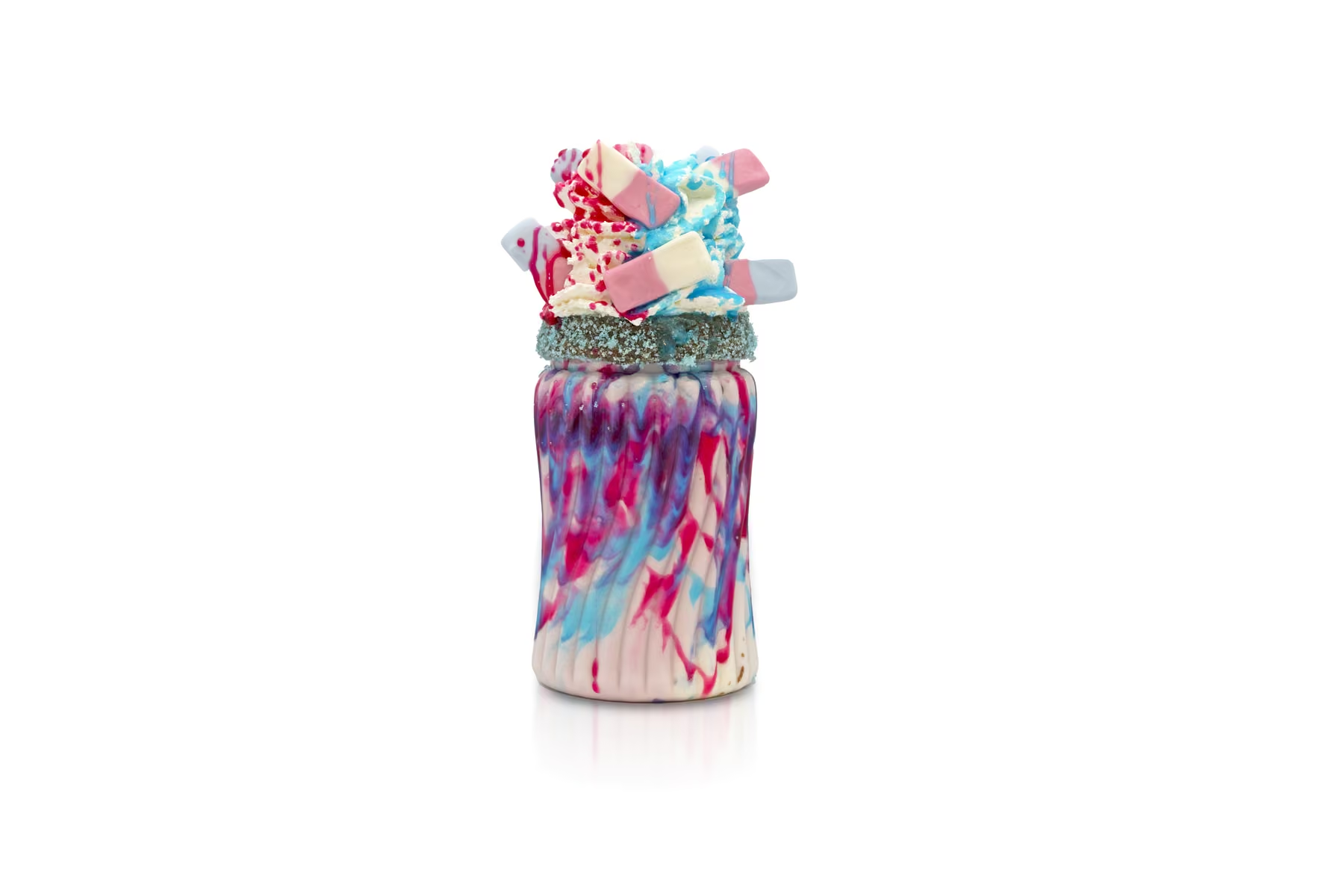
White-background photography gave Social Shakes flexible files that could be placed into menus and promotional designs. The products still needed careful shaping: transparent glass, pale cream and glossy sauce can all disappear against white if the lighting is too flat.
We kept enough shadow and reflection to define the glass while allowing the toppings and colours to carry the image. Front, three-quarter and overhead views created variety without breaking the system.
Organise the shot list by product family
Photographing hundreds of assets becomes much easier when the list is grouped. Start with product families, then note required angles and combinations for each one. Tick off the item only after the identifying view and any campaign variations are complete.
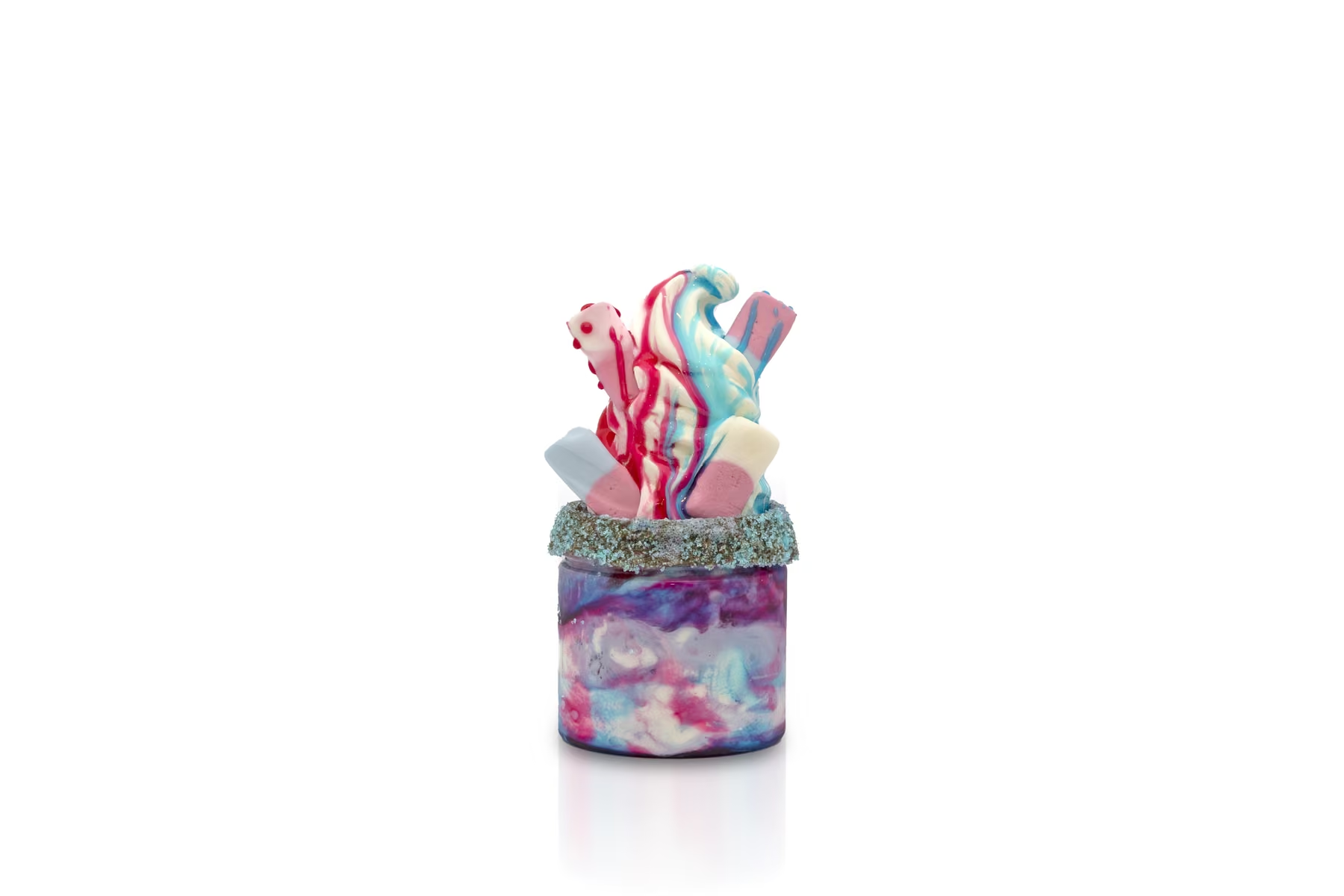
A practical sequence might include one clean front view, one alternate angle, one overhead and one close detail. Group images can be planned after the individual products so the strongest combinations are already known.
This also exposes missing items early. If every chocolate shake has three angles but one seasonal item has only an overhead, the gap is visible before the set is dismantled.
Add motion without rebuilding the campaign
Product video does not always require a separate full-scale commercial. Short motion assets can extend the same visual system. A clean product, consistent background and simple animated movement can create a useful loop for social media, digital menus or web pages.
The Social Shakes bounce clips take individual products from the still-image world and give them a playful entrance. Because the look is connected to the photography, the clips feel like part of the same campaign rather than unrelated extras.
Looping motion is most effective when it begins quickly, reads without sound and returns cleanly to its first frame. The idea should be understandable in a second or two.
Plan seasonal content alongside the core library
Evergreen assets and seasonal campaigns serve different purposes. The main product library needs longevity; Halloween, Christmas or limited-edition material can be bolder and more time-specific.
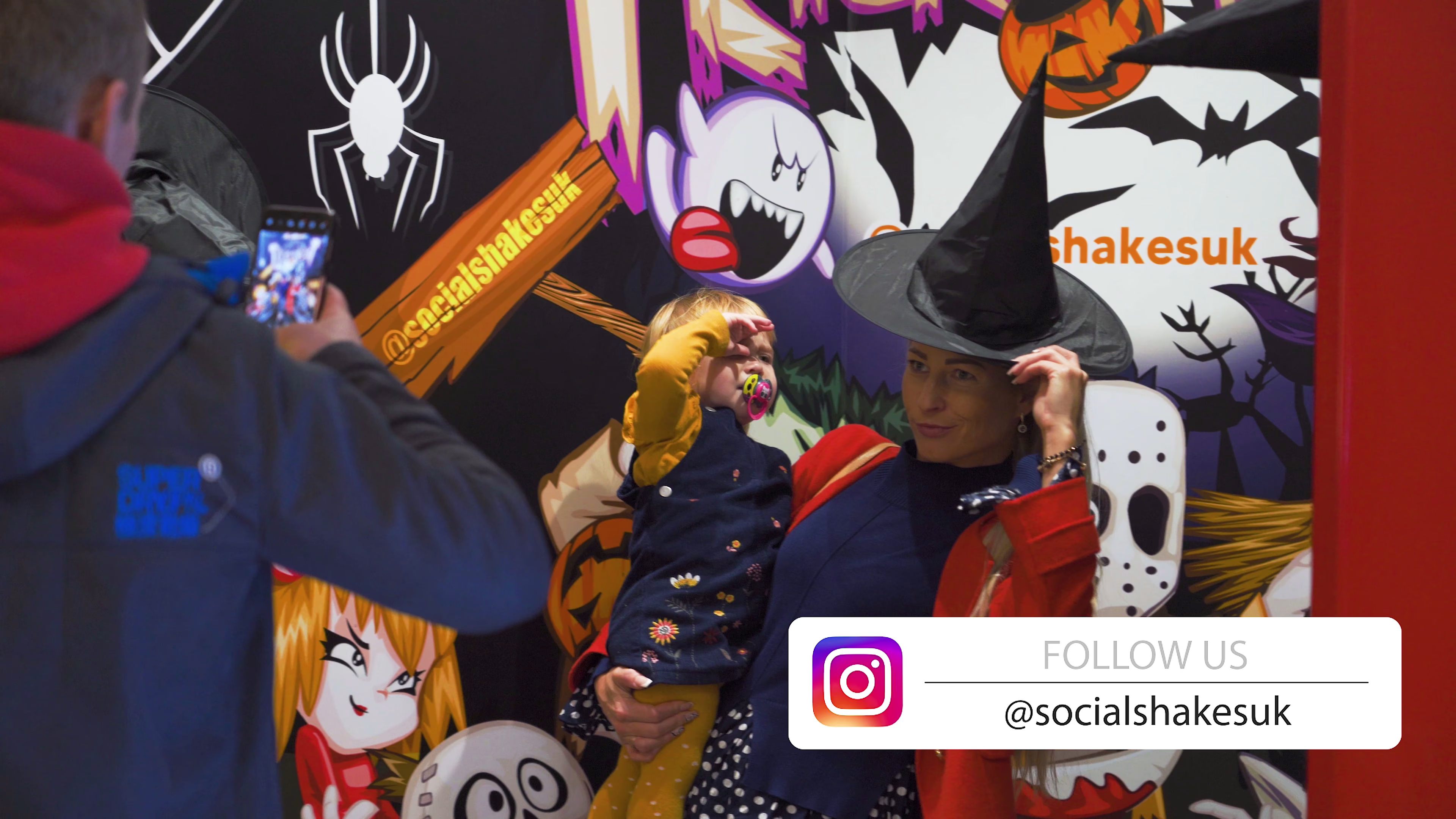
We returned to Social Shakes for a Halloween production at the Lakeside store. The location, staff, themed props and decorated products gave the campaign a distinct atmosphere while the red counter and recognisable visual identity kept it connected to the brand.
Behind-the-scenes stills from a seasonal shoot can also become useful supporting content. They show preparation, people and the real environment around the finished product.
Give every file a useful identity
A large library becomes difficult to use if files are named only by camera number. Build a naming structure around brand, product, angle and version. Keep the original archive, but deliver a clearly organised working set for marketing.
Separate photography, video, design exports and behind-the-scenes material. Within the photography folder, product families or menu sections usually make more sense than the day each image happened to be captured.
Metadata and captions help too. When an image moves into a content-management system, a descriptive title and alt text make it easier to find and publish accessibly.
How many assets should one shoot create?
There is no useful universal number. The right total depends on the menu, channels and planned lifespan of the campaign. Five carefully chosen images may be enough for one launch; a franchise with a wide range and multiple marketing uses can justify hundreds.
The important question is whether each variation has a job. A large library should be deliberate, not a collection of near-duplicates that nobody can navigate. Plan the minimum views required for consistency, then add campaign images where they create genuine options.
Social Shakes ultimately received around 500 product photographs because the range and intended applications demanded depth. The curated gallery in the Social Shakes case study shows only a small cross-section.
Build photography and video as one campaign
When both formats are planned together, lighting, styling and product preparation can be shared. The video team knows which products must remain pristine for hero shots; the photographer knows which setups can provide vertical clips or animated details.
That coordination reduces repeated setup and gives the final assets a coherent look. It also creates more value from the time the product, location and team are available.
Our commercial photography and video production services can be combined into one content plan. Browse more client work or tell us what your product library needs to cover.