On a narrow screen, scroll the table sideways to read all three columns.
| The learner needs to… | Useful format | What to add |
|---|---|---|
| See a sequence or physical technique | Short demonstration video | A clear written reference and appropriate supervised practice. |
| Find a rule, number or exception | Searchable document or checklist | An owner, version date and link to the authoritative current source. |
| Recognise a difficult customer conversation | Scenario video | Questions about the choices made, followed by practice and feedback. |
| Use a frequently changing software screen | Short task recording plus editable steps | A product/version check and a straightforward replacement plan. |
| Perform a safety-critical or regulated task | The organisation’s approved training and assessment | Video only as suitable support; viewing alone must not be treated as authorisation or certification. |
A worked example: learning an expense-submission process
Suppose new staff need to submit an expense in a company system. This fictional example illustrates the design decision; it is not a recommendation about anyone’s financial policy.
The video can show the visible task: open the correct screen, attach an approved example receipt, select the relevant category and find the submission confirmation. Narration should explain the decision being made, not simply say “click here” while the pointer moves too quickly to follow.
The accompanying document should hold the current limits, exclusions, approval route and contact for exceptions. Those details are easier to search and update in text. Avoid permanently recording a limit into several videos when it can change independently of the screen process.
Then ask the learner to complete a practice submission using safe demonstration data. Check whether they choose the correct category and recognise the confirmation. If they cannot, the training needs adjustment even if they watched the whole film.
That package has three parts with different jobs: a demonstration, a reference and a task. Adding cinematic footage of the office would not improve the instructions.
Make the important action visible and the explanation manageable
Choose one learning outcome per short unit. Show the object, control or decision large enough to understand at the learner’s actual screen size. Pause at a consequential choice and explain why it matters. Cut decoration that competes with the action.
Cynthia Brame’s review of educational-video design brings together research on cognitive load, engagement and active learning. It supports focused learning goals, useful visual signalling and activities around a video. The paper concerns education; it does not establish a universal workplace retention percentage or prove that video beats documents for every task.
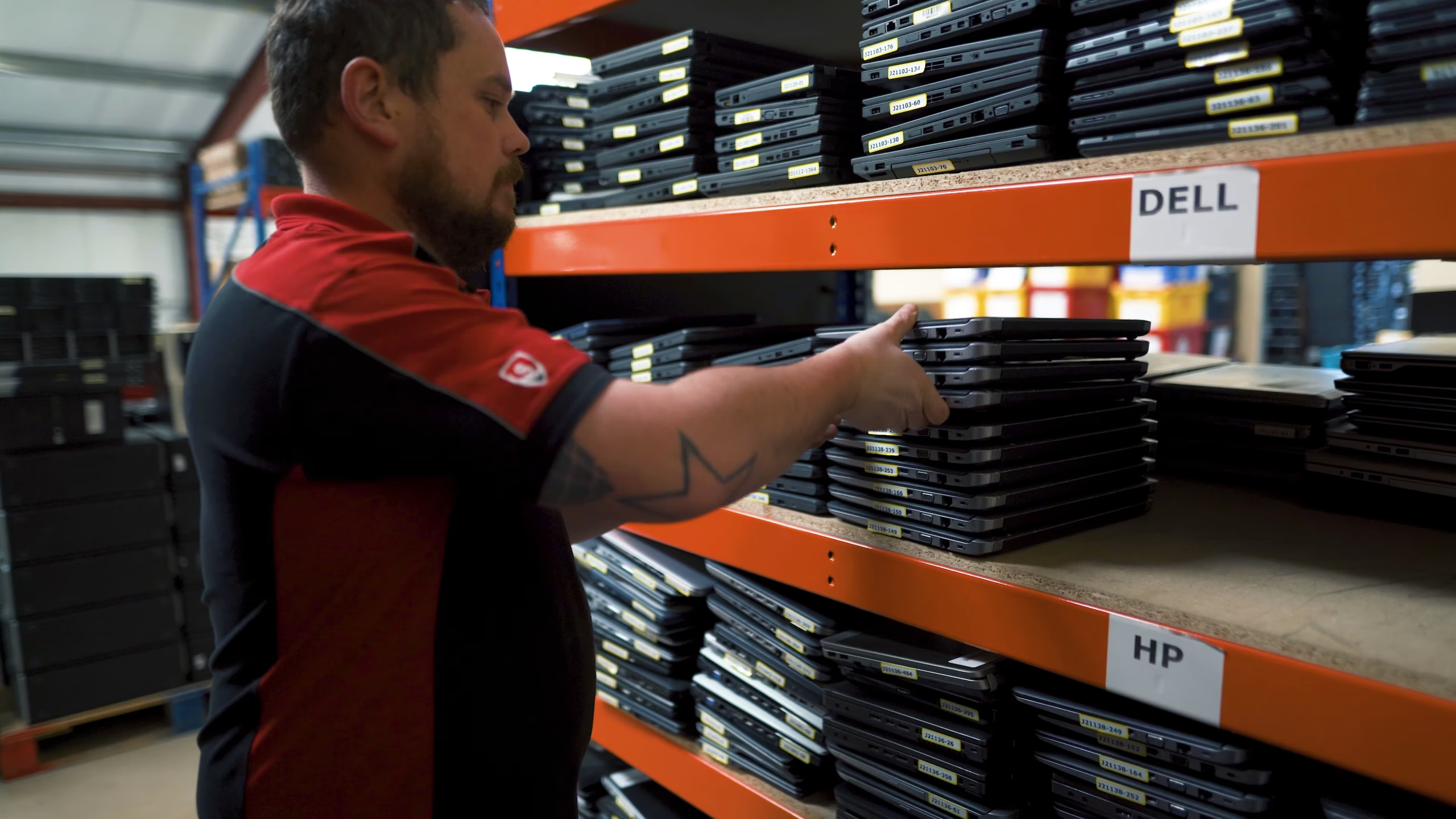
For a physical process, a wide view can establish the workspace and a closer view can reveal the relevant action. Our Secure ITAD process film demonstrates how filming real operational stages makes complex work visible. It is a promotional process-film example, not a certified training course.
Build accessibility into the script and handover
Accurate captions should include the speech and meaningful sounds needed to understand the lesson. Important visual information also needs an accessible explanation; captions alone do not describe an unspoken action for someone who cannot see it. Where practical, narrate that information as part of the original explanation.
Provide a useful descriptive transcript and an accessible player. These serve different needs; a transcript is not a universal substitute for captions or required audio description. The W3C media-accessibility guidance explains the components. Our business video accessibility guide helps scope them in a production brief.
Check labels, contrast and readability on the devices staff actually use. Avoid showing confidential customer details or genuine account data in a demonstration. A dedicated example environment makes both privacy review and future updates easier.
Give the training an owner after publication
Attach the process owner, approval date, version and review trigger to the lesson. A change to software, equipment or policy should prompt the owner to check both the video and its written companion. Keep a record of where the material is embedded so an obsolete version can be replaced consistently.
Before commissioning a full series, test one lesson with people unfamiliar with the task. Ask them to perform or explain the outcome, and note where they hesitate. Improve that lesson before repeating its approach across the library. Completion statistics can support administration; successful, appropriate performance is the more useful learning check.