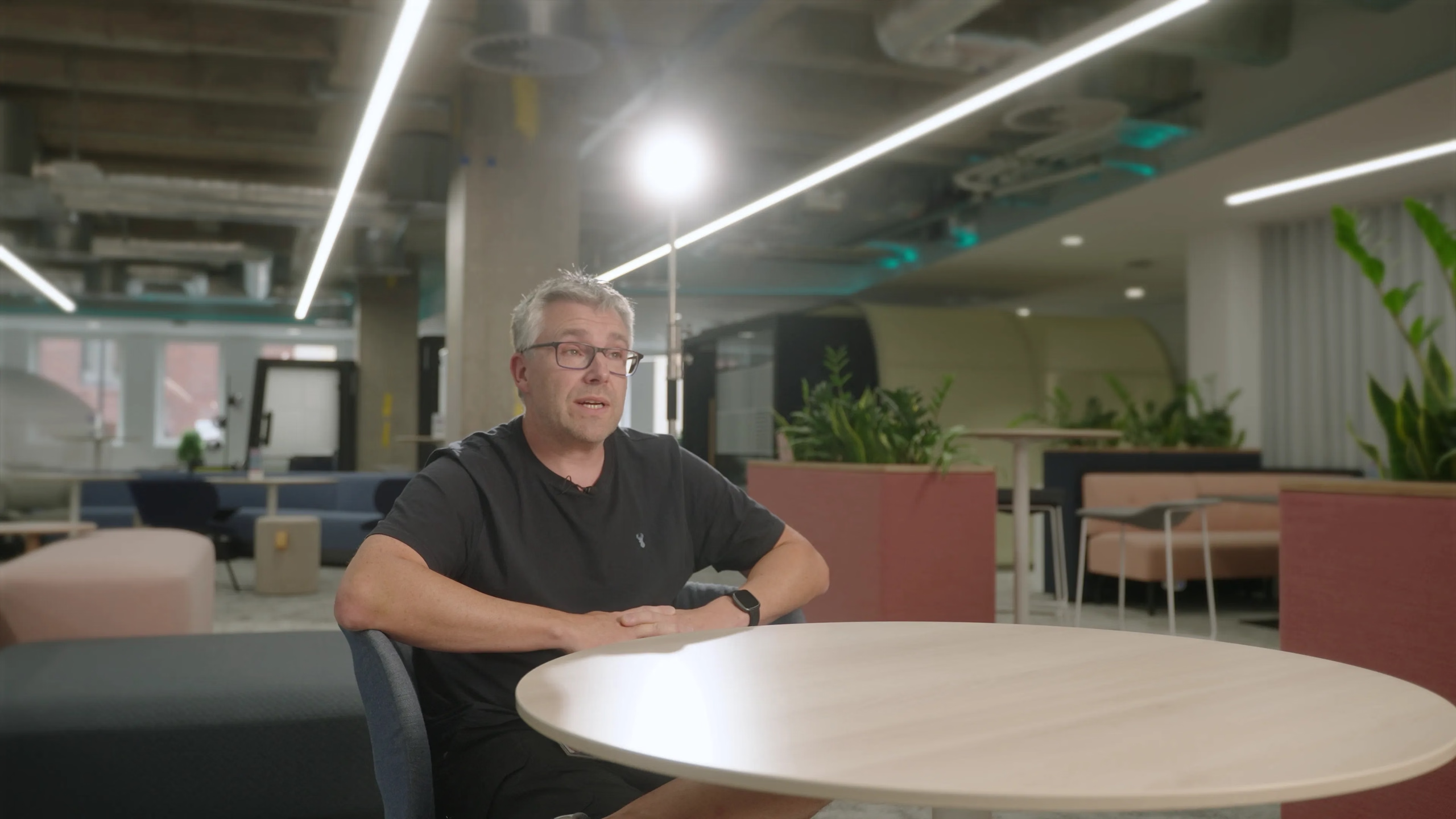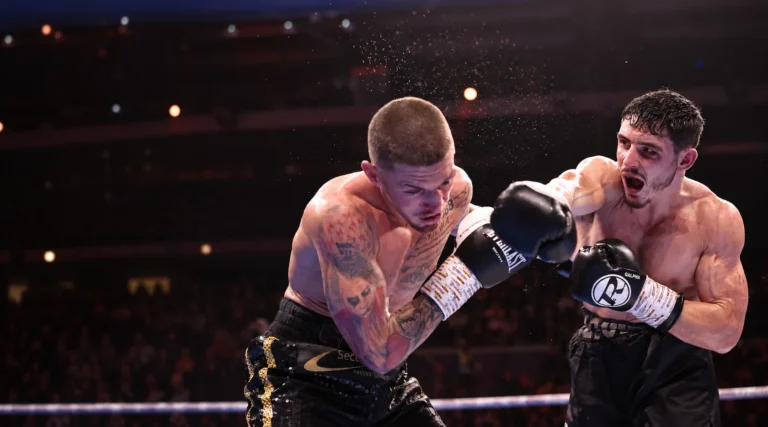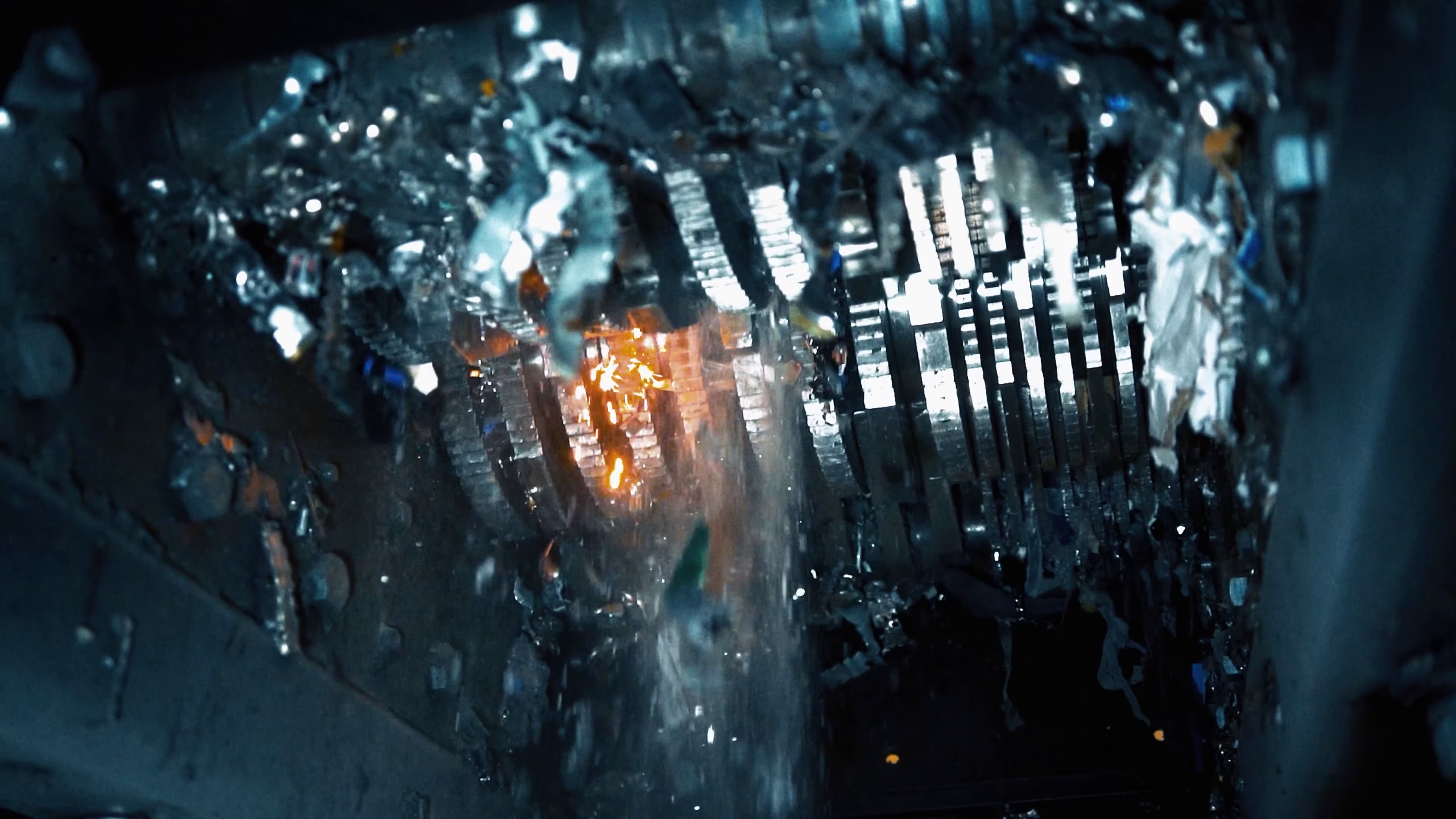
Three real frames, three different jobs
The following images come from the Secure ITAD project. They illustrate how supporting footage can explain an operation. This is an analysis of the visible material, not a claim that these stills appear consecutively in the finished edit or follow one specific asset through every stage.
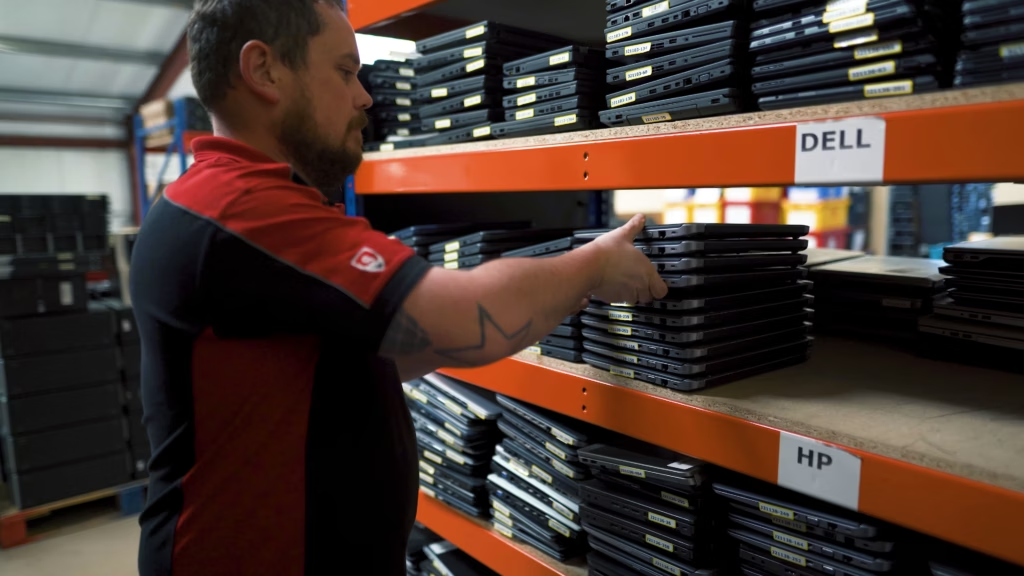
The frame establishes an operator, equipment and organised storage. It gives a spoken explanation somewhere concrete to live. In a moving sequence, record enough of the action to see where an item comes from and where it goes; a half-second glimpse may establish activity without explaining it.
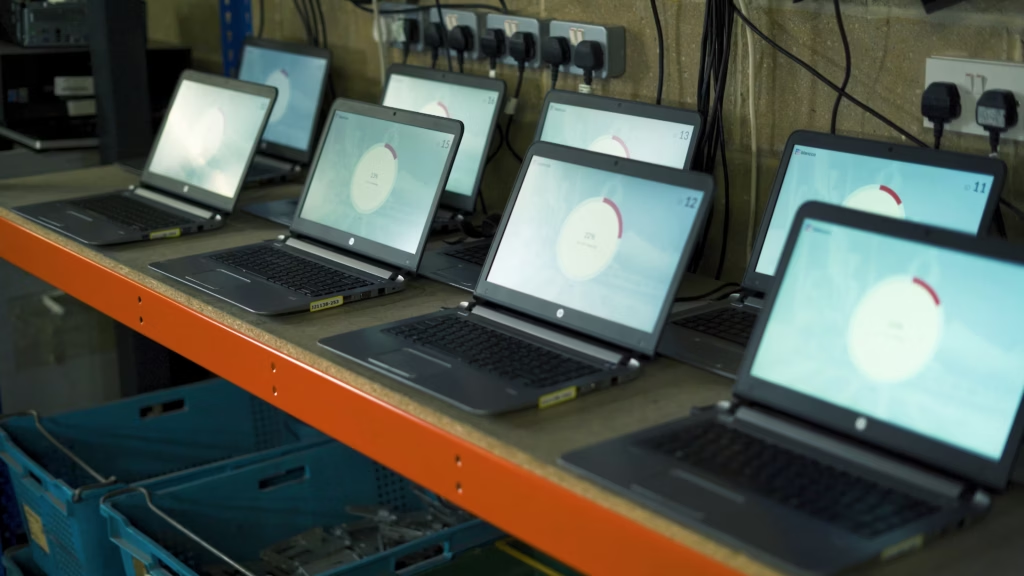
A view of several machines communicates something different from a single screen close-up. It shows the arrangement of the work. If the audience needs to understand a specific status, the edit may also need a readable detail, approved explanation or caption. Do not infer a technical certification or outcome from an unreadable screen.
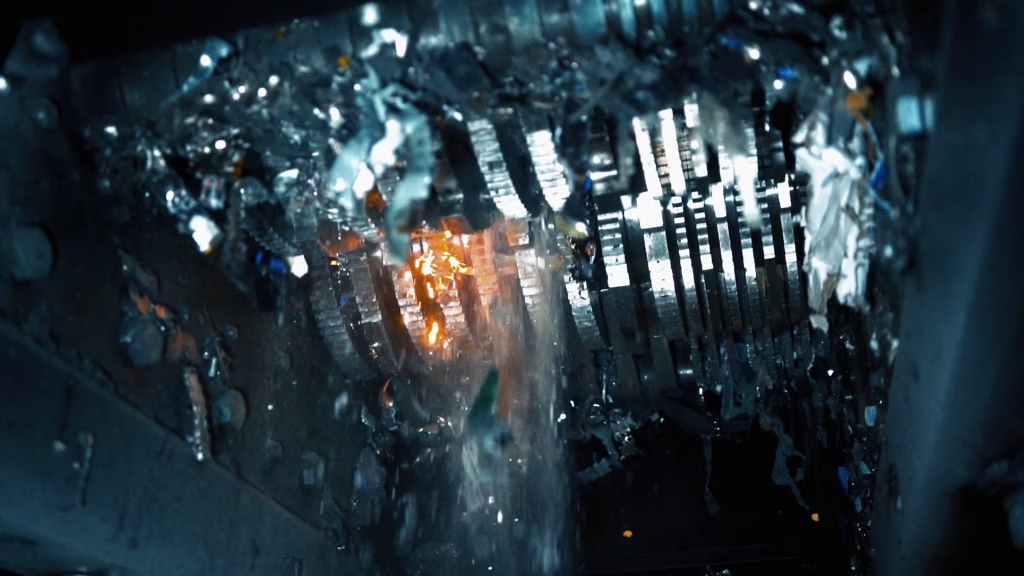
The mechanism provides visual evidence of an action a narrator might otherwise only name. Its sound can help the sequence feel present, provided it is genuinely recorded and used appropriately. Machinery footage still needs truthful context: an image of a shredder is not proof that a particular customer’s device passed through it.
Build a sequence instead of collecting isolated shots
For a repeatable, safe demonstration, think in three scales. A wide view establishes the place and relationship between people. A medium view shows the action. A close detail shows the information that would otherwise be missed. You do not need to force all three into every scene, but each planned angle should contribute something.
Record the beginning and end of an action as well as its most photogenic instant. Leave a little steady time before and after it so the editor can choose the cut. When filming one action from different positions, keep the object, direction of movement and stage of work consistent. If the details change, the edit may accidentally imply a sequence that never happened.
At a live workplace, the operation takes priority. Ask what can safely be repeated and what must be observed once. Never request the removal of protective equipment or a false technical procedure for a cleaner image. The site’s responsible person should approve what is shown.
Use B-roll to support an edit without changing its meaning
An interview cut can remove a repeated phrase or pause. Supporting footage can cover the visual jump while the approved answer continues. That is normal editing; removing a condition such as “only after inspection” can materially alter the claim and is a different issue.
Match the picture to the words closely enough that it does not imply the wrong product, person or stage. If an expert is describing a possible future process, footage of current operations needs careful wording. Avoid using impressive but unrelated stock as apparent evidence of a client’s own facility.
Natural sound can introduce a scene before the interview resumes, or carry briefly after the picture changes. A click, machine cycle or room atmosphere gives the editor another way to join material. It is worth planning that recording rather than assuming the camera microphone will always provide useful sound.
A small shot list that stays connected to the story
For every important claim, write the visible evidence, the access needed and the risk of missing it. For example: “We check incoming equipment” → show the approved checking activity → book the responsible operator → film before the items move onward. This identifies a dependency, not just an attractive shot.
Mark whether the footage must support a vertical crop or show a readable detail. Record product names, locations and any restrictions alongside the files. An editor who understands why a shot exists can use it more accurately than one facing an unlabelled folder of similar clips.
Watch the finished Secure ITAD film with one question in mind: which pictures explain something the words alone would leave abstract?