How the presenter can see text while the camera sees them
A camera-mounted prompter uses angled beamsplitter glass. Text from a screen is reflected towards the presenter while the camera films through the glass. A hood limits unwanted light and reflections. The text is reversed on the display so its reflection reads correctly.
Autocue’s prompting guide explains the relevant hardware and controls. Conference prompters use a related principle with glass panels beside a lectern; they are arranged for an audience rather than necessarily for one camera lens.
A laptop next to a camera is a rough cueing aid, but the presenter’s eyeline can visibly drift sideways. Notes below the lens can create repeated downward glances. A properly positioned through-lens system addresses that specific problem.
When it earns its place
- Technical updates: names, numbers, stages and qualifications must be delivered accurately.
- Training modules: the sequence or approved wording needs consistency across several videos.
- Leadership announcements: the message is direct to camera and carefully reviewed.
- Multiple versions: small wording changes are easier to manage without memorising each script.
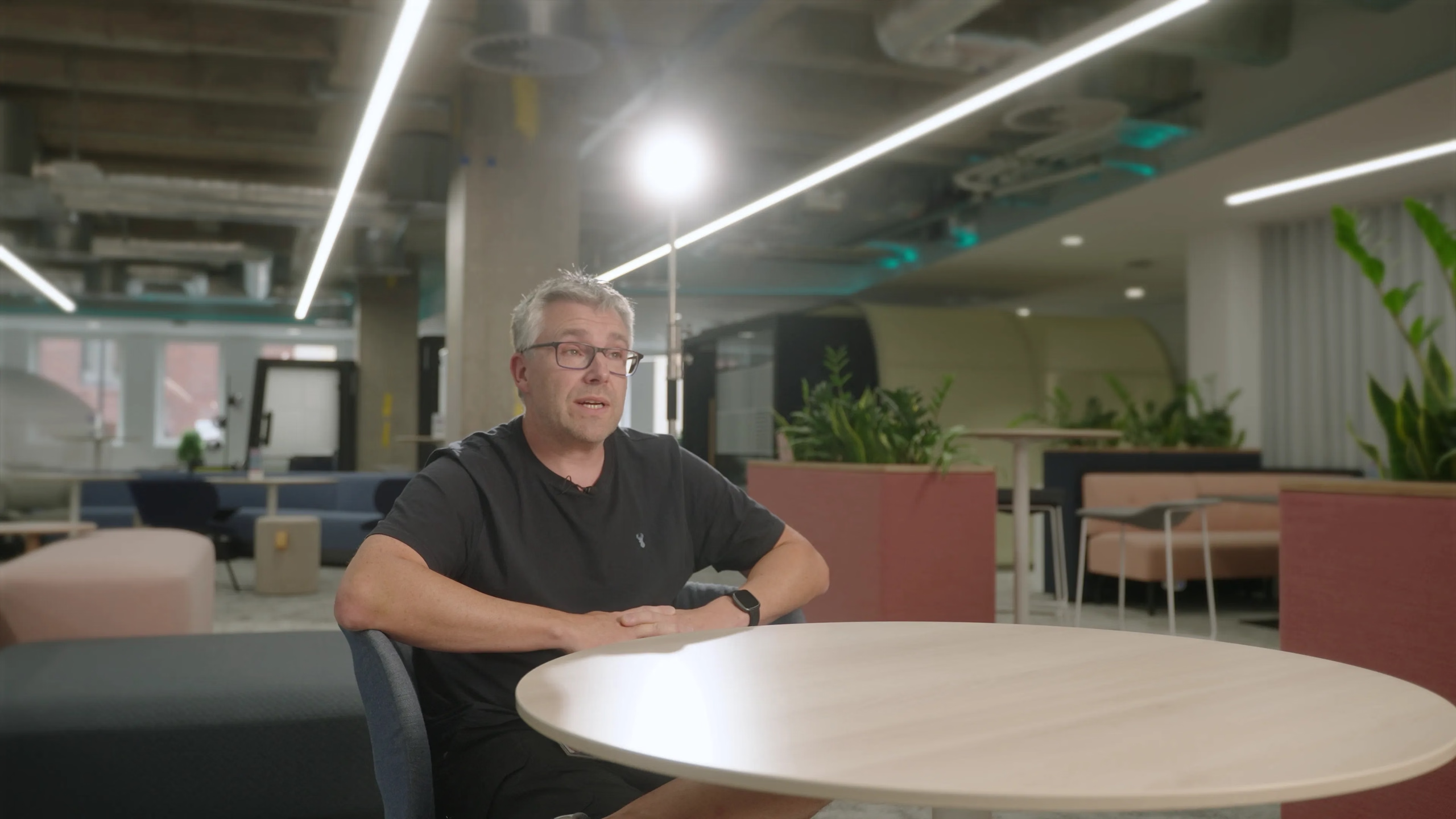
An exploratory employee interview is different. If the objective is to discover somebody’s experience, questions and bullet points may produce better material than a finished script. Choose the method for the message rather than assuming prompting is always more professional.
What happened at Coryton
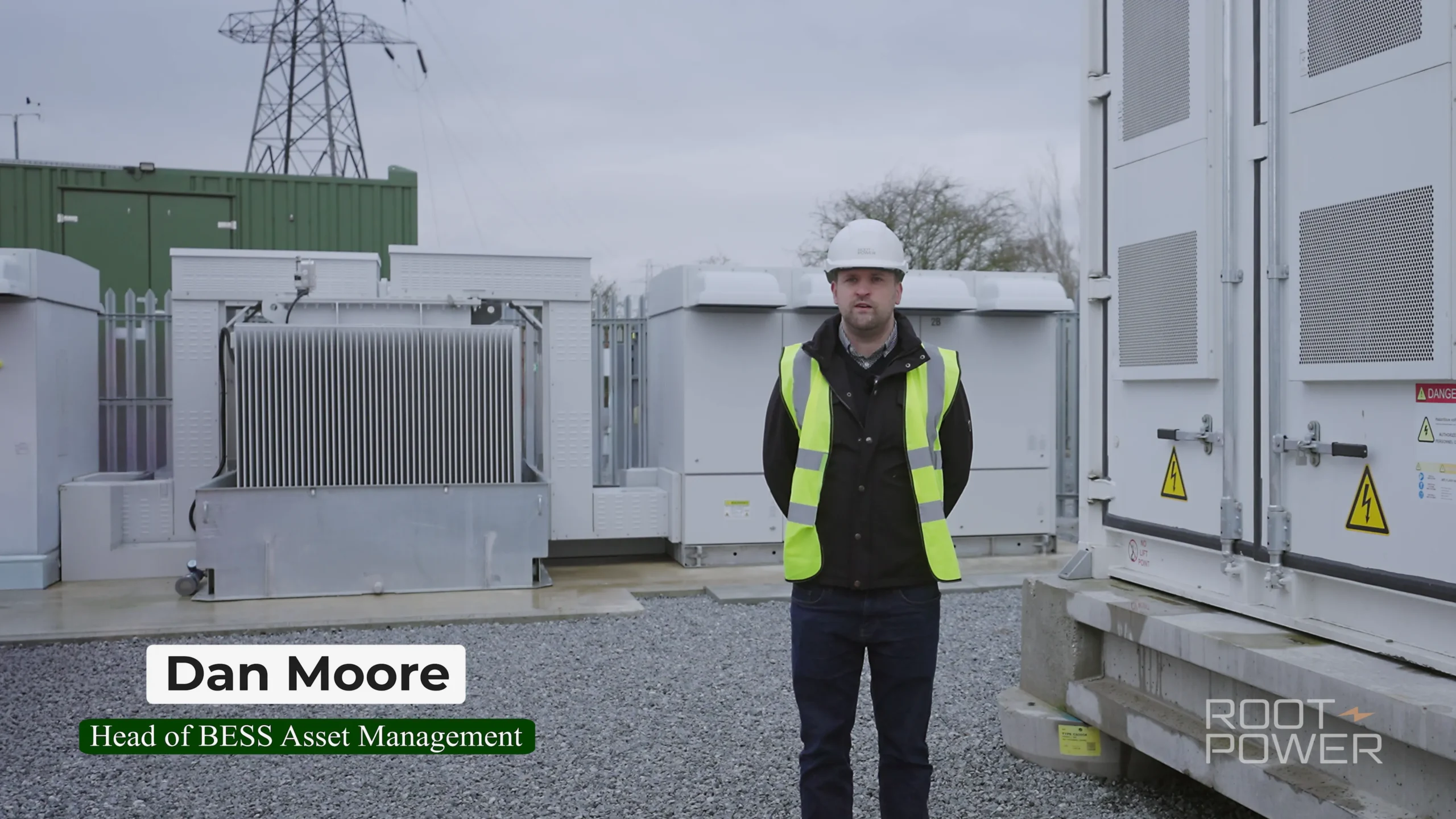
On our return visit to Root-Power’s Coryton BESS project, Dan Shore, Head of Delivery, and Dan Moore, Head of Asset Management, presented further project updates. Detailed information needed a clear structure, so we used a professional teleprompter to support direct-to-camera delivery.
The project also involved substantial industrial noise and dialogue restoration. Prompting and sound capture solved separate problems: one helped the words and eyeline; the other made the speech intelligible. A teleprompter does not make the filming location quieter or remove the need for a proper microphone setup.
Rewrite the script for speaking
Read the text aloud before the shoot. A sentence that works in a report can be hard to speak without losing the thread. Break long clauses, replace unnecessary abstractions and spell out how unfamiliar names or figures should be pronounced.
For example, “Following the completion of the aforementioned commissioning activities, the facility will progress to…” can become “Once these tests are complete, the next stage is…” Keep any technical qualification that changes the meaning, and ask the subject expert to approve the revision.
Use paragraph breaks for thought changes. Mark pauses and difficult pronunciations sparingly. Too many visual instructions make the display harder to read. Keep a single approved version and designate who can authorise last-minute wording changes.
Set up around the person
Adjust camera height and reading distance for a comfortable eyeline. Choose text size that is readable without forcing wide eye movements. A narrow text column can reduce obvious scanning, but it must still let the speaker recognise a phrase naturally.
Rehearse a short section and review the recording. Check reflections, framing, focus and whether the presenter looks as though they are following the viewer or chasing the text. Confirm that the rig is stable and the lens can see through the hood without dark edges.
Troubleshoot the delivery
| What you see | What to try |
|---|---|
| Speaker rushes or runs out of breath | Slow the operator’s scroll and shorten the sentence |
| Eyes move noticeably side to side | Review column width, text size and reading distance |
| Delivery sounds like a report | Rewrite aloud in the speaker’s own vocabulary |
| Repeated errors at one phrase | Check pronunciation and restructure the phrase |
| Presenter freezes after a mistake | Stop scrolling, reset to a complete thought and restart calmly |
Allow time for shorter takes
A two-minute film does not require a flawless two-minute performance. Record complete thoughts in sections, leaving clean pauses. Relevant B-roll can cover editorial joins. If a continuous take is essential, plan additional rehearsal rather than assuming the prompter eliminates preparation.
Send us the proposed wording and intended audience when planning a presenter-led film. We can recommend a prompter, interview format or combination and build realistic rehearsal time into the shoot.