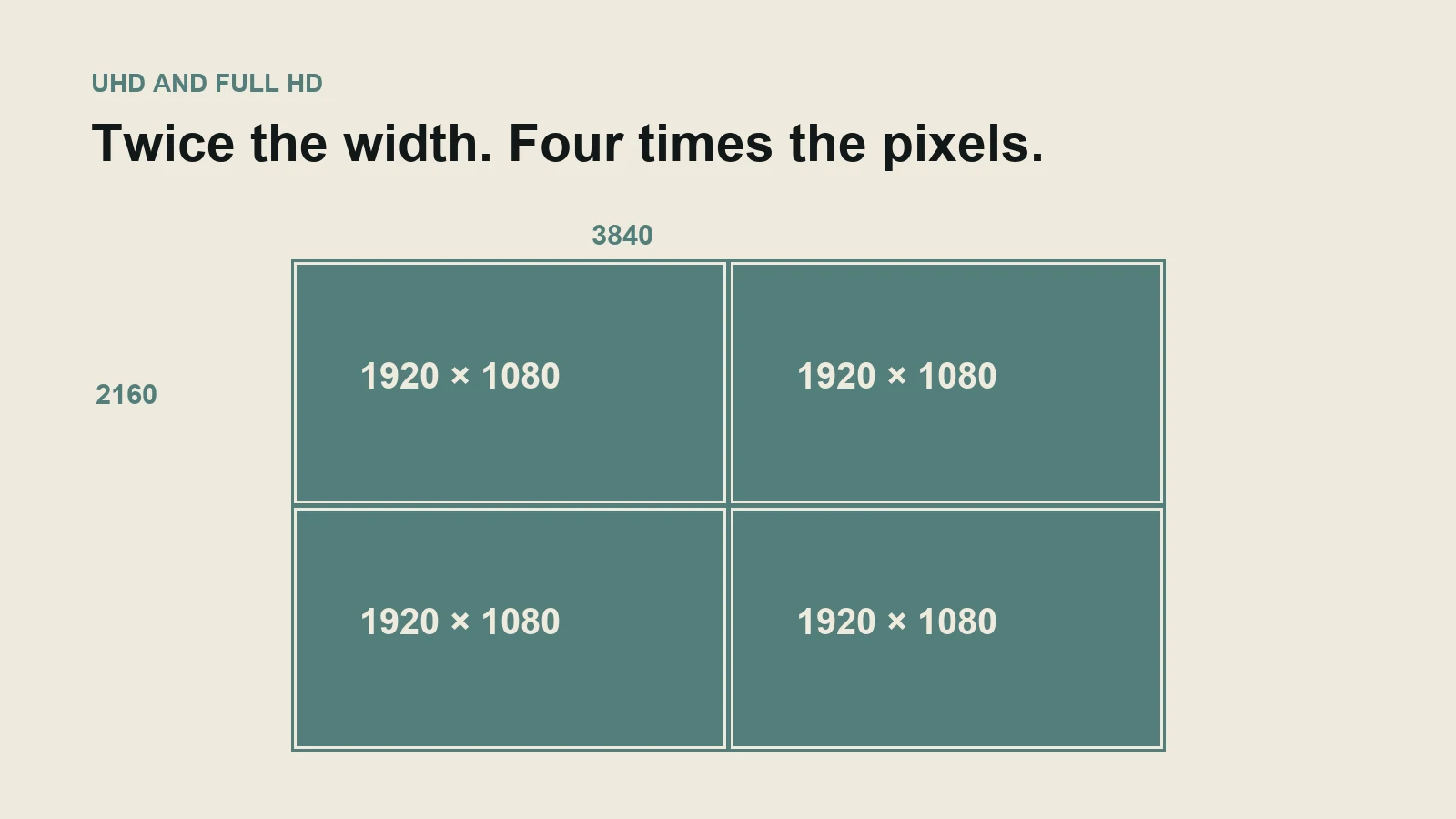
Four times the pixels is twice the width
3840 × 2160 contains 8,294,400 pixels. 1920 × 1080 contains 2,073,600. UHD has twice the horizontal and vertical dimensions, so its total pixel count is four times larger. YouTube lists these dimensions in its official resolution guidance.
That extra information can help with a smaller delivery frame. It does not guarantee four times the visible quality. Lens performance, focus, exposure, motion blur, compression and display size all affect what the viewer can resolve.
Calculation one: the crop you can afford
Place a 3840 × 2160 recording on a 1920 × 1080 timeline. Showing the whole frame requires reducing each dimension by half. Alternatively, a 1920 × 1080 region from the source can fill the HD output without enlarging its source pixels. That is the geometric basis for an approximately 2× linear crop relative to the full-frame view.
This is not an optical zoom and does not create missing detail. If the speaker is already soft or heavily compressed, cropping makes the flaw more visible. Stabilisation also consumes some of that margin, so do not promise the full theoretical crop and strong stabilisation simultaneously without testing.
For a vertical output, the arithmetic is different. A full-height 9:16 crop of a 3840 × 2160 source is 1215 × 2160, enough pixels to reduce to 1080 × 1920. The same crop from a 1920 × 1080 source is about 608 × 1080 and must be enlarged to reach that vertical output size.
Pixel sufficiency does not establish a usable composition. The crop may exclude a second person or the demonstration. See the vertical-versus-horizontal guide for that framing decision.
Calculation two: storage follows bitrate, not the label alone
For a constant-bitrate illustration, 100 megabits per second × 3,600 seconds ÷ 8 = 45,000 megabytes, or about 45 GB per hour using decimal units. At 25 Mb/s, the same calculation gives about 11.25 GB per hour.
These are example data rates, not prescribed 4K and HD settings. They exclude separate audio and overhead; variable bitrate recordings can differ. A high-bitrate HD recording can be larger than a heavily compressed 4K recording. Frame rate, codec and quality settings must be part of the conversation.
Four cameras recording for three hours at the example 100 Mb/s rate would produce roughly 540 GB of video. Multiple verified copies, project files and exports require more storage. Transfer time and editing performance can matter more to a rapid-turnaround job than the size of the final upload.
Which choice fits your project?
- Record 4K, deliver HD: useful when a controlled interview needs modest reframing or a high-quality source for later versions, and the recording/editing workflow supports it.
- Record and deliver 4K: useful when the destination genuinely benefits from detail, the audience/display can show it, and the upload or playback system has been tested.
- Use HD throughout: reasonable for a defined HD destination, long recordings or a rapid workflow where extra pixels offer little benefit. Sound, dependable recording and clear graphics may deserve priority.
- Plan another camera or take: necessary when the alternative output needs a different viewpoint, not merely a tighter crop.
Ask the production team for the proposed recording dimensions, frame rate, codec or data-rate allowance, intended crops and delivery files. Test fine text or product detail in the actual player or display. A sample export answers more than a promise that everything will be “shot in 4K”.