
Best Photo Scanning Services in the UK: Save Your Family Prints Before They Fade
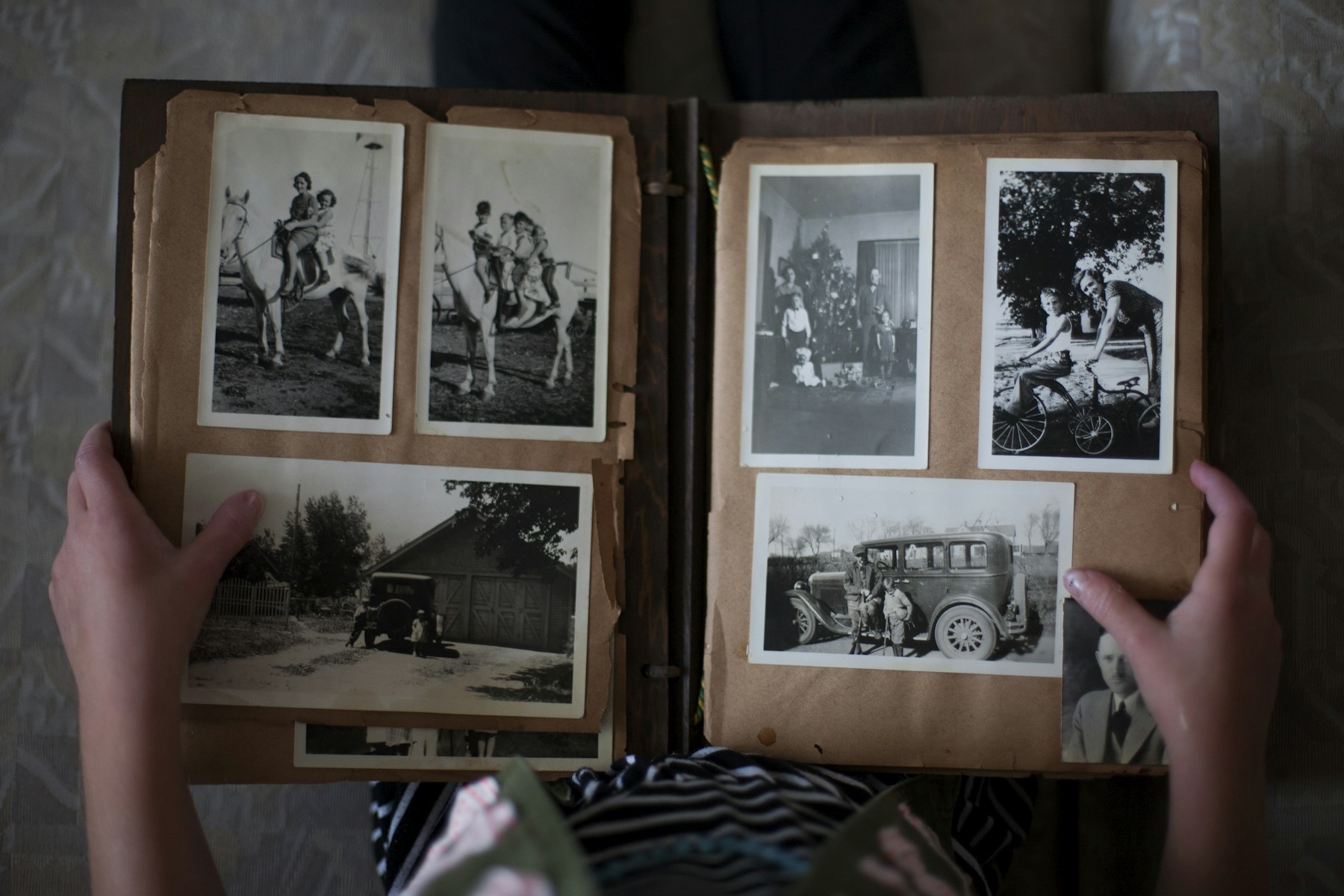
The best photo scanning services in the UK all do the same basic job: you post your prints, they scan them and send back digital files plus your originals. Where they differ is resolution, file type, how they handle albums, extra clean-up and turnaround. For most family prints, a 600 dpi JPEG scan from a reputable UK lab is plenty. Go for 1,200 dpi or TIFF files if you plan to enlarge, restore or archive the photos properly.
Below we compare some of the main UK options, explain the jargon and cover how to get a loft box of prints ready to post without losing anything on the way.
Why scan family photos now rather than later?
Prints don’t last forever. Colour photos from the 1970s, 80s and 90s often fade or turn orange or magenta. Some old “magnetic” albums with sticky pages and plastic covers can bond to the photos over time, which makes them harder to remove the longer you wait. Loft boxes get damp, garages flood and house moves lose things.
A good scan won’t stop the original ageing, but it gives you a copy you can back up, share with the whole family and print again whenever you like. It also means the people in the photos can still be named by someone who remembers them, which is easy to put off and impossible to do later.
What makes the best photo scanning services stand out?
Before comparing names, it helps to know what you’re actually paying for. These are the things worth checking on any service:
- Resolution (dpi): 600 dpi is the usual standard for prints and is enough to reprint at the same size or a little bigger. 1,200 dpi gives you more room to enlarge, crop or restore.
- File format: JPEG is smaller and opens anywhere. TIFF is lossless and better for archiving or heavy editing, but the files are much larger.
- Clean-up: some labs remove dust and correct colour by default, some charge extra and some don’t do it at all. Ask whether you get the untouched scan too.
- Album handling: many services need prints taken out of albums. Others will scan photos in place, usually at a higher price per image.
- Order and naming: if the sequence matters (a holiday, a wedding), check whether the lab keeps your original order.
- Delivery: download link, USB stick, cloud storage or a mix. Download links often expire, so save your files straight away.
- Return postage: look for tracked and signed delivery for your originals.
UK photo scanning services compared
These are details from each company’s own website at the time of writing (October 2026). Prices and options change, so check the current page before you order. Prices are per print, before postage.
| Service | Resolution options | Files | Albums | Starting price |
|---|---|---|---|---|
| CEWE Photo Digitisation | 600 dpi (Standard) or 1,200 dpi (High) | JPEG | Prints must be taken out of albums; slip-in pockets can’t be processed | From 16p |
| MediaFix (Birmingham) | 600, 900, 1,200 or 2,400 dpi | JPEG as standard, TIFF on request | Separate album scanning service | From 17p at 600 dpi on large orders (29p for up to 500) |
| Mr Scan (Farnham, Surrey) | 600 dpi standard | JPEG or TIFF | Stuck-in or mounted photos scanned in place at an album rate | Loose prints from 20p; album photos from 64p |
| EachMoment | 600 dpi default, 1,200 dpi for enlargements | JPEG as standard, TIFF on request | Bound and magnetic albums scanned in place on an overhead rig | 39p, falling to 23p at high volumes |
CEWE: simple and good value for loose prints
CEWE is best known for photo books, and its digitisation service is aimed at people with boxes of loose prints. You choose Standard (600 dpi) or High (1,200 dpi), and files come back as JPEGs by download link, with cloud storage included and a USB stick as an option. It accepts prints from 2 x 3 inches up to A4, and its site says turnaround is usually around 10 working days after your prints arrive. Originals come back by tracked and signed Royal Mail.
MediaFix: the most resolution choices
MediaFix offers four quality levels and clearly published volume pricing, so it’s easy to cost a big box. JPEG is the default and TIFF is available. Extras include dust cleaning, colour and contrast correction (you get both processed and unprocessed files), restoration of badly damaged images and colourisation. Its site quotes a return time of two to four weeks.
Mr Scan: a smaller studio that will scan albums as they are
Mr Scan is a Surrey-based studio that takes orders by post from across the UK and by appointment locally. Scans are 600 dpi as standard, in JPEG or TIFF, with dust removal and colour correction that can be switched off if you prefer the raw scan. If photos are stuck in albums or card-mounted, it can scan them in place for a higher fee. Its site notes that the original order isn’t guaranteed on large orders, so group anything that matters in labelled envelopes.
EachMoment: built around albums you shouldn’t take apart
EachMoment’s selling point is scanning bound and magnetic albums in place rather than peeling the prints out. That costs more per image than loose-print scanning, but it can be the safer choice for fragile, sticky old albums where removing photos risks tearing them.
Should you scan photos yourself instead?
For a handful of prints, doing it yourself is fine. For a few hundred or more, a lab usually wins on time and consistency.
| DIY (flatbed or phone app) | Scanning service | |
|---|---|---|
| Cost | Free with a phone, or the price of a flatbed scanner | Pay per print plus postage |
| Time | Slow: placing, scanning, cropping and naming every print | Post a box and wait a few weeks |
| Quality | Phone apps are fine for sharing; a decent flatbed at 600 dpi can match a lab | Consistent, with colour and dust correction often included |
| Risk | Originals never leave the house | Originals travel by post twice |
A sensible middle ground is to scan the few irreplaceable prints yourself (or have them done locally) and post the rest.
How to prepare your prints before posting them
- Sort first. Group prints by decade, event or family branch and put each group in a labelled envelope. Ask whether the lab will keep your groups as separate folders.
- Count them. Most services charge per print and invoice for extras, so a rough count avoids surprises.
- Photograph the box. A few quick phone photos of what you’re sending gives you something to check against when it comes back.
- Remove tape, staples and Blu Tack. These can damage scanners and prints.
- Don’t force anything out of an album. If prints are stuck fast, choose a service that scans albums in place.
- Write names on the back in soft pencil (never biro, which can press through) if you know who’s in the photo, or keep a separate list.
- Pack it properly. A sturdy box, prints in envelopes or sleeves, no loose rattling, and tracked postage both ways.
What to do with your scans once they arrive
Save the files in at least two places straight away, for example on a computer and in cloud storage, and ideally a third copy on an external drive kept elsewhere. Rename folders with dates and names while you still remember them. Then share them: a family group, a shared album or a printed photo book gets the photos seen again rather than sitting on a USB stick in a drawer.
If some scans show tears, creases, heavy fading or water damage, that’s where restoration comes in. A clean, high-resolution scan gives a retoucher far more to work with than a phone snap of the print.
Restoring and preserving your family memories with The Camera Guys
Scanning is the first step. If you’ve got damaged or faded favourites, our photo restoration service can repair scratches, tears and colour casts, and our photo editing and retouching covers general clean-up. Many families find old home videos in the same loft box as the prints, and we can help with those too through VHS and tape digitisation and family video editing. Get in touch and tell us what you’ve found.
Frequently asked questions
What dpi should I scan old photos at?
600 dpi is a good standard for most prints. Choose 1,200 dpi for small prints you want to enlarge or for photos you plan to restore.
Is JPEG or TIFF better for scanned photos?
JPEG is fine for viewing, sharing and normal reprints. TIFF is better as an archive master or for heavy editing, but the files are much larger.
Is it safe to post old photos to a scanning service?
Most reputable services return originals by tracked post, but there’s always some risk. Pack carefully, use tracked postage, photograph what you send and scan any one-off irreplaceable prints locally.
How long does photo scanning take?
It varies by service and time of year. The UK labs above quote anything from around two to several weeks, and busy periods before Christmas can take longer.
Can scanning services fix damaged photos?
Some offer basic dust and colour correction as standard. Tears, creases and missing areas need proper restoration, which is usually a separate service.