
Matterport vs a Video Walkthrough: Which One Actually Sells the Property?
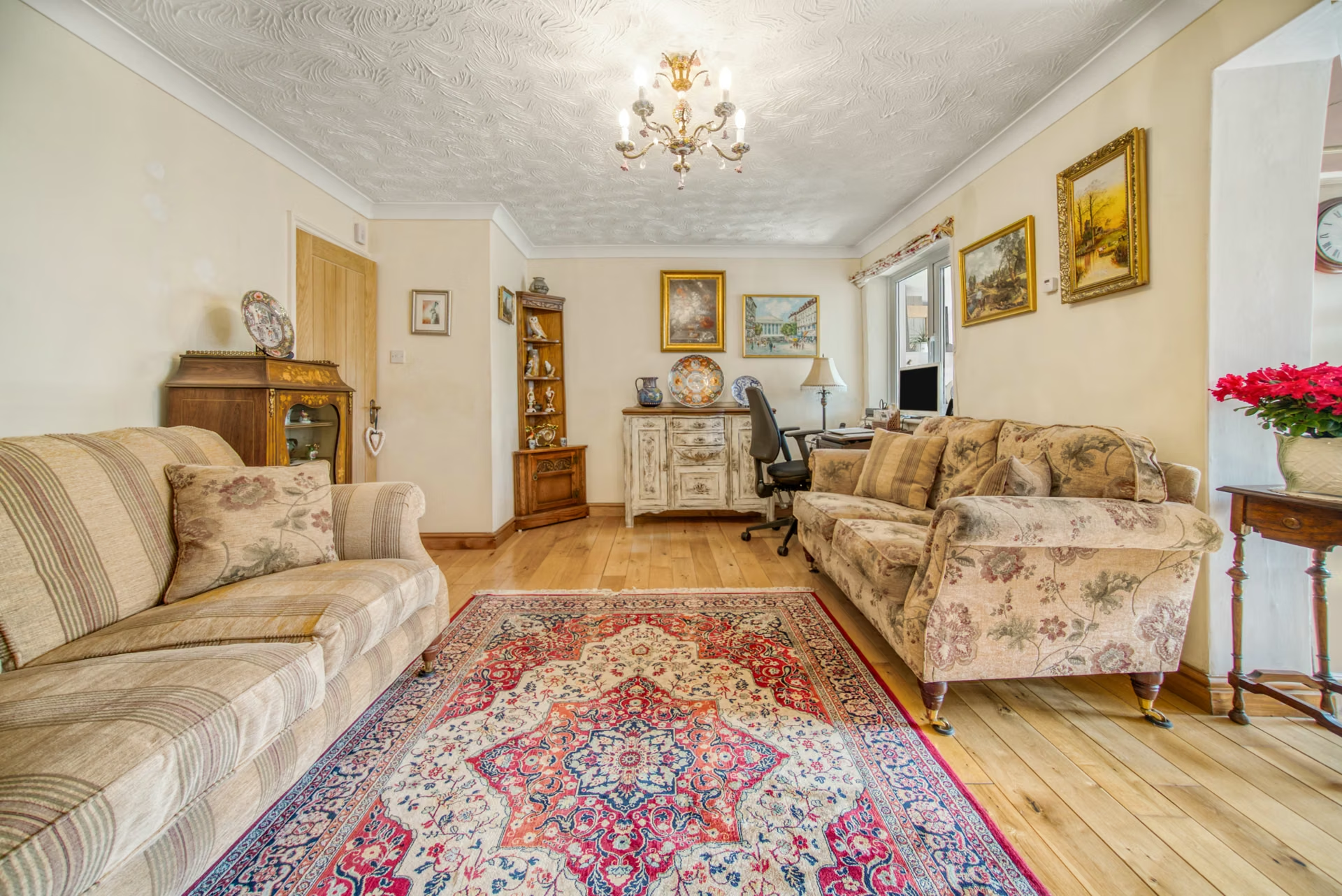
Matterport creates a 3D “digital twin” of a property that buyers can walk around themselves, room by room, from their phone or laptop. A video walkthrough is a filmed, edited tour that tells the story of the home in a couple of minutes. Neither one sells a property on its own, but they do different jobs: video earns attention and the click, while a Matterport tour helps serious buyers decide whether to book a viewing.
If you’re an estate agent, letting agent, developer or homeowner trying to choose between them, here’s how each works, what they’re good at, and when to use both.
What is Matterport?
Matterport is a platform for capturing and sharing 3D tours of real spaces. A camera is placed in a series of positions around a property, and Matterport’s software stitches the scans into one model. Viewers can then:
- “Walk” through the home by clicking from point to point.
- Switch to the dollhouse view, which shows the whole property as a cut-away 3D model.
- See a floor plan view and take measurements inside the tour.
- Look in any direction from each scan point, so nothing is hidden by the way a shot was framed.
Matterport is now owned by CoStar Group, which completed its acquisition in February 2025. It is widely used in residential and commercial property, and also for venues, construction sites and facilities management, because the model doubles as a record of the space.
How is a Matterport tour captured?
Capture is done with Matterport’s Capture app paired with a compatible camera. Matterport’s own list of compatible devices, updated in 2026, includes:
- Matterport Pro3: Matterport’s own LiDAR camera, built for larger spaces and for accurate point cloud, CAD and BIM exports.
- 360 cameras: consumer models such as the Insta360 X3 and X5 and the Ricoh Theta X, Z1 and A1.
- Laser scanners: such as the Leica BLK360, for survey-grade work.
- A phone: the Capture app can also scan using an iPhone’s camera, which is fine for a quick tour but less polished than a dedicated camera.
The finished tour is hosted by Matterport, so you need a subscription with enough “active spaces” for the tours you want live at once. Matterport offers several plans, including a free tier, and it reorganised its plans in 2026, so check the current options on matterport.com before you commit. If you hire someone to scan a property, ask who owns the account the tour is hosted on and how long it will stay online.
How long a scan takes depends on the size of the property, the number of scan positions and the camera. Matterport says the Pro3 completes each 360° scan in under 20 seconds, but larger rooms need more than one position, and the operator has to step out of sight for every scan, so allow time for the whole house rather than counting rooms.
What is a video walkthrough?
A property video walkthrough is a short film of the home, usually one to three minutes for portals and a shorter cut of 30 to 60 seconds for social media. It is shot on a gimbal or slider so the movement is smooth, then edited with music, titles and sometimes a presenter or voiceover.
The big difference is control. With Matterport, the viewer chooses where to look. With video, the editor chooses: you open on the best room, linger on the garden at the right time of day, show the view from the main bedroom, and cut away from the box room. Video can also go outside the walls, with drone shots of the plot and footage of the high street, schools and green spaces nearby. We explain why that matters in why property videos should show the local area.
Matterport vs video walkthrough: side by side
| Matterport 3D tour | Video walkthrough | |
|---|---|---|
| Best at | Helping buyers understand layout, flow and room sizes | Creating an emotional first impression and selling the lifestyle |
| Who controls the view | The viewer | The filmmaker |
| Shows the local area | No, inside the scanned space only | Yes, with drone and street footage |
| Works on social media | Poorly: it’s an interactive link, not a post | Very well, especially vertical cuts |
| Sound and story | None | Music, voiceover, presenter, captions |
| Measurements and floor plan | Built in | Only if added as graphics |
| Ongoing cost | Hosting subscription while the tour is live | None once you have the files |
| Flatters the property | Shows everything, warts and all | Can lead with the best features |
Which one actually sells the property?
The honest answer is that people sell properties, and tours help them do it faster. What each tour does is move a buyer one step further along.
Video wins at the top of the funnel
Most buyers meet a property while scrolling, on a portal or on social media. A well-shot video stops the scroll and makes them want to see more. It works as a social post, as an advert and as an email to your buyer list, and it can carry a presenter who sounds like a person rather than a brochure. A Matterport link doesn’t do any of that well.
Matterport wins at the shortlist stage
Once a buyer is interested, they want to check practical things: does the kitchen open onto the garden, how big is the second bedroom, where would the sofa go? A Matterport tour lets them answer those questions themselves, at midnight, as many times as they like. That can mean fewer wasted viewings, and buyers who do book are better informed.
It depends on the property and the buyer
- Character homes and lifestyle properties usually benefit most from video, because the setting, light and feel are the selling point.
- New builds and apartments often suit Matterport, because layout and size are what buyers compare.
- Remote or overseas buyers and tenants get a lot from Matterport, as it’s the closest thing to visiting in person.
- Commercial and event spaces often use both: a 3D tour for planners checking measurements, and a video to show the space in use.
When it makes sense to use both
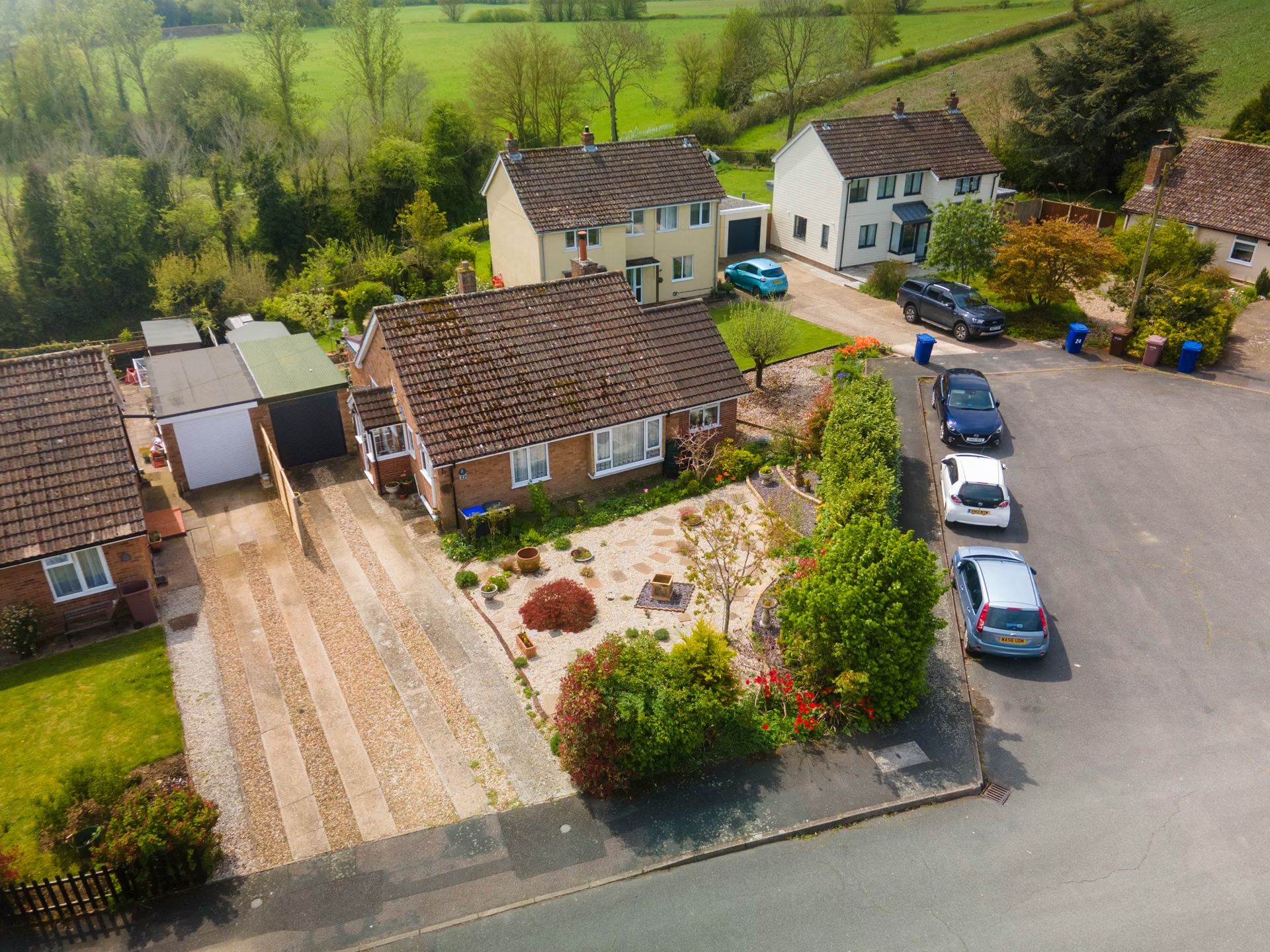
For higher-value listings, or properties that are hard to understand from photos, using both is often the best value. The video does the marketing and the 3D tour does the qualifying. A simple way to combine them:
- Lead the listing with professional photos and the video.
- Post a vertical cut of the video on social media and in adverts.
- Add the Matterport link to the listing and send it to anyone who enquires.
- Use the floor plan and measurements to answer questions before a viewing.
Booking photography, video, drone and a 3D tour on the same visit also means one day of disruption for the owner, and one tidy-up instead of three.
How to prepare a property for either
A 3D scan is even less forgiving than video, because the viewer can look in every direction. Before the shoot:
- Clear worktops, fridge doors, bathroom shelves and window sills.
- Hide bins, laundry, chargers and personal paperwork.
- Open curtains and blinds, and switch on every light, including lamps and under-cabinet lights.
- Make beds, plump cushions and straighten rugs.
- Move cars off the drive and put pets with a neighbour.
- Check mirrors and glass doors for smears, and decide where people and equipment will hide during a 360 scan.
Property tours and video from The Camera Guys
We’re a video production and photography team based in Sudbury and Colchester, working with agents, developers and homeowners across Suffolk, Essex and the surrounding counties. We can help you decide which mix suits a listing, from property video and photography to 360 virtual tours and property drone coverage, and we’ll capture it all in one visit where we can. For still images on their own, see our property photography service.
See our pricing page for current rates, or get in touch with the address and a few details about the property.
Frequently asked questions
What is Matterport used for?
Matterport is used to create interactive 3D tours of real spaces. It’s best known in property marketing, but it’s also used for venues, construction progress, insurance and facilities records, because the scan doubles as a measured record of the space.
Can you make a Matterport tour with a phone?
Yes. Matterport’s Capture app can scan using an iPhone’s camera, and it also works with a range of 360 cameras. A phone is fine for a quick tour, but a dedicated 360 or LiDAR camera gives cleaner results, especially in larger homes.
Do I have to pay to keep a Matterport tour online?
Tours are hosted on Matterport, so they stay live while they sit in an account with an active plan that has room for them. If you pay someone to scan your property, ask whose account the tour is hosted on and for how long.
Is a Matterport tour better than a video walkthrough?
Not better, just different. Video is better for attracting buyers and working on social media. Matterport is better for helping interested buyers understand the layout before they book a viewing. Many higher-value listings use both.
Can a video walkthrough show room measurements?
Not automatically. You can add a floor plan or measurement graphics in the edit, but if buyers need to measure rooms themselves, a 3D tour or a separate measured floor plan does the job better.