
What Is Instagram in 2026? A Plain Guide for Business Owners
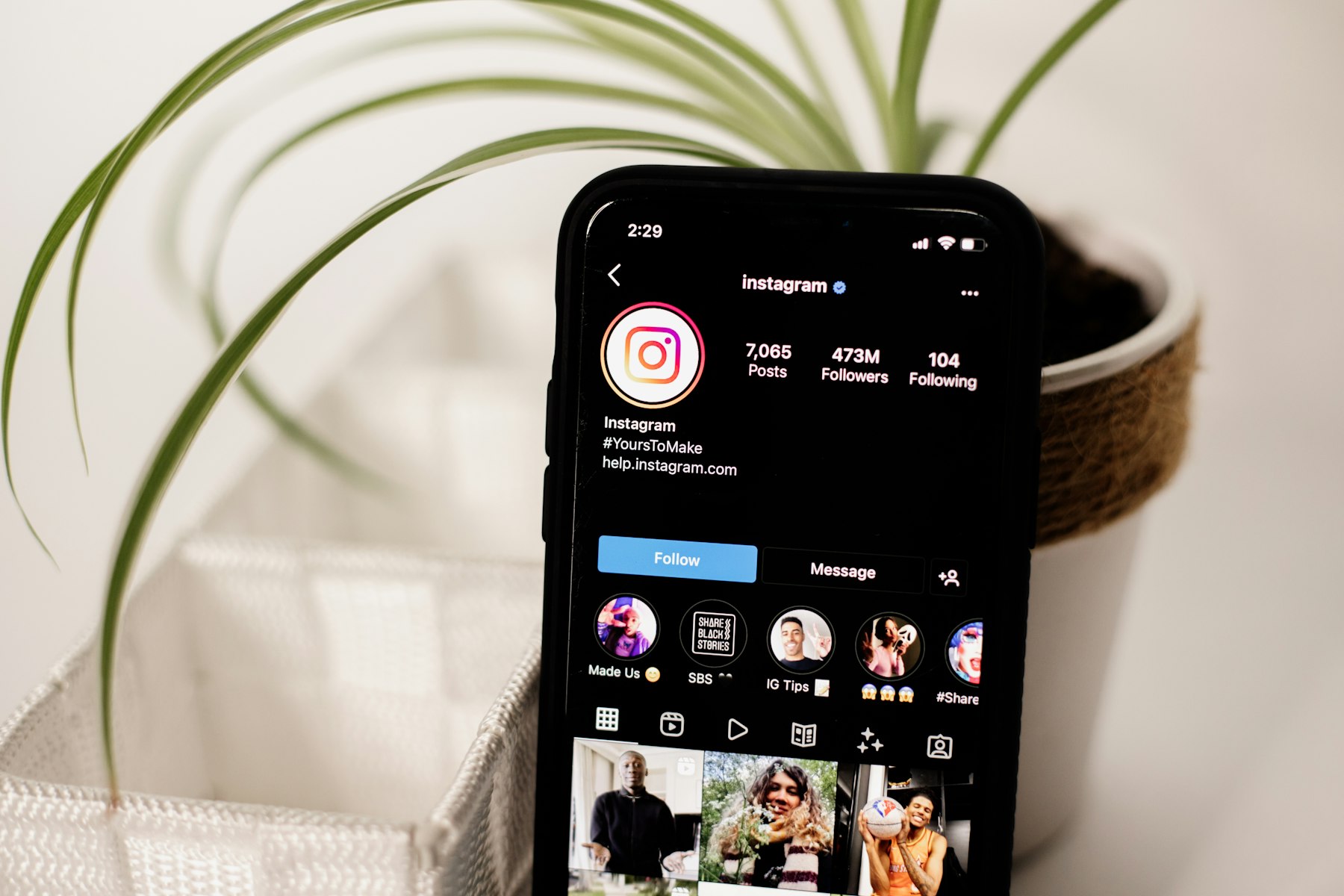
What is Instagram? Instagram is a free photo and video sharing app, owned by Meta (the company behind Facebook and WhatsApp), where people and businesses post pictures, short videos and temporary Stories, follow accounts they like and message each other. In 2026 it’s less a photo album and more a video and messaging app, and Meta says it has more than 3 billion people using it every month.
If you run a business, that matters because your customers are probably on it, and many of them will look you up there before they visit your website. This guide explains what Instagram is, how it works today, and how to decide whether it’s worth your time.
What is Instagram, in plain English?
Instagram launched in October 2010 as a simple app for sharing square photos with filters. Facebook bought it in 2012, and over the years it has added Stories, video, messaging and shopping features. Meta announced in September 2025 that Instagram had reached 3 billion monthly users, and at the same time put Reels and direct messages front and centre in the app.
At its simplest, Instagram works like this:
- You create a profile with a name, a short bio, a profile picture and a link.
- You post content: photos, videos, Reels and Stories.
- People follow you to see your posts, and you follow accounts you’re interested in.
- Instagram recommends content from accounts people don’t follow yet, based on what they watch and interact with. This is how new customers find you.
- People talk to you through comments, likes, shares and direct messages (DMs).
The app is free to download and use on iPhone, Android and iPad, and you can also use it in a web browser on a computer, which is handy for replying to messages from your desk.
The main types of content on Instagram
Instagram has several formats, and each one does a different job. Knowing which is which is the quickest way to make sense of the app.
| Format | What it is | Good for |
|---|---|---|
| Reels | Vertical videos with music, text and effects, shown in a full-screen scrolling feed | Reaching people who don’t follow you yet |
| Feed posts | Single photos or videos that stay on your profile grid | Showing your best work and building a portfolio |
| Carousels | A swipeable post of up to 20 photos or videos | Step-by-step tips, before and afters, product ranges |
| Stories | Photos and short videos that disappear after 24 hours | Behind-the-scenes updates, offers, polls and questions |
| Highlights | Stories you save to your profile so they don’t disappear | FAQs, reviews, services and how to book |
| Live | Real-time video broadcasts that followers can join and comment on | Q&As, launches and events |
| Direct messages | Private chats with one person or a group | Enquiries, customer service and bookings |
Why Reels matter so much
Reels are where Instagram puts most of its effort. They’re Instagram’s answer to TikTok: vertical, full-screen videos that people swipe through one after another. Crucially, Reels are regularly shown to people who don’t follow you, so they’re the main way a business account grows. Instagram also has a free companion app called Edits, launched in 2025, for editing short videos on your phone.
How the profile grid looks now
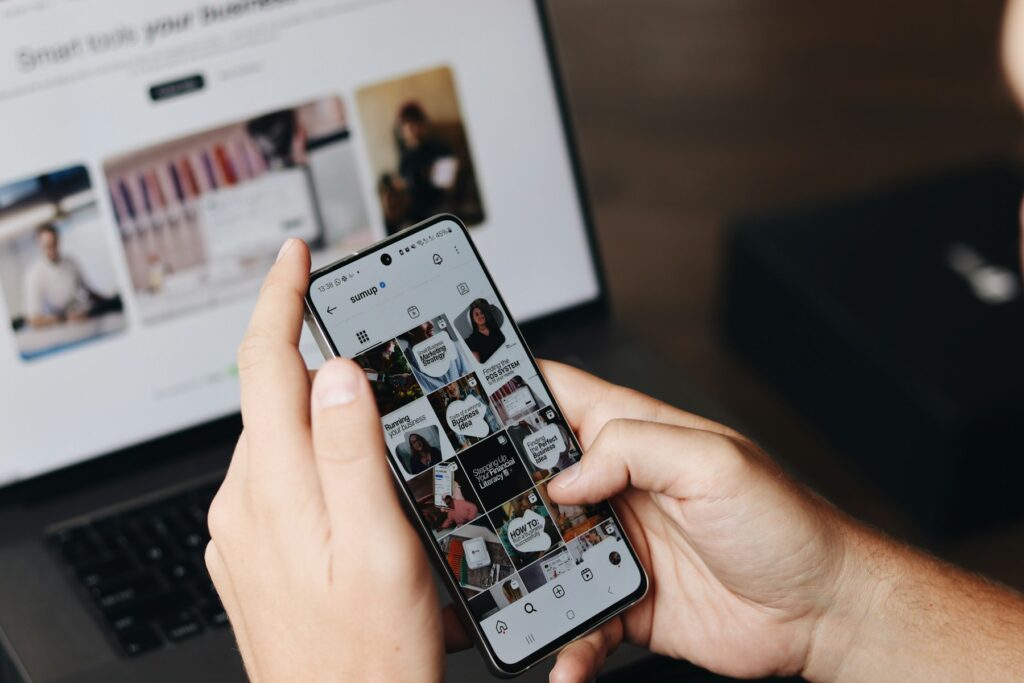
Your profile shows your posts in a grid. Since early 2025 the grid displays posts as portrait rectangles rather than the old squares, so portrait images (4:5) and vertical video covers look best. You can pin a few posts to the top of your grid to show new visitors your strongest work first.
Personal, creator or business account: which do you need?
Instagram offers three types of account. You can switch between them in the app’s settings, and switching is free.
- Personal account: the default. Fine for friends and family, but you don’t get statistics or business tools.
- Creator account: aimed at influencers, artists and public figures. It includes statistics and some extra tools for working with brands.
- Business account: aimed at companies, shops and service businesses. It adds contact buttons (call, email, directions), a business category on your profile, the option to run adverts, and Insights, which show who’s seeing your content and how they respond.
Creator and business accounts are both “professional accounts”. For most UK businesses, a business account is the right choice. It also connects to Meta Business Suite, where you can schedule posts and manage your Instagram and Facebook messages in one place.
One more reason to keep your professional account tidy: since 2025, public posts from professional accounts can appear in Google search results, so your Instagram is increasingly part of how people find you in search.
How much does Instagram cost?
Using Instagram is free, including business accounts. The costs come from:
- Adverts: you can “boost” a post or run campaigns through Meta’s ads tools, setting your own budget.
- Optional subscriptions: Meta Verified is a paid option that adds a verified badge and extra account support for eligible businesses and creators. Instagram Plus, a separate subscription Meta began rolling out in June 2026, adds extra Story and personalisation features. Neither is needed to use Instagram for business.
- Your time and content: this is the real cost. Good photos and video take planning, and posting regularly takes commitment.
Is Instagram right for your business?
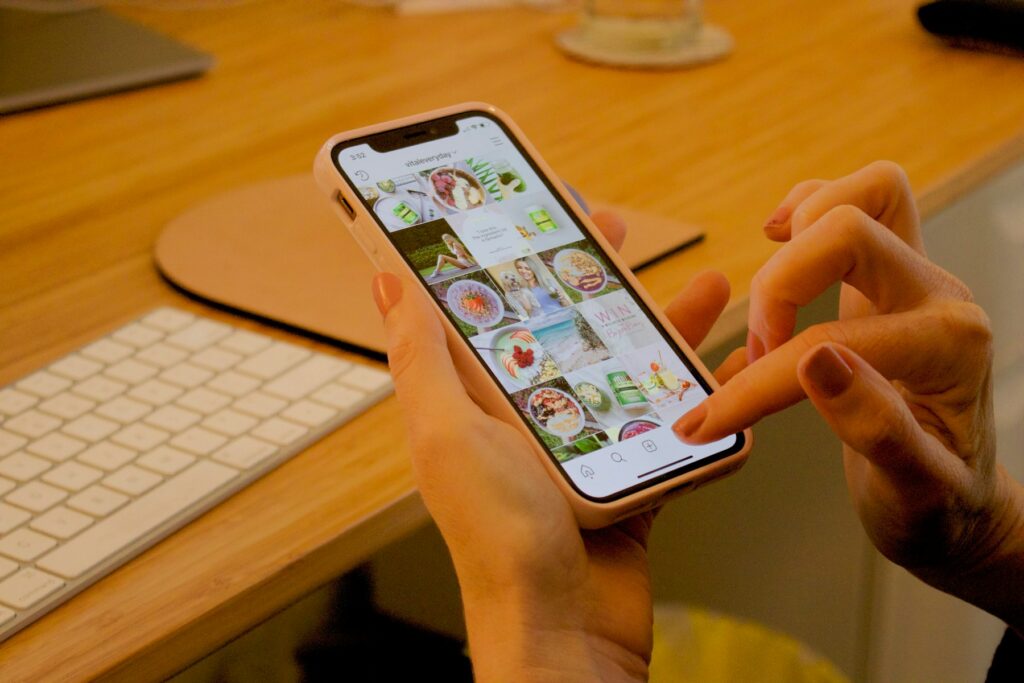
Instagram is a visual platform, so it suits businesses with something to show. It tends to work well for:
- Hospitality: cafés, restaurants, bars and hotels
- Weddings and events: venues, florists, planners, photographers
- Retail and products, especially anything that looks good in use
- Trades with visible results: kitchens, landscaping, building and interiors
- Health, beauty and fitness
- Local businesses that want to be recognised in their area
It can still work for less visual businesses, such as accountants, consultants and B2B firms, but usually through people rather than products: short videos with the team, quick explainers, client stories and behind-the-scenes clips. If your customers are mostly professional buyers, LinkedIn may deserve more of your time, with Instagram as a supporting channel.
How to get started on Instagram as a business
- Set up a business account with a clear profile picture (usually your logo or a friendly face), your business name and a bio that says what you do and where.
- Add your contact details and website link, so people can enquire straight from your profile.
- Plan three or four content themes, such as your work, your team, tips and customer stories, so you’re never staring at a blank screen.
- Post consistently. A realistic schedule you can keep beats a burst of activity followed by silence.
- Make Reels part of the mix. Short, vertical videos give you the best chance of reaching new people.
- Use Stories for everyday updates, and save the useful ones as Highlights.
- Reply to comments and DMs quickly. Instagram is a conversation, and enquiries often start in messages.
- Check your Insights monthly to see which posts people watch, save and share, then make more of those.
Getting video content that’s worth watching
The businesses that do well on Instagram usually aren’t the ones posting the most. They’re the ones posting content that looks good, gets to the point quickly and feels like them. That’s where many owners get stuck, because filming and editing a steady stream of Reels on top of running a business is hard work.
A common answer is to batch it: one well-planned filming day can produce weeks of content. We explain how in how to create a month of social media content in one filming day, and our guide on whether to film vertical or horizontal video covers the formats Instagram favours. If you’d rather hand it over, our social and short-form video editing service turns your footage, or ours, into ready-to-post Reels, and we also make paid social video ads for businesses that want to put budget behind their best content.
Not sure where to start? Get in touch and we’ll give you an honest view on whether Instagram video is worth it for your business.
Frequently asked questions
Is Instagram free for businesses?
Yes. Creating and using a business account is free. You only pay if you choose to run adverts or take out an optional subscription such as Meta Verified.
Who owns Instagram?
Instagram is owned by Meta Platforms, the company that also owns Facebook, WhatsApp and Threads. Facebook bought Instagram in 2012.
What’s the difference between a Reel and a Story?
A Reel is a vertical video that stays on your profile and can be recommended to people who don’t follow you. A Story disappears after 24 hours unless you save it as a Highlight, and is mainly seen by your existing followers.
How old do you have to be to use Instagram?
You need to be at least 13. Users under 18 are placed in Teen Accounts, which have stricter privacy and messaging settings by default.
Can I use Instagram on a computer?
Yes. You can browse, post and reply to messages on instagram.com in a web browser, although some features and editing tools work best in the phone app.