
How to Create a Month of Social Media Content in One Filming Day

The expensive part of a content day is not pressing record.
It is getting the right people in the same place, preparing the location, setting up cameras and sound, agreeing what needs to be said, and giving everyone enough time to do it properly.
Once all of that is happening anyway, it makes sense to get more than one useful video from the day.
That does not mean standing somebody in front of a camera and asking them to record thirty rushed Reels before lunch.
A good content day works because several planned pieces share the same people, location and production setup. Each video still has its own job.
For some businesses, a month might mean four videos. For another, it might mean eight short films, photographs and a bank of supporting footage. A larger campaign can create far more.
The number is less important than whether the content is worth publishing.
If you are planning a corporate video production or a dedicated social-content day, start with the month you want to fill and work backwards from there.
First: a month of content does not mean 30 videos
There is no rule saying a business needs to publish a new professional video every day.
If your team can consistently publish two useful videos each week, that is eight pieces across a four-week month.
Those eight pieces could be far more valuable than thirty clips created simply to satisfy a calendar.
The same applies to frequency. Our guide to how often a business should create new video content looks at the wider workflow: somebody still needs to brief, review, approve, publish and respond to what you create.
Before the shoot, decide what you can realistically use.
A simple monthly plan might contain:
- two expert answers;
- two demonstrations;
- one customer or project story;
- one behind-the-scenes piece;
- one staff-led video;
- one direct response to a common sales question.
That already gives you two pieces a week without manufacturing thirty variations of the same talking head.


Start with the questions your business already answers
One of the easiest ways to plan social video is to listen to your own customers.
What does the sales team explain repeatedly?
What does somebody usually ask before requesting a quote?
What do customers misunderstand?
What would be easier to show than describe?
What happens behind the scenes that people rarely get to see?
Those questions are often stronger than a brainstorming session built around vague ideas such as:
“We need something engaging for Instagram.”
Imagine a company that installs specialist commercial equipment.
Its useful content might include:
- Who is this system actually suitable for?
- What needs to be ready before installation?
- What does the installation process look like?
- How much disruption should a customer expect?
- What happens during handover?
- What is one common mistake when planning the site?
- How does the team decide which option to recommend?
- What information should somebody send when asking for a quote?
Those are eight distinct videos.
They happen to share a subject, location and likely contributors, which is exactly what makes them efficient to film together.
If you are deciding which ideas deserve short clips and which need more explanation, our guide to short-form versus long-form video is a useful companion.
Give every video a job before you give it a date
Do not begin with:
Monday = Reel
Thursday = Reel
Start with what each piece should do.
For example:
| Week | First piece | Second piece |
|---|---|---|
| 1 — Help someone recognise the need | Answer: “Who is this service for?” | Show the problem or situation the service addresses |
| 2 — Remove uncertainty | Explain what the customer needs to prepare | Show one common mistake and how to avoid it |
| 3 — Explain delivery | Demonstrate part of the process | Answer a practical question about disruption or timings |
| 4 — Build confidence | Introduce the person who makes a key decision | Explain exactly what someone should send when requesting a quote |
Now each video has a reason to exist.
The filming day supplies the material. The publishing plan determines why someone should see it.
This is also why video works on social media when the moving picture adds something useful — a process, a voice, a demonstration or a visible detail — rather than because video is automatically superior to every other format.
Sometimes a photograph or written post is still the better answer.
Build the filming day around setups, not individual videos
The easiest way to waste a content day is to treat every video as a separate production.
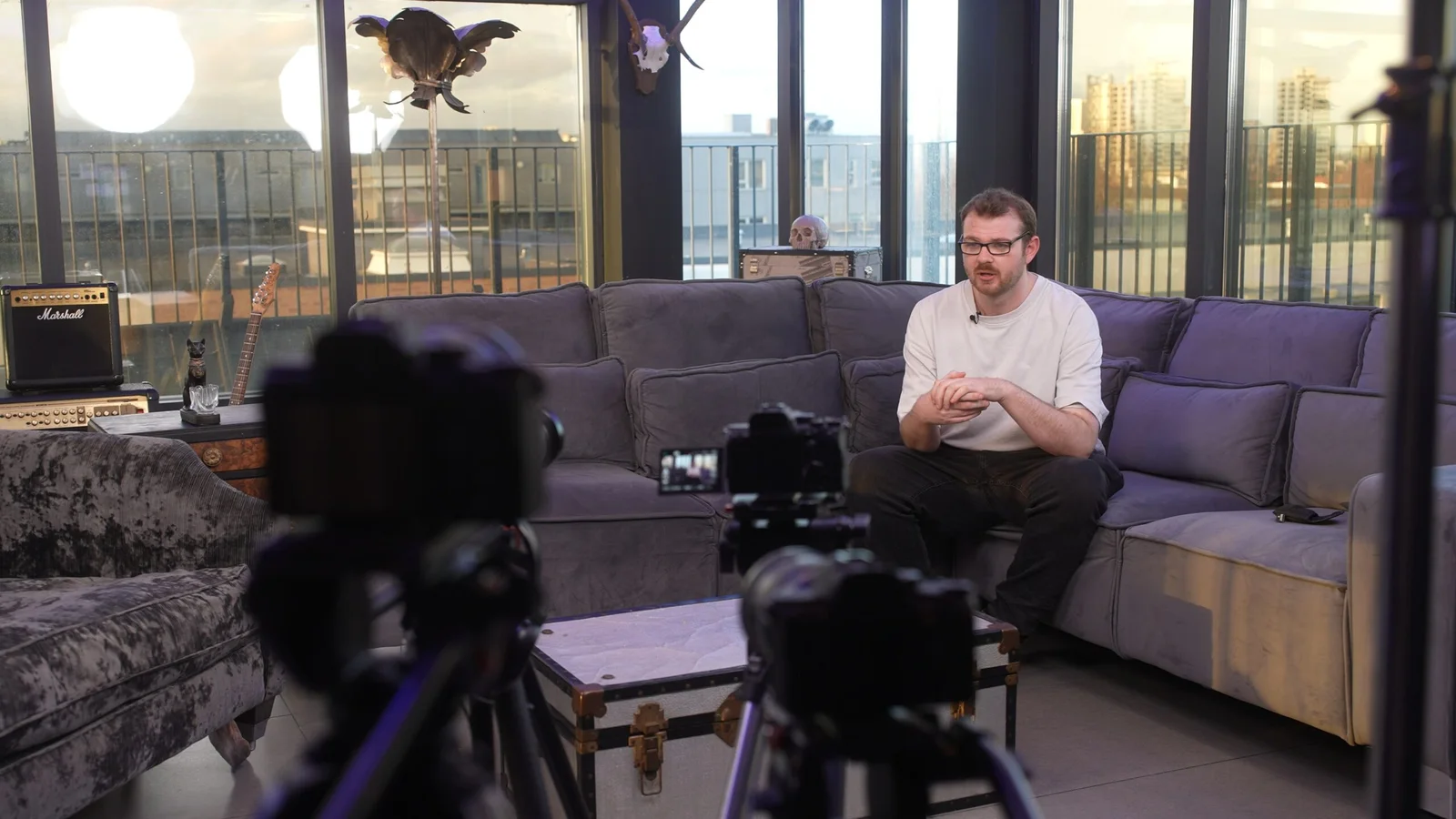
Set up interview one.
Pack it down.
Move across the building.
Set up video two.
Change everything again for video three.
By lunchtime, you have spent more time moving equipment than filming.
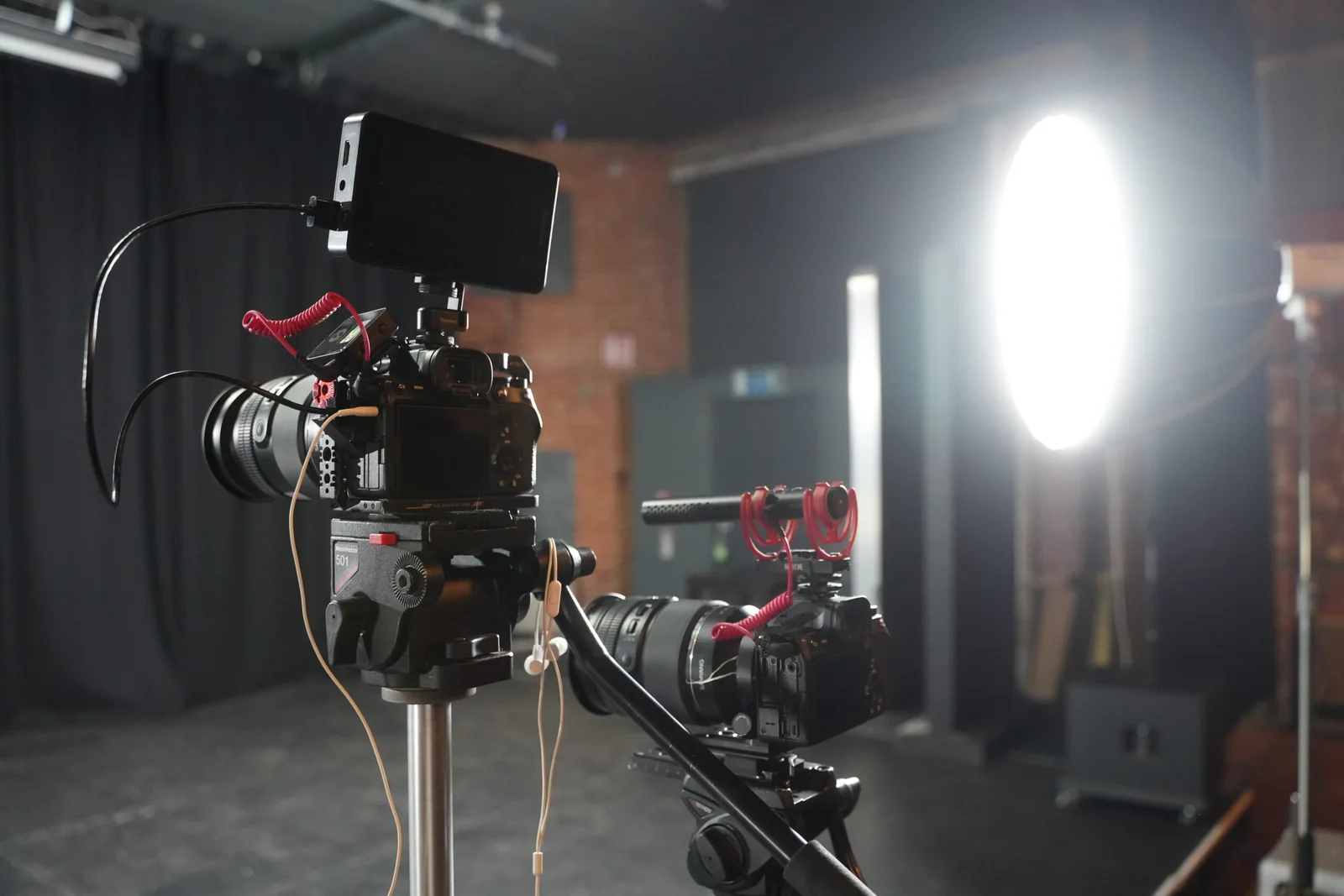
Instead, group the work by setup.
A realistic day could look like this:
| Time | What happens |
|---|---|
| 09:00–10:00 | Crew arrival, lighting, sound, camera setup and one complete test |
| 10:00–11:30 | Record the main expert answers while the interview setup is ready |
| 11:30–12:15 | Second contributor, alternative openings or shorter direct-to-camera pieces |
| 12:15–13:00 | Break, file checks and preparation for the practical footage |
| 13:00–14:30 | Demonstrations, processes, products or customer-facing activity |
| 14:30–15:30 | Supporting footage and alternative framing for social versions |
| 15:30–16:15 | Pickups, unclear answers and missing actions |
| 16:15–17:00 | Coverage check, contingency and anything genuinely useful still missing |
That is not a promise that every eight-hour booking follows that timetable.
A noisy factory, six contributors, a location change or a complicated product demonstration can change the entire day.
Our broader guide to how many videos can be filmed in one day explains why setup time and production complexity matter more than an arbitrary target.
Do not script everybody into sounding like everybody else
There is a place for a written script.
A legal statement, a precise technical explanation or a tightly timed advert may need exact wording.
A series of social videos often does not.
If the person on camera knows the subject, give them a clear question and help them answer it naturally.
A useful prompt might be:
“What is the first thing you check when somebody asks whether this system will work on their site?”
That will usually produce a more believable answer than:
“At Acme Ltd, our highly experienced team prides itself on delivering bespoke solutions tailored to each individual client's needs.”
The second sentence could belong to almost anybody.
The first gives the contributor something real to explain.
For longer interview-led content, the same principle applies to our interview videography work: useful questions usually create stronger material than asking somebody to memorise marketing copy.
Record each answer so it can survive on its own
One of the biggest problems with batching content is that the clips can become dependent on each other.
Someone says:
“As I mentioned in the last video…”
Except the viewer never saw the last video.
Or the marketing team publishes the clips in a different order.
Or one video is removed six months later and the remaining one no longer makes sense.
Where practical, record each planned piece as a complete thought.
Instead of:
“And the second thing we look at is access…”
record:
“The second thing we look at when planning an installation is access…”
That tiny difference makes the clip much easier to reuse.
The same applies to names, products and technical terms. Give the viewer enough context to understand the video without needing to find episode one first.
Make the first few seconds belong to that particular video
Eight videos do not need eight copies of the same introduction.
You do not have to begin every clip with:
“Hi, I’m Sarah from Company Ltd…”
If the video is about a common installation mistake, show the mistake.
If the video answers a pricing question, begin with the qualification that changes the answer.
If the clip demonstrates something visual, let the viewer see it.
If a contributor says something particularly clear, start there.
Branding can still be present without consuming the opening of every piece.
This is particularly important when you are producing vertical video, Reels and short social content because each clip has to make sense as its own small piece of communication.
Film the proof, not just the person explaining it
A content day built entirely around talking heads can become repetitive very quickly.
If somebody talks about a process, show it.
If they describe a product feature, capture the feature.
If the business is proud of a working environment, film people genuinely using it.
If they explain a common mistake, create a safe and accurate example if one is available.
Good B-roll does more than hide edits. It gives the viewer something to assess.
For each important subject, try to capture a small sequence rather than one random cutaway:
- a wider view that gives context;
- the action itself;
- a closer detail that shows what matters.
That one process can then support the expert answer, a standalone demonstration and parts of a longer film.
Film for the formats you actually need
“Can you just crop it vertically afterwards?” is sometimes fine.
Sometimes it is not.
A wide two-person composition can become useless when cropped to 9:16. A product positioned at the edge of a landscape frame may disappear. Text or graphics can end up underneath platform controls.
If you know the campaign needs vertical content, plan for it while filming.
That might mean:
- composing some shots with both landscape and vertical crops in mind;
- deliberately recording selected vertical shots;
- leaving useful negative space for captions;
- capturing closer versions of important actions;
- recording alternate openings for specific platforms.
You do not necessarily need to film every shot twice.
You do need to know the destinations before the crew finishes.
The same logic applies when content is also intended for a website. Our guide to using video on your company's website explains why a homepage film, background loop and social clip are different jobs even when they come from the same production.
Real example: six hours at Southwold Maize Maze
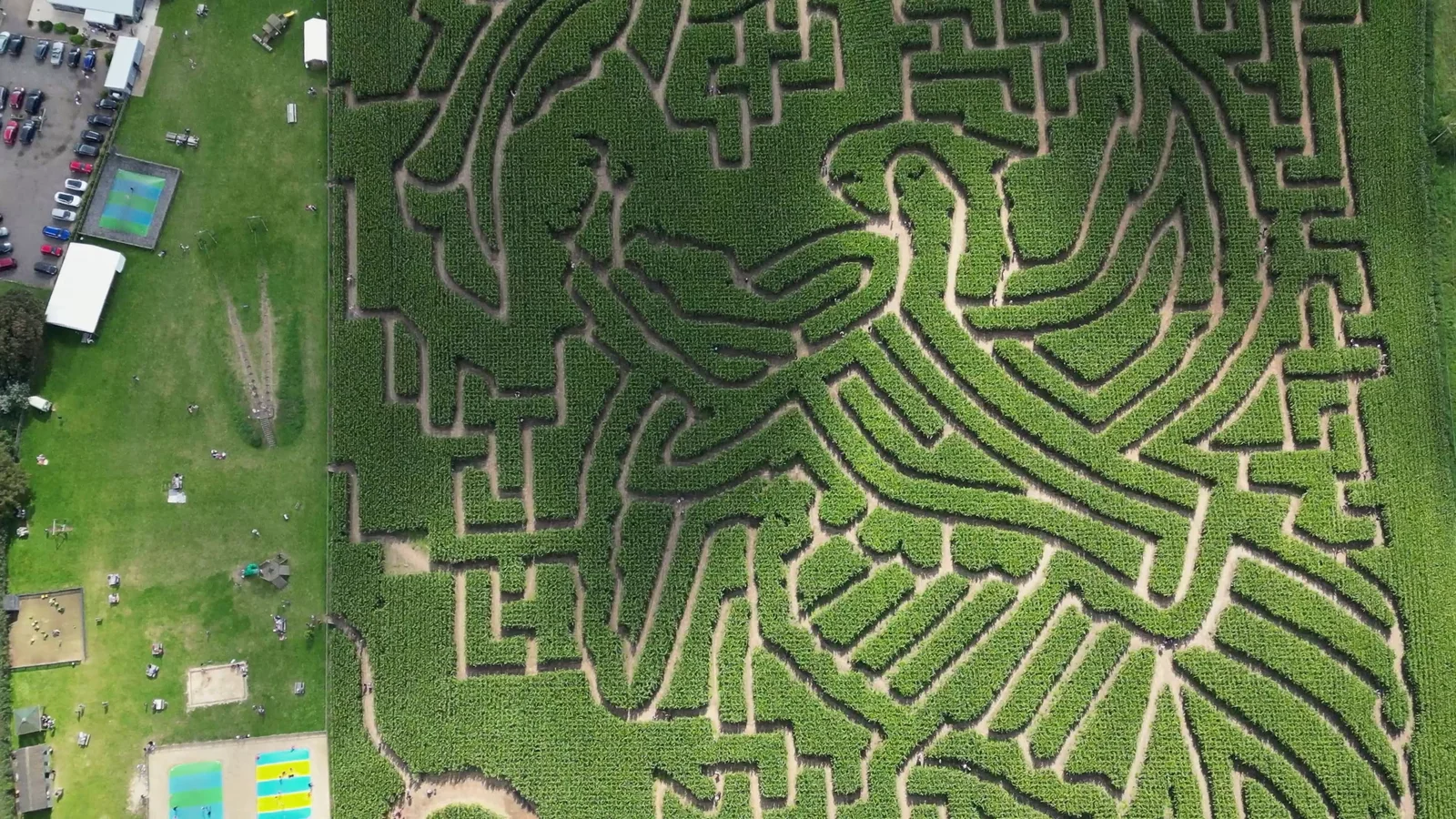
A useful real-world example is our Southwold Maize Maze production.
One videographer spent six hours covering the attraction and Old Hall Café & Walks in Suffolk.
The brief was not:
“Make one video and see what else we have afterwards.”
It was planned as a content library.
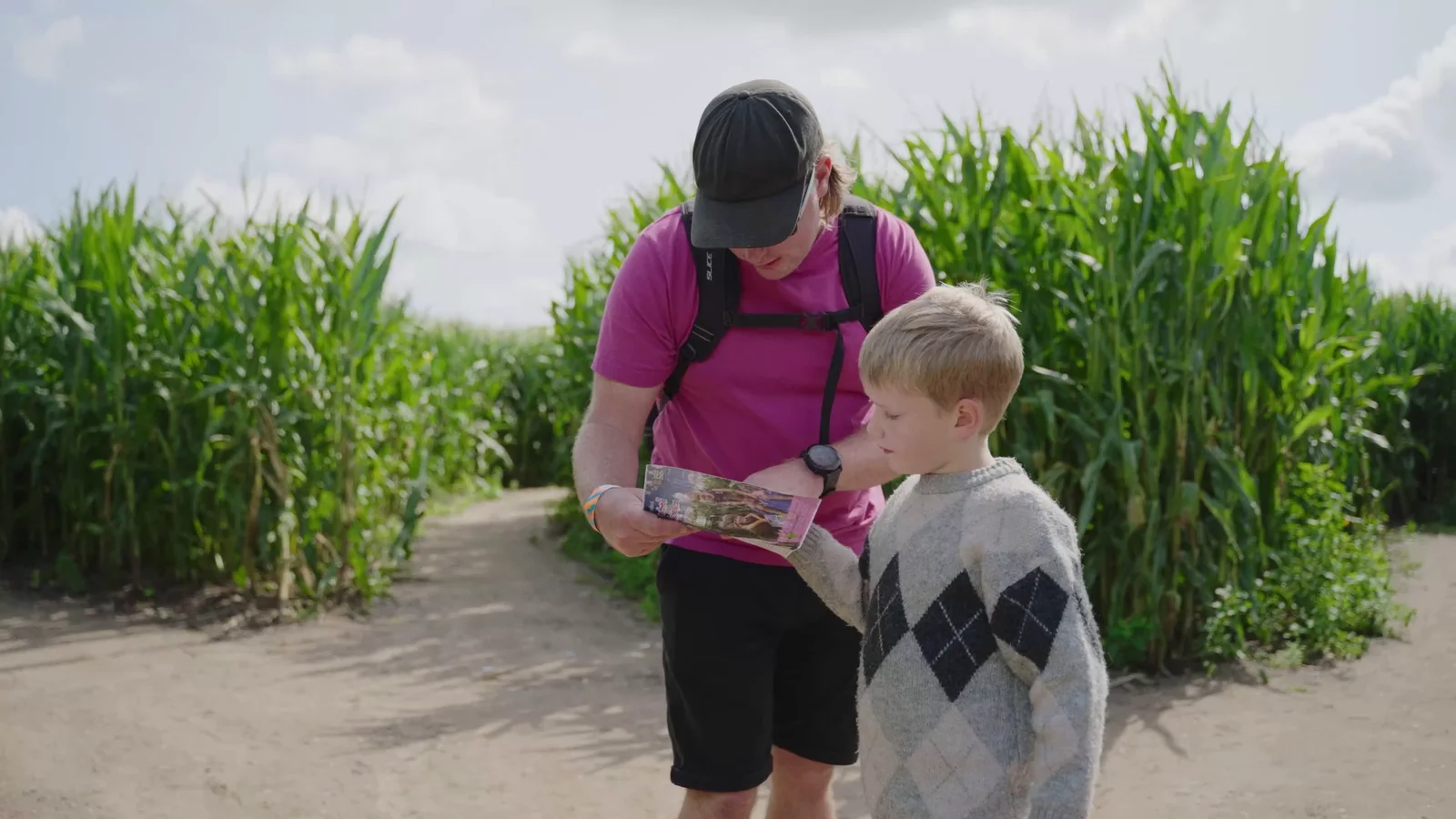
The maze, family activities, play equipment, pedal go-karts, water activity, café and surrounding walks each needed enough coverage to work as part of the main film and as standalone material.
The project ultimately produced more than 100 pieces of content, including a main attraction film, a separate café-and-walks film, drone material and dozens of activity-led edits.
That number makes sense because many of the deliverables shared the same source material.
It does not mean we filmed 100 unrelated videos one after another.
The full breakdown is in our article on how one filming day created 100+ pieces of social content.
The useful lesson for a normal monthly content day is the same at a smaller scale:
Capture each important part of the business as something the editor can reuse.
Real example: 20 sports videos needed 20 complete sets of coverage
Our Essex Sport content day was a very different production.
The goal was to film twenty separate activities and create a short promotional video for each one.
That meant every stop needed enough material to stand on its own.
A brilliant shot from basketball could not rescue incomplete coverage of another sport.
The day therefore depended heavily on the route, timetable and a repeatable capture pattern.
That example is useful because it shows the limit of the “film loads in one day” idea.
High output becomes possible when the production decisions are already made. It does not become possible simply because the camera operator works faster.
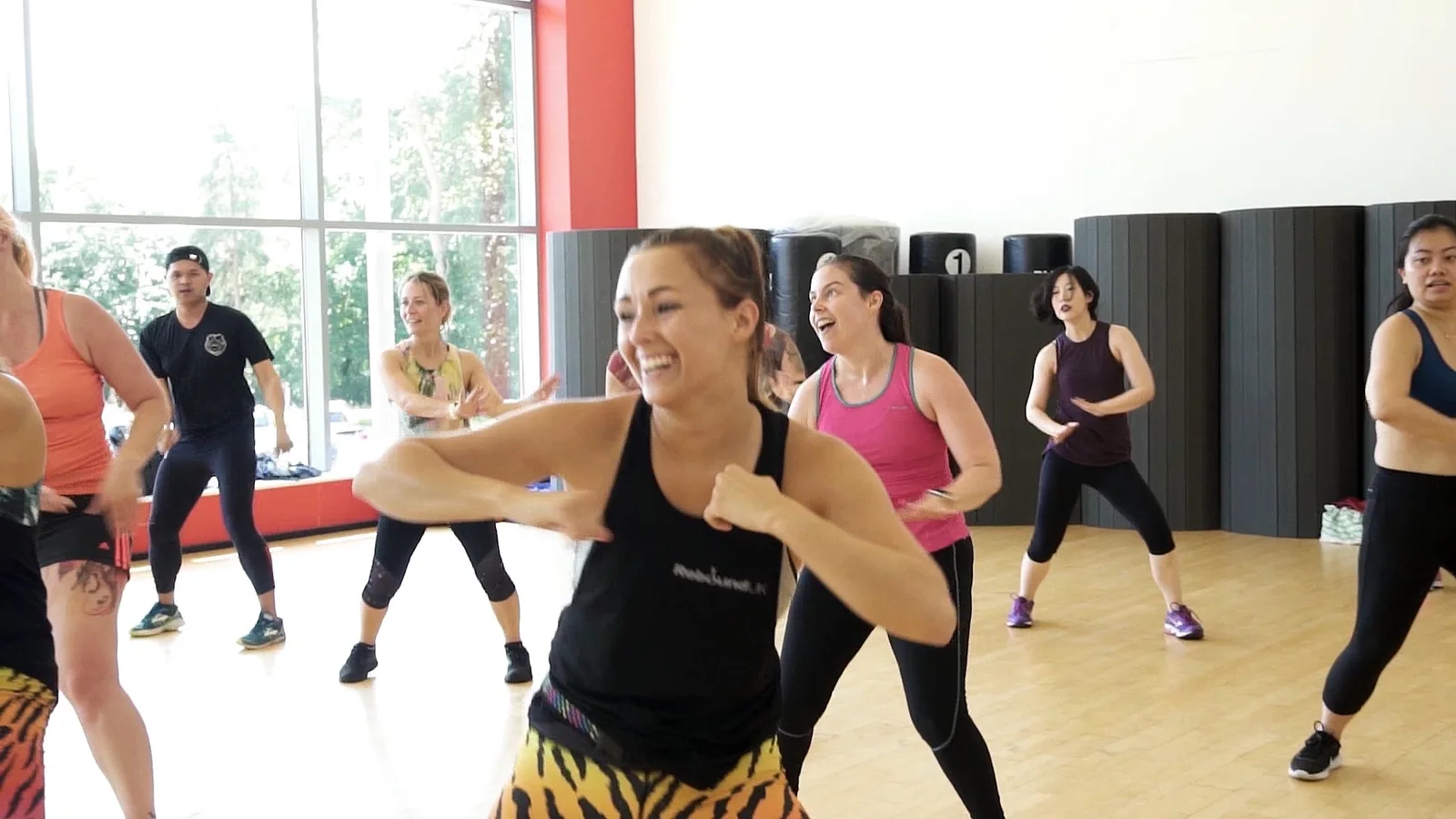

Real example: one brand, lots of different social situations
Our ongoing work with Jellyshotz shows another version of a content library.
The work ranged from product photography and vertical product films to festival coverage, Instagram Stories, testimonials and longer promotional edits.
A small product film created in a controlled setup needed a very different approach from capturing somebody's first reaction at a busy festival.
But the material still belonged to the same brand.
That is a useful reminder that consistency does not mean every social video needs the same background, presenter and template.
A content plan can stay recognisable through the product, people, tone and visual treatment while still giving each piece an idea of its own.
Consider photography while everybody is already together
A content day does not have to produce only video.
If you need website imagery, portraits, product photographs or social stills as well, it may be efficient to plan professional photography alongside the filming.
That can work particularly well when:
- contributors are already available;
- the location has been prepared;
- products have been organised;
- styling or wardrobe has been arranged;
- the marketing team needs both moving and still assets.
But photography should still be scoped properly.
One person cannot provide dedicated photography and dedicated videography in two places at once. If both need to happen simultaneously, the production may need separate operators.
Our video and photography services can be planned together where the brief benefits from it.
Leave room for something better than the plan
A content plan should make the filming day efficient.
It should not make the crew blind.
Someone may give an unexpectedly good answer.
A customer may ask a question nobody included in the brief.
A real process may look more interesting than the staged demonstration.
An event on site may provide a useful opportunity.
If every minute has been allocated to an exact script, there is no room to respond.
That is why a sensible filming day includes contingency and pickups rather than scheduling every minute as if the production were a factory line.
Plan the essentials first.
Then leave enough space to notice what is actually happening.
The editing workload still exists
One filming day does not equal one day of completed content.
After filming, the material still needs to be:
- backed up and organised;
- reviewed;
- edited into the agreed pieces;
- colour corrected;
- cleaned and mixed for sound;
- captioned where required;
- checked for names, facts and branding;
- reformatted for agreed destinations;
- reviewed and approved;
- exported and quality checked.
If eight ideas are delivered in landscape and vertical versions, that may mean sixteen finished files.
Those are not necessarily sixteen completely different films, but each version still needs preparing and checking.
Our guide to video post-production explains what happens after the camera day, while our video production pricing page sets out the current filming and editing rates.
Agree the outputs before the shoot so the editing quote is based on something real.
Do not build a three-month stockpile of content that will expire next Tuesday
Batching works best with material that has a reasonable useful life.
Good candidates include:
- recurring customer questions;
- evergreen demonstrations;
- introductions to services;
- expert explanations;
- common misconceptions;
- team expertise;
- processes that are unlikely to change immediately.
Be more careful with:
- current prices;
- short-term offers;
- product versions nearing replacement;
- temporary staff or job titles;
- changing regulations;
- dated statistics;
- event-specific announcements.
If something may be inaccurate by the time it is published, either film it closer to the release date or make sure the wording can survive the gap.
A content library is useful because it gives the marketing team options.
It becomes a liability if nobody knows which videos are still accurate.
Make approval part of the plan
Eight finished videos can create eight separate rounds of chaos if nobody owns feedback.
Before editing begins, decide who is responsible for approval.
For a small business, that may be one person.
For a larger organisation, somebody may need to collect comments from marketing, technical staff, management or compliance and send one consolidated response.
Also decide whether it makes sense to approve the first few videos before the whole batch is completed.
That can establish:
- caption style;
- title treatment;
- logo placement;
- music direction;
- pacing;
- preferred colour treatment;
- how names and roles appear.
There is little value in fully finishing eight videos and then discovering everybody wants the same structural change across the entire set.
A useful content-day brief can fit on one page
You do not need to arrive with a 40-page creative deck.
For a straightforward business content day, a useful brief could contain:
The audience
Who are the videos for?
The recurring questions
What does that audience repeatedly need to understand?
The eight planned pieces
Give each one a working title and job.
The contributors
Who can answer each subject properly?
The things worth showing
Processes, products, people, locations or demonstrations.
The destinations
LinkedIn, Instagram, TikTok, YouTube, website, email or somewhere else.
The required formats
Landscape, vertical, square, captioned, silent-loop or other versions.
The priorities
If time gets tight, which pieces absolutely must be completed?
That is enough to start turning the idea into a production schedule.
One filming day should make the next month easier
The point of batching content is not to make your social feed look busy.
It is to remove the repeated effort of organising a new production every time somebody realises there is nothing to post on Thursday.
A good filming day gives the business a planned bank of material with different jobs:
one answer reassures a potential customer;
one demonstration makes a process clearer;
one person gives the company a recognisable voice;
one piece sends somebody towards a more detailed page;
one useful sequence can support several edits later.
Sometimes that means eight videos.
Sometimes it means four excellent films and a set of photographs.
Sometimes, as Southwold Maize Maze demonstrates, one carefully planned shoot can create a much larger library.
If you want to plan a content day, tell us what you need to keep talking about over the next month. We can work backwards from the topics, platforms and people available, then build the filming day around content you will actually use.