
How Much Raw Footage Does a Video Shoot Produce?
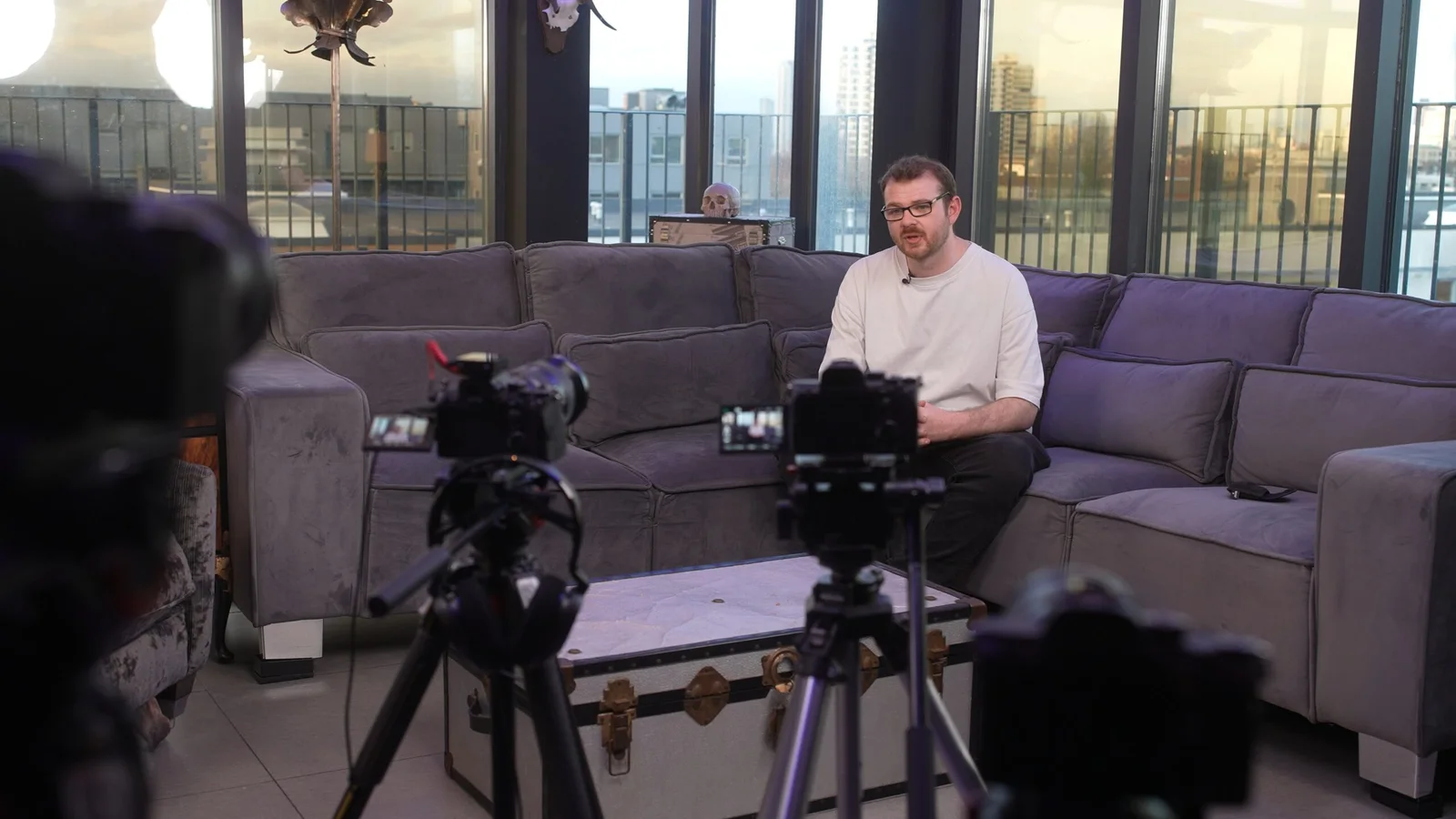
A finished video can be 90 seconds long and come from 40 minutes of footage.
It can also be 90 seconds long and come from six hours.
Neither tells you whether the shoot was efficient.
The amount of raw footage depends on what was being filmed, how many cameras were recording, how long they actually rolled for and the recording format being used.
That matters if you are planning to keep the originals, hand them to an internal editor or commission more videos later. It matters far less if all you need is the finished film.
The useful thing is to separate three numbers that are often confused:
How long the filming day lasted.
How many hours the cameras actually recorded.
How much storage those files require.
They are not the same number.
A four-hour shoot does not mean four hours of footage
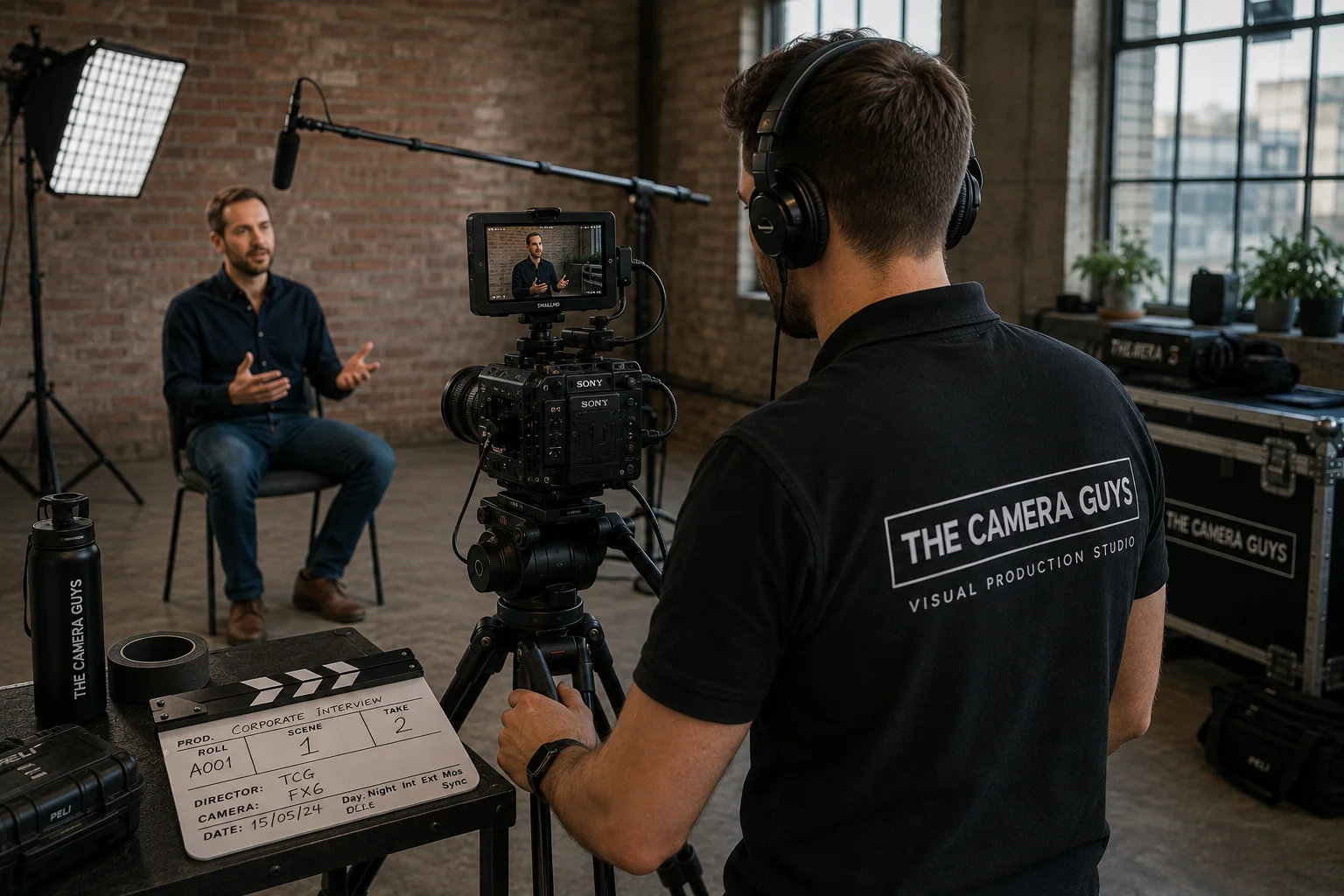
Imagine we spend four hours filming a customer testimonial.
During that time we might:
- set up and light the interview;
- record a 45-minute conversation on two cameras;
- move around the location;
- film 30 minutes of supporting footage;
- record room tone and additional sound;
- change batteries and cards;
- and pack everything away.
The crew has been on site for four hours.
The cameras have not been recording continuously for four hours.
But because two cameras recorded the same 45-minute interview, that part of the shoot has produced 90 minutes of camera footage before we even count the supporting material.
Add 30 minutes of B-roll from one camera and the project now contains two camera-hours of video.
That is the number that starts to matter when you estimate storage or editing workload.
Think in camera-hours
This is the simplest way to understand multicamera filming.
If one camera records for one hour, you have one camera-hour.
If two cameras record the same one-hour interview, you have two camera-hours.
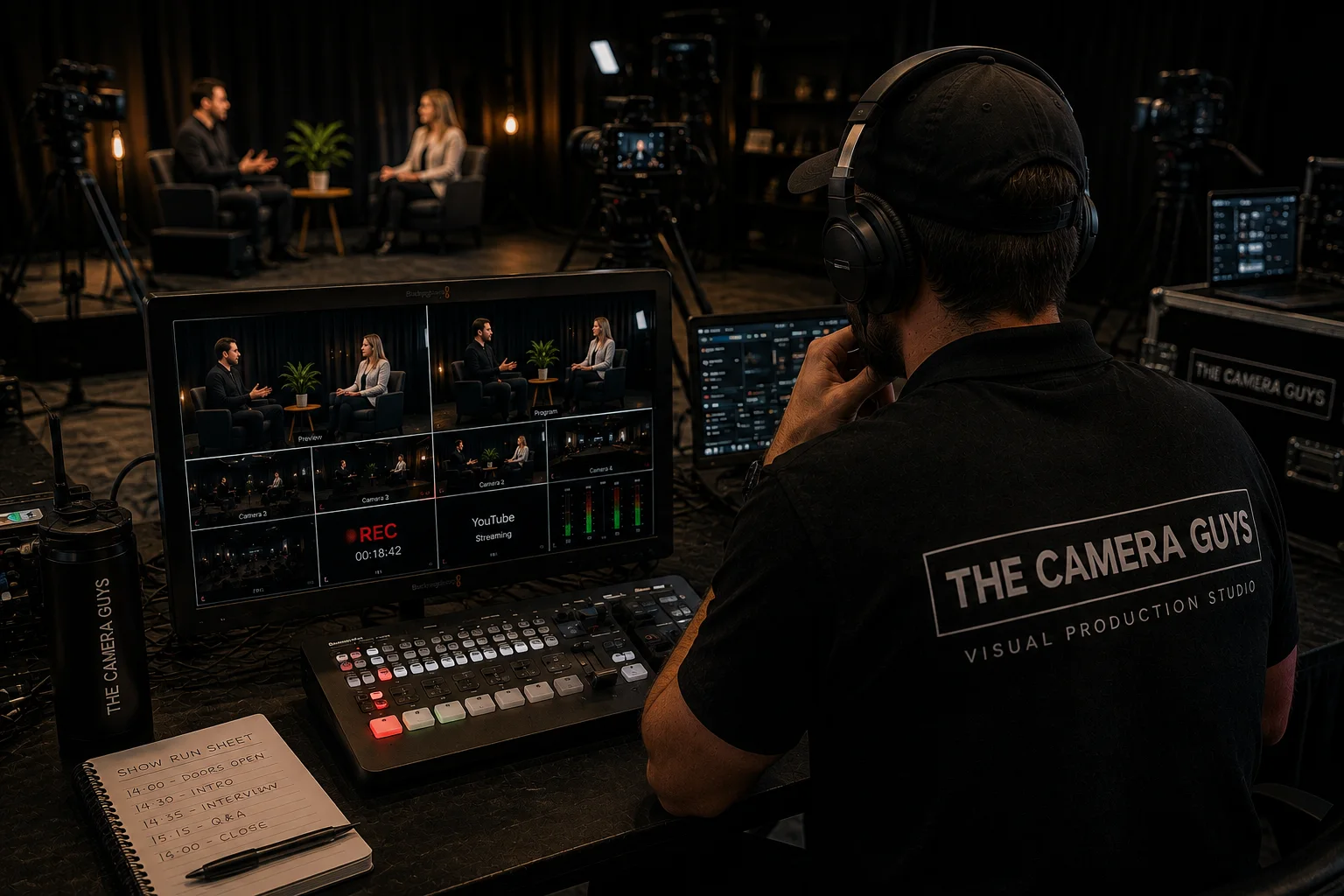
If three cameras continuously record a two-hour conference session, you have six camera-hours.
The finished programme is still two hours long.
The editor simply has three simultaneous views of it.
This is why a multicamera conference can generate substantially more material than a short promotional shoot, even if the crew spends the same number of hours on location.
For conference videography, that extra material is often essential. If a keynote cannot be repeated, continuous coverage from more than one angle gives the edit options and protects important moments.
Then comes the data
Camera-hours tell you how much recorded material exists.
They still do not tell you how many gigabytes it occupies.
For that, you need to know the recording bitrate.
As a simple planning calculation:
Storage in GB ≈ bitrate in Mb/s × recording time in seconds ÷ 8,000
For one hour of footage, that becomes particularly easy:
GB per hour ≈ bitrate in Mb/s × 0.45
So one camera recording for an hour at an average of 100 Mb/s produces roughly 45 GB of video data.
The same hour at 250 Mb/s is roughly 112.5 GB.
At 500 Mb/s, it is roughly 225 GB.
These are decimal planning figures rather than guarantees for a particular camera mode. Variable bitrate, separate audio, metadata and the way storage devices report capacity can all change what you see in practice.
What that looks like in real numbers
| Average video bitrate | 30 minutes | 1 camera-hour | 4 camera-hours |
|---|---|---|---|
| 50 Mb/s | 11.25 GB | 22.5 GB | 90 GB |
| 100 Mb/s | 22.5 GB | 45 GB | 180 GB |
| 250 Mb/s | 56.25 GB | 112.5 GB | 450 GB |
| 500 Mb/s | 112.5 GB | 225 GB | 900 GB |
One easy mistake is confusing Mb/s with MB/s.
The lowercase b means bits. The uppercase B means bytes.
There are eight bits in a byte, so mixing those units up gives you a storage estimate eight times too large or too small.
A two-camera interview might generate less data than a one-camera product shoot
The number of cameras is only part of the story.
Take the testimonial example above.
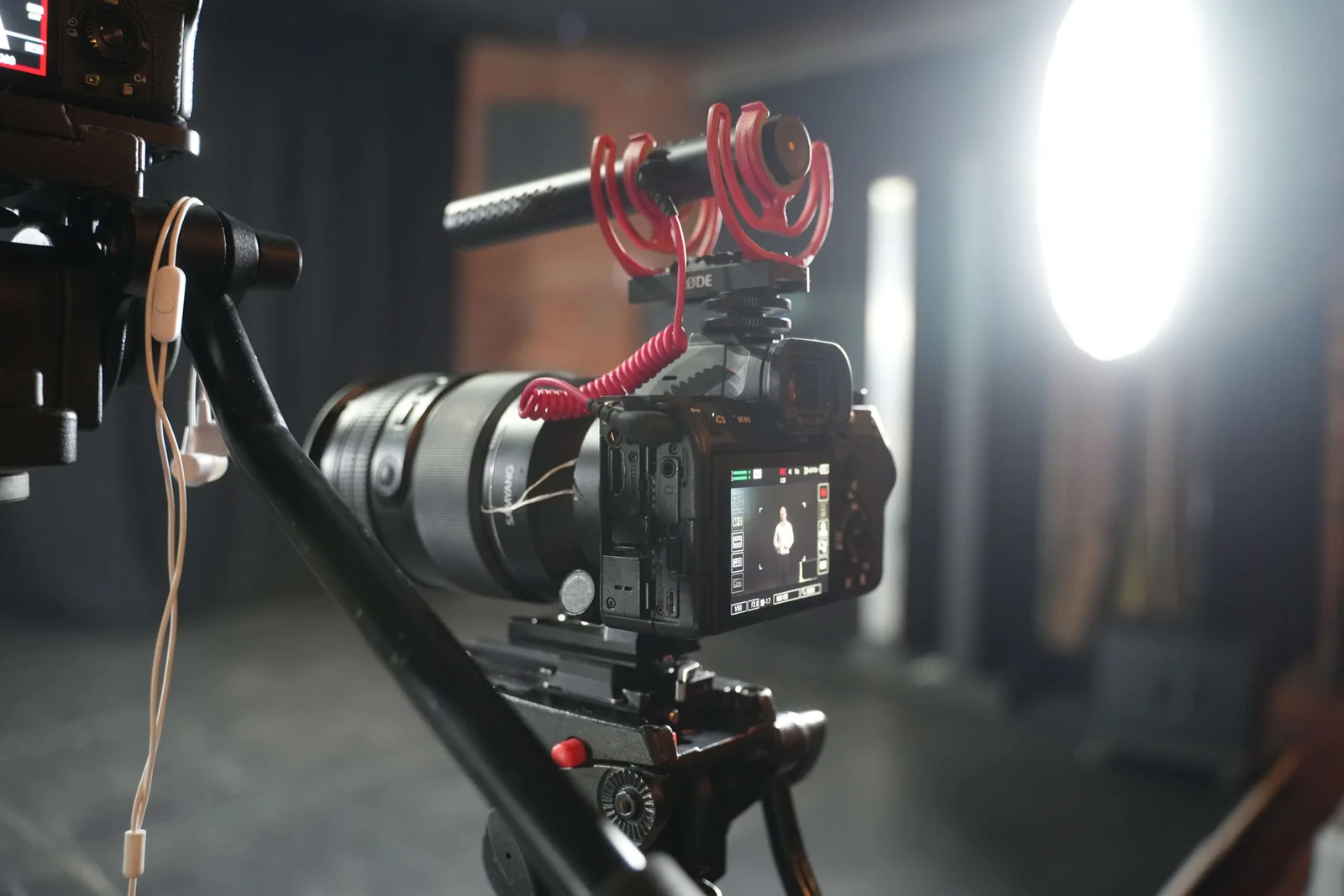
Two cameras record a 45-minute interview at an assumed average of 100 Mb/s.
That is:
1.5 camera-hours × 45 GB = approximately 67.5 GB
Add 30 minutes of B-roll from one camera at the same bitrate:
0.5 camera-hours × 45 GB = approximately 22.5 GB
The source video is now around 90 GB before separate audio and other files.
Now compare that with a detailed product shoot.
One camera records two hours at an assumed average of 500 Mb/s.
That one-camera project could produce approximately:
2 × 225 GB = 450 GB
Fewer recorded hours.
More data.
That is why asking “Was it shot in 4K?” is not enough to estimate the storage.
4K does not tell you the file size
4K describes the frame dimensions.
It does not tell you how heavily the video is compressed.
Two cameras can both record 4K footage and produce dramatically different file sizes because of differences in:
- codec;
- bitrate;
- frame rate;
- bit depth;
- chroma sampling;
- compression mode;
- and the specific recording setting.
High-frame-rate material can also use a different recording mode from normal-speed footage, depending on the camera.
If you genuinely need to know how much storage a particular shoot will create, ask what recording format will be used or ask the production company to estimate from a sample file.
Do not ask them to compromise the recording format purely to make the folder smaller if the project needs the additional image quality, grading latitude, reframing or slow motion.
Why is there so much footage when the finished film is so short?
Because the edit is the selection, not the recording.
An interview might explore ten subjects before three become important to the final story.
A product demonstration may be repeated from different angles.
A camera needs to roll before the useful action begins and continue after it ends.
A customer may give a much better answer on the second attempt.
At an event, the camera may need to stay running because nobody knows exactly when the important moment will happen.
Supporting footage also needs variety.
If an interviewee says the company inspects every component before dispatch, the editor may need a wide shot of the inspection area, a medium shot of the technician and a close-up of the measurement itself.
Only a few seconds from each shot may appear in the final film.
That does not make the rest pointless. It gives the editor the choice needed to build a coherent sequence.
Our guide to natural corporate interviews and B-roll explains why the footage around the spoken answers matters just as much as the interview itself.
More footage is not automatically better
A huge folder is not proof that you received more value.
The opposite is also true: a small folder is not proof that the production was efficient.
The useful question is whether the crew recorded enough of the right material.
A tightly scripted product video may have a relatively low shooting ratio because every action has been planned.
A documentary-style event may generate hours of footage because the crew has to follow what happens in real time.
A nervous interviewee may need several attempts at one answer.
A confident presenter working from an agreed script might deliver it in two takes.
The number of gigabytes tells you very little about the quality of those decisions.
Raw footage is not the same as RAW video
The terminology is confusing.
Clients often use raw footage to mean the original, unedited camera files.
Those files may be recorded in an ordinary compressed camera codec.
That is different from RAW video as a technical recording format, where the camera records image data in a form designed for much greater post-production flexibility.
So when somebody says:
“Can we have the raw footage?”
they usually mean:
“Can we have the original files from the cameras?”
It is worth clarifying that before anybody starts discussing drives and transfer sizes.
The editing project can be much larger than the camera folder
The originals are only one part of the storage used during post-production.
An active edit may also contain:
- separately recorded audio;
- synced or consolidated media;
- proxy files;
- graphics;
- stock assets;
- music;
- still images;
- cached renders;
- review exports;
- final masters;
- and backup copies.
A proxy is a smaller editing copy created to make large or demanding source files easier to work with. It does not replace the original.
Backups multiply the storage again.
If the camera originals total 500 GB, three copies of those originals alone account for roughly 1.5 TB before the project files, proxies and exports are added.
That is why a finished MP4 that fits comfortably on a phone can come from a production occupying terabytes of working storage.
Our guide to how professional video footage is backed up and stored explains the difference between ingest, working backups and longer-term archiving.
Do you actually need the raw footage?
Sometimes, absolutely.
If your internal video team plans to make future edits, the camera originals can be very useful.
If a long-running campaign will need new versions over several years, retaining the source material may make sense.
If the shoot captures an event or process that cannot easily be repeated, you may decide that the originals have long-term archive value.
But do not ask for them purely because they sound like something you should own.
A drive of camera originals is not a finished content library.
You may receive hundreds of clips with camera-generated filenames, separate sound recordings, repeated takes and material that requires professional software to play smoothly.
If what you actually want is:
“A clean collection of useful clips that our marketing team can use later”
say that.
A selected and organised footage library may be far more practical than an untouched camera-card dump.
Likewise, if you want the editable Premiere Pro or DaVinci Resolve project, say that too. An editing project is a different deliverable from the camera originals and may depend on linked footage, fonts, graphics, plugins and licensed assets.

At The Camera Guys, source files are agreed separately
Our current terms and conditions state that camera originals, raw footage, source audio and editable project files are not automatically included in the final deliverables unless they are specifically agreed.
Where technically possible, source material can be supplied separately subject to the project agreement, any applicable fee, transfer method and third-party licensing restrictions.
That distinction matters because a completed film and a complete production archive are different products.
If raw-footage delivery matters to your organisation, mention it when requesting the quote rather than after the project has finished.
We can then plan:
- what will be handed over;
- whether the original card structure needs preserving;
- whether separate audio is included;
- how much data is likely to be involved;
- what drive or transfer method makes sense;
- and whether your team can actually open the files.
Think about retention before you need the material again
Do not assume the production company will keep every source file forever.
The Camera Guys' terms state that clients should not assume indefinite retention of raw footage, project files or final deliverables unless a specific archive arrangement has been agreed.
That is normal enough: production storage has a real cost, and active working backups are not the same thing as a permanent archive service.
Our guide to how long a video production company should keep raw footage covers the questions worth putting into the agreement.
If the material has long-term value to your organisation, make your own storage plan.
Do not discover three years later that the only copy of an important interview was sitting on somebody else's production drive.
So how much raw footage should you expect?
There is no sensible “hours of footage per filming day” rule.
A four-hour interview shoot could create two camera-hours.
A two-hour conference session could create six.
A product shoot could record fewer hours but generate substantially more data because of the chosen recording format.
The estimate comes from:
actual recording time × number of simultaneous cameras × recording data rate
But even that only tells you the quantity.
It does not tell you whether the footage is useful.
If your reason for asking is that you want the originals afterwards, tell us what you plan to do with them. We can estimate the likely volume and agree a handover that makes sense instead of giving you a large drive full of files you did not actually need.