
How Professional Video Footage Is Backed Up and Stored

The final take has been recorded. The cameras are packed away. At that point, the footage may be irreplaceable — but it is not yet safely stored just because it exists on a memory card.
A professional workflow has to move those recordings from the cameras into editing storage without losing files, confusing cards or creating a single point of failure. It also needs to protect the edit itself, then make a clear distinction between working backup, long-term archive and client delivery.
The useful question for a client is not “how many hard drives do you have?”
It is: if something fails, is there another verified copy that can actually be recovered?
That is what good footage management is trying to achieve.
The footage is still vulnerable when filming finishes
A modern video shoot can create material across several cameras, microphones and recording devices.
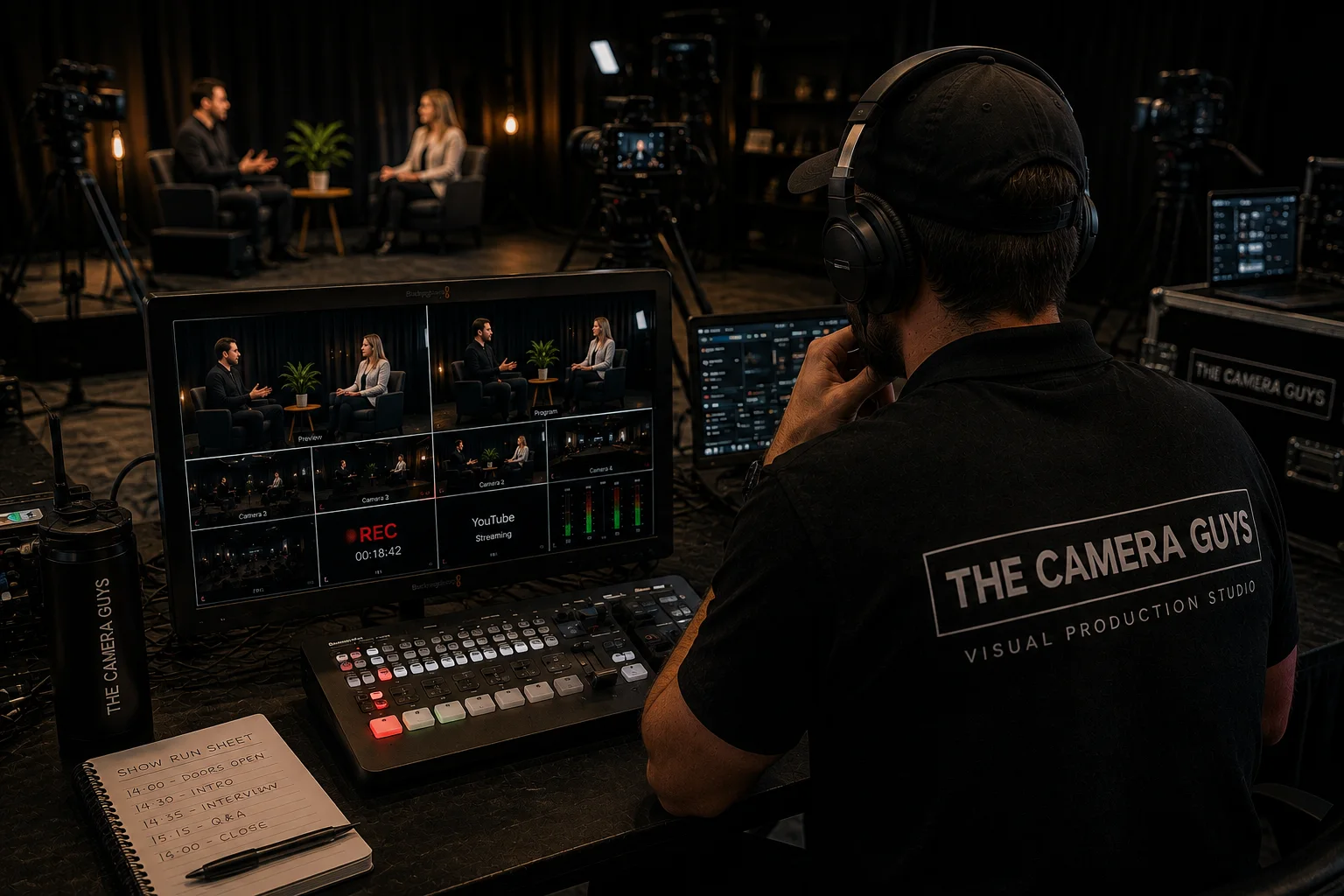
An interview might involve two cameras and a separate audio recorder. An event may run several cameras continuously. Drone footage, screen recordings, photographs, graphics and client-supplied files can all join the same project later.
That is why the finished two-minute film tells you almost nothing about how much source material needs protecting.
Our guide to how much raw footage a video shoot can produce shows how quickly storage grows once camera count, recording time and bitrate are taken into account. A relatively modest multi-camera shoot can create hundreds of gigabytes before editing even begins.
For something that cannot simply be repeated — a conference keynote, a live performance, an important customer interview or a once-only process — the value of the footage may be much greater than the cost of the storage holding it.
The first job after recording is therefore not editing.
It is getting the files somewhere safer.
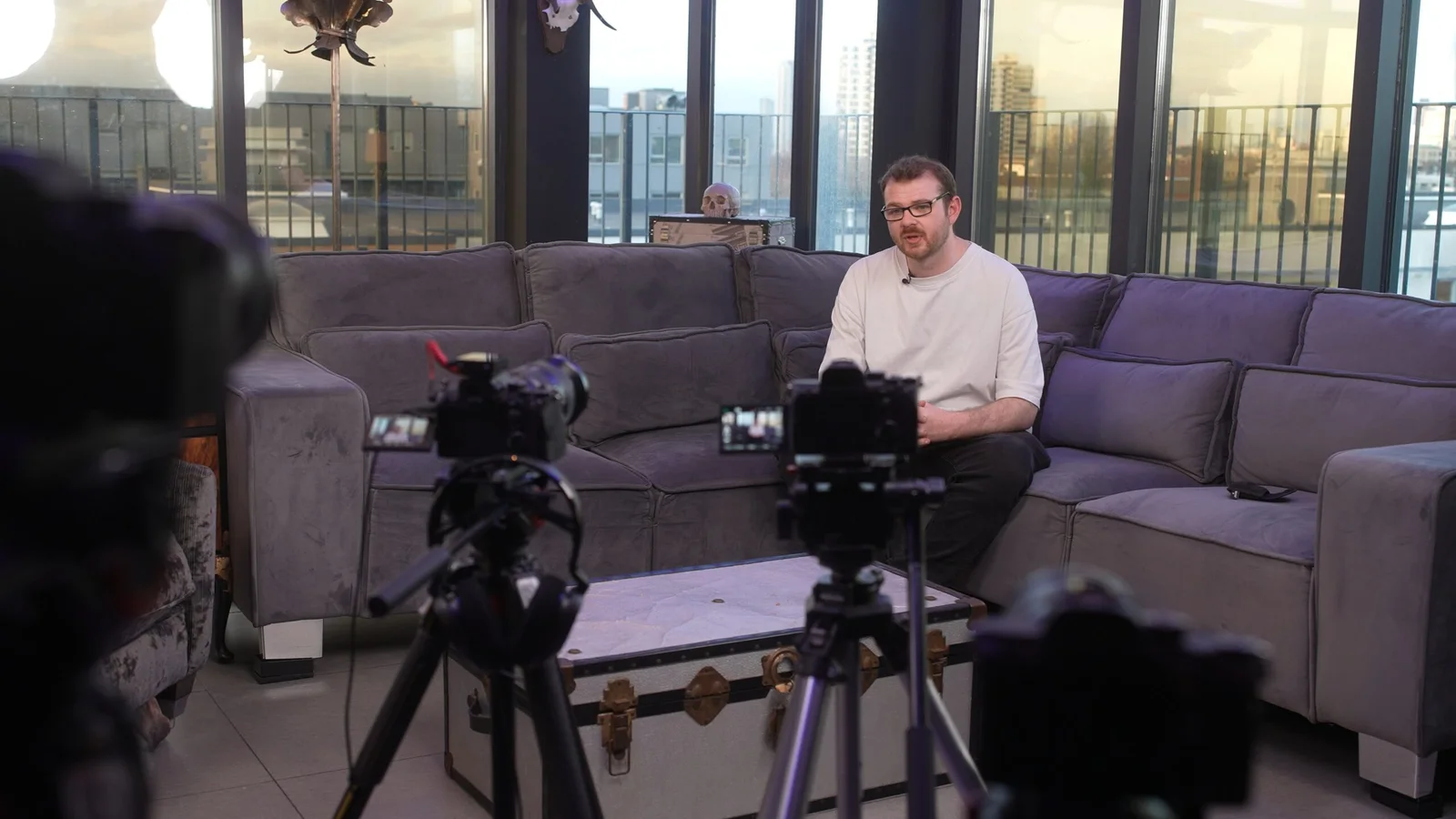
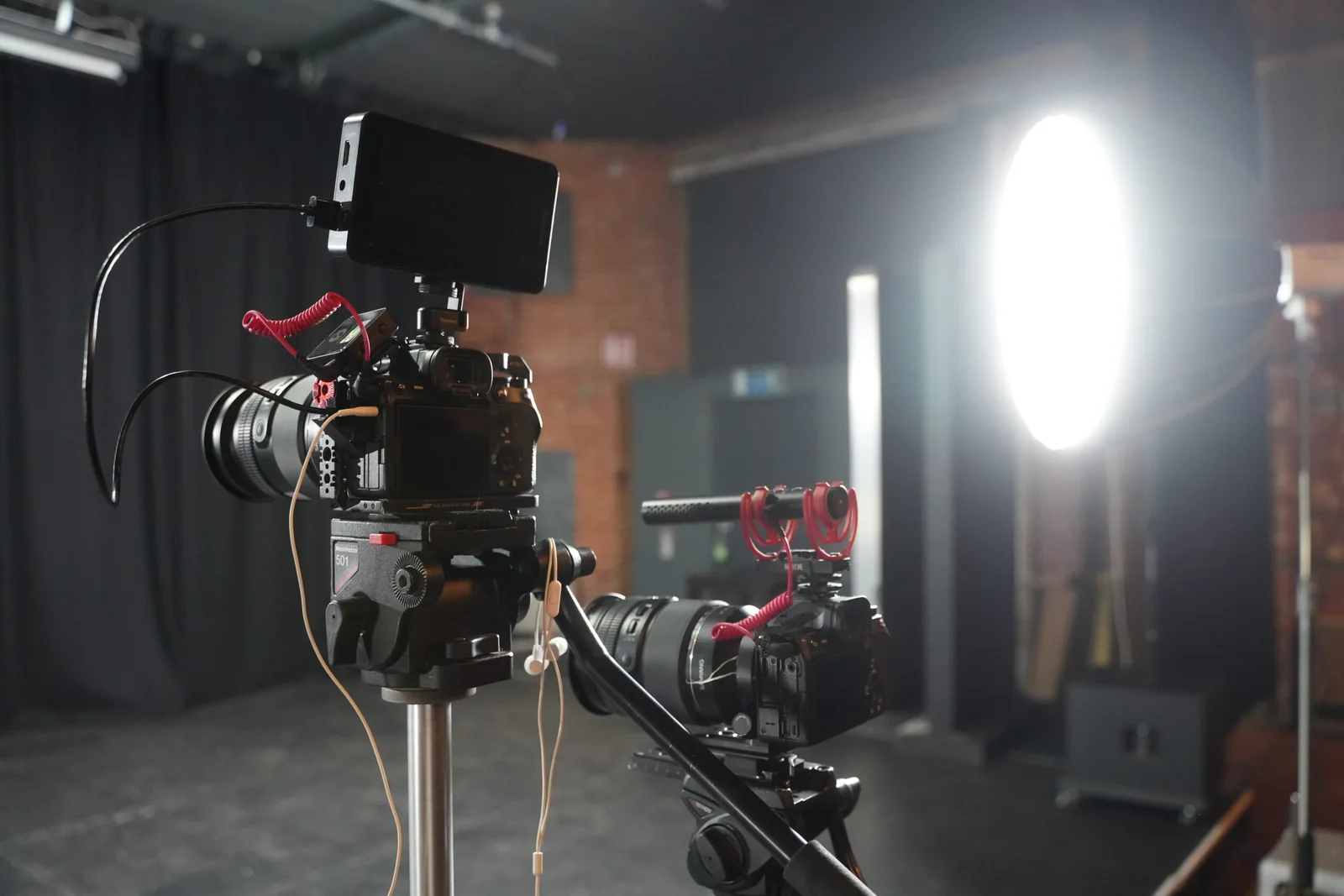
First: keep the camera cards intact
Camera cards should not be treated as a convenient place to delete old clips and make room while a project is still being copied.
Professional cameras often create more than a folder full of obvious .mp4 or .mov files. The card may also contain metadata, folder structures or supporting files that the editing software expects to find.
A sensible ingest process therefore keeps the original card structure intact and identifies where the material came from.
For example:
- Camera A — card 01
- Camera B — card 01
- Audio recorder — interview 01
- Drone — location 02
That sounds mundane until two cameras both create a file called C0001, or somebody returns to a project six months later and needs to work out which files belong together.
Cards should only be cleared or reformatted when the production's agreed copy and verification process has been completed. Pressing “copy” and watching a progress bar reach 100% is not, on its own, a meaningful backup policy.
A copy is more useful when you know it arrived intact
One way of verifying a transfer is with a checksum.
A checksum is a value calculated from the data in a file. Software can calculate that value for the source and the destination; if they match, it provides evidence that the copied data matches the source data.
Think of it as checking the contents rather than simply checking that a file with the right name appeared in the destination folder.
That does not answer every question. A successful checksum cannot tell you whether somebody was out of focus, a microphone was muted or the wrong scene was recorded. Important material still needs sensible content checks as well.
This distinction matters:
verification asks whether the copy matches the source; reviewing asks whether the recording itself is usable.
Both have a place in a professional workflow.
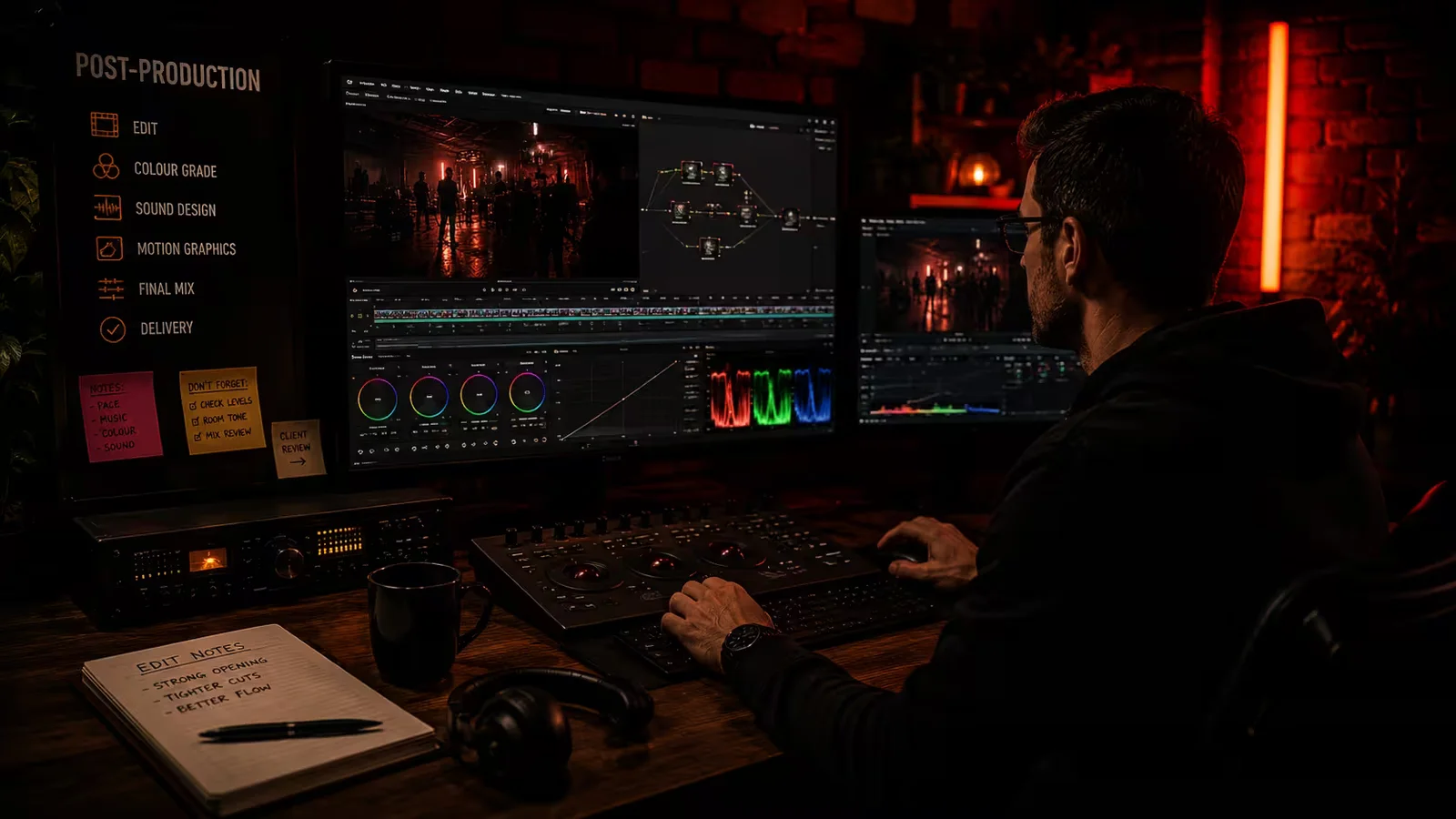
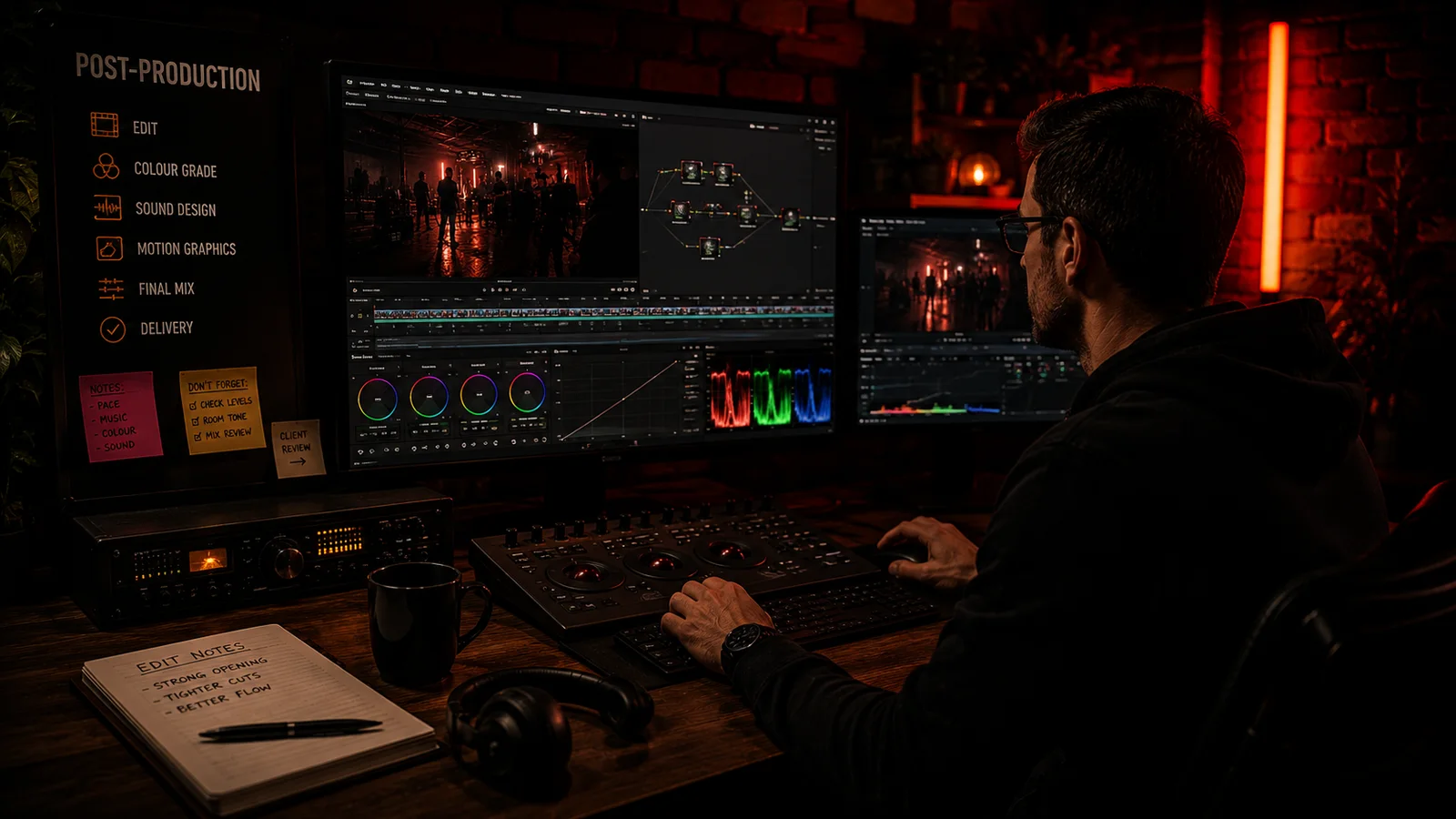
Then create recovery options that do not all share the same risk
Two copies are not especially helpful when the same incident can destroy both.
Two folders on one hard drive are still exposed to the failure of that drive. Two portable drives left in the same stolen bag share another obvious risk. A synchronised folder can faithfully synchronise an accidental deletion.
The familiar 3-2-1 backup principle is a useful way to think about this: keep multiple copies, avoid relying on one storage method, and keep at least one recovery copy separated from the primary data. CISA's published backup guidance uses the same principle while also stressing that backups should be recoverable, not merely present.
The exact implementation depends on the production, volume of data, sensitivity of the material and the organisation's infrastructure. There is no single hard-drive arrangement that makes footage impossible to lose.
What matters is independence.
If the working storage fails, what survives?
If a file is deleted accidentally, can an earlier version be recovered?
If equipment is stolen or damaged at one location, is every copy affected?
If a backup exists, has anybody confirmed that it can be restored?
Those questions reveal far more than the capacity printed on a drive.
RAID, sync, backup and archive solve different problems
These terms often get bundled together, but they are not interchangeable.
| System | What it can be useful for | What it does not automatically solve |
|---|---|---|
| Working storage | Fast access to the material being edited | Failure, deletion, theft or long-term retention |
| RAID | Performance, capacity and tolerance of particular disk failures, depending on configuration | Accidental deletion, corruption, ransomware, theft or every possible hardware failure |
| Synchronisation | Keeping files available in more than one working location | A mistake may synchronise too unless version history or another recovery mechanism exists |
| Backup | Recovering data from an independent copy or earlier state | Long-term organisation, indefinite retention or automatic client access |
| Archive | Keeping selected project material for an agreed future period | Permanent availability unless that has specifically been agreed |
A mirrored storage system can be extremely useful while editing, but RAID is not a substitute for backup.
Likewise, a cloud folder is not automatically a backup merely because it is online. The useful question is what happens if the working file is corrupted, overwritten or deleted.
The edit needs protecting as well as the camera files
Once video post-production begins, the camera originals are only part of the project.
An editor may also be working with:
- separately recorded audio;
- interview transcripts or selects;
- graphics and logos;
- music and licensed assets;
- captions;
- colour or sound project files;
- proxy media;
- review exports;
- motion graphics;
- successive versions of the edit.
Losing the original footage would obviously be serious. Losing several days of editing decisions can also be expensive even when every camera file survives.
That is why project files and other essential working assets need their own versioning and backup strategy.
Editors may create proxies, which are smaller or easier-to-edit versions of the source footage. They can make a demanding production much faster to work with, but they do not replace the camera originals. The approved master will normally be created from the appropriate high-quality source media.
Clear organisation becomes especially important when a project moves between editors or returns months later.
What happens if the project needs to be opened again?
Imagine asking for a new 30-second version of a film next year.
If the only surviving file is the finished MP4, an editor may be able to shorten what already exists. They cannot recover an unused interview answer, reveal another camera angle or rebuild separate sound that was mixed into the master.
If the camera originals survive but the editing project does not, a new editor may have the ingredients but still need to reconstruct the previous work.
A genuinely reusable project archive might therefore contain some combination of:
- final approved masters;
- relevant camera originals;
- separate sound;
- the final editing project;
- captions;
- approved graphics;
- important linked assets;
- project notes or a simple manifest;
- information about licensed material and anything deliberately excluded.
Exactly what should be kept depends on what the archive is supposed to make possible.
“Enough to download the finished film again” and “enough for another editor to rebuild the production” are two very different promises.
Backup during a project is not the same as keeping everything forever
This is where clients and production companies sometimes talk past each other.
A production company may maintain multiple working copies while a job is active without offering an indefinite archive after the project closes.
Our current terms and conditions state that The Camera Guys maintains appropriate working backups during active production, while the client is responsible for securely storing delivered final files. Raw footage, source media and project files are not guaranteed to be retained indefinitely unless a separate arrangement says otherwise.
That distinction matters.
If you know you will need footage again for next year's campaign, tell the production company before the files reach the end of their normal project lifecycle. Our guide to how long a production company should keep raw footage explains the retention questions worth putting in writing.
A useful agreement should answer:
What is being retained?
Camera originals, sound, project files, final masters and captions are different assets.
For how long?
Define when the period starts and what happens at the end.
How can it be retrieved?
Large projects may require restoration, preparation and physical-drive or high-volume transfer arrangements.
What does retrieval cost?
Storage and retrieval are services, particularly when a project has been moved out of active working storage.
Who owns the continuing copy?
The production company keeping something does not remove the client's responsibility to protect the files it has been given.
Raw-footage handover is another decision
If you want the original camera files, include that requirement in the video production brief and quotation.
“Send us the raw footage” can mean several different things:
- untouched camera-card structures;
- only the usable camera clips;
- separate audio;
- transcoded viewing files;
- an editing project;
- graphics and supporting files;
- a physical drive containing the whole production.
Those are not equivalent.
Our raw-footage volume guide gives worked examples of the storage involved. A project measured in hundreds of gigabytes or several terabytes may be far more practical to hand over on a drive than through a normal download link.
Check the drive format, total size and verification method, and make sure somebody in your organisation takes responsibility for the client copy once it arrives.
A drive placed in an unlabelled cupboard is technically a handover. It is not a particularly useful archive.
Retention can also be a data-protection question
Footage containing identifiable people can involve personal data.
The UK Information Commissioner's Office explains that the UK GDPR does not prescribe one universal retention period for personal data. Instead, organisations should be able to justify how long they retain it for the purpose involved and review or erase information when it is no longer needed.
That means “storage is cheap, so keep every identifiable recording forever” is not a sensible retention policy.
See the ICO's current storage limitation guidance for the legal principles. The ICO notes that some guidance is being reviewed following legislative changes, so organisations with specific compliance obligations should check the current position and obtain appropriate advice.
Retention also does not extend rights automatically. A file can still exist while a contributor permission, music licence or other agreed use restricts what you may do with it.
Storage answers whether the file survives. Rights answer whether and how it can be used.
What about cloud storage?
Cloud services can play a useful role in backup, collaboration or archive, but “it is in the cloud” is not enough information by itself.
A production team still needs to think about access control, version history, deletion, account security, transfer time and how a large project is restored when needed.
For sensitive or confidential footage, the contractual and data-protection requirements may affect which services and regions are appropriate.
The same principle applies to physical storage: the technology matters, but the recovery plan matters more.
How do you know a backup works?
You restore something from it.
A backup that has never been read back is an assumption. A restore test checks that files can be retrieved, opened and used.
For a video project, that might mean opening representative camera files, reconnecting an editing project to its media or checking that an archived final master plays with the expected sound.
Long-term archives need attention too. Drives age. Software changes. Codecs and project formats change. Storage systems get replaced.
Archiving is therefore not just “put a drive on a shelf and never touch it again”. Where long-term access really matters, the material may eventually need checking or migrating to newer storage.
Five questions worth asking before an important shoot
You do not need to ask your production company for a diagram of its storage network.
Ask questions that tell you what happens to your project:
When are the camera cards cleared for reuse?
You are looking for a defined copy-and-check process, not simply “once we have copied them”.Are the working files protected by an independent recovery copy?
Another folder on the same device is not independent.What happens to the project while it is being edited?
Camera originals are not the only files worth protecting.How long will the agreed files remain available after delivery?
Check the quotation, contract or delivery notice rather than assuming there is a permanent archive.If we need the originals or another edit later, what should we arrange now?
Future use is much easier to plan while the project is still active.
These are useful questions when choosing a video production company, particularly when the material will be expensive or impossible to recreate.
If the footage is especially important, say so before filming
Not every shoot carries the same consequence.
If somebody can repeat a product demonstration next week, the recovery planning may look different from a once-only conference, a demolition, a major company announcement or an interview with someone who will not be available again.
Raise that when the production is being scoped.
It may affect camera recording strategy, media handling, crew, on-location copying, storage allocation and what should be retained afterwards.
Our guide to what happens on a professional video shoot explains the wider filming-day process. Once the cameras stop, secure media handling is part of moving the project into post-production rather than an invisible extra that happens by magic.
The client needs a backup plan too
Once the approved files are delivered, download them.
Open them. Check them. Put them somewhere managed by your organisation rather than leaving the only accessible copy inside a temporary delivery link or an employee's Downloads folder.
If the film is business-critical, make sure more than one authorised person knows where the approved master is stored and what it may be used for.
Production companies can provide storage and archive services where agreed. They should not become the accidental permanent archive for a client who never saved the finished files.
Our FAQ explains how raw-footage delivery and finished-video delivery are handled, while the project quotation and agreement set the actual terms for a particular job.
Good storage is designed around recovery
The point of professional footage management is not to collect an impressive number of drives.
It is to reduce the chance that one mistake, failed device or lost copy becomes the end of the project — and to make it clear what happens to the material once the job is finished.
When discussing a corporate video production, tell us if the recordings have unusual value, need long-term reuse or must be handed into your own archive. We can factor the storage and delivery requirements into the production rather than discovering them after several terabytes have already been recorded.