Map the timetable before writing the shot list
At a business exhibition, the risk is rarely a shortage of things to film. The risk is that a keynote begins while an important interview is booked in another room, or that the busiest hour on the exhibition floor passes while the camera is committed elsewhere.
Put every fixed-time item into one schedule first: doors opening, keynote sessions, seminars, awards, sponsor appearances and pre-arranged interviews. Then identify the flexible coverage that can move around those anchors, such as stands, networking, signage and venue details.
This simple distinction reveals whether one operator can cover the brief. If two essential sessions overlap, an additional camera is not a luxury; it is how the organiser protects both deliverables. Our professional event videography planning starts with these real timetable constraints rather than a fixed crew formula.
Give a single videographer a clear order of priority
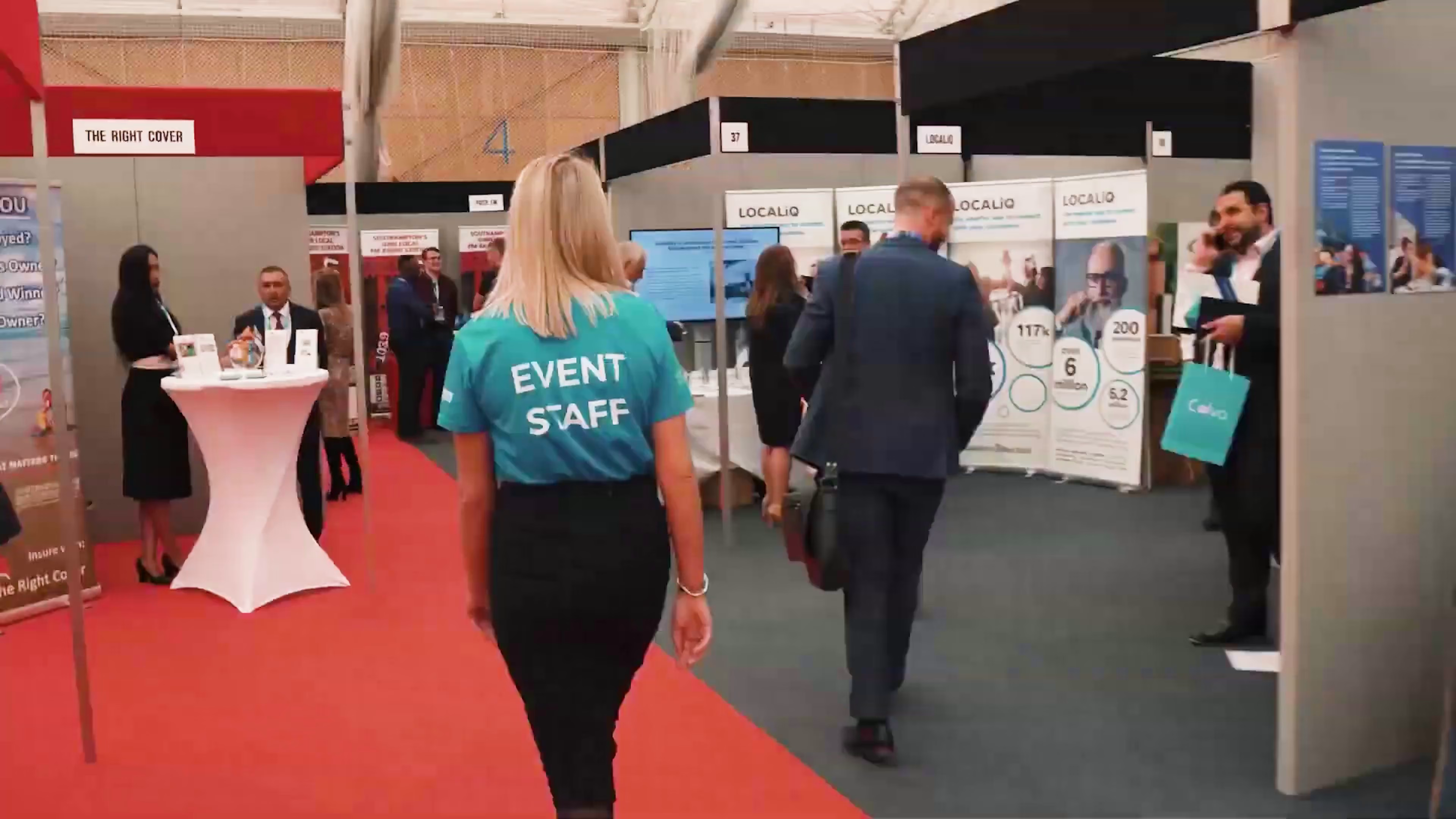
Hampshire Business Show demonstrates what one videographer can achieve in a tightly planned day. The main film needed the arrival, atmosphere, speakers, engaged audiences and active exhibitor conversations. Separate interview footage also had to be recorded cleanly enough to work outside the highlight edit.
The answer is not to film everything continuously. It is to build complete visual sequences, then move on. A wide view establishes a seminar. A medium frame shows the speaker. A close reaction gives the editor a natural cutaway. Once those pieces are secure, the camera can return to the exhibition floor.
A priority order also makes decisions easier when the live timetable changes. The operator knows which item must be protected, which can be rescheduled and which attractive extra can be dropped without weakening the final story.
Capture proof of activity, not only a busy room
A wide shot of a full venue communicates scale, but it does not explain why people came. Useful event coverage moves closer: an exhibitor demonstrating something, two visitors comparing ideas, a speaker holding attention or a question being asked after a session.
These smaller actions give the edit meaning. They show participation rather than attendance. They also create material the organiser can use when promoting specific parts of the next event, such as seminars, networking or exhibition opportunities.
The strongest sequences combine three levels. Establish the environment, show the interaction and finish with a detail or reaction. That rhythm is more persuasive than a rapid collection of disconnected logos and handshakes.
Plan interviews as separate productions inside the event
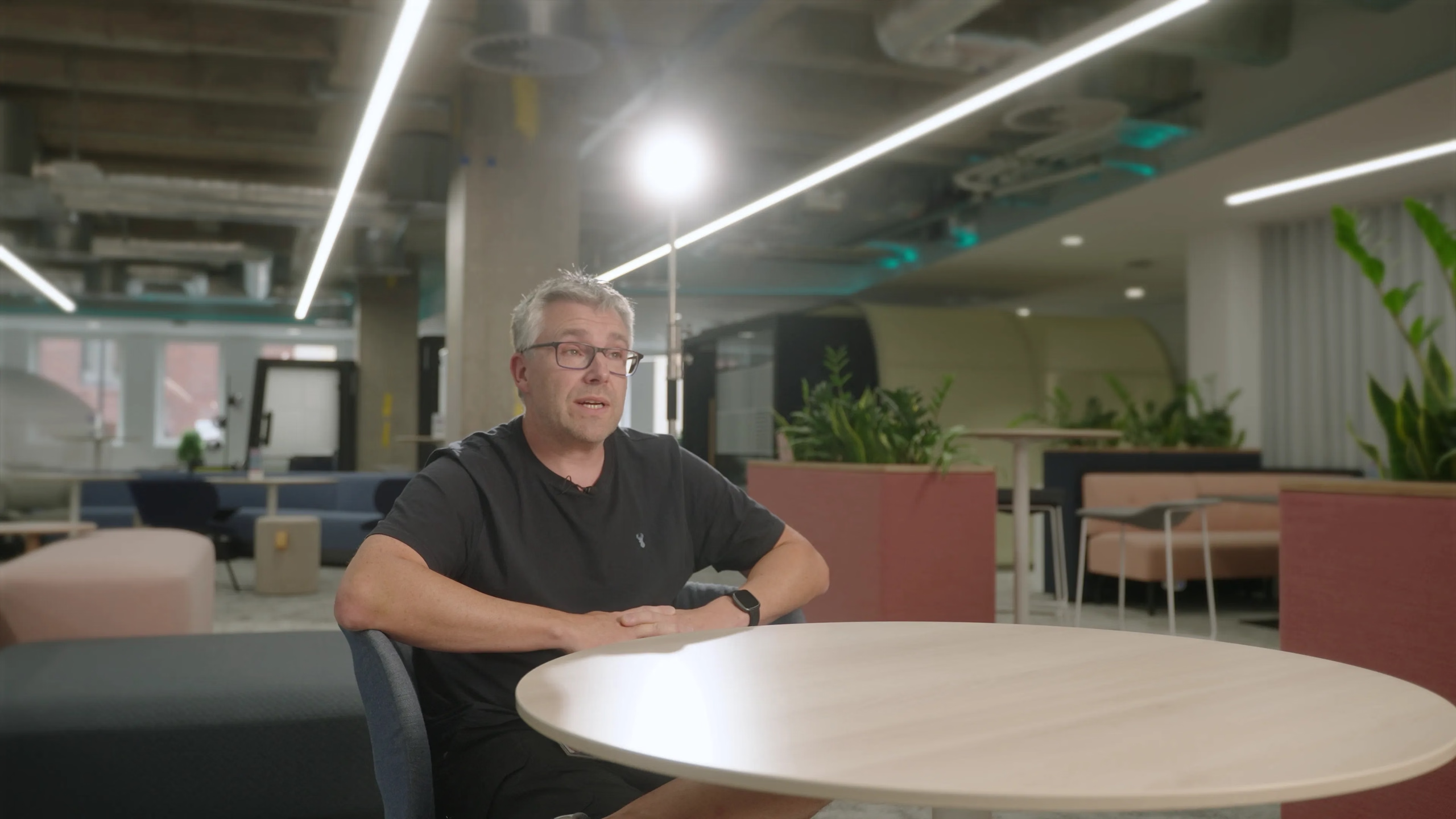
Interviews and testimonials need more control than general exhibition-floor footage. The background should identify the event without overwhelming the contributor. Speech must remain intelligible despite public-address systems, crowds and neighbouring stands. Contributors also need realistic slots that do not clash with their own responsibilities.
It helps to define what each interview is for. A ten-second reaction for a fast social edit requires a different question from a longer exhibitor testimonial. Recording both without a plan often creates repetitive answers that are difficult to shape later.
At Hampshire Business Show, the separate interview material extended the value of the day beyond the main film. A concise highlights piece could communicate atmosphere, while longer contributions could be published individually and used in later marketing.
Collect transitions that make the final film feel intentional
Event edits need visual bridges. Exterior arrivals can move the story into the venue. Signage identifies the show. Walking shots connect areas. Audience reactions take the edit from one speaker to another. Staff activity helps the film progress from setup and welcome into the working day.
These shots may look less important than a keynote in isolation, but they are what let an editor create pace without making the event feel like unrelated fragments. They are also safer places to record natural sound: applause, room tone and the texture of a busy hall can make a music-led edit feel present.
Design coverage for several formats at the same time
The main event film may be landscape, but social posts, paid adverts and stories often need portrait or square versions. That does not mean every moment must be filmed twice. It means composing important action with enough space to support alternative crops and noting which scenes are most likely to become short standalone clips.
Photography can be planned alongside the moving-image brief too. A coordinated event photography and video team can cover simultaneous moments and supply stills for press, websites, sponsor reports and future event announcements.
The format list should be agreed before the show. Retrofitting a vertical campaign from tightly framed landscape footage limits the editor’s choices and can cut speakers, screens or branding out of the composition.
Film the next campaign while documenting the current event
An event film often launches immediately after the show, but its longer value may be promoting the next edition. That changes what counts as useful footage. Clean venue views, registration, full seminar rooms, varied exhibitors and natural conversations can support announcements months later.
The organiser should flag anything likely to change, such as sponsor branding, dates or venue signage. The editor can then distinguish timeless images from material tied to one edition. A deliberate library makes it easier to create future teasers without presenting old details as current information.
This is where exhibition coverage becomes part of a broader corporate video production plan rather than a one-off record of the day.
See the Hampshire Business Show project
Our Hampshire Business Show event video case study brings the finished film, project approach and a curated gallery together in one place. It shows how arrivals, speaker sessions, audience reactions and exhibition-floor conversations can be shaped into a coherent visual story.
The portfolio page focuses on the finished partnership. This guide focuses on the planning decisions that make comparable business exhibition coverage practical.
A practical exhibition video checklist
- List the outputs. Define the main film, social versions, interviews, speaker recordings and stills.
- Mark fixed-time moments. Put keynotes, seminars and booked contributors into one master schedule.
- Identify overlaps. Add crew or fixed cameras where two essential items happen at once.
- Choose interview questions by intended use. Short reactions and detailed testimonials need different prompts.
- Protect visual variety. Plan wide, medium and close coverage across the venue.
- Allow for alternate crops. Know which outputs need landscape, portrait or square framing.
- Separate current and evergreen material. Note the branding or information that will date.
If you are planning an exhibition, conference or business event, our videography pricing guide explains how time, crew, equipment and post-production affect scope. You can also tell us about your event timetable and we will recommend a practical coverage plan.