Start with one clear product promise
Short advertising does not have room for every feature. The creative idea needs to translate the main benefit into images that viewers understand immediately.
For SMART Tools, versatility was the organising thought. An oscillating multi-tool can accept different attachments for cutting, sanding, scraping and detail work. Instead of listing those applications, the advert moved rapidly between them while keeping the same green tool anchored at the centre.
That simple rule gave the film a visual identity and helped each demonstration support the same message: one product can move between many practical situations.
How do you plan a convincing match cut?
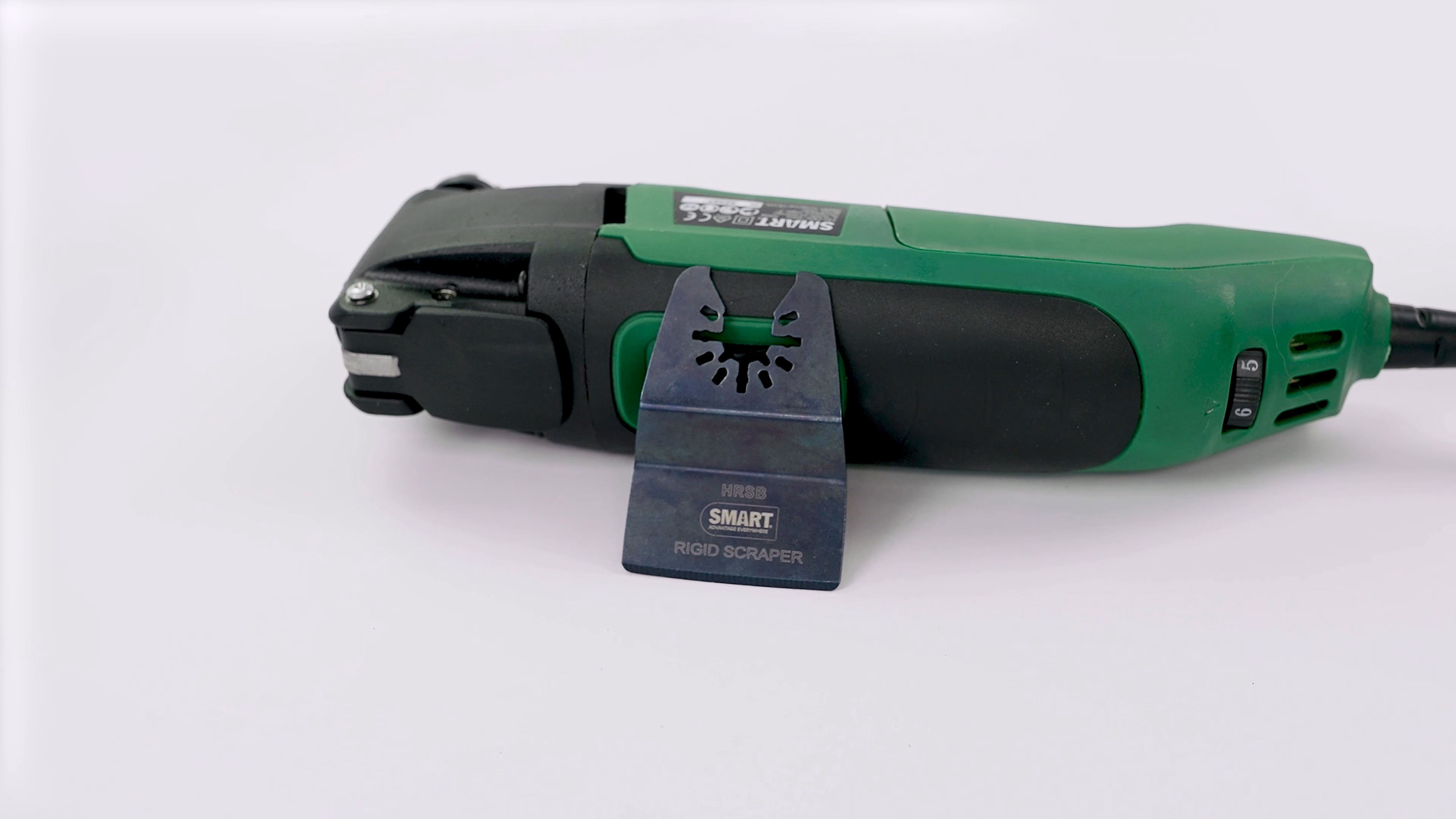
Choose the part of the product that must remain stable. On a tool, that might be the handle, control or front housing. Mark its position on a monitor and record reference measurements so the setup can be recreated when the background changes.
The camera should be locked whenever possible. Lens choice, focus distance and height need to remain consistent; even a small shift alters perspective and makes the cut look like a jump caused by error rather than design.
Product orientation matters too. If the body rolls a few degrees, the highlight and silhouette will change. We controlled the angle of the SMART tool and its attachments so that the motion came from deliberate transformation rather than accidental wobble.
Use stop-motion ideas without losing live action
Stop motion creates energy because objects can change instantly. Product advertising can borrow that grammar without animating an entire film frame by frame.
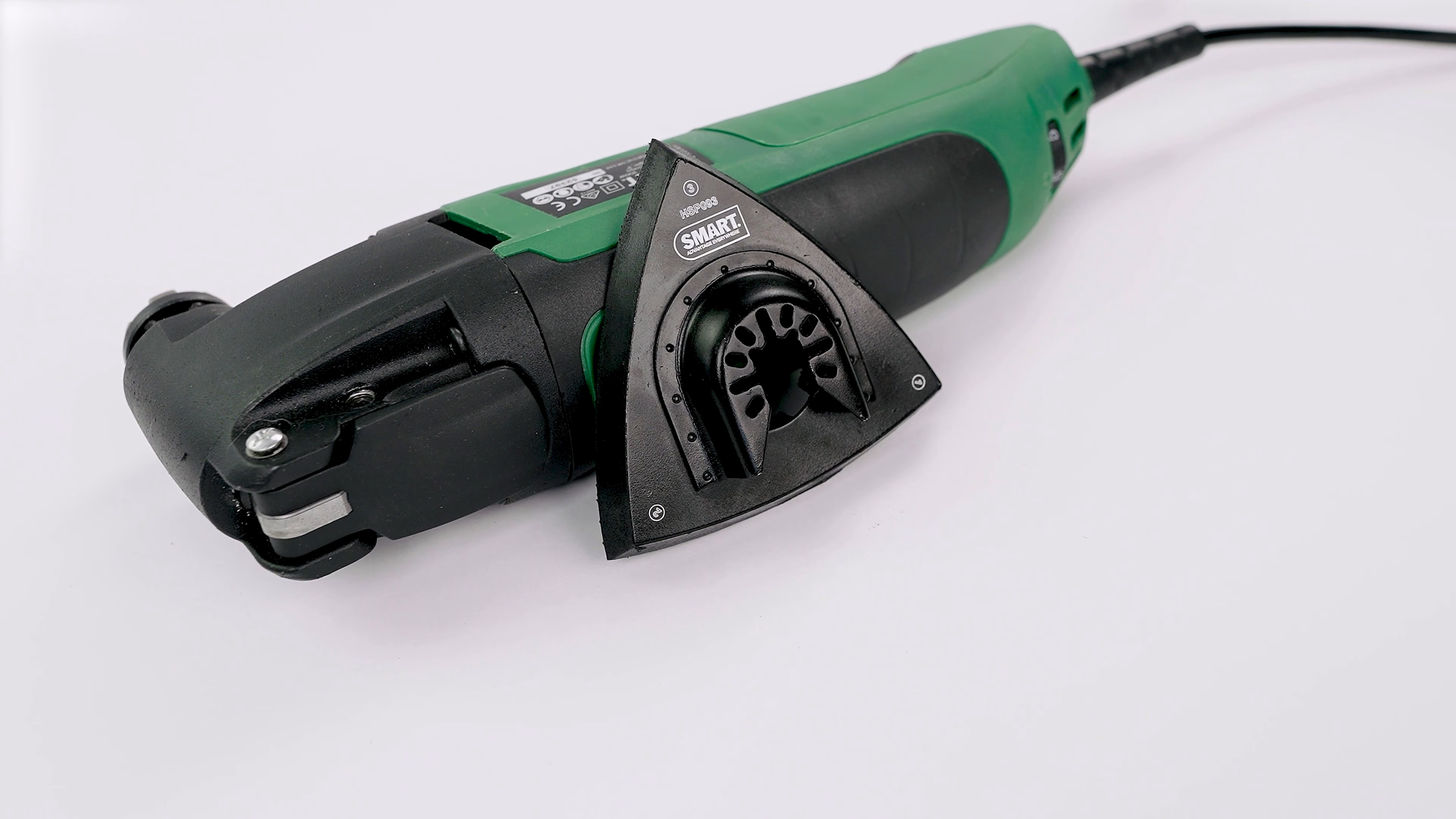
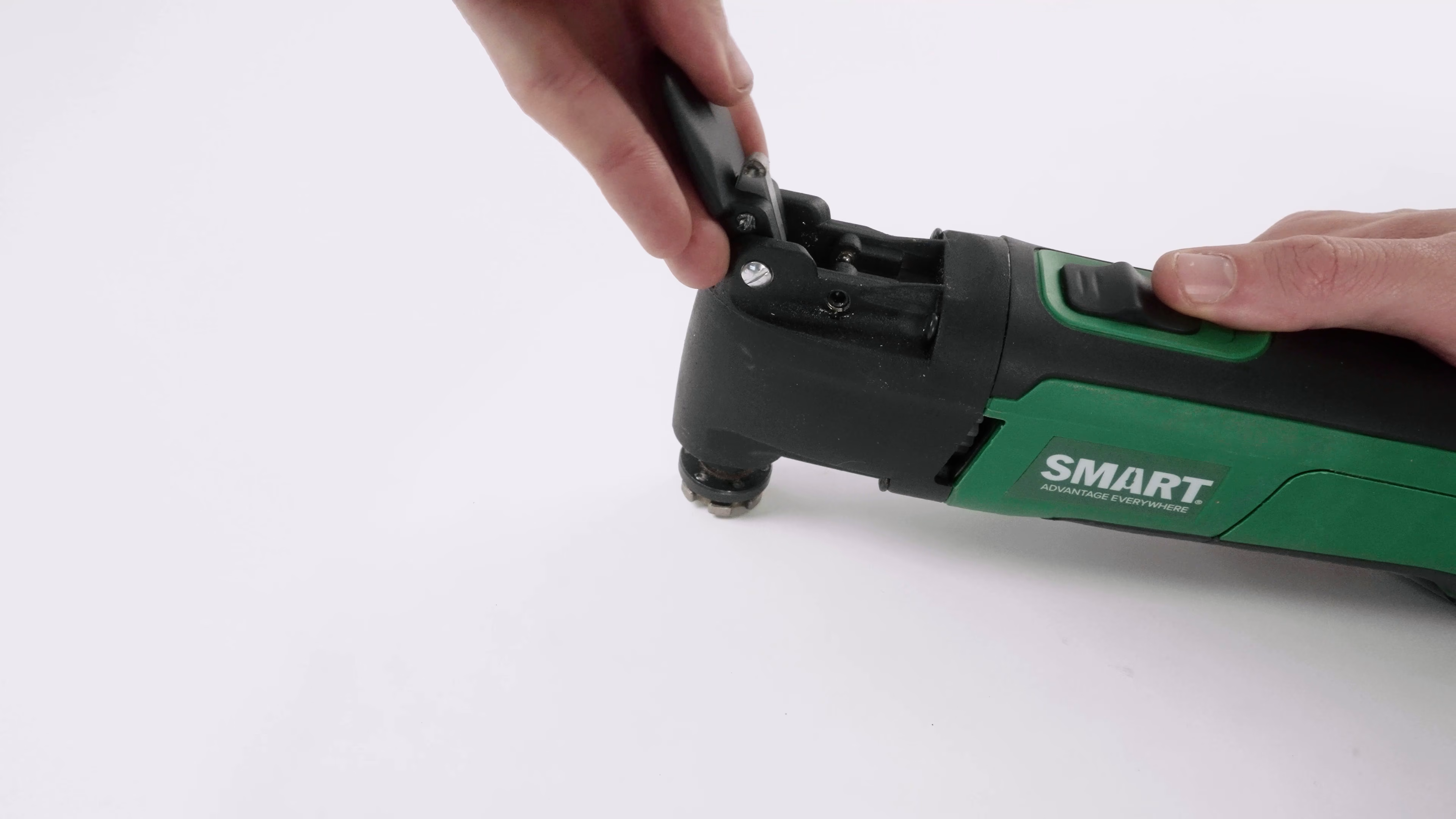
For the clean product sections, attachments and accessories changed between locked frames. The audience sees the product transform rapidly while its core position remains stable. Live-action material then shows a hand changing the accessory and operating the tool.
The two styles support each other. Graphic transitions create pace and memorability; practical footage reassures the viewer that the product is not merely a visual prop.
Carry the composition into real locations
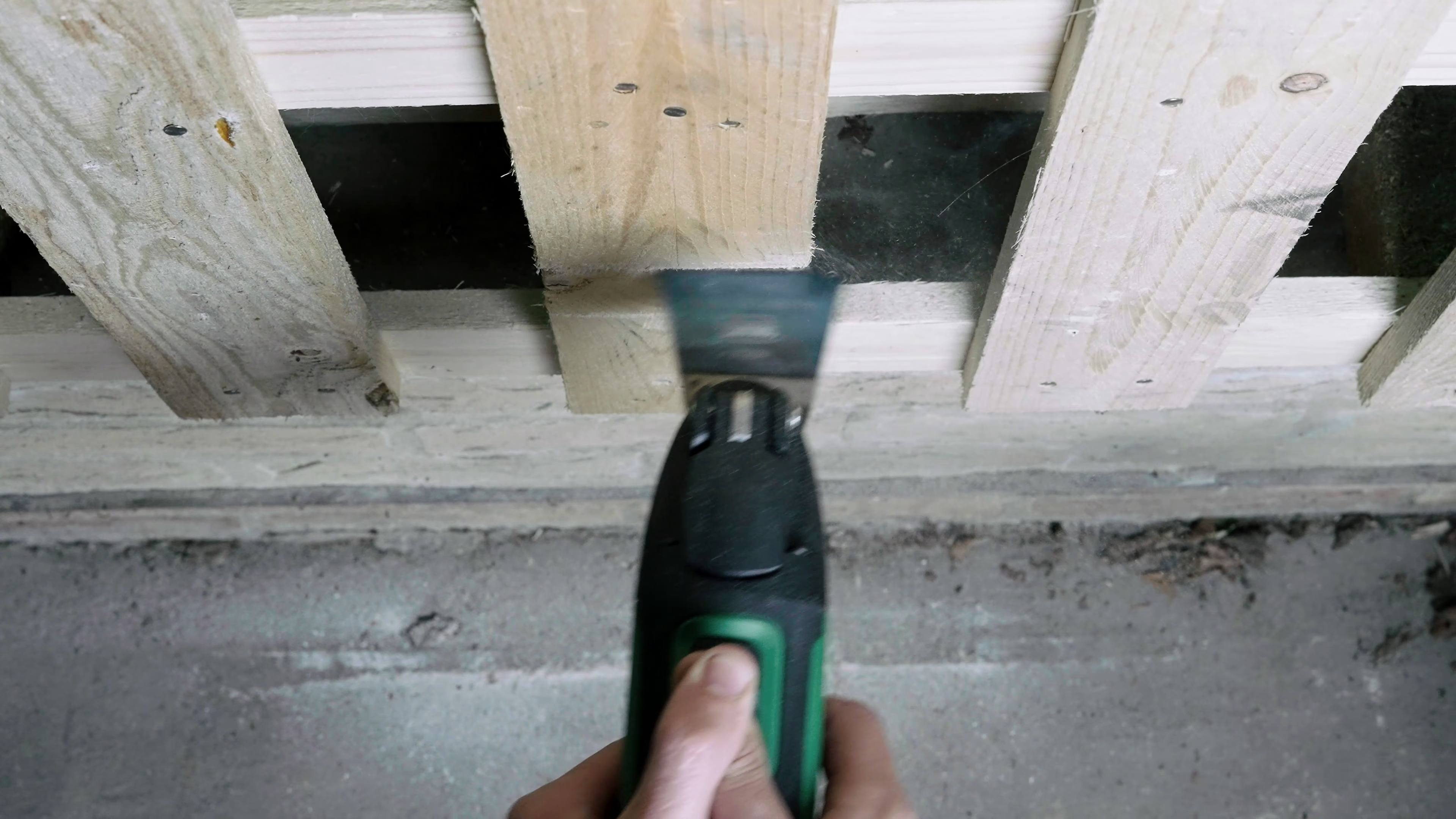
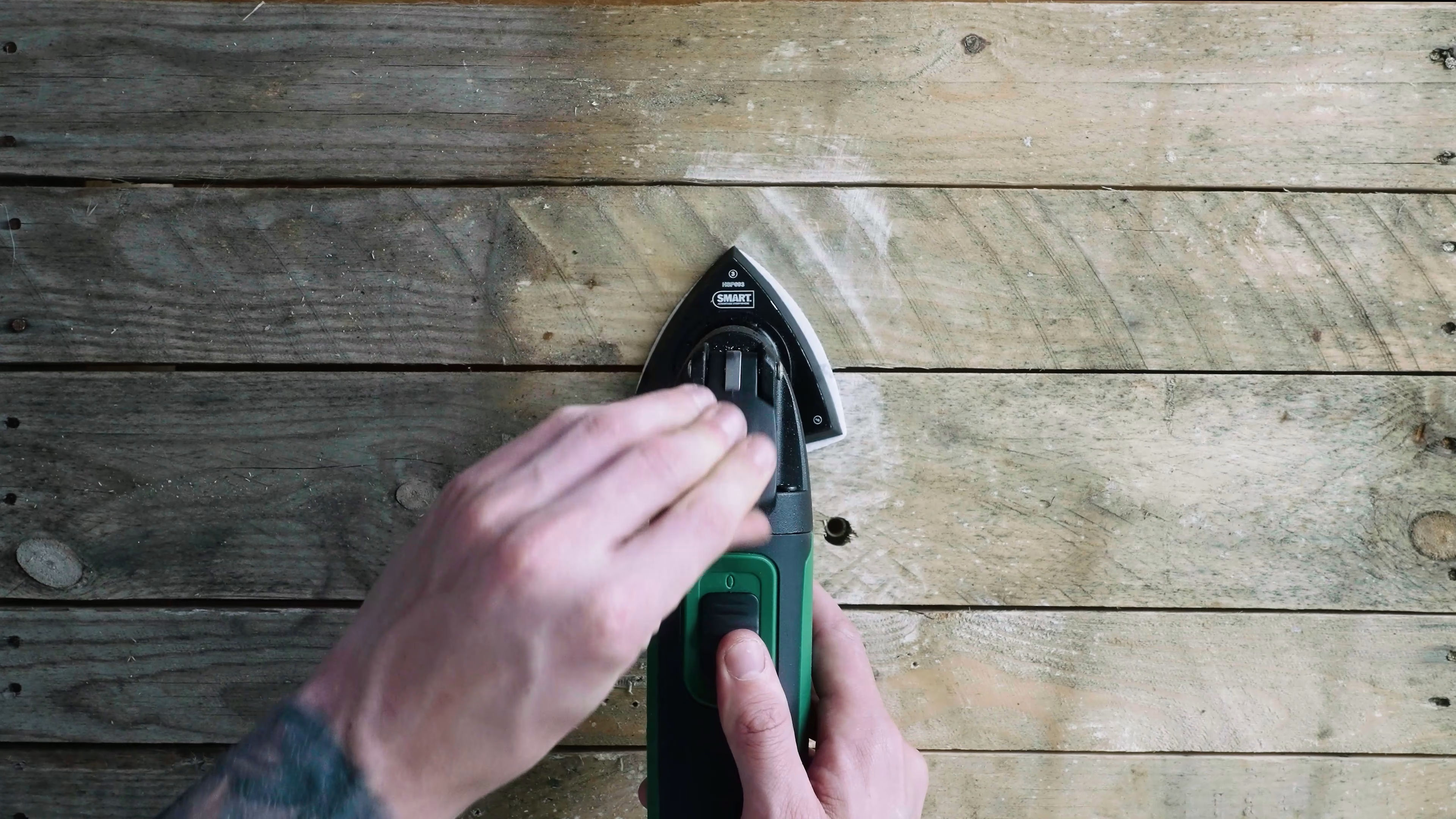
A white tabletop provides control, but the product’s usefulness becomes clearer against materials it is designed to meet. Overhead framing allowed us to transfer the same visual axis to timber, flooring and confined gaps.
Each live-action scene needed enough context to make the task legible without filling the frame with distraction. Hands showed scale and operation. The work surface changed the story. The tool remained the unmistakable subject.
Maintaining that visual logic made it possible to jump between scenarios at speed. Even when colour and texture changed, the audience knew where to look.
Design for a television advertising slot
Broadcast duration changes how a product film should be written and shot. The opening needs a recognisable subject, the middle must communicate the benefit, and the ending needs enough time for brand or response information to register.
Every image should do more than one job. A clean shot can establish colour and shape while also showing an attachment. A practical close-up can demonstrate operation and provide a transition point. A repeated composition can build both rhythm and brand recall.
The World Cup context made pace particularly important. Advertising would appear around highly energetic programming, so the concept had to feel immediate without becoming visually confusing.
What can go wrong with product match cuts?
The most common problem is inconsistency. A tripod is nudged, an object is placed by eye rather than measurement, or the lighting changes when the set moves. These differences compound in the edit.
Reflections deserve particular attention on glossy products. A tool can be perfectly aligned while a highlight jumps across its body. Flagging, diffusing and repeating the light position helps the surface remain coherent.
Real demonstrations introduce another variable: the material changes as it is cut or sanded. Rehearsals and duplicate pieces allow the operator to find timing without exhausting the hero surface before the recorded take.
Build a useful product footage library
Even when the immediate deliverable is one advert, production can collect assets for future use. Clean views of each accessory, hands operating controls, wide demonstrations and close material details can support retailer pages, social edits, presentations and later campaigns.
That does not mean overshooting indiscriminately. A structured list prevents gaps: hero product, identifying label, attachment family, operation, result and contextual application. Each shot should have a plausible future purpose.
The SMART Tools production moved from controlled tabletop frames to real-use scenes, giving the campaign both visual polish and practical range.
Planning a product advert
Begin by deciding what a viewer must understand after five seconds. From there, choose one visual rule strong enough to connect every demonstration. If match cuts are part of the idea, plan measurements, reference frames and duplicate materials before filming begins.
Our commercial video production team creates product demonstrations, promotional films and advertising content for UK brands. You can view the SMART Tools product-video case study, browse more commercial production work, or discuss a product campaign.
A commercial videographer can help translate the product’s key uses into a practical shot list, balancing clear demonstrations with the visual transitions that give the advert its rhythm.