Choose footage that explains something at a glance
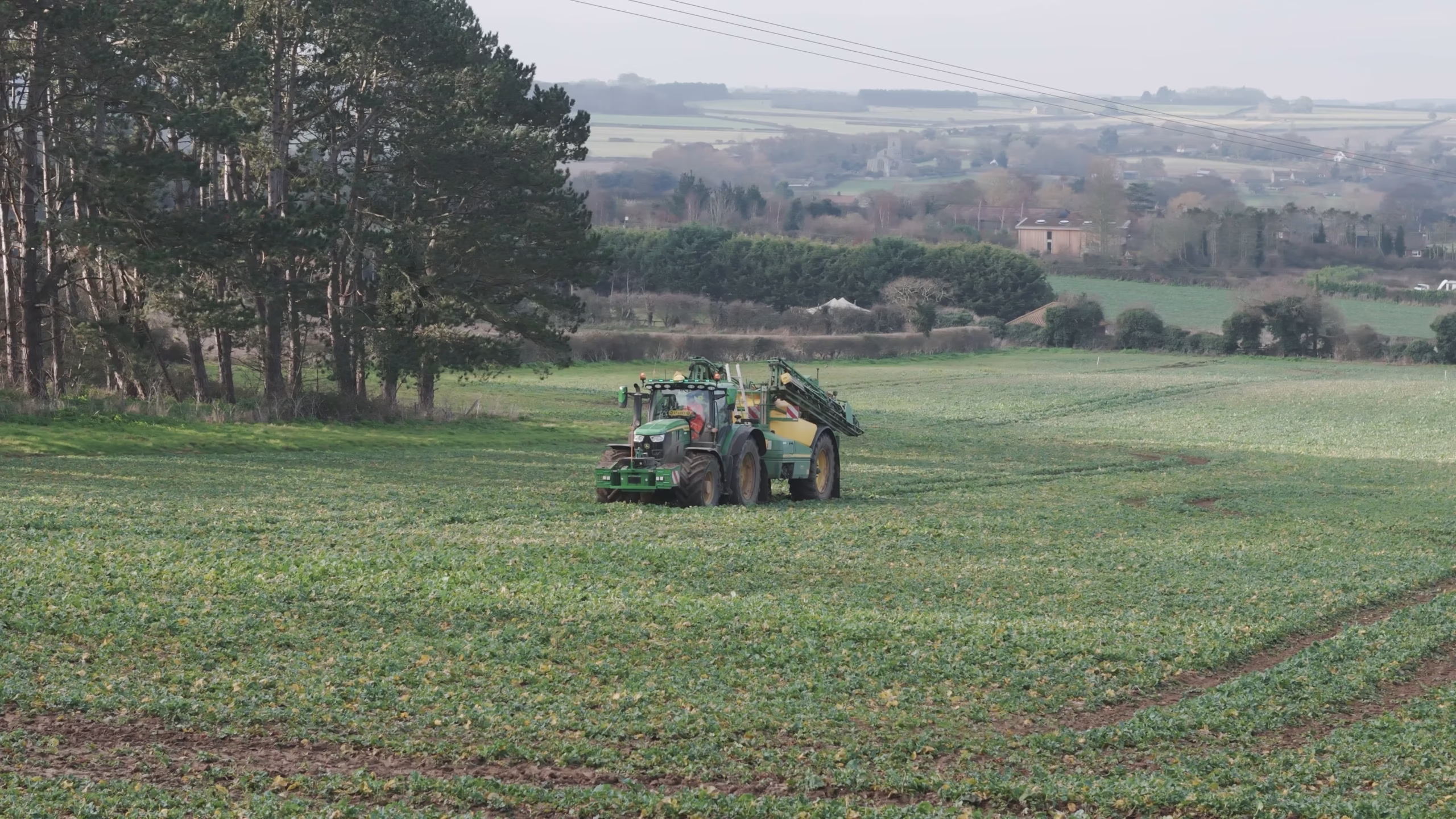
The Sentry material moves between the scale of a field, the machinery working within it and a close view of seed in someone’s hands. Each view answers a different question: where does the work happen, what is being done, and what is being handled?
That is a useful way to review your own footage. A wide landscape can establish scale, but a run of attractive aerial shots may leave the service unclear. Add an operation or detail that gives the view meaning. Equally, a tight shot of equipment needs enough context for a visitor outside your industry to understand it.
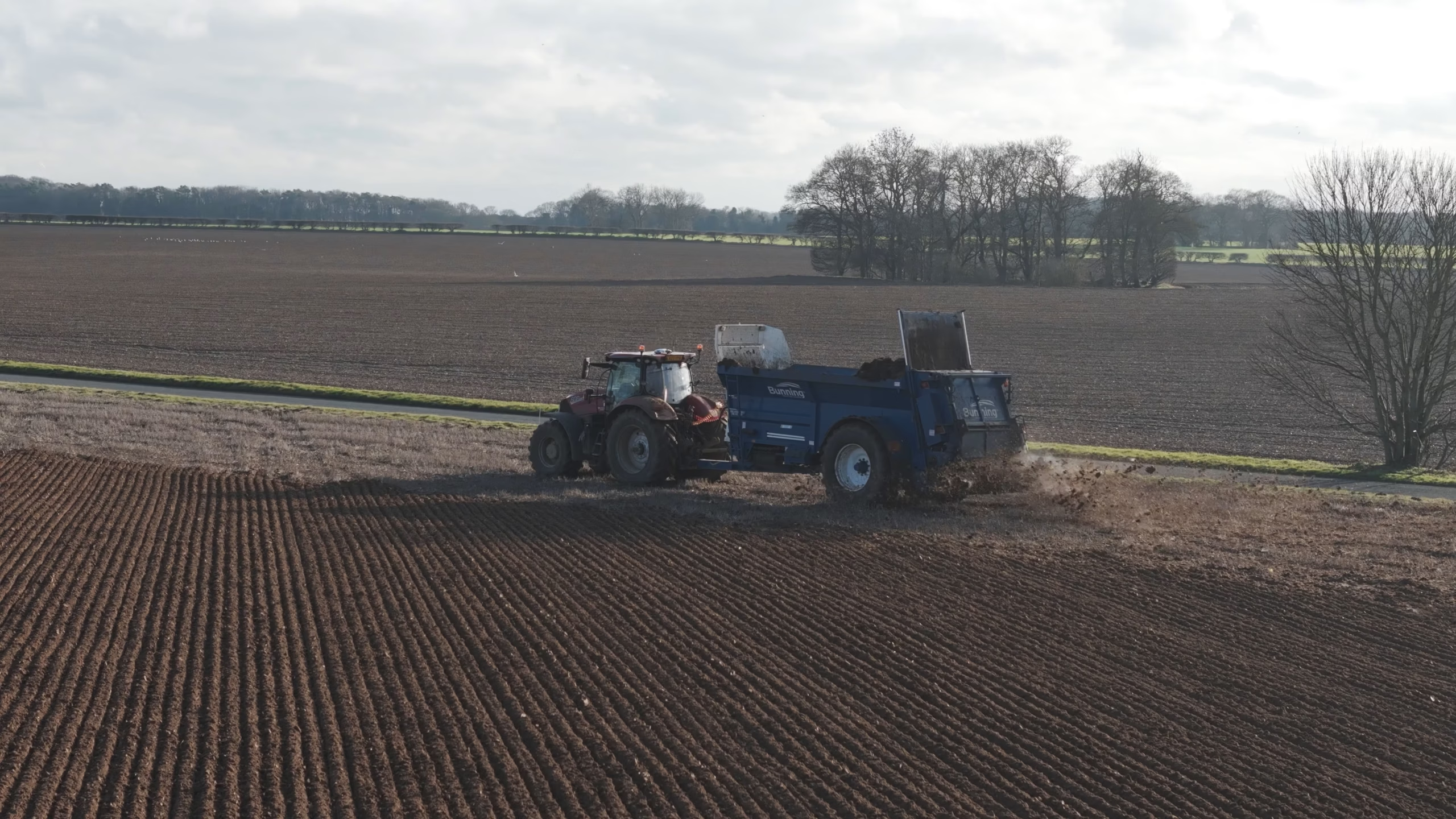
For a new shoot, list those three levels before choosing locations. Our corporate video production can bring them into one brief, with aerial filming where an overhead view helps explain the site.
Design for someone arriving halfway through
A presentation has a start time. A stand screen has a changing audience. Someone might join at a machinery sequence, stay for one message and then speak to a member of your team.
Give each short section enough context to make sense on its own. A service label, recognisable action and restrained branding can do more here than an introduction that only appears at the beginning. Avoid references such as “as we have just seen” if the viewer may have missed the preceding section.
A workable starting structure is a clear business identifier, an example of the work, a second capability and a simple invitation to speak to the team. Repeat that visual logic through the film. Treat this as a structure to test, rather than a fixed running time that every exhibitor needs.
Check what survives with the sound off
Play the proposed cut silently. Can a colleague identify the business and the point of each section without you explaining it? If a voiceover carries an essential fact, decide whether a short on-screen line or a different image can communicate it.
Transcribing every spoken sentence onto the screen can create another problem: too much reading. Keep display messages brief and give them time to register. Captions are useful when speech is part of the experience, but a stand loop may also need an edit designed around visual communication from the outset.
Check the organiser’s sound requirements before assuming the stand can play music or interviews aloud. A film that remains understandable without audio gives you more options when the hall is busy or neighbouring conversations matter.
Brief the display before approving the edit
Ask the stand builder or audiovisual supplier for the screen orientation, display dimensions and required delivery specification. A portrait display, a conventional television and a wide LED arrangement can need different compositions and exports.
Confirm where the screen sits and how visitors will approach it. A line of text that looks comfortable on an editing monitor may be difficult to read across an aisle. Check an actual-size sample where possible, with the important subject and message clear of edges or any physical obstruction.
- Who supplies and operates the player?
- Does playback use a local file or an internet connection?
- Which file format and resolution has the supplier tested?
- Will the file loop automatically, and what happens between repeats?
- Is a separate version needed for the website after the event?
These answers affect delivery. Send a short test file to the supplier early enough to discover a playback problem before the stand is built.
Make the loop and the next step deliberate
Watch the end run directly into the beginning. An unexplained fade to black or a long static end card can make a working screen look idle. Agree whether the loop should return seamlessly, pause on the brand, or alternate between separate films.
The call to action should fit the setting. “Speak to our team” can be more useful on a staffed stand than a long web address. If a QR code is included, test it on the intended display at a realistic distance and give people enough time to use it.
Sentry’s commission resulted in two exhibition films. That establishes the delivery; it does not mean every stand needs two. Separate films make sense when they answer distinct questions or serve different screens. One focused film may be enough when the message is simple.
Keep the screen film separate from event coverage
A video shown at an exhibition must be ready before the doors open. A highlights film of the exhibition is produced from footage captured during the event. Both can support the same campaign, but their deadlines and shot lists are different.
If you also need coverage of visitors, speakers and stand activity, our guide to planning business exhibition video coverage addresses that production. For the screen itself, send us the stand layout, display specification, main message and available project footage. Tell us about your exhibition film and we can help shape a clear brief.