One event, four kinds of material
- The occasion
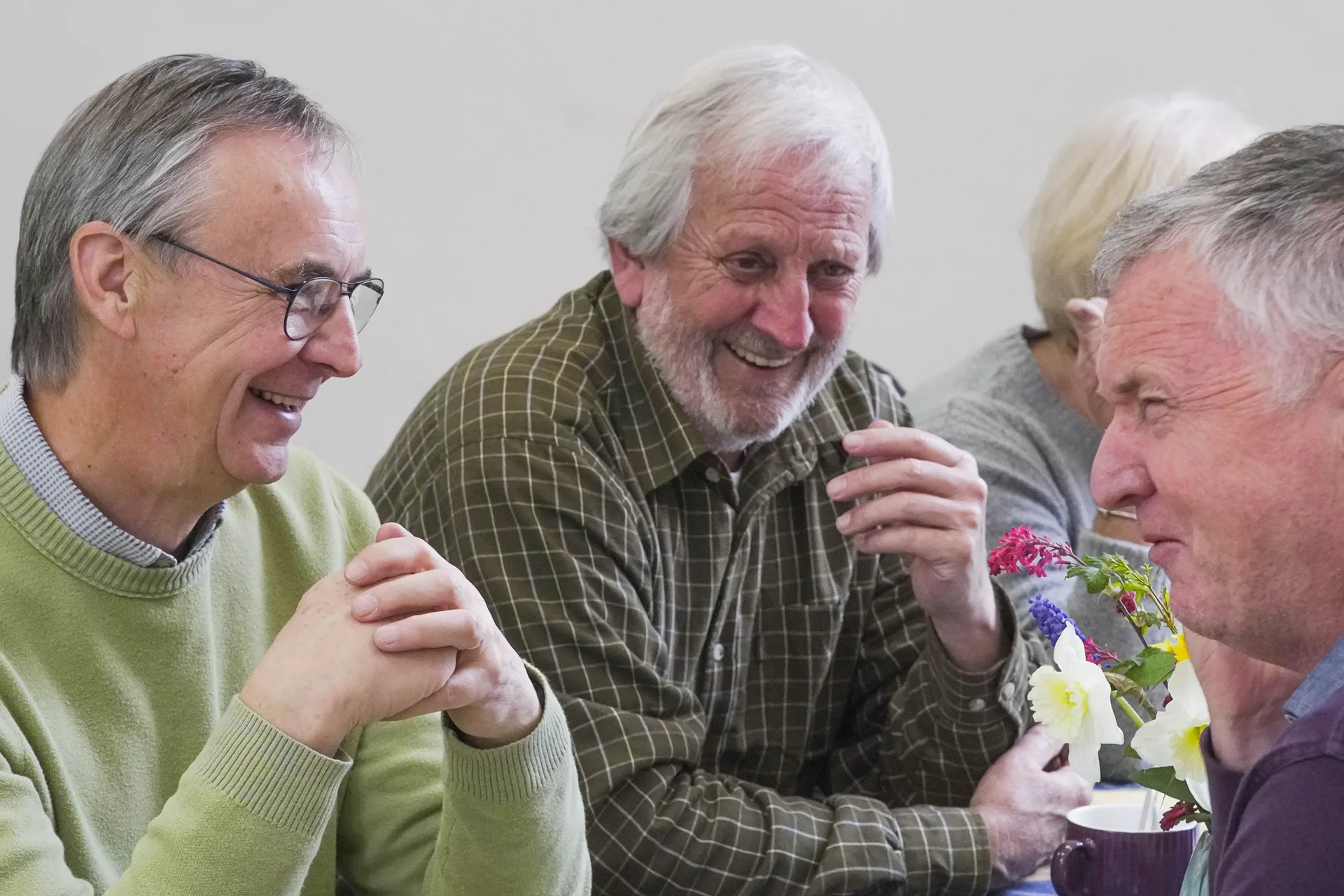
- Arrivals, room context, interactions and reactions can support a concise event recap. This answers “what happened?” for attendees, sponsors and future guests.
- The useful explanation
- A speaker or specialist answers a question that remains useful after the date. Preserve enough of the answer to include its important conditions.
- The demonstration
- Record the action clearly, including the start and result. A moving product or process may explain something a wide stage shot cannot.
- The complete record
- Keynotes, panels or presentations can be separate long-form resources if continuous camera and sound coverage, slides and permissions are agreed.
These categories compete for crew time. A videographer protecting a complete keynote cannot leave the room for an unscheduled interview. Use the conference filming guide to decide which output takes priority.
A four-week release series
Imagine a trade event with a keynote, a demonstration and two booked expert interviews. The plan below is illustrative. It does not assume that every event yields all these assets, or that any named Camera Guys client commissioned this package.
- Immediately after the event: the recap. Show enough context to identify the occasion and people. Thank relevant participants and link to the event information. Agree a rapid edit in advance if the release must be next day.
- Week 1: the complete keynote. Publish a checked, clearly titled recording for people who need the detail. Add chapters or a written contents list where the hosting system supports them, and supply accurate captions.
- Week 2: one practical answer. Select the interview answer that solves a repeated audience problem. Open with the question or its direct answer, identify the speaker and keep the qualification that makes the advice accurate.
- Week 3: the demonstration. Start with the action rather than another event logo sequence. Explain what the viewer should notice. Link to the relevant service, specification or longer explanation.
- Week 4: a second perspective. Use the other expert to answer a genuinely different question or explain a trade-off. Do not present two nearly identical endorsements as separate insights.
The release intervals are editorial choices, not a posting-frequency recommendation. A time-sensitive announcement belongs near the event. A technical answer can wait only while its claims, products and permissions remain current.
Write the edit brief while the context is fresh
During the event, note the speaker name, session and approximate recording time when a strong explanation occurs. Record product names and spellings from an approved source. A note such as “second panel, question about installation access, after the break” is far more useful than asking the editor to find “the good bit”.
For each proposed clip, the editor needs its question, intended audience, original context, destination and factual approver. If a statement depends on a slide, include the approved slide or explain the point in another accessible way. Cropping out a disclaimer or cutting away the condition can change what a speaker appears to claim.
A self-contained clip may need a new opening title and a short piece of context; it does not always need a new interview. Keep any added wording attributable to the organisation rather than pretending the speaker said it.
What to agree with contributors and the organiser
Confirm the intended reuse before recording: full sessions, public social extracts, sponsor use, paid promotion or internal-only access. Check who can approve and license slides, demonstrations and any included third-party material. These are production-scope questions; do not assume an event ticket or a recording notice grants every later use.
Keep a simple asset record alongside the films: source session, named speaker, approval, permitted uses, any expiry and the published locations. That record makes a later correction or withdrawal manageable. Our accessibility guide covers the different needs of captions, transcripts and visual description.
Stop when the event has nothing new to say
Evaluate the series by its purpose. A recap may serve attendee recognition; the full talk may help existing customers; a short answer may bring a qualified enquiry. Comparing only view counts would miss those different jobs.
If the final proposed clip merely repeats the keynote, drop it. If the event lacked a needed demonstration, plan a separate controlled shoot instead of stitching unrelated atmosphere around an unsupported claim. The one-day content plan is designed for that more controllable situation.