
Conference Videography: What Should You Actually Film?
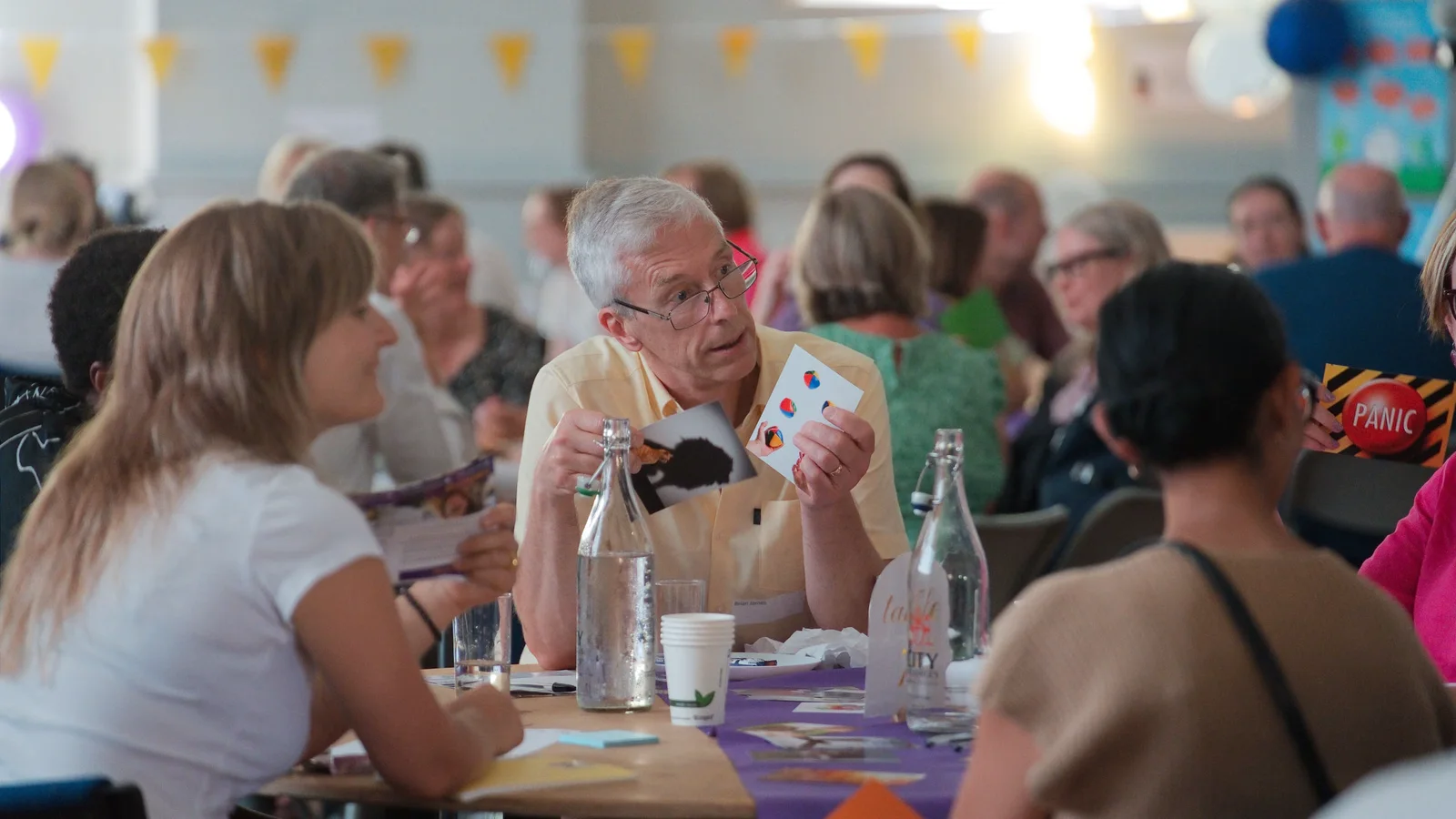
If a delegate misses the morning panel, a two-minute highlights film will not tell them what was discussed. Equally, uploading the entire panel will not show a prospective exhibitor what the stands and networking were like.
Both videos can be useful. They just need different material.
Before booking conference videography, decide which sessions you need in full and what you want people to see of the wider event. Then check whether those requests fit the programme, rather than asking the crew to collect a bit of everything and hoping it adds up afterwards.
Start with the sessions people will want to watch later
Mark the talks that need a complete recording on your running order. These are the sessions you intend to send to delegates, share with colleagues or keep as a resource. Give the crew their start and finish times, rooms and speakers, including any introductions or questions you need preserved.
Other sessions might only be needed for highlights. Be clear about the difference: asking for a few moments from a presentation is not the same booking as asking for the whole thing.
For a complete talk, think about what someone watching from home needs to follow it. That includes the speaker's words, but perhaps also a diagram, a demonstration or a question from the floor.
The question matters as much as the answer
A panel recording becomes frustrating when you can hear the response but have no idea what somebody asked.
Arrange how audience questions will reach the recording. That could mean a roving microphone, with the chair waiting until it reaches the person, or the chair clearly repeating the question before anyone answers. Include the moderator in the sound plan as well as the panellists.
Put the video crew in touch with the venue's sound team before the event. Ask them to confirm which microphones will be available to record, test the feed and agree a backup. Hearing someone through the room's loudspeakers does not, by itself, mean their voice is being recorded properly.
Show what the speaker is pointing at
When a presentation relies on slides, agree how those will appear in the finished recording. Supply the final deck and discuss whether the crew also needs to capture the presentation output, particularly where there are animations, embedded videos or a live software demonstration.
For a physical demonstration, show the action closely enough to understand it. A wide view of a presenter holding a small component is not much help when the detail on that component is the point of the talk.
Confirm with speakers what may be published, including any third-party material, and flag confidential slides or screens before filming. Do not leave the editor to guess which parts are approved for release.
Leave the auditorium sometimes
Once complete session coverage is accounted for, give the wider event some attention.
Arrivals, registration and signage establish where the day is happening. After that, look for people doing something: trying a product, contributing to a workshop, talking through an idea or meeting at an exhibition stand.
For a highlights film, a few connected shots of one activity can be more useful than a quick glance at twenty unrelated things. Show the demonstration, the detail someone is examining and their response. Give the viewer enough to understand why people stopped there.
Audience reactions belong in the film too. Record the question, the attentive listening and the applause, not just a row of people seen from behind. Keep those reactions connected to the right part of the event rather than suggesting that an unrelated comment prompted them.
Sponsor coverage needs a separate conversation. Check what has actually been promised: a visible logo, a stand feature, an interview or a dedicated film. Tell the crew where it happens and who can help. A sponsor's name appearing briefly behind a speaker will not fulfil every kind of commitment.
If still photographs are needed alongside the video, add them to the plan now. Our guide to what an event photographer should capture covers the photographs to discuss rather than treating them as an extra to squeeze in.
Give interviews an appointment
A few short conversations can put useful words to everything you are filming. Ask a delegate which discussion changed their thinking, an exhibitor what they have been demonstrating, or a speaker to explain one point they would like people to take away.
Those are starting questions, not lines for people to learn. Follow an interesting answer rather than steering every person towards saying the event was brilliant.
For filmed interviews, reserve a suitable place and a little time with each contributor. Somewhere close to the activity but away from the coffee machine is worth finding. Ask an organiser to bring people over and confirm names, roles and company spellings while they are there.
In practice: My Home Life England
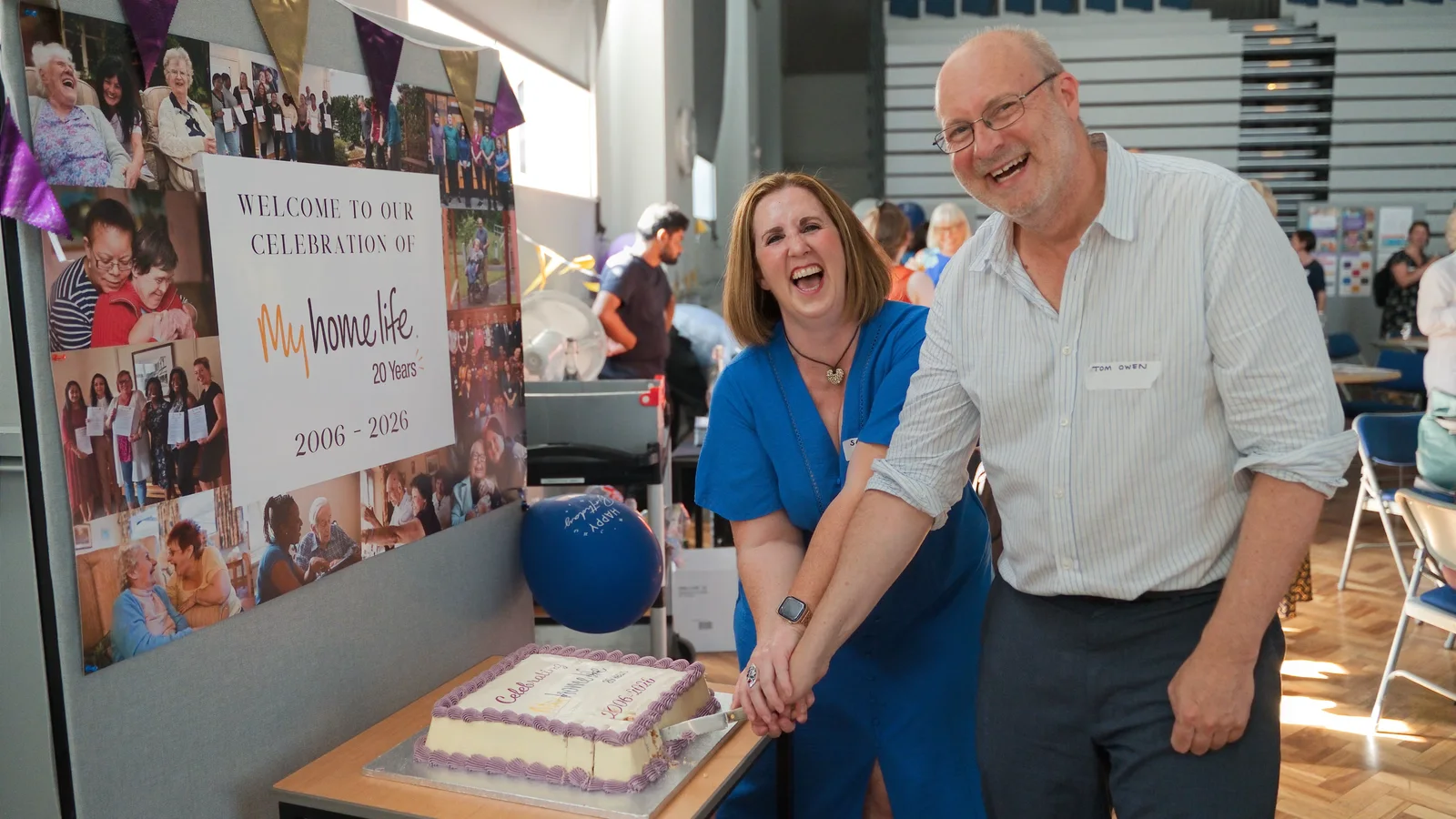
Our My Home Life England project included a London anniversary event where the coverage went beyond a short recap. We produced a multi-camera conference recording, highlights, short contributor interviews and event photography.
That London event was one of three filming dates in the wider project. Material from the conference and two programme days also contributed to an organisation-wide promotional film.
It is a useful example of deciding what deserves to stand alone. The complete conference recording preserved the longer discussion; the highlights and interviews offered other ways to share the occasion. They were different outputs, not interchangeable versions of the same film.
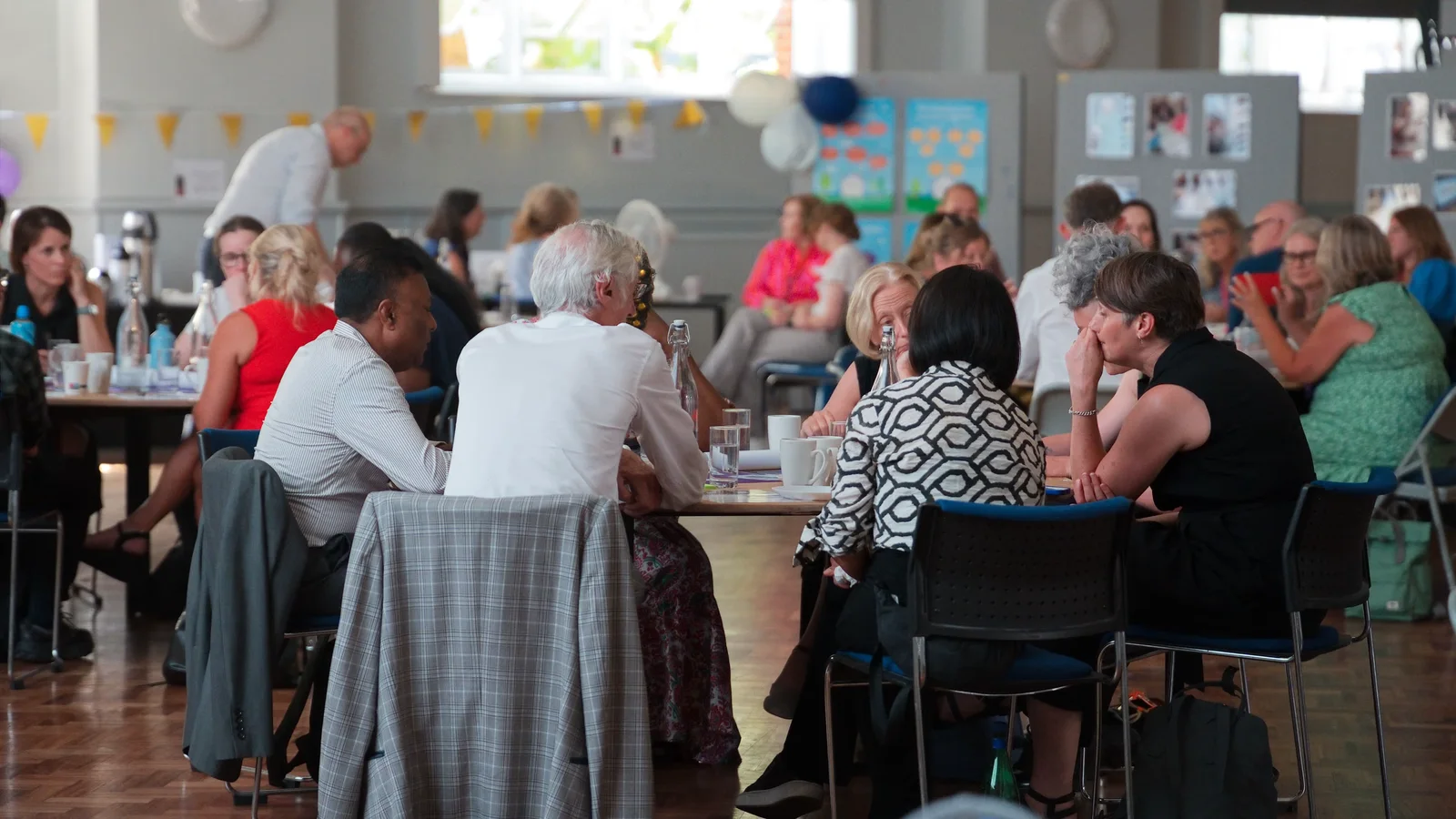
The 11.30 problem
Suppose the keynote continues until midday, a sponsor demonstration starts at 11.30 and your interview guest can only spare ten minutes before leaving.
All three may sound straightforward when discussed separately. Put them on the same running order and you can see the problem.
You could move the interview, arrange another demonstration for the camera or add coverage. You could also decide that one of those requests is less important. What you should not do is promise all three and leave the videographer to choose on the day.
More cameras do not automatically solve it. One operator can manage some multi-camera setups in a single room, but that does not give them another pair of hands in the exhibition hall. Ask who will monitor the recordings, follow the action and handle changes while another interview is taking place.
Do the same check for breakout rooms. Which sessions need recording in full? Which only need a visit for highlights? Which can be left out? Our complete event videography guide explains how those decisions affect the crew and venue arrangements.
Some parts can stay off camera
You do not need to film every refreshment break or keep collecting empty-room shots once you have enough to establish the venue. Give that time to something the finished films are still missing.
There may also be workshops or conversations that should not be recorded. Agree how attendees will be informed, identify any no-filming areas and give the crew a clear way to check uncertainties with the organiser. Do not treat a private discussion as useful background sound simply because it is happening at a public event.
Ask about the opening and closing remarks before dismissing them, though. An organiser explaining why people have gathered, or a speaker summing up the day's central idea, may give the highlights film a useful beginning or ending. Record the relevant part, not automatically every minute of housekeeping.
Decide what will arrive after the event
Write down the finished videos you are commissioning, not just the hours of filming. For example: two complete talks with slides, one event highlights film and three separate interview clips. The quantities should come from your programme and plans, not an arbitrary package.
Agree captions, speaker titles, video formats and delivery dates as part of the editing brief. Mention vertical clips, live streaming or same-day delivery before booking; each needs its own preparation rather than being assumed to come with the recording.
For spoken content, include accurate captions so people who cannot hear the audio can follow it. Check names, figures and specialist terms; automatic captions need reviewing and correcting rather than publishing unchecked. Our video accessibility guide explains the options.
Decide who will approve the films and check any restrictions on speaker, sponsor or presentation material before release. Keep a note of strong moments during the event so the editor has more to go on than "there was a good answer somewhere in the afternoon".
For the publishing plan, see how to turn one event into weeks of video content. There is no need to include everything in the first highlights film.
When you send us your conference programme, mark the sessions you need in full, the people you would like to interview and any sponsor commitments. Add where the films will be used and when you need them. We can then discuss the coverage the day actually needs, including what can reasonably be handled by one operator and where separate coverage would help.