
The Complete Guide to Event Videography
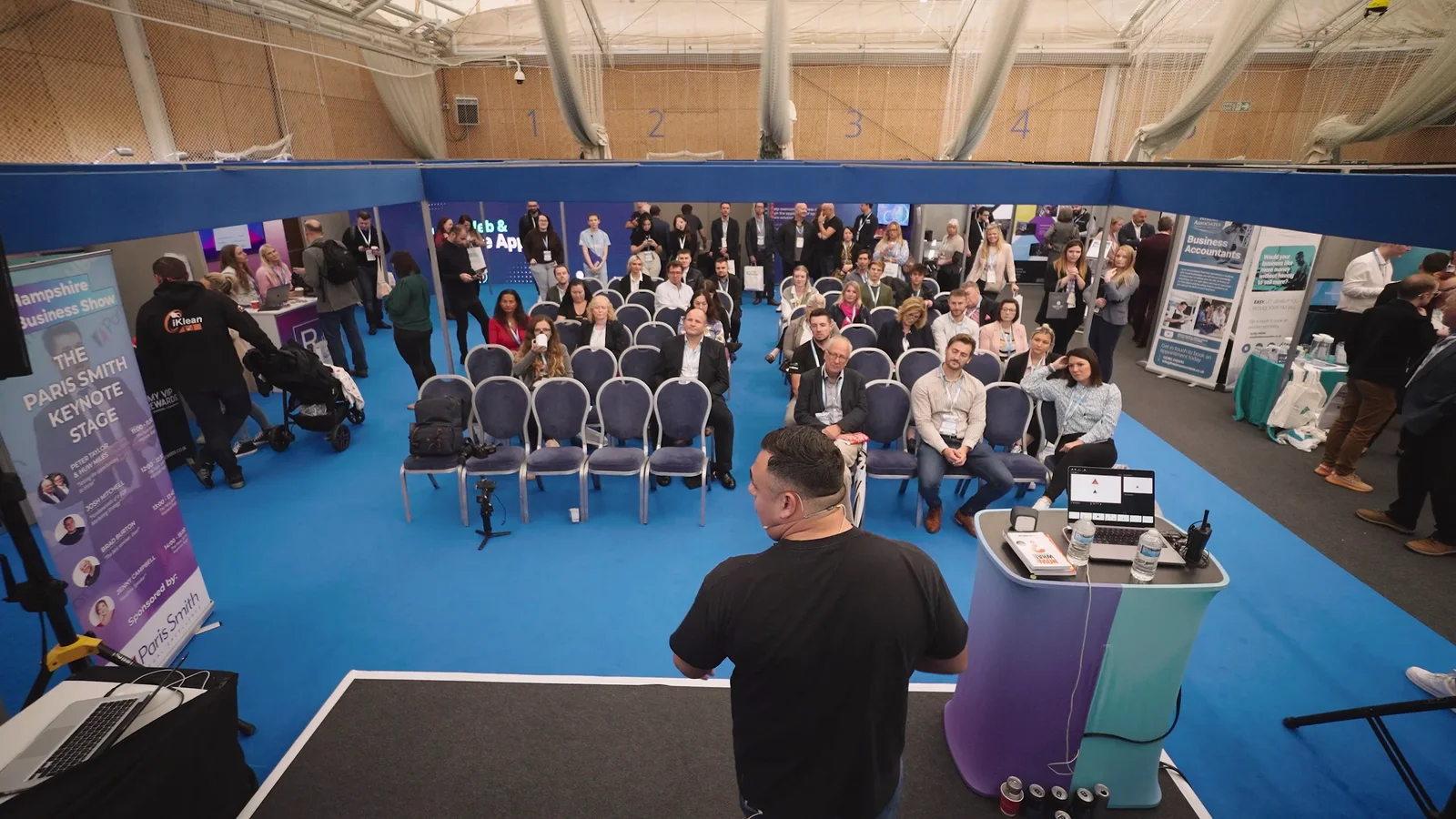
The keynote is about to start. Your most important customer has ten minutes for an interview before they leave. A sponsor is demonstrating a new product in the next room.
Which one should the videographer film?
That question is much easier to answer before the event than while someone is already walking towards the stage. It also explains why a useful event video starts with more than a booking time and a venue address.
Event videography can mean a short highlights film, complete recordings of presentations, interviews, promotional clips or a combination. The important part is agreeing what you need to watch afterwards, then making sure the filming plan can actually deliver it.
Here is how to organise that, from the first conversation with your video team to putting the finished films to use.
Decide what people should be able to watch afterwards
Before writing a shot list, describe the finished videos in ordinary language.
A film that makes people interested in the next event. This needs enough of the atmosphere, activities and people to show what attending is like. A few good words from a speaker or visitor can give the pictures a point, rather than leaving everything to music and a closing logo.
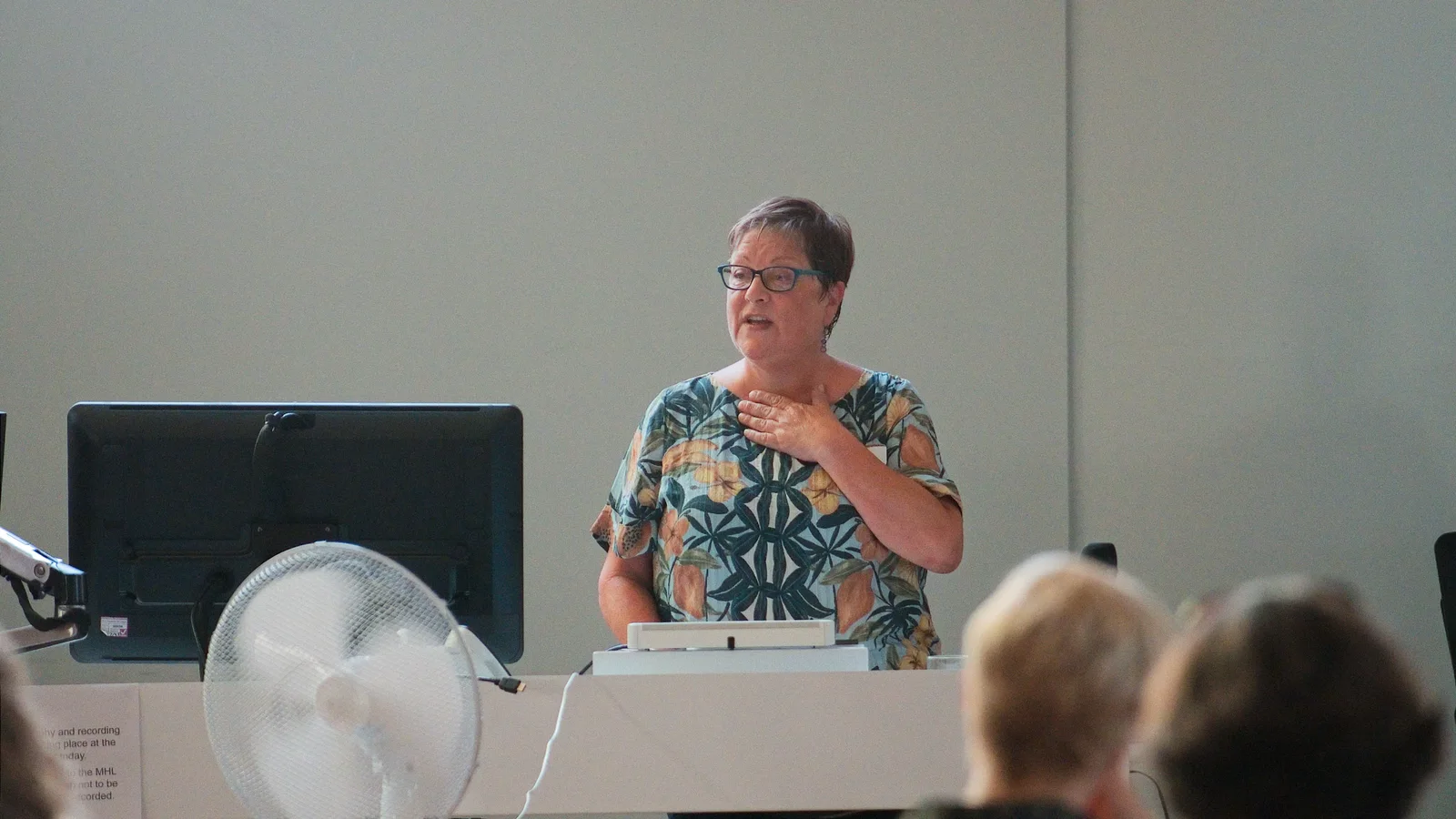
A recording of something worth revisiting. A keynote, training session or panel needs continuous coverage, intelligible speech and any slides or demonstrations necessary to follow it. Someone watching later should not have to guess what happened between the attractive shots. Our conference filming service covers this kind of speaker-led production.
Individual pieces for later use. These might be an exhibitor explaining a product, a customer describing their experience or an organiser answering a common question. They need enough context to work outside the event recap.
You can commission all three. Just do not assume that booking a highlights film automatically includes complete talks and a collection of separate interviews.
Write down the essential outputs first. Our guide to writing a video production brief will help turn those ideas into something a production team can quote against.
Put the filming plan next to the running order
A programme tells guests where to go. A filming plan also needs to show where the crew must be, what they are recording and when they can move.
Imagine the keynote runs from 11am until midday, but a customer interview is available at 11.15am in another room. If you need the complete keynote and the interview, that overlap has to be resolved. Move the interview, add coverage or change the priorities. Writing both items on a shot list does not make the conflict disappear.
Include the time before guests arrive. The crew may need to unload, check access, position cameras, test sound and photograph or film the room before it fills up. An event that starts at 9am does not necessarily need a videographer who arrives at 9am.
Give the crew one organiser contact who can communicate changes. If an award moves earlier or a speaker swaps rooms, the people filming need to hear about it before the moment happens.
For a conference-specific breakdown of what deserves coverage, see what to film at a conference.
One videographer or several?
One experienced videographer can be a sensible fit for a focused, single-room event. The decision changes when several things need active attention at once.
A fixed camera can provide an additional angle. It cannot move around an unexpected obstruction, follow someone into another room or collect an interview while its operator is elsewhere.
Ask what each person will be responsible for. A second operator should solve a particular problem, such as keeping the stage covered while another films the exhibition floor. More equipment is not, by itself, a coverage plan.
Introduce the video team to the venue and sound crew
The most useful introduction is often not to the person who booked the room, but to the person running its sound and presentation systems.
For spoken content, arrange a sound check and establish how the microphones will be recorded. A feed from the venue's sound desk can be useful, but the crew still needs to test and monitor it and agree an appropriate backup. Check audience questions too: a clear answer is not much use if nobody watching the recording can hear what was asked.
Send presentation materials in advance where possible. When a speaker says, "As you can see on this graph," the finished recording needs to show a readable graph. Agree whether slides will be captured directly or supplied for the edit, and make sure the final version is available.
Walk through camera positions with the venue. Consider seated and standing audiences, lighting changes, access to power and where equipment can go without blocking aisles or exits. A clear view during an empty-room visit may be blocked once guests stand up.
For outdoor events, discuss shelter, equipment protection and what changes if the weather turns. For festivals and live performances, also establish stage access and any restrictions on filming particular acts. Optional drone coverage needs its own site, airspace, weather and permissions assessment; it is not something to promise simply because the event is outdoors.
Give interviews somewhere to happen
"We will grab a few people on the day" is a starting point, not a complete interview plan.
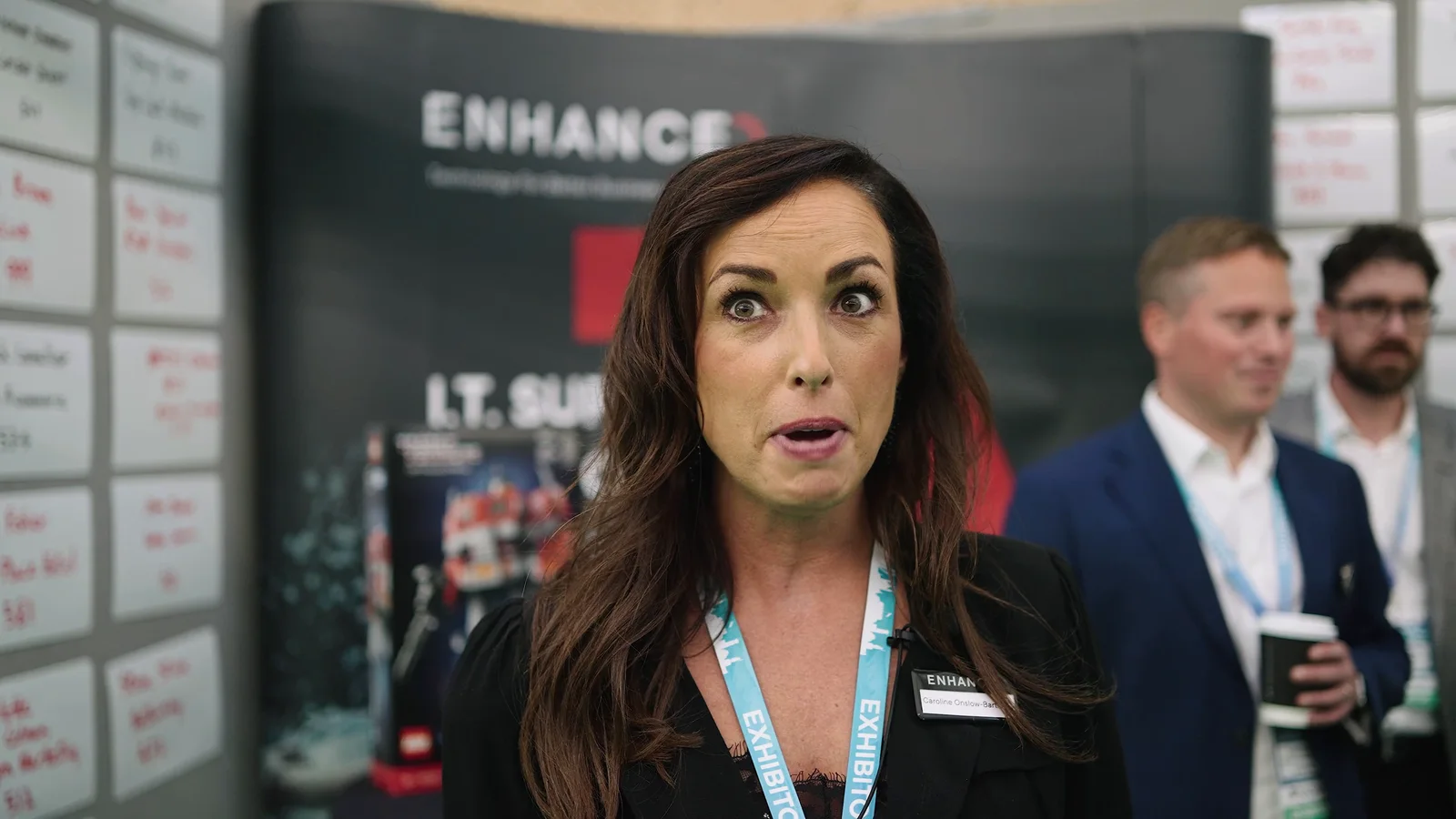
Choose people who have something relevant to say and give them a rough time. Find a quieter space within easy reach of the event, and nominate someone who can bring the next contributor over. A coffee machine, loudspeaker or busy doorway can make an otherwise attractive interview spot difficult to use.
Keep the questions specific. Instead of asking whether the event was good, ask what brought someone along, what they learned or which conversation was useful. Let them answer honestly rather than feeding them a promotional line.
Collect names, job titles and organisations while people are there. Explain how their contribution will be used. When the interview is a customer endorsement rather than an event reaction, our customer testimonial filming guide covers preparing and recording that story in more detail.
A good highlights film needs more than a busy room
Wide shots establish the scale of an event. The closer moments explain why it mattered.
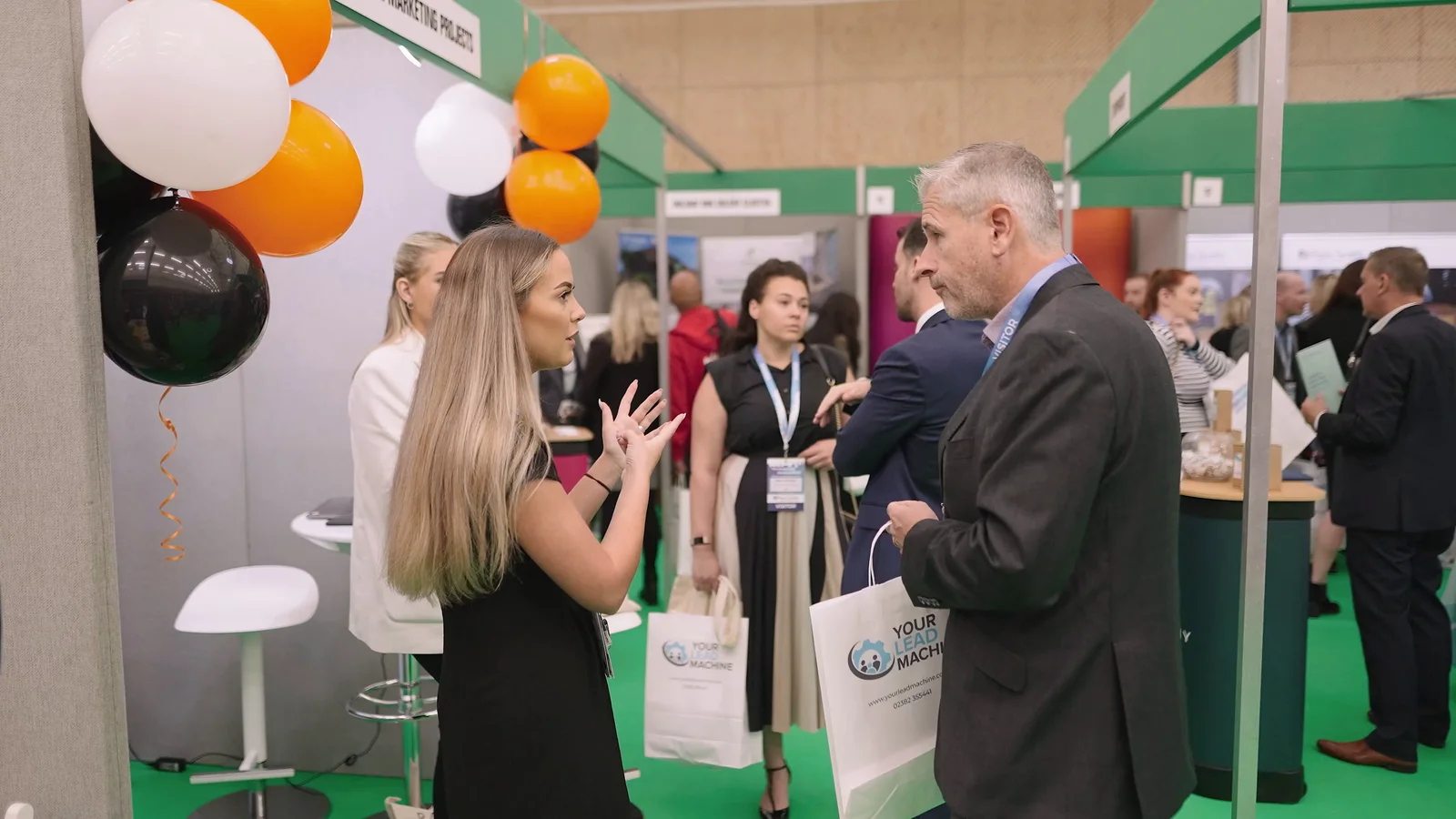
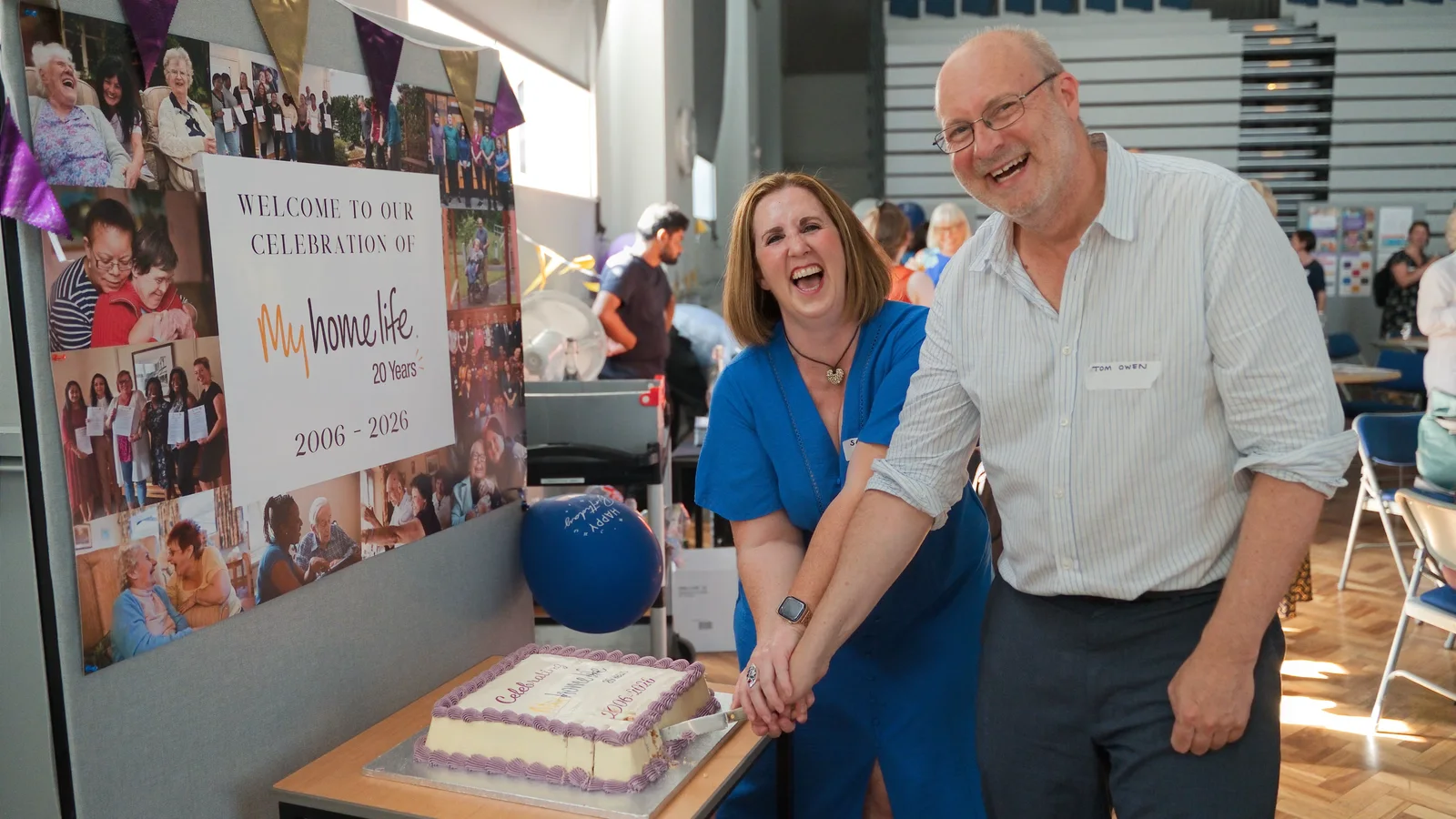
Show a demonstration being used, not just the stand it happened on. Follow an award from the announcement to the winner's response, rather than collecting unrelated shots of applause. Give an interview a visual connection to the activity being discussed.
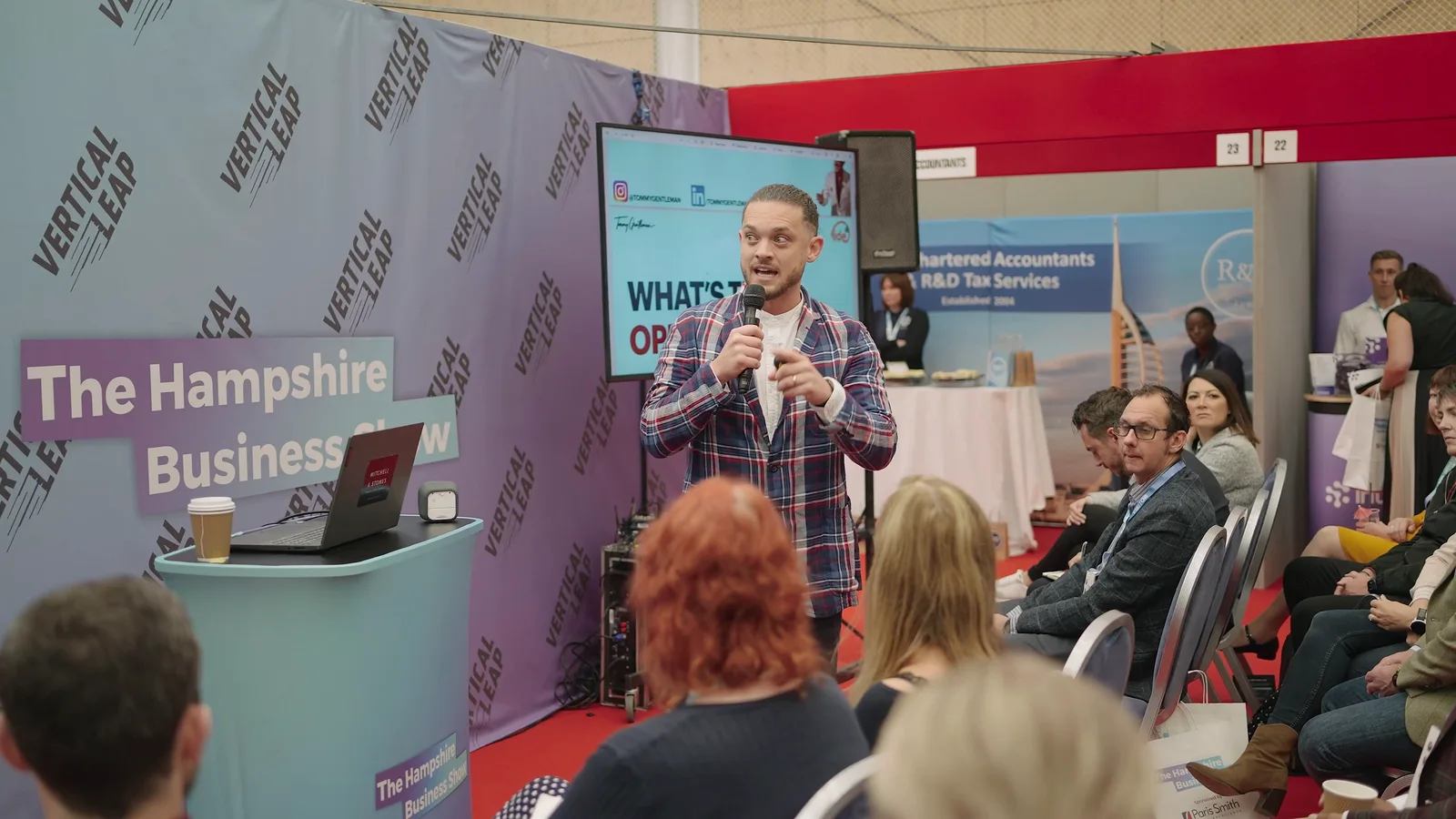
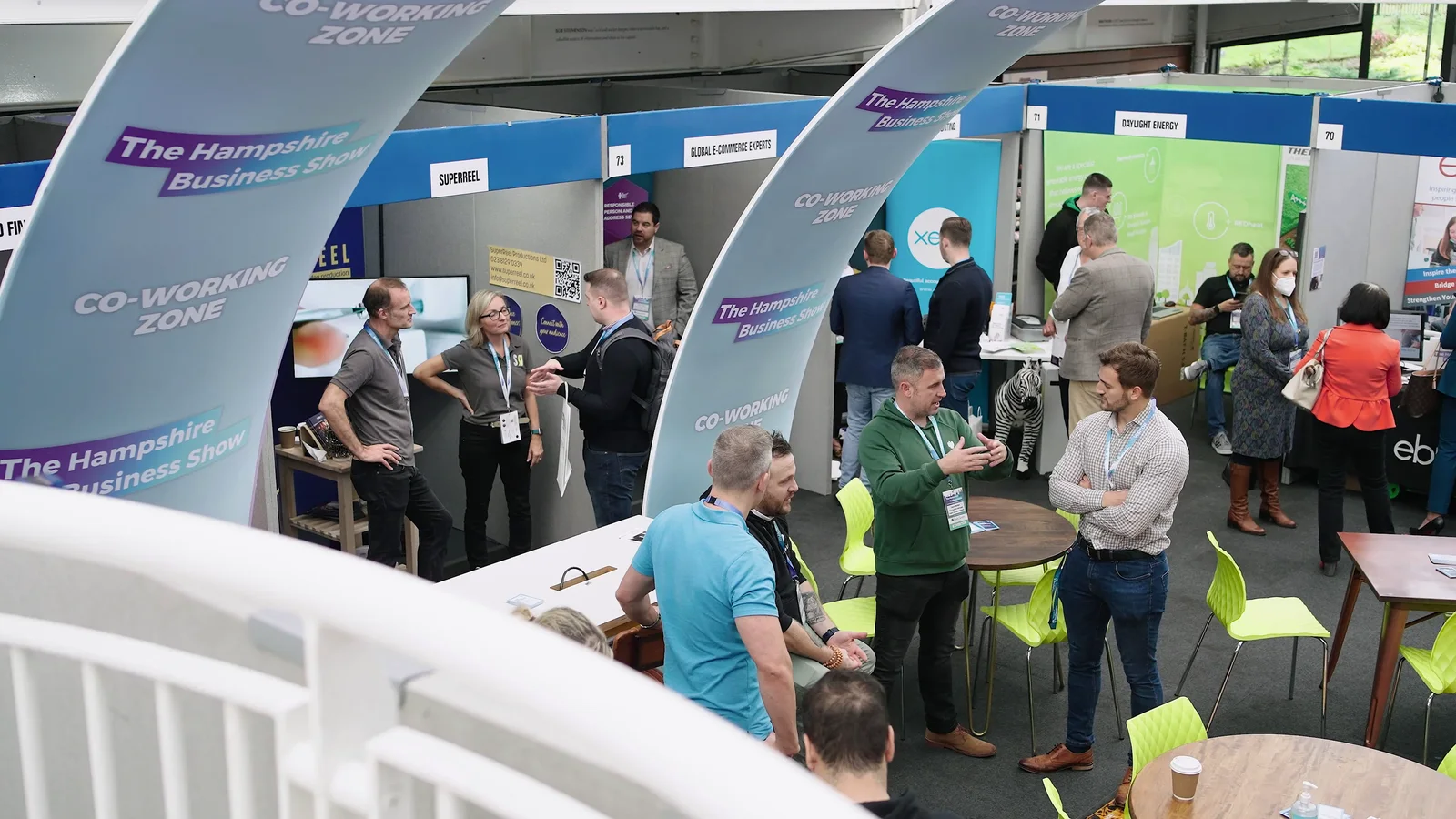
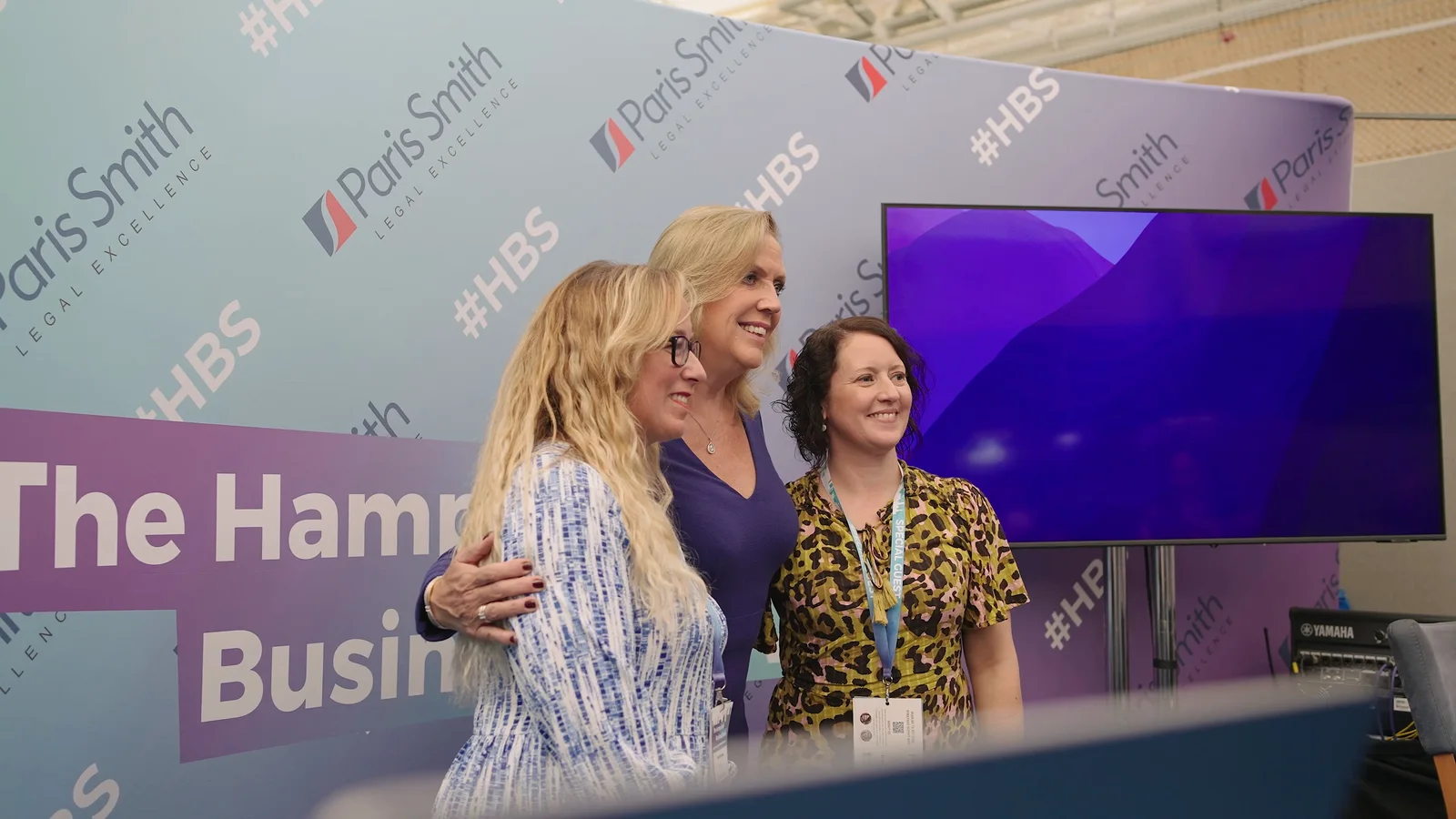
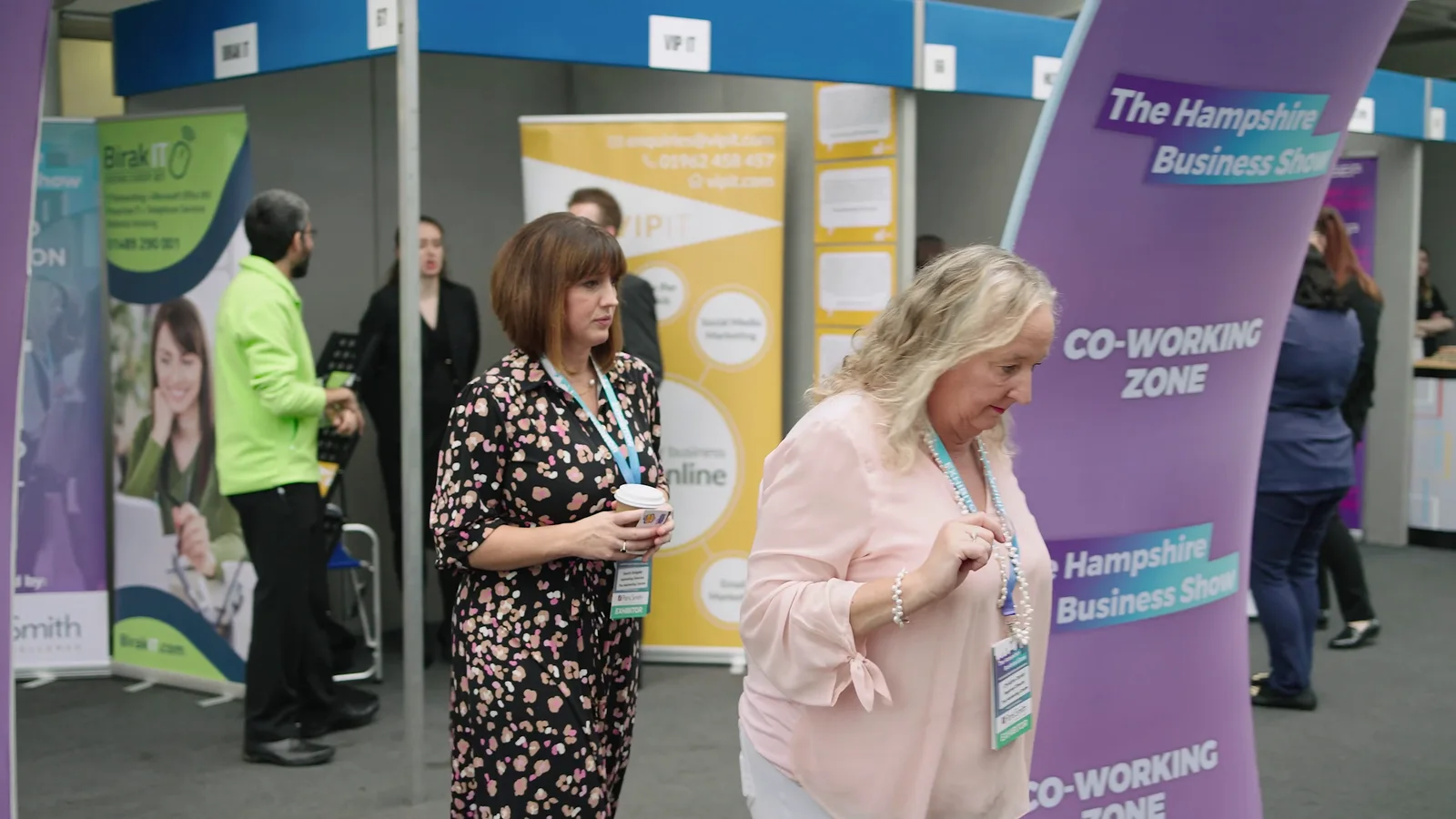
Our Hampshire Business Show production combined an event film with separate interview and testimonial material. Coverage included speakers, exhibitors and conversations around the show, rather than treating the exhibition hall as one continuous crowd shot.
That project was planned around a single videographer filming within one event day. It is an example of focused coverage, not a promise that every multi-room exhibition can be covered by one person. The useful lesson is to choose the important moments and leave time for the material that connects them.
Sponsor requirements need the same specificity. An interview, a product demonstration and a logo appearing in the background are three different things. Agree what has actually been promised.
Film the event without taking it over
Guests came to attend the event, not to spend the day navigating a film set.
Agree sensible camera positions, avoid interrupting sessions for shots that could happen later and keep private conversations and confidential screens out of the coverage. Brief the crew on restricted areas and anyone who must not appear. For events involving children or vulnerable people, discuss the organiser's safeguarding procedures before filming.
Tell attendees what recording will take place, where the footage is intended to appear and whom to contact with a concern. Decide how restrictions will be communicated to both the camera team and the editor.
Where recordings contain personal information, the organisation responsible needs an appropriate lawful basis and privacy information. The ICO's guide to lawful basis explains that the right basis depends on the circumstances. A filming notice helps communicate what is happening; it does not settle every permission or data-protection question on its own. Have your organisation's privacy lead confirm the approach where needed.
Photography, livestreaming and urgent edits need their own plan
These can work alongside event filming, but they should not be hidden inside the phrase "full coverage".
Photography alongside video
If you need press photographs, sponsor images or a photo gallery, brief those uses separately. A video frame is not automatically a substitute for a photograph captured at the right instant, with the right framing and finish.
We can plan event photography alongside filming. Where both need dedicated, simultaneous coverage, that normally means a photographer and a videographer working together. Sharing the programme helps them coordinate rather than compete for the same position.
A live audience is a separate audience
For a livestream, decide what remote viewers should see and hear, including slides, questions and breaks between sessions. Confirm the platform, connection, monitoring, accessibility requirements and fallback arrangements with the production team and venue.
Do not assume guest Wi-Fi is a tested broadcast connection, or that somebody recording a camera file is also managing the stream. Include live-streaming support in the original enquiry so it can be scoped properly.
Same-day content
A quick social clip may be possible, but someone needs time to select footage, edit it, check it and obtain approval. If filming continues uninterrupted, arrange who handles those jobs while the camera team stays with the programme.
Agree the particular clips and deadlines in advance. "One short clip by the end of the afternoon" is a much clearer request than "all the content as quickly as possible".
Decide on portrait and landscape before the event
The final screen changes what needs to fit inside the picture.
A landscape recording might need to show a speaker and presentation screen together. A vertical clip may concentrate on one person. Cropping the same wide shot does not always preserve everything that matters.
For our TR7 coverage at Cheltenham Racecourse, the brief included a portrait highlights film alongside photography and raw footage. We filmed wider to leave room to reframe the rugby action for the vertical edit. That was a deliberate choice during filming, not a format decision left until delivery.
The same principle applies to business events: tell the crew which versions matter before the cameras are positioned. For fast-moving sports, the action and its likely direction also shape the coverage, as our sports videography service explains.
TR7's source-footage delivery was part of that project's brief. It should not be read as a standard inclusion with every event film.
What happens after the event?
The first job is to organise and protect the recorded material. Then the edit can take shape around the agreed films, rather than treating every clip as equally important.
A highlights edit needs selection and pacing. A full presentation needs continuous picture and sound checked, appropriate trimming and any agreed slides added. Standalone interviews need enough context to make sense without the surrounding event.
Our guide to video post-production explains the work between the shoot and the finished files, including sound, colour, graphics and delivery.
Make feedback useful
Nominate one person to collect comments from the organiser, brand team and any other agreed reviewers. Return one clear set of notes with timestamps, rather than several contradictory email threads.
Check names, job titles, sponsor details and factual statements. When shortening an interview or presentation, keep any qualification that changes the meaning. A neat edit is not worth making someone appear to say something they did not intend.
Agree captions, music and presentation rights
Plan captions for spoken content and have them checked, especially names and specialist terminology. W3C's caption guidance explains that accessible captions include meaningful non-speech sound as well as dialogue. Automatic captions need review rather than being treated as the finished version.
Also agree who clears music, slides and other supplied material for the intended use. Do not assume permission to play something at the venue includes permission to publish it in an event film. The government's guidance on using somebody else's intellectual property is a useful starting point; particular recordings or performances may need more specific permissions.
How much does event videography cost?
At The Camera Guys, straightforward on-location filming starts at £249 for the first hour per operator, followed by £99 for each additional consecutive hour. Video editing is £49 per hour, scoped separately around the films required. Our current pricing page sets out the inclusions and conditions.
For example, four booked hours with one operator comes to £546 for on-location production, before editing, travel and agreed extras. Booked time includes the agreed on-location setup; it is not four hours of filming plus free setup time.
A whole-day conference with several rooms, full presentation recordings and urgent clips needs a different quote from a short, single-room launch. There is no reliable rule that turns filming hours into editing hours.
Our event videography cost guide explores those differences. Compare quotes against the same coverage and finished files, not just the time someone spends at the venue.
Give the finished films somewhere to go
A folder of approved videos is not yet a publishing plan.
Put the highlights film where it can help explain the event, make complete talks easy to identify and find, and give individual clips an introduction that explains why they are worth watching. Our guide to using video on a company website covers matching the film to the page where it belongs.
Plan later posts around genuinely different contributions: a useful answer, a demonstration or a speaker's explanation. There is more detail in turning one event into weeks of video content. You do not need to publish every usable moment just because it was recorded.
Before closing the project, confirm who keeps the finished masters, how long source material will be retained and whether any raw footage or project files are part of the agreement. Keep permitted-use information with the assets, particularly when contributors or sponsors have agreed to specific uses only.
Send the programme, not just the date
The most useful starting point is your venue, running order and a short description of what you want people to watch afterwards. Add any overlapping sessions, interview opportunities, photography requirements and fixed publishing deadlines.
A draft programme is fine. We would rather help identify a coverage gap while there is still time to change it than discover it when the speaker steps on stage.
Send us your event plans and we will help work out the coverage, crew and finished films.
Is part of your audience online? See our hybrid event production service for events with people in the room and online.