A huddle and a team portrait answer different needs
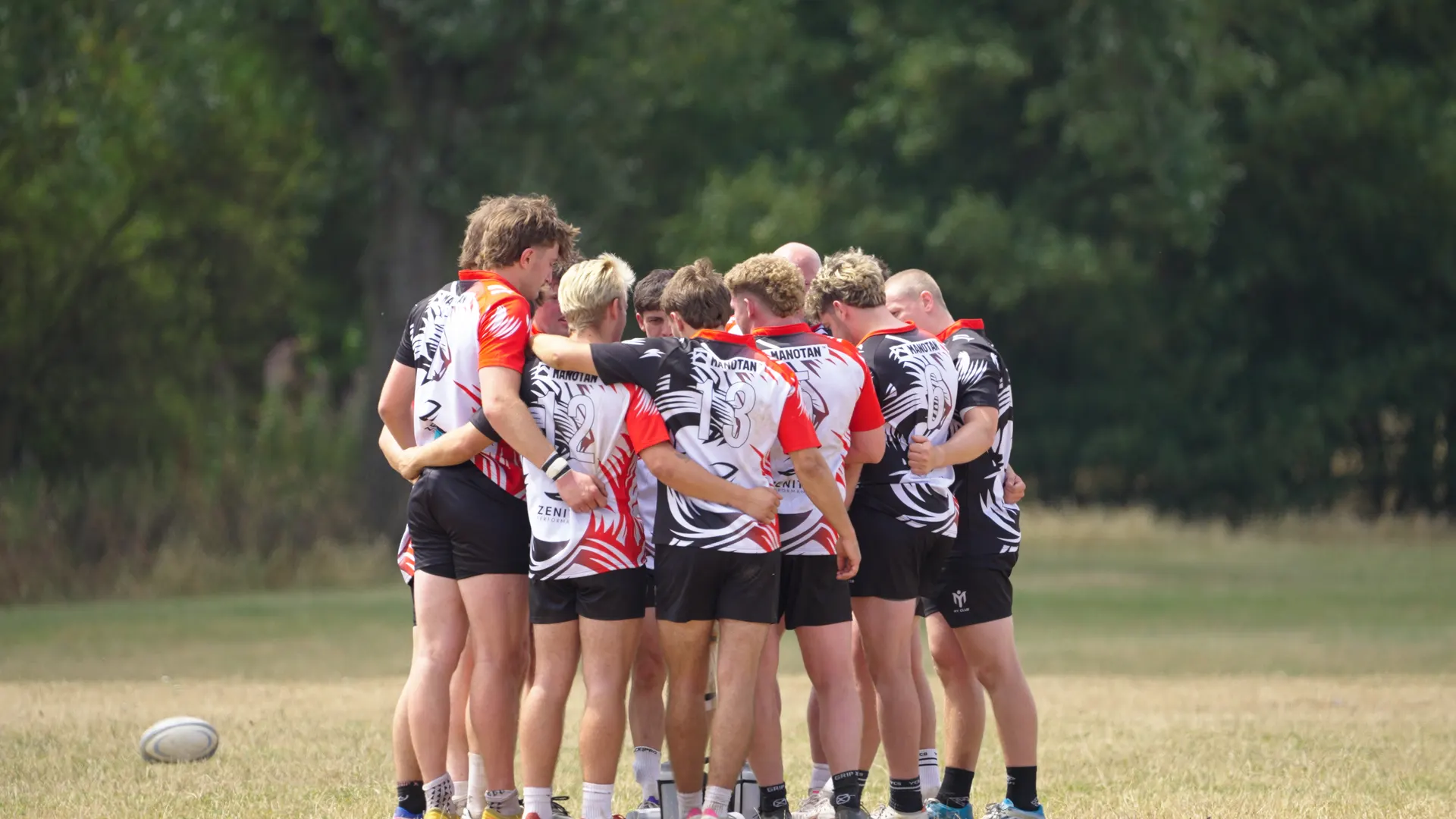
The huddle frame places the viewer beside the team. It is a useful image for describing preparation, shared focus or the atmosphere around a match. It does not give you a clear, front-facing view of every player, and that is not a fault: the image has a different purpose.
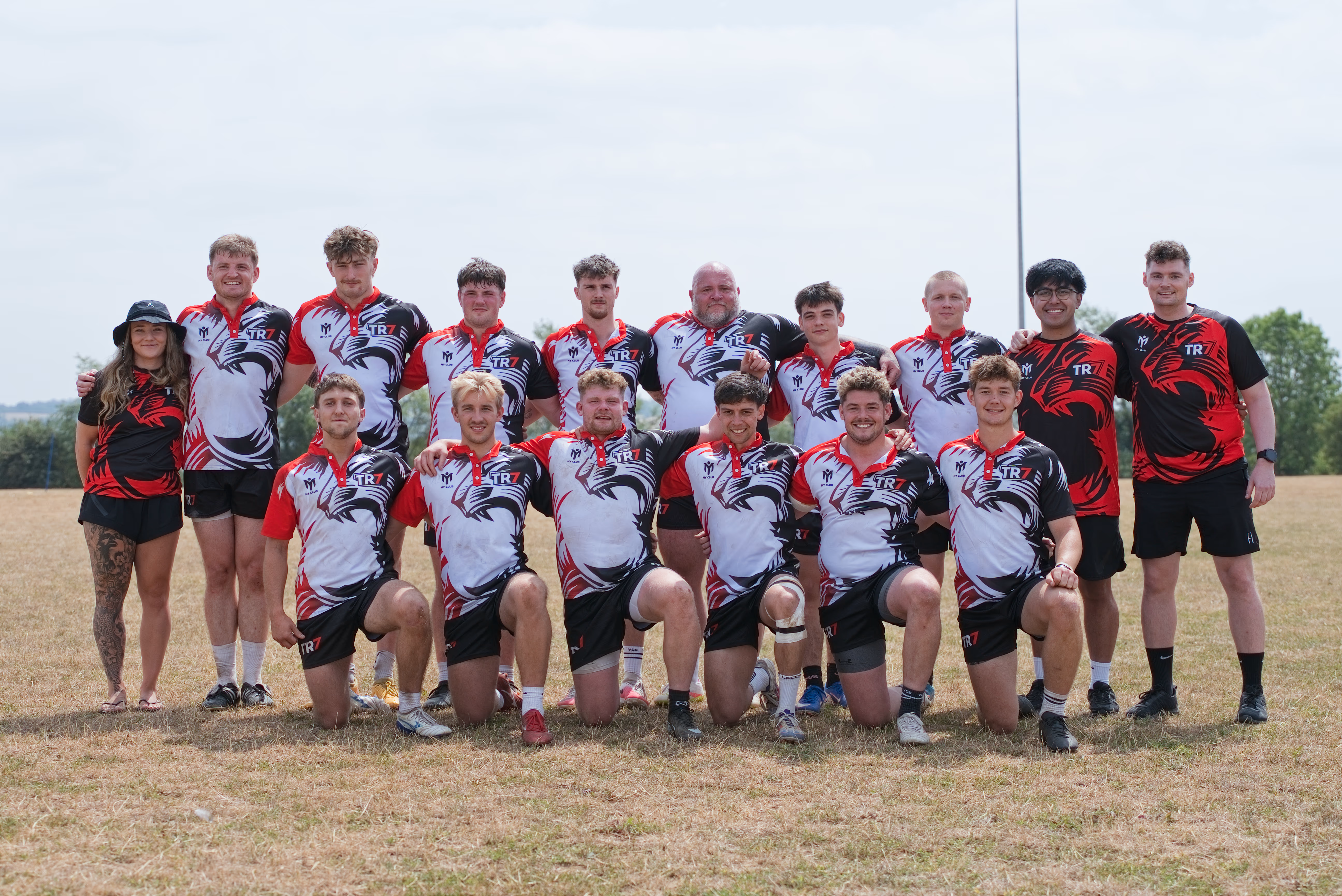
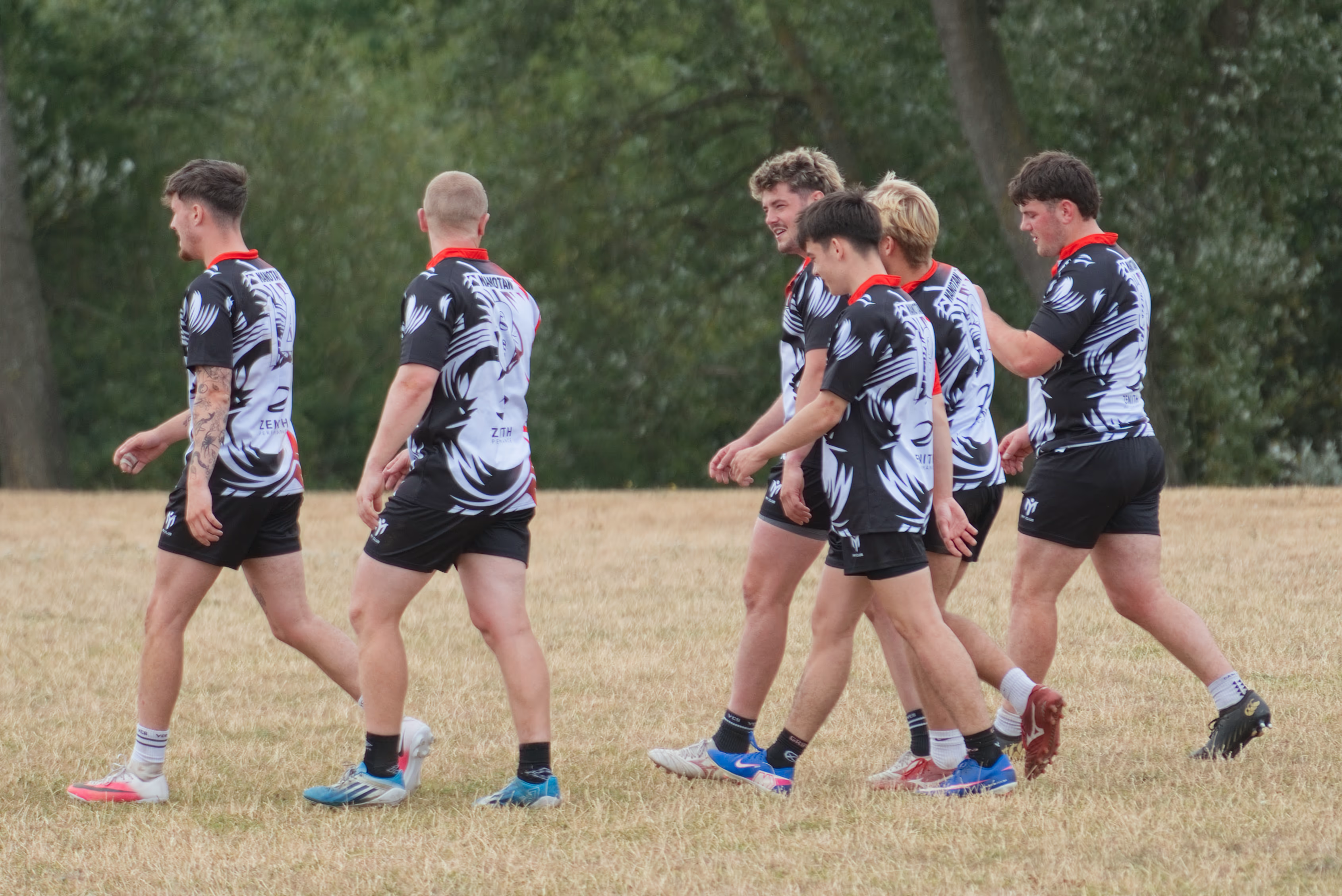
The posed group photograph gives the team a recognisable collective portrait. For a team introduction, sponsor announcement or club website page, that may answer the brief more directly.
These are different moments, not a controlled test of camera quality. Their value is in showing why “take a still from the video” cannot guarantee every photograph a client might later need. The right moment has to exist in the footage first.
Check the frozen moment, not just the moving sequence
Movement can look natural when frames play in succession, while an individual frame looks soft or awkward. A running player may have a blurred hand; a speaker may be between expressions; a camera move may be passing through a composition that never settles.
Pause around the moment and compare several nearby frames. Check the eyes, hands, equipment and any important branding. An image should work on its own without the preceding shot or the soundtrack explaining it.
A photographer can choose timing and exposure for a still image. A videographer also has to consider how motion looks across the whole shot. Neither choice is wrong, but the brief should not assume that every video frame will freeze action in the way a sports photograph might.
Test the crop your website actually uses
A landscape frame may work well beside an article and poorly inside a portrait card. Cropping can remove a second person, a ball, a product or the context that made the shot useful.
Preview the candidate in the actual page layout, including its mobile version. If text will sit over the image, check that there is usable space behind the words. Do not approve a photograph only as a full-width image and discover later that the website trims the subject away.
Our separate guide to 4K and 1080p video explains the pixel dimensions and cropping calculations. For still selection, the decision is simpler: inspect the exported image at its intended size. More pixels cannot recover a missing face, remove motion blur or change the original viewpoint.
Ask for a frame export from the best available source
If you want a still from an existing film, send the production team the timecode and intended use. Ask whether they can export a suitable frame from the source footage or a high-quality master, rather than taking a screenshot of a streamed player.
A screenshot can include controls, a reduced playback resolution or extra compression. An editor may also be able to choose a nearby frame with a better expression. Check whether titles or captions are baked into the available version if you need a clean image.
This is an additional selection and finishing task, so agree the number of images and any retouching required. The existence of a video does not automatically establish a still-image delivery in the original booking.
When dedicated photography belongs in the brief
Book photography when the images have requirements that cannot be left to chance: a named group portrait, consistent staff headshots, specific product angles, a press image or action at an unrepeatable moment. Those requests need their own coverage plan.
At Hamplified, the photography was planned alongside the films. That meant the delivery did not depend on finding enough usable frames after the edit. The case study’s separate galleries show what each medium contributed without treating the video stills as a substitute for the commissioned photographs.
If you are weighing up the production team, see our guide to booking photography and videography together. The staffing question follows from the moments and outputs that must be covered.
A practical choice for your next website update
- Use an existing video still when it shows the right subject, survives the required crop and looks clean at the final display size.
- Request a considered selection of frame exports when the footage is promising but you need help finding and finishing images for specific page layouts.
- Plan dedicated photography when a missing angle, expression, portrait or level of detail would leave the brief incomplete.
Send us the page layout and a short list of required images alongside the video brief. Our commercial and event photography can be planned with the filming, while suitable existing frames can still earn their place in the finished website. Tell us what your images need to show.