How to Repurpose One Video Across Instagram, TikTok, LinkedIn and YouTube

You have a good three-minute customer film.
The interview is clear, the supporting footage looks strong and the finished version works nicely on the website.
Then somebody asks:
“Can we put this on Instagram, TikTok, LinkedIn and YouTube as well?”
Yes.
But that does not necessarily mean exporting the same film four times.
Uploading one finished video everywhere is distribution. Repurposing means going back to the useful idea, answer or demonstration inside it and rebuilding that material for the place where somebody will actually watch it.
Sometimes the changes are small. Sometimes the social version needs a completely different opening, crop and ending from the original film.
The useful thing to keep consistent is the substance — not every editing decision.
Start one step before the finished film
Imagine the original video contains this customer answer:
“We needed to replace the system without closing the site, so the handover mattered just as much as the installation.”
That answer could become a useful piece of content on its own.
But do not begin by dragging the finished three-minute film into a new timeline and cutting until the counter says thirty seconds.
Go back to the source interview and supporting footage.
Perhaps the customer said more about how the work was phased. Maybe you have a close shot of the new equipment, footage of the installation and a wider view showing the business still operating around it.
Those pieces give you options.
The original case study can remain exactly what it was built to be. The shorter versions can be built from the same source material without pretending they are miniature copies of the master.
That is the difference between repurposing a production and simply trimming one export.
One answer, four different jobs
The platforms overlap far more than some marketing advice suggests. Instagram is not automatically “polished”, TikTok does not require you to make your business look amateur, and LinkedIn does not need every video to sound like a conference presentation.
The important difference is the viewing situation and what you want somebody to do next.
Using our illustrative customer answer above, the same source material might be approached like this:
| Destination | A useful treatment |
|---|---|
| Open on the installation or finished result, then bring in the customer's explanation. Build a self-contained vertical edit with a deliberate cover and enough context for somebody who has never seen the business before. | |
| TikTok | Enter directly into the question or problem: “How do you replace a system without closing the site?” Let the customer or demonstration answer it. Keep the edit native to a vertical phone screen without adding movement or text simply to make it feel “TikTok”. |
| Put the business consequence around the clip. The post might explain why continuity mattered, while the video concentrates on the customer's experience. Keep names, captions and important graphics away from interface areas. | |
| YouTube | Keep the complete case study available when the fuller story is useful, then create a separate Short around the one question. The Short should work on its own even if the viewer never watches the longer film. |
These are treatments, not platform laws.
A strong vertical interview could work perfectly well on Instagram, TikTok, LinkedIn and YouTube Shorts with only modest changes. If four separate edits add nothing, do not manufacture differences for the sake of saying you made four versions.
Equally, if one platform needs a different beginning to make the video understandable, change it.
The opening is usually the first thing that needs rebuilding
A longer film may have time to introduce the company, customer and project before reaching the interesting part.
A social edit often does not need that sequence.
Suppose the original case study opens:
“ABC Engineering has been manufacturing specialist components in Suffolk for more than 30 years…”
That may provide useful context in the full film.
For the shorter extract about keeping a site operational, it could delay the only thing the clip is actually trying to explain.
Start with the problem instead.
“How do you replace the system without shutting the site?”
or:
“The handover mattered just as much as the installation.”
Then give the viewer the minimum context needed to understand the answer.
This does not mean every video needs a dramatic clickbait hook.
“YOU WON'T BELIEVE HOW WE DID THIS” is not an improvement if a clear question does the job.
A good opening simply tells the right viewer, quickly, why this particular piece is worth their attention.
The crop is often where repurposing falls apart
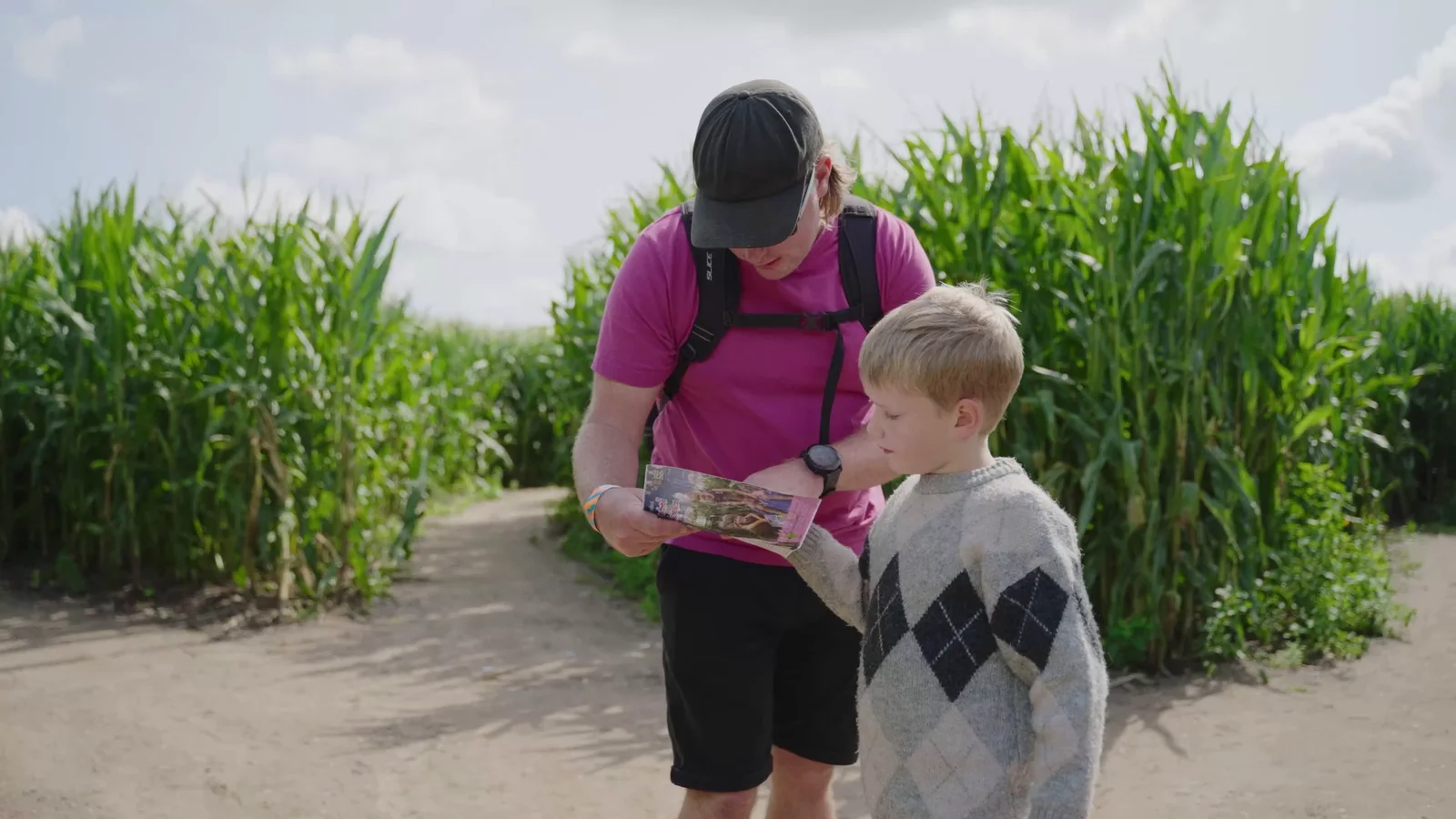
A landscape interview with two people at opposite sides of the frame may look excellent on a website.
Turn it into a narrow vertical crop and one person can disappear.
The same problem appears in demonstrations. The speaker may remain visible while the product they are explaining sits outside the crop. A wide shot of machinery can become a close-up of somebody's shoulder.
More resolution gives the editor more room to reframe. It cannot put missing subjects back inside the picture.
Where several formats matter, plan them while filming.
That might mean:
- keeping important action inside a composition that works in both orientations;
- recording selected demonstrations twice;
- capturing closer supporting shots;
- shooting a separate vertical angle;
- or using a second camera for an unrepeatable moment.
Our guide to filming vertical or horizontal video explains the framing trade-offs in more detail.
The cheapest time to discover that a shot does not survive a vertical crop is while the camera is still set up.

Instagram and TikTok do not need fake personalities
This is worth saying because platform advice can become ridiculous very quickly.
You do not have to make the TikTok version intentionally rough.
You do not have to make the Instagram version glossy and aspirational.
You do not have to put an executive in front of a grey wall because the LinkedIn audience is “professional”.
The platform does not change who your business is.
What may change is how quickly the video gets to the point, how it is framed, how much context appears in the accompanying post and what the viewer can reasonably do next.
If the same well-made vertical edit genuinely suits Instagram Reels and TikTok, use it in both places.
Then change the caption, cover, post context or call to action where those elements need to do different work.
Repurposing should make the content more useful. It should not create four slightly embarrassing versions of your brand.
YouTube can give the short and long versions different lives
YouTube is particularly useful when the subject supports both a quick answer and a deeper resource.
The full case study might have a descriptive title, a proper thumbnail and enough time for the customer to explain the whole project.
A Short could pull out one self-contained question.
As of September 2026, YouTube classifies square or vertical uploads of up to three minutes as Shorts for standard channels when they meet its current criteria. That is a platform rule worth checking again when you publish, rather than building a permanent content strategy around an old duration limit.
The fact that a Short can be three minutes does not mean yours needs to be.
Give the idea the amount of time it needs.
If the useful answer takes 28 seconds, stop at 28 seconds.
If it genuinely needs 90, let it breathe.
The same principle applies to the full film: edit out repetition, not the context somebody needs to understand the story.
LinkedIn gives the post itself more work to do
On LinkedIn, the text around a video can carry useful business context.
You might write:
A customer asked whether replacing this system would interrupt normal operations. In this project, the handover plan became as important as the installation itself.
Then the video can go directly into the customer's explanation.
That is often cleaner than forcing all of the background into an opening title sequence.
LinkedIn's current video guidance supports a broad range of aspect ratios and specifically advises keeping essential text, logos and other elements away from the edges so the interface does not cover them. It also supports captions, which still need checking for names and specialist terms.
The practical lesson is not “make LinkedIn videos landscape” or “make LinkedIn videos vertical”.
It is to look at the actual post you are creating and make the video work inside it.
Keep the evidence when you shorten the story
This matters most with testimonials, demonstrations and technical subjects.
Suppose the full interview says:
“For this site, we were able to complete the installation over two weekends because the preparation had already been done.”
A careless short edit could turn that into:
“We were able to complete the installation over two weekends.”
The shorter version sounds like a general promise.
The original answer did not make one.
Repurposing should preserve conditions, qualifications and context that materially affect what the person is saying.
The same applies to product limitations, prices, statistics and comparisons.
A shorter edit can be faster without becoming less accurate.
Our guide to customer testimonial videos looks at keeping a customer's account credible when it is edited for marketing.
One shoot is more useful when repurposing is planned before it
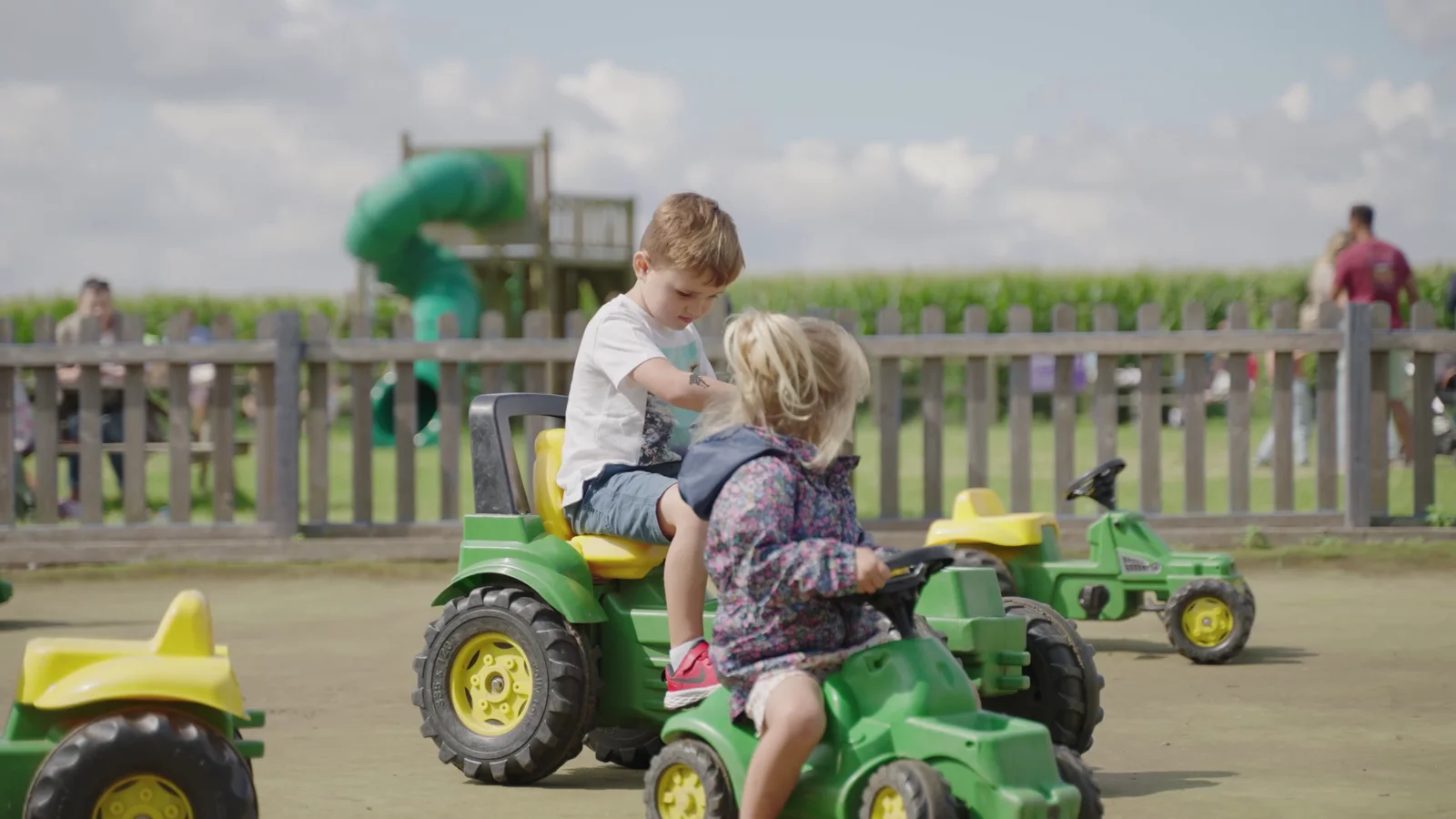
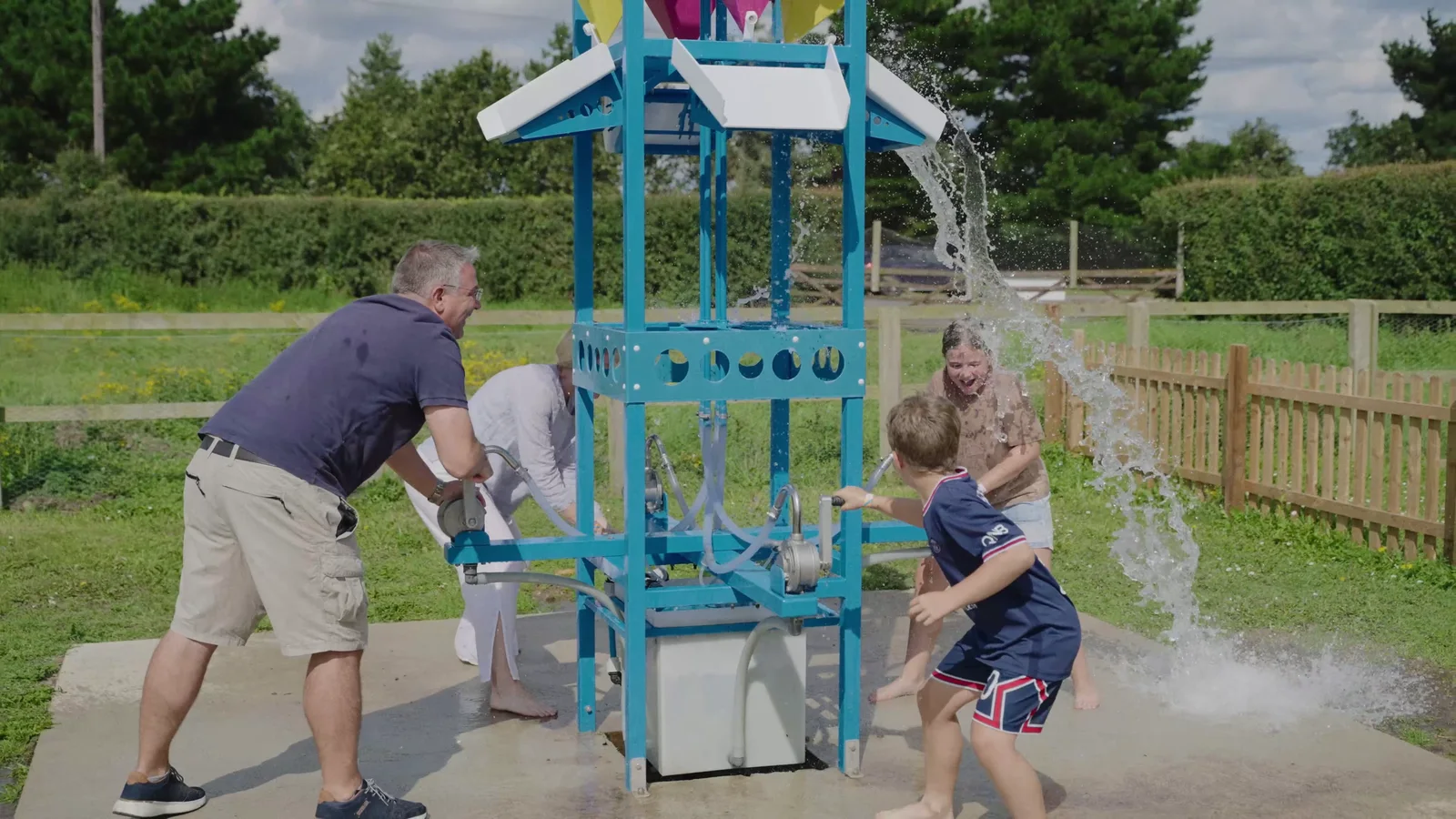
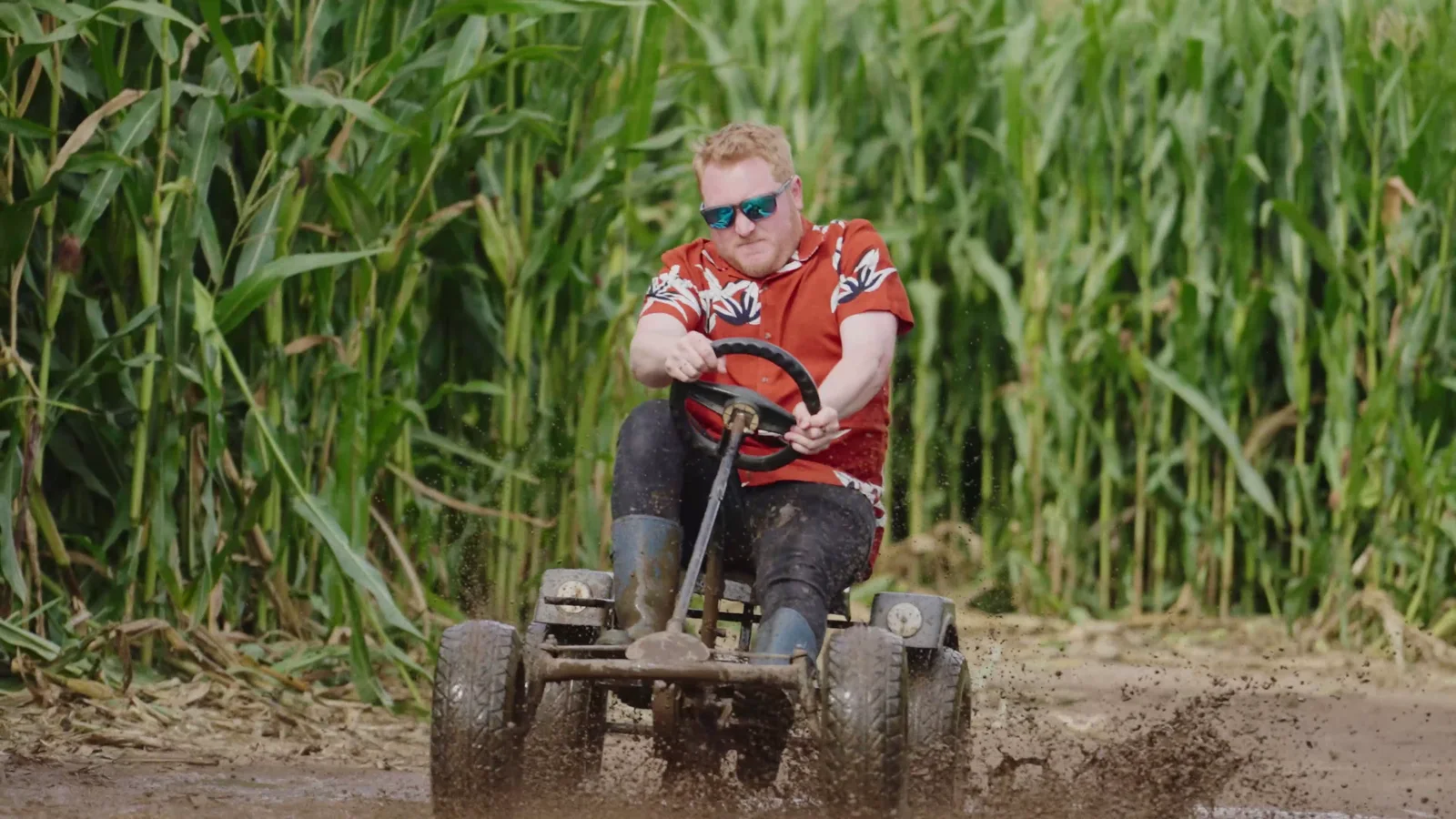
Our Southwold Maize Maze project is a good example of thinking beyond one finished film.
One videographer spent six hours covering the maze, adventure activities, café and walks. The resulting library contained more than 100 pieces of content, including main promotional films, individual activity edits, social content and drone footage.
That does not mean we took one finished video and mechanically chopped it into 100 clips.
The shoot itself was planned so an activity could work as part of the wider attraction film and provide enough material for its own shorter piece.
The zip line needed more than one random shot of somebody flying past.
The café needed enough coverage to support its own story.
That is what makes the source footage reusable.
If you know before filming that Instagram, TikTok, LinkedIn and YouTube all matter, tell the production team. It may change the questions we ask, the compositions we choose and the amount of coverage we record around each subject.
Our guide to creating a month of social content in one filming day shows what that planning can look like when short-form content is one of the primary deliverables.
Music rights do not automatically travel with the edit
A track licensed for the original corporate film is not automatically cleared for every social platform, paid advert or future campaign.
The same can apply to stock footage, presentation slides, contributor permissions and footage supplied by another organisation.
Check the intended uses when the project is being commissioned.
If a piece may become an organic social post today and a paid advertisement later, mention both.
For platform-native music, the rights available to a business account can also differ from what an individual creator sees inside an app.
Do not build the edit around a track and ask the licensing question after approval.
Keeping a clean version without music or baked-in captions can also be useful when the same material will be adapted later.
Do not publish on four platforms just because you have four exports
Repurposing has a point only when the audience and destination make sense.
If your customers are active on LinkedIn and YouTube but you have no real reason to maintain TikTok, a TikTok version is not automatically valuable because somebody already exported it.
Likewise, a consumer brand with an active Instagram audience may have little reason to spend time constructing a formal LinkedIn post for every product reel.
Start with the places the business is actually prepared to use well.
Then decide what each platform needs.
The editing workload grows quickly once one source becomes several runtimes, orientations, caption versions, thumbnails and revisions. Four concepts delivered in two formats can easily become eight final files without creating eight new ideas.
Agree those deliverables in the quote rather than treating every additional export as a button the editor presses at the end.
What we would actually deliver
For a project intended to work across several channels, a useful delivery might include:
The main film
The complete website or YouTube version.
Selected vertical edits
Standalone versions built around individual questions, demonstrations or moments rather than arbitrary cuts from the master.
Platform-ready captions
Checked subtitles or caption files, with names and technical language reviewed.
Clean masters
Versions without platform-specific text or music where future adaptation is likely.
Cover or thumbnail frames
Where they are part of the brief and the platform needs them.
A clear file structure
So six months later somebody can tell the difference between the approved master, the Instagram version and FINAL_FINAL_V7_USE_THIS_ONE.mp4.
We can also edit content from footage your team has already recorded through our video editing and post-production service.
For new productions, our videography and video production can be planned from the start around the places the material needs to appear.
If you already have one film and are wondering what else can sensibly be made from it, send us the video and tell us where you want to use it.
We can tell you whether the source contains several genuinely useful pieces — or whether uploading the same good film in more than one place is perfectly adequate.