
How to Get Better Staff Photos Without Awkward Posing
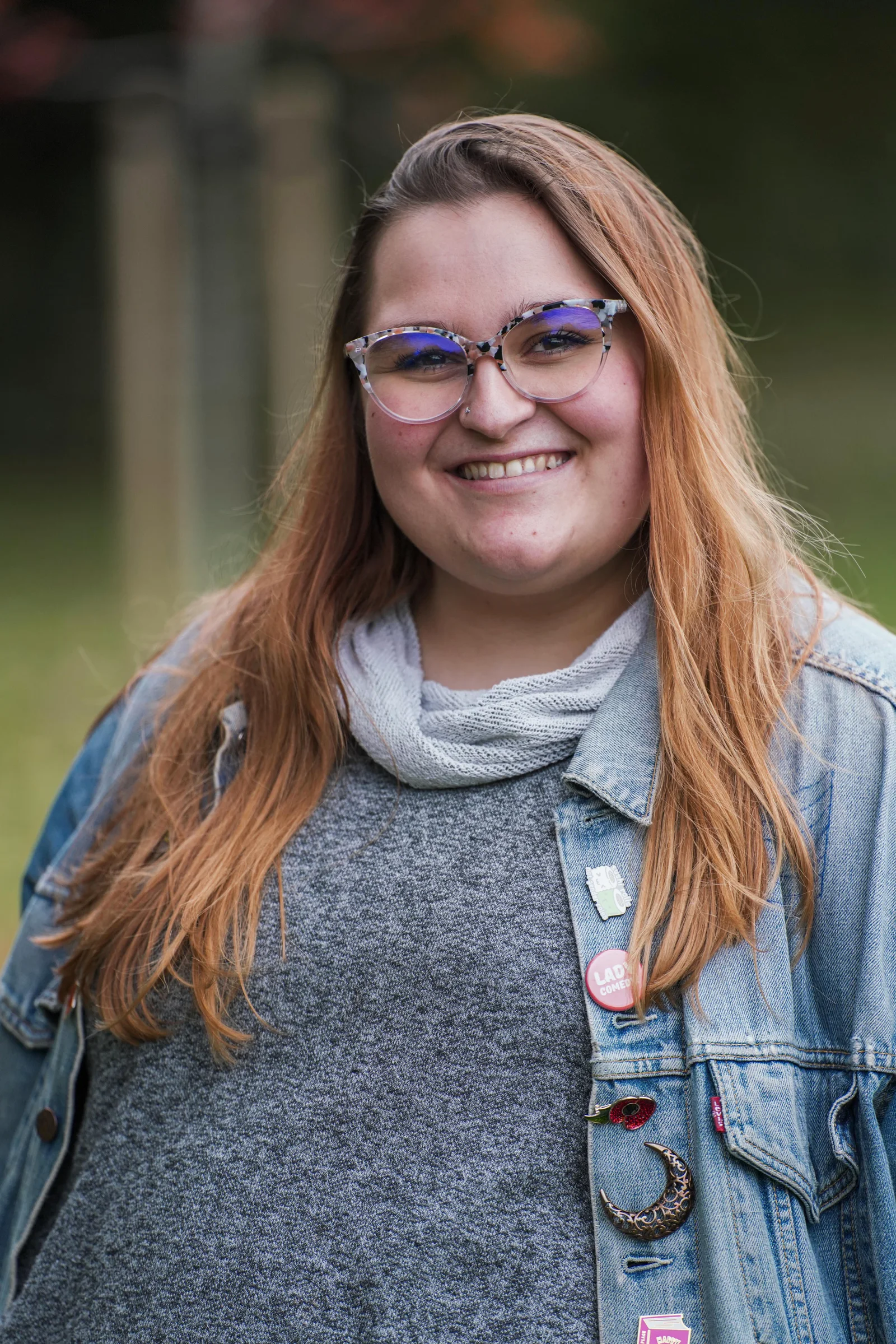
Most people do not spend their working day thinking about where to put their hands, what angle to hold their shoulders at or how much they should smile.
Then a camera appears and, suddenly, they are expected to do all three.
That is why staff photography can become awkward so quickly. It is usually not because somebody is “bad in front of the camera”. It is because the situation gives them too much to think about and too little information about what is actually needed.
The answer is not a catalogue of increasingly complicated poses.
Good professional photography for businesses is much more about creating the right conditions, giving small amounts of useful direction and choosing an approach that suits the person and the final image.
A confident staff portrait might still be carefully lit and directed. A relaxed workplace photograph might still involve some organisation. Natural does not have to mean accidental.
The awkwardness often starts before the photograph
Imagine being called away from your desk with no warning, walking into a room full of lights and equipment and being told:
“Just stand there and look natural.”
It is not especially helpful.
People are usually more comfortable when they know what is happening before they arrive. Tell staff why the photographs are being taken, roughly how long they will be needed and where the images are likely to appear.
A portrait for a company directory is a different proposition from a wide photograph for a recruitment page. A LinkedIn headshot feels different from being photographed doing your job in a workshop. People do not need every detail of the creative brief, but knowing the purpose removes a lot of uncertainty.
For a larger team, this preparation becomes part of the production itself. Our guide to planning a company headshot day covers scheduling, consistency, name tracking and future starters in more detail.
The important thing is that nobody should be discovering the entire plan while standing in front of the lens.
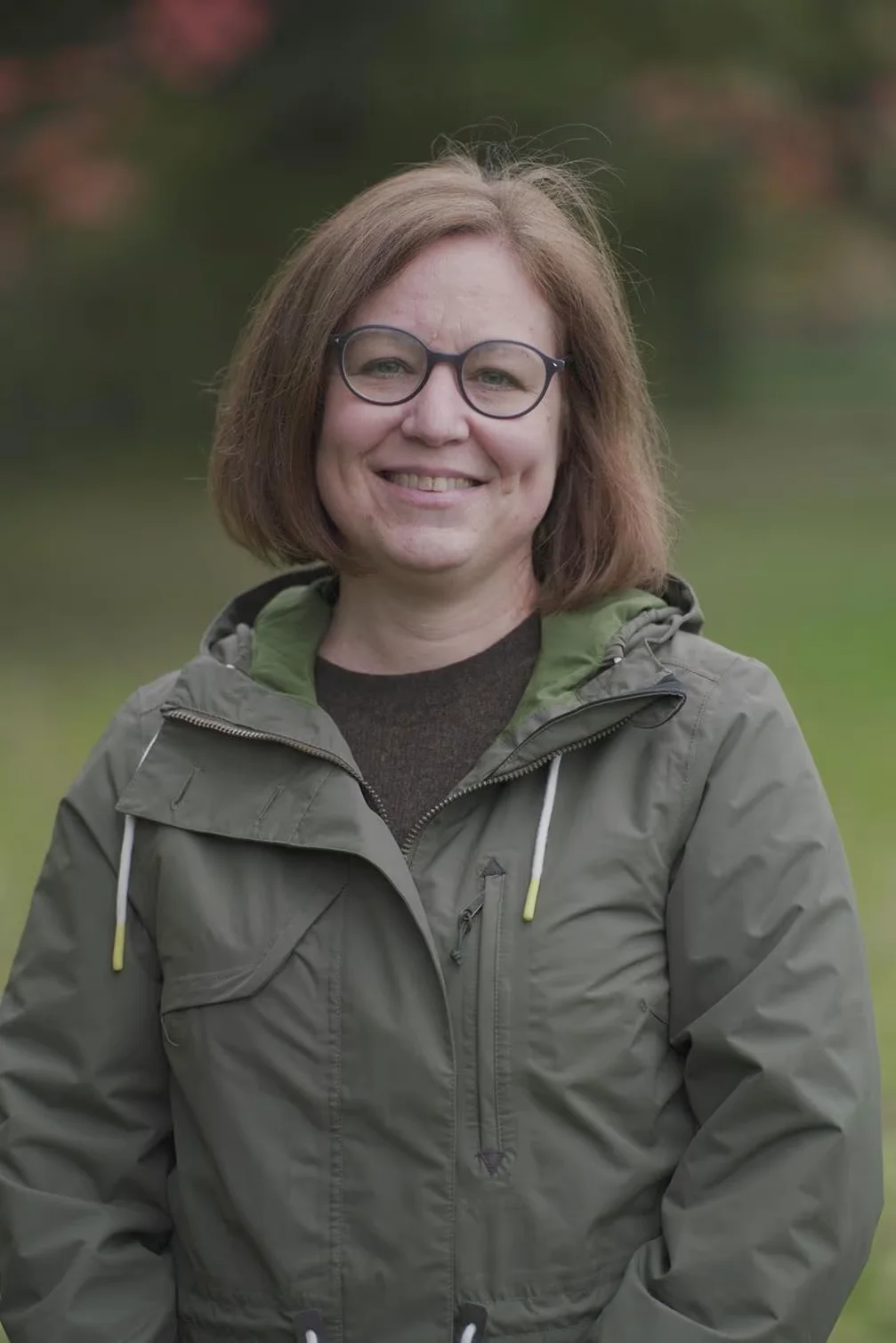
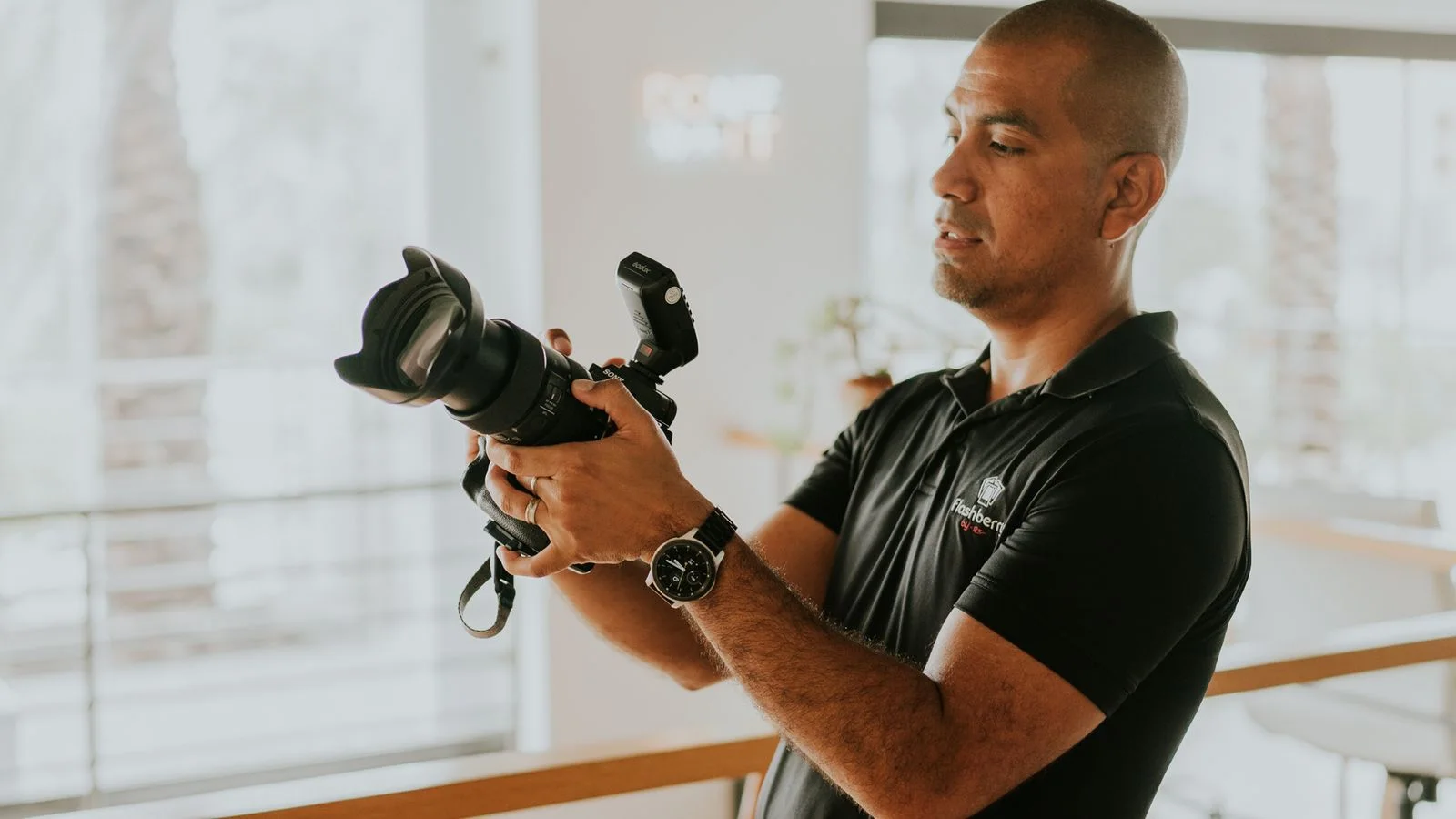
Give people direction they can actually use
“Relax.”
“Be natural.”
“Look confident.”
These sound reassuring, but they are not instructions.
A useful direction is specific and small enough to follow without thinking about five other things at once.
That might be:
- turn your feet slightly this way;
- put your weight onto your back foot;
- bring your shoulders back towards me;
- look just beside the camera for this one;
- lean very slightly onto the desk;
- talk me through what you are working on;
- walk towards your colleague and continue the conversation.
The photographer can then watch what happens and make another small adjustment if it improves the frame.
This is one of the less obvious parts of what a corporate photographer actually does. The camera settings matter, but so does reading the person in front of the camera and knowing when to direct, when to talk and when to stop interfering.
Headshots are directed. They do not need to look posed.
There is a useful distinction here.
A professional headshot is almost never completely candid. The photographer will normally control the position, light, background, camera height and crop. They may make small changes to the shoulders, chin, stance or eyeline.
None of that means the finished portrait has to feel stiff.
The aim is to remove the things that look uncomfortable while keeping the things that make the person look like themselves.
Someone who naturally smiles broadly should not necessarily be pushed towards a serious expression because somebody once decided that corporate portraits have to look formal. Equally, somebody who dislikes smiling on command should not have to produce the same grin as everybody else in the directory.
Consistency can come from the lighting, crop and visual treatment without making twenty different people perform one identical expression.
If you are deciding how controlled the setup should feel, our comparison of studio-style and environmental headshots looks at the trade-off between a repeatable portrait system and showing more of the workplace.
For workplace photography, give people something real to do
The quickest way to create an obviously staged “candid” photograph is to ask two colleagues to stand beside a laptop and pretend they are having the most interesting conversation of their careers.
You can usually see the pretence.
Workplace photography tends to feel more convincing when the action has some relationship to what those people actually do.
That does not mean the photographer simply disappears into a corner and hopes the perfect scene happens. Real working environments are messy. People face the wrong way, screens contain private information, rooms become cluttered and important actions can happen in seconds.
Instead, use real actions in controllable pieces.
A member of staff can talk through an actual process. Two colleagues can review something they genuinely work with. Someone can demonstrate a piece of equipment safely. A team can continue a real conversation while the photographer changes position.
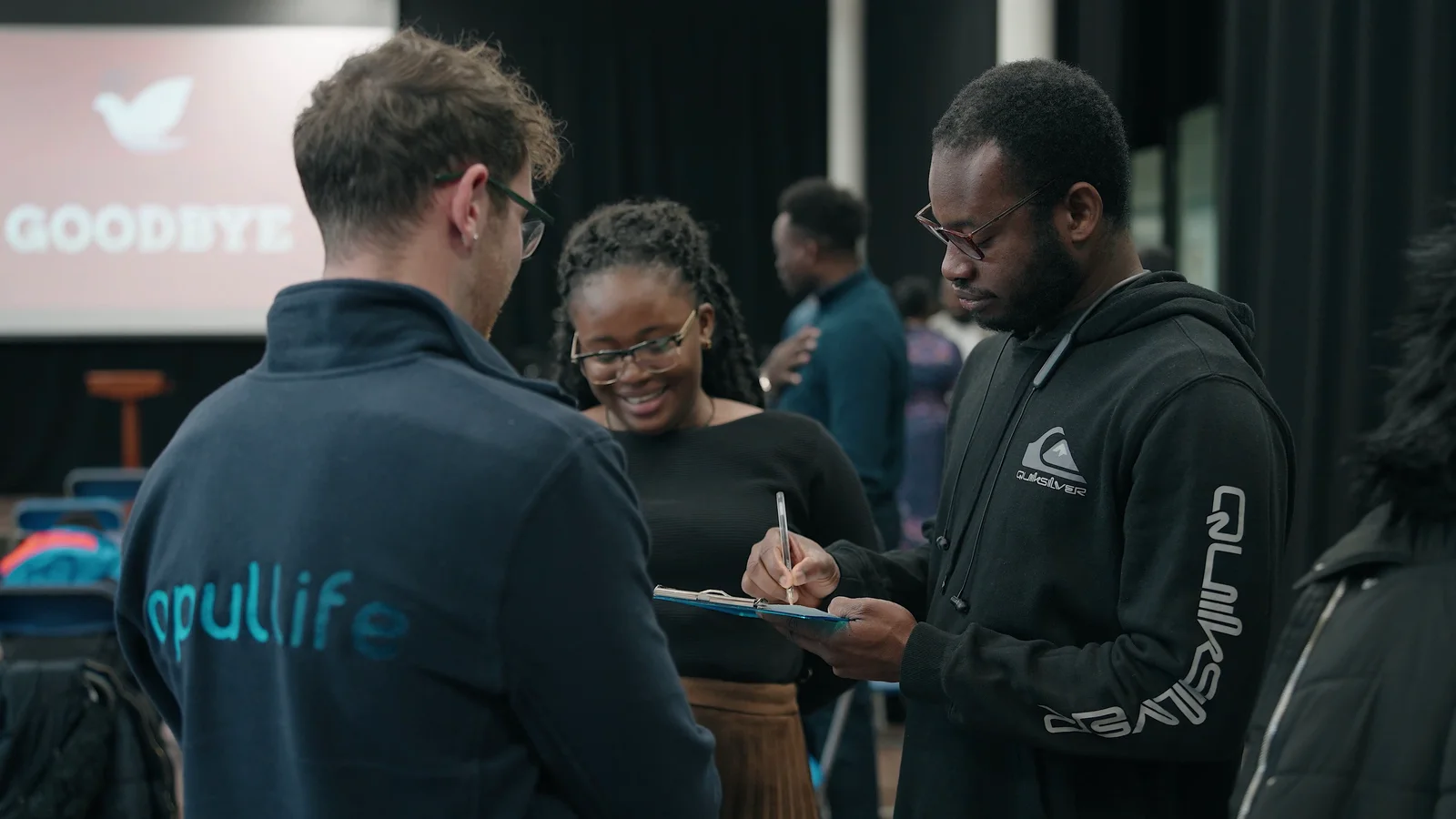
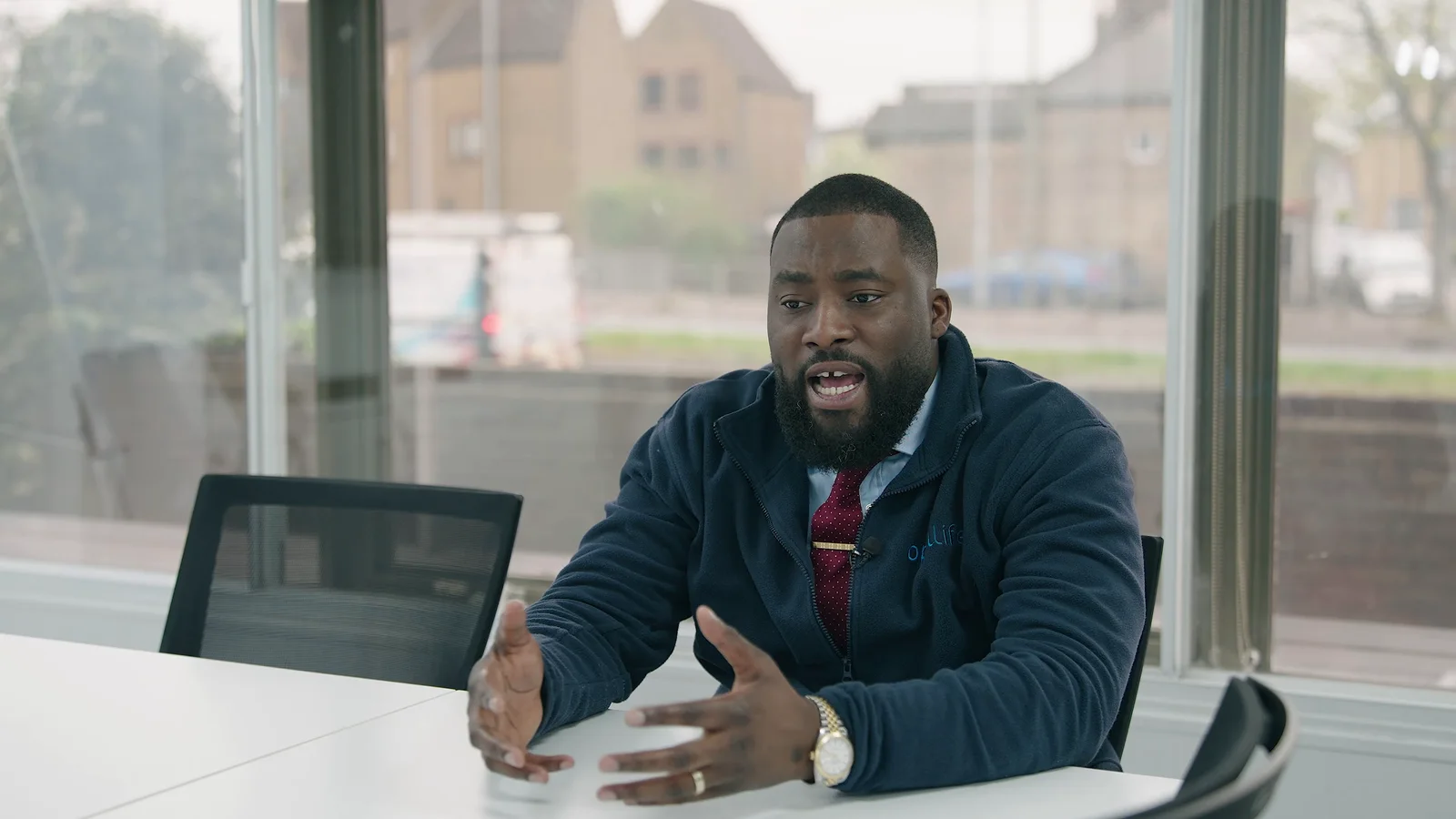
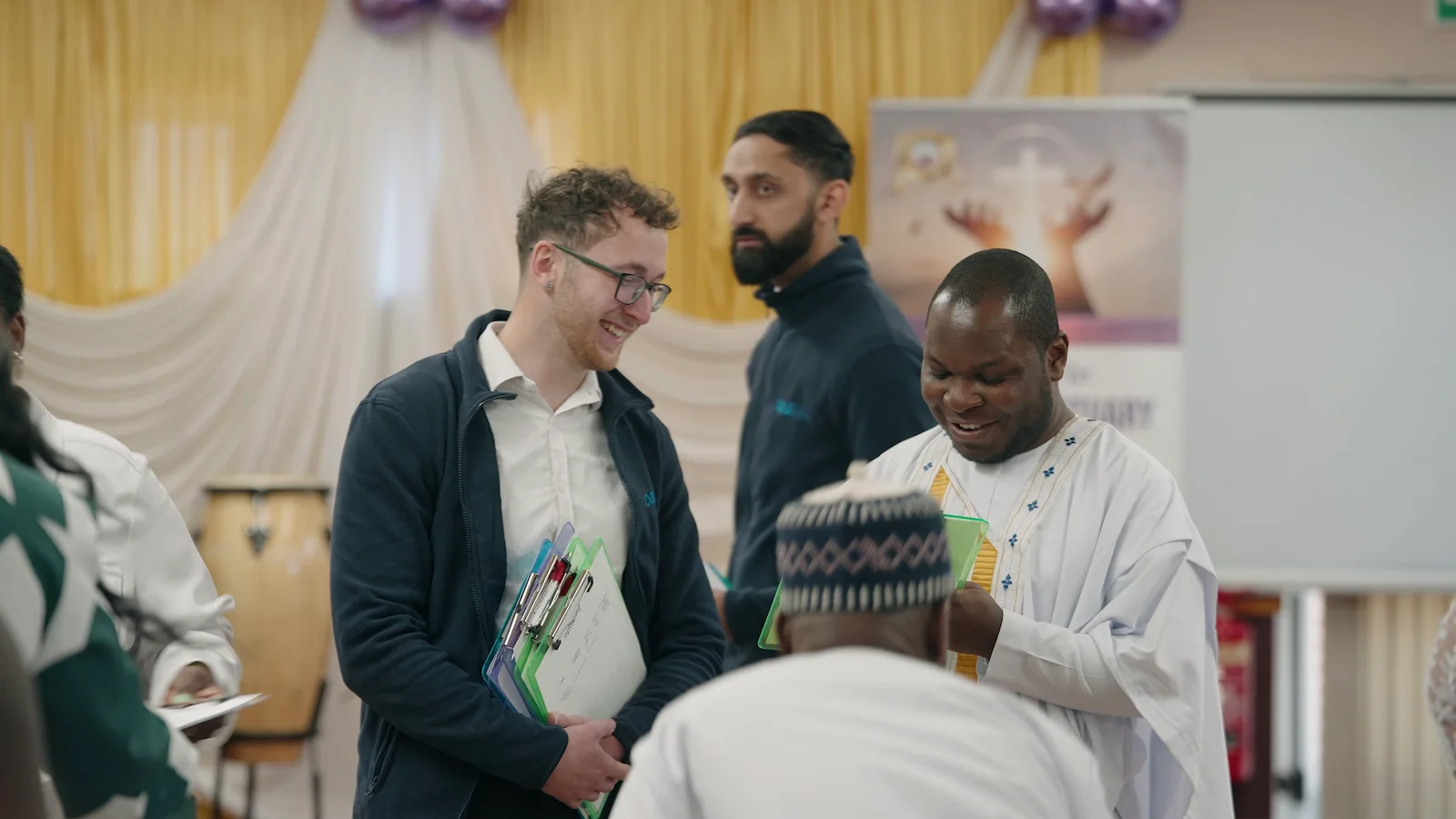
For Opul Life's corporate film and photography project, for example, the useful material came from the team's genuine community outreach in Chelmsford and Colchester. The production could photograph real interactions rather than inventing an office scene that had little to do with how the business was being represented.
The principle is simple: organise reality rather than manufacturing a fake version of it.

A camera feels bigger when there is an audience behind it
One photographer is usually enough attention.
A photographer plus a marketing manager, department head, three waiting colleagues and somebody commenting on every frame can make a simple portrait feel like a public performance.
For individual staff photos, keep the room as calm as the job allows.
The organiser is still useful. They can make sure the right people arrive, confirm names and solve schedule problems. They just do not need to stand beside the camera judging each expression in real time.
If senior approval is required, agree the visual direction before the first employee arrives. Decide the background, crop, level of formality and general style using a test image or reference.
Do not use employee number one as a live committee meeting.
This is also why visible queues can be unhelpful. Somebody watching six colleagues have their photograph taken has plenty of time to become self-conscious before their own appointment.
A realistic schedule with short gaps is better than lining the whole department up outside the room.
Choose a location that makes the job easier
The most visually impressive part of the office is not always the best place to photograph somebody.
A glass meeting room may create reflections everywhere. A narrow corridor may not leave enough distance between the subject, lights and camera. An open office can give you a busy background full of screens, signage and people who were never supposed to appear.
For a consistent set of staff portraits, a simple controlled area can be extremely effective.
For more contextual images, the real workplace may add something valuable. A workshop, kitchen, studio, laboratory, classroom, venue or office can help explain the person's role rather than simply providing decoration.
Before a wider corporate shoot, it is worth checking the location for privacy, access, backgrounds and anything the business should not show. We have a separate guide on preparing for a corporate photography shoot for exactly that reason.
The setting should support the photograph, not become another thing the person has to fight against.
What should staff wear?
This question causes far more anxiety than it needs to.
There is rarely one universally correct outfit. The clothes should make sense for the organisation, the person's role and where the photograph will be used.
Useful guidance might cover:
- the level of formality expected;
- the background colour;
- whether branded uniform or PPE is relevant;
- very tight patterns that can cause visual problems;
- large third-party logos that the organisation would rather not feature;
- bringing an alternative jacket, top or layer if somebody is unsure.
Avoid turning a clothing note into a demand that everybody suddenly dress like a different company.
If your staff normally meet clients in smart-casual clothing, photographing everybody in unusually formal suits can make the resulting website feel less truthful, not more professional.
The wider brand photography planning process should establish the visual character of the business before wardrobe advice is sent.
What if someone really hates having their photo taken?
This is normal.
Some people enjoy being photographed. Some tolerate it. Others have spent years avoiding cameras whenever possible.
Trying to persuade the third group that they secretly love photography is rarely useful.
Give them a predictable process instead.
Start with an easy setup. Keep instructions simple. Take enough frames that the person does not feel one blink has ruined their only chance. If the workflow allows it, let them see a small selection once the photographer has something strong.
Often the discomfort falls away when somebody sees that the image looks considerably better than the version they had imagined.
The photographer can also vary expression without turning the session into a performance. One neutral frame, one warmer expression and one slightly more relaxed alternative may provide enough choice.
And if a person has a genuine concern or requires an adjustment, give them a private way to raise it before the shoot rather than expecting them to explain it in front of colleagues.
Group photos need relationships, not just rows
There are times when a straight line is exactly what is required. If the purpose is to record a board, award presentation or complete team clearly, clarity matters.
But a group photograph does not automatically need everybody arranged shoulder-to-shoulder at exactly the same height.
Smaller clusters can help. So can using chairs, steps, desks or elements already in the location. Positioning people according to real teams or working relationships can make the picture easier to read.
Take the safe version first.
Once the essential photograph exists, there is room for a variation: a conversation, movement, a looser arrangement or an image where people look at each other rather than directly at the camera.
That approach gives the organisation both a dependable record and something with a little more life.
Do not ask one photo to do every job
A tight staff headshot might be perfect for LinkedIn and almost useless as the wide banner at the top of an About page.
Likewise, a beautifully composed workplace image may show too little of one person to work in a staff directory.
Before the session, look at the places the images actually need to appear.
Our guide to corporate photography for LinkedIn, websites and marketing explains why a useful business image library normally needs deliberate variations rather than hoping one photograph can survive every crop.
That could mean capturing:
| Need | Useful approach |
|---|---|
| Team directory | Repeatable individual portrait with a consistent crop |
| LinkedIn profile | Close portrait with enough room for the platform crop |
| About page | Individual or small-group portraits with more personality |
| Recruitment page | People working and interacting in recognisable spaces |
| Website hero | Wider composition with deliberate negative space for copy |
| Press / PR | Named portraits with clear identification and appropriate usage |
| Internal communications | A mix of recognisable portraits and real workplace activity |
Thinking about the outputs also helps people understand why they are being photographed in several slightly different ways.
Retouch the photograph, not the person
Good editing makes a collection feel consistent.
Exposure, colour, crop, temporary blemishes, distracting background elements and other agreed details may all need attention.
But staff photography is still photography of real people.
Changing somebody's body shape, removing permanent features or aggressively smoothing every face can quickly make the portraits feel less believable. It can also leave employees uncomfortable with the version of themselves the company has published.
Agree the level of retouching before delivery and apply it consistently.
The same applies to selection. The technically cleanest frame is not automatically the best portrait if the person looks unlike themselves. Recognition, expression and confidence matter too.
If you are specifying a larger job, our guide to how many photographs to expect from a professional shoot explains the difference between proofs, finished photographs, retouched hero images and different exported crops.
Natural staff photography is planned, not accidental
The goal is not to remove all direction.
It is to remove unnecessary self-consciousness.
Tell people what is happening. Build a sensible environment. Give one useful instruction at a time. Photograph genuine work where genuine work matters. Let different personalities remain different.
That is how you get staff photographs that look professional without making the people in them look as though they have been placed into position and told not to move.
And when you need a mix of headshots, workplace photographs and marketing imagery, plan them together. One well-organised shoot can create a much more useful library than treating every image as a separate task.
The Camera Guys provides corporate photography, staff portraits and wider business photography across Suffolk, Essex, Cambridgeshire, London and the wider UK. If you are planning a team update, website refresh or wider content day, tell us what the images need to do and we can help shape the shoot around it.