
Internal Communications Video: What Should Companies Actually Film?
A useful internal video should make something easier for people inside the organisation: understanding a decision, learning a process, seeing progress, hearing from leadership or recognising the people behind the work.
That sounds obvious, but it is a good filter. Internal communications can quickly become a collection of talking heads, generic office B-roll and messages that would have been clearer as three paragraphs on the intranet.
Before deciding who should be on camera or how polished the film needs to look, finish this sentence:
After watching, this group of people should understand ______ and be able to ______.
“All staff should understand the new system” is still too broad. “Warehouse team leaders should understand what changes on Monday and know where to report a failed scan” gives the production something concrete to communicate.
If you are planning a wider internal campaign rather than a single film, our internal communications video production service covers leadership updates, employee stories, training, events and supporting content. The principle is the same at either scale: start with the communication job, then decide what needs filming.
Sometimes the best internal video is a short one — or no video at all
Video is useful when seeing or hearing something adds meaning.
A chief executive explaining a difficult decision can communicate tone and accountability in a way a circular may not. A technician demonstrating a process can show hand positions, controls and warning indicators that are awkward to explain in text. A project update can show staff exactly how a new site, office or system is progressing.
But not every internal message improves when somebody reads it to camera.
A date, policy clause, telephone number or list of steps people need to refer back to may be better in written form. Often the strongest internal communication is a combination: a concise film provides context and human explanation, while the intranet page or document carries the precise detail, links and current version.
That also makes updates easier. If a deadline changes, replacing a line of web copy is much simpler than re-editing a leadership film that hard-coded the old date into its soundtrack.
Match the filming to the communication job
Different internal messages need different pictures. The table below is a useful starting point.
| Communication need | What the audience is likely to ask | What is worth filming |
|---|---|---|
| Leadership update | Why is this happening? What matters now? | The accountable leader, useful context, affected teams or places, a clear next step |
| Change or transformation | What changes for me? When? What stays the same? | The new process, system, environment or behaviour in practice, plus people affected by it |
| Project or operational update | What has actually progressed? What happens next? | Repeatable site views, completed work, current activity, next-stage context and an informed speaker |
| Training or process | What do I actually do? Where can I go wrong? | The whole task, critical close-ups, correct outcomes, warning signs and escalation points |
| Employee story | Why does this work matter? What is it really like? | A real person explaining a specific experience, supported by genuine activity rather than staged typing |
| Town hall or internal event | What did I miss? What should I remember? | Key talks, questions, reactions, interviews and concise follow-up messages |
| Culture or values | What does this idea look like in real life? | Decisions, behaviours and stories that demonstrate the value rather than simply naming it |
The mistake is often filming the same way for all seven. A leadership statement, process demonstration and employee story may all contain an interview, but they should not feel like the same film with different job titles on the captions.
Leadership and change messages: film the effect, not only the announcement
A polished piece to camera can be useful, especially when wording needs to be accurate. But the film becomes more useful when viewers can connect the announcement to something real.
For a change programme, consider filming:
- the person accountable for the decision;
- the workspace, process or system that is changing;
- one or two colleagues who can explain the practical effect in plain language;
- a clear next action, such as where to find guidance, when a change begins or who can answer questions;
- visual examples of what will look or work differently.
The leader does not need to say everything. In fact, a long script trying to cover the full policy, the rationale, implementation detail, FAQs and future roadmap can make the film harder to follow.
Where exact wording matters, a script or teleprompter may be appropriate. Where trust and personal explanation matter more, a well-prepared interview can feel less formal. Our guide to scripted versus unscripted corporate video explains how the two approaches can work together rather than treating them as opposites.
Do not illustrate a major change with meaningless office footage
A common edit problem is an important voiceover covered by anonymous shots of laptops, corridors and people nodding in meetings.
If the film is about a new customer process, show the process. If a team is moving site, show the new location and how people will use it. If a system rollout changes what somebody does at the start of a shift, film that part of the shift.
Fewer, more informative sequences are usually better than dozens of attractive but interchangeable cutaways.
Project and operational updates need evidence of progress
For construction programmes, infrastructure, office moves, system rollouts and other long-running projects, viewers need orientation.
Start by establishing where we are. Then show what has changed, what is happening now and what comes next.
A useful sequence might include:
- a recognisable wide view of the location;
- the part of the project completed since the previous update;
- current work or testing;
- a close detail that makes the change tangible;
- a short explanation from the person responsible;
- the next area, milestone or action.
If updates will recur, consistency is extremely valuable. Agree two or three repeatable viewpoints and record exactly where they were filmed. Returning to the same positions months later makes progress visible without needing elaborate graphics.
We use that principle in our wider guidance on construction and infrastructure project update videos.
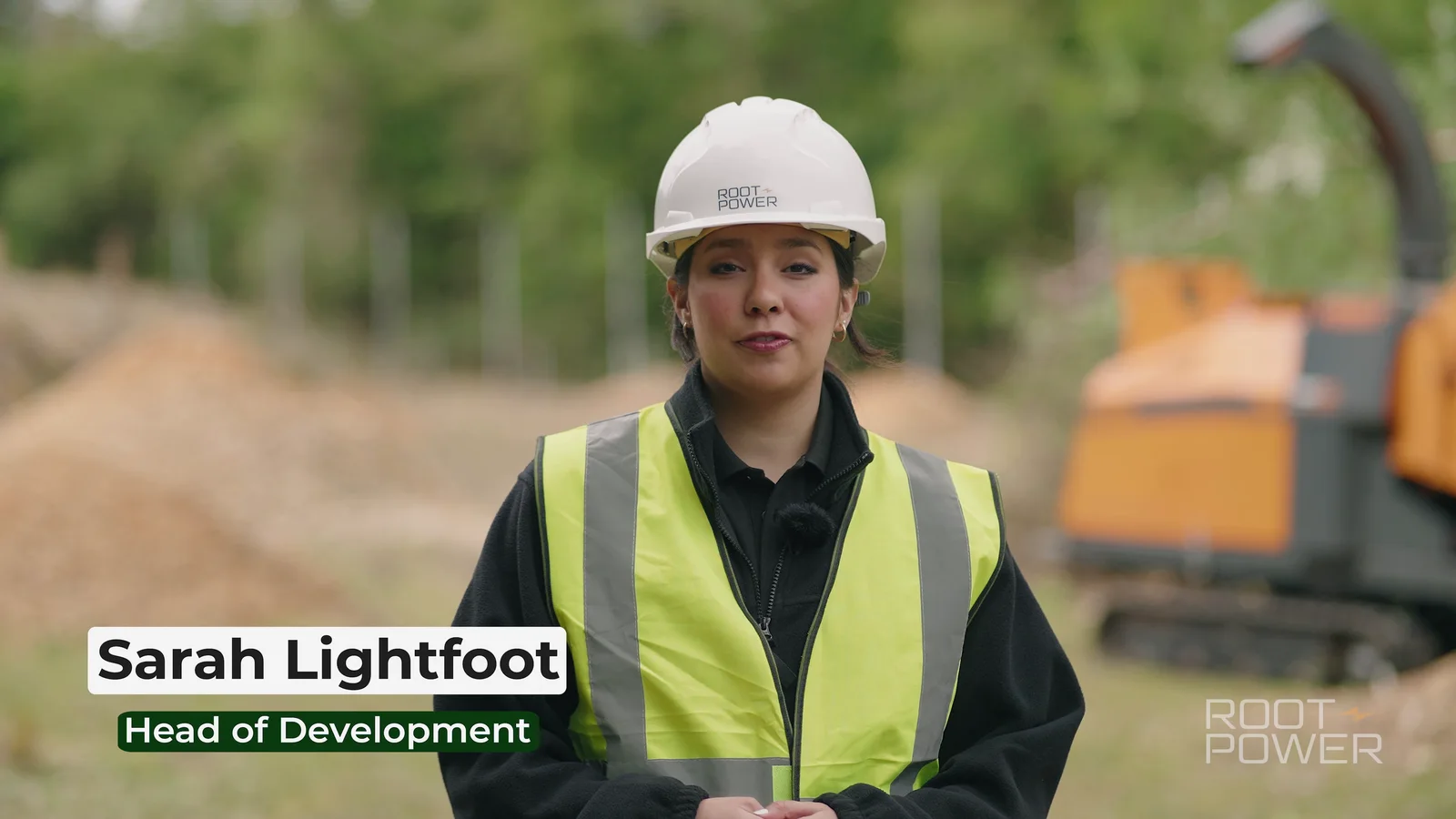
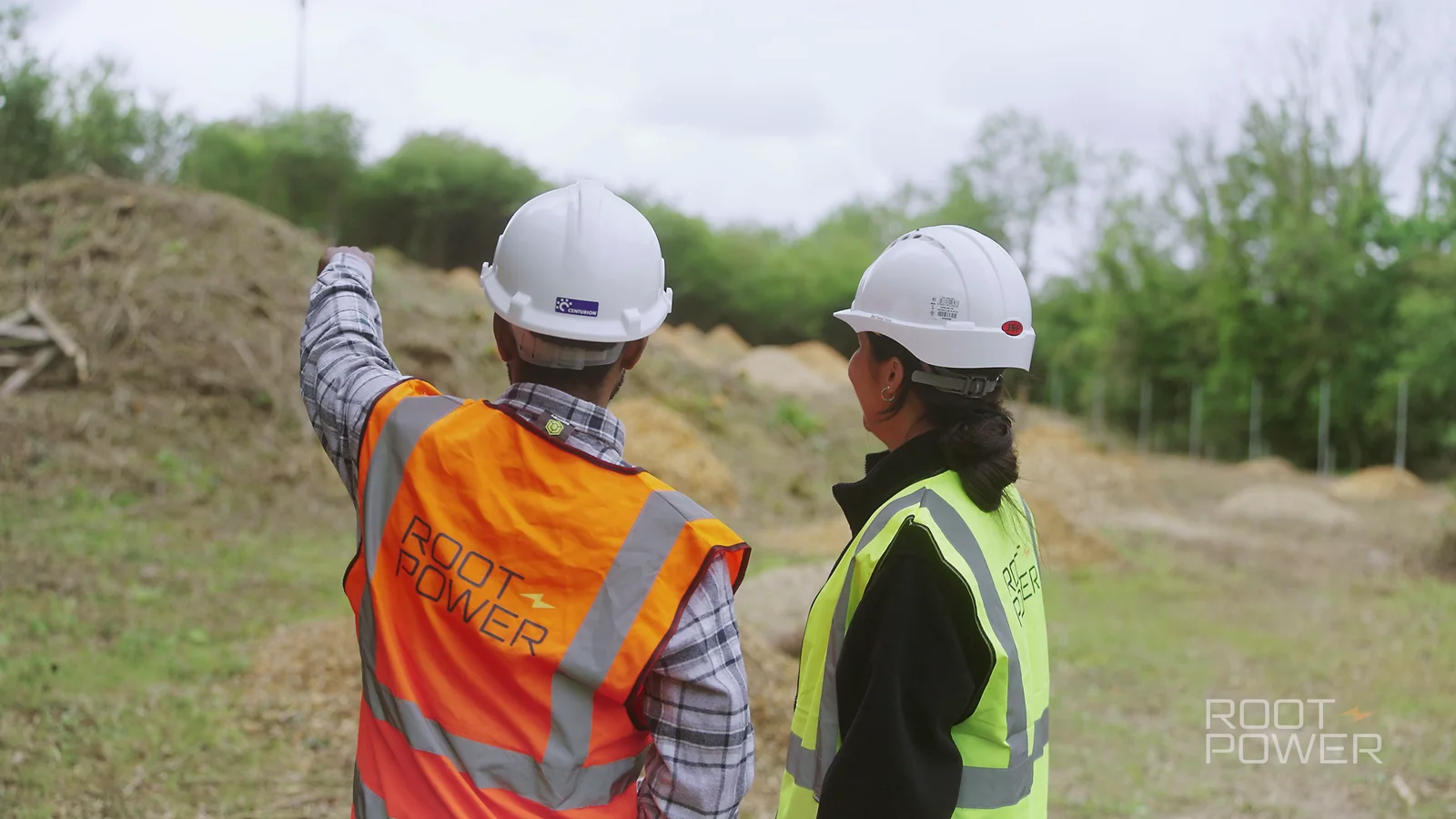
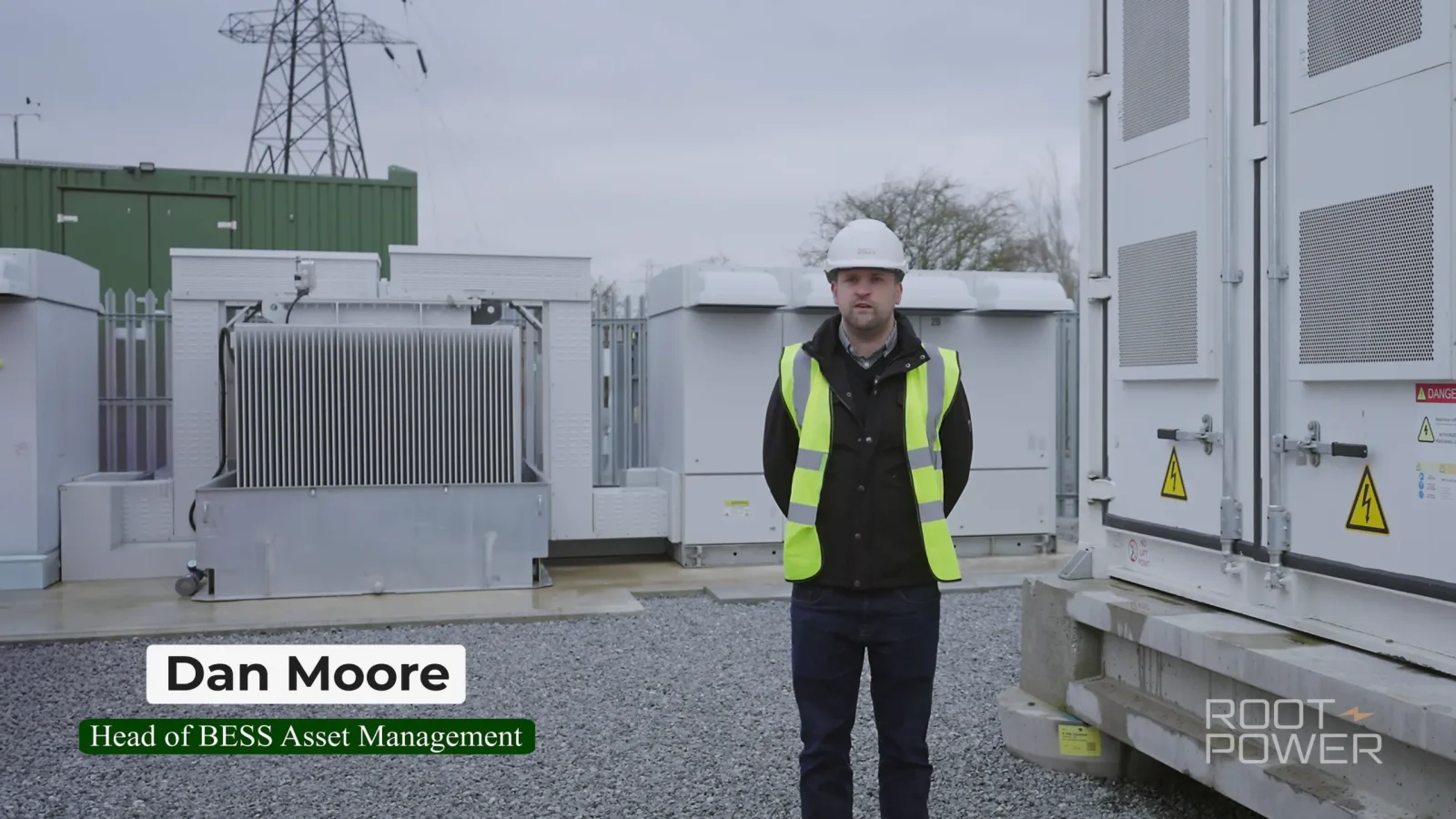
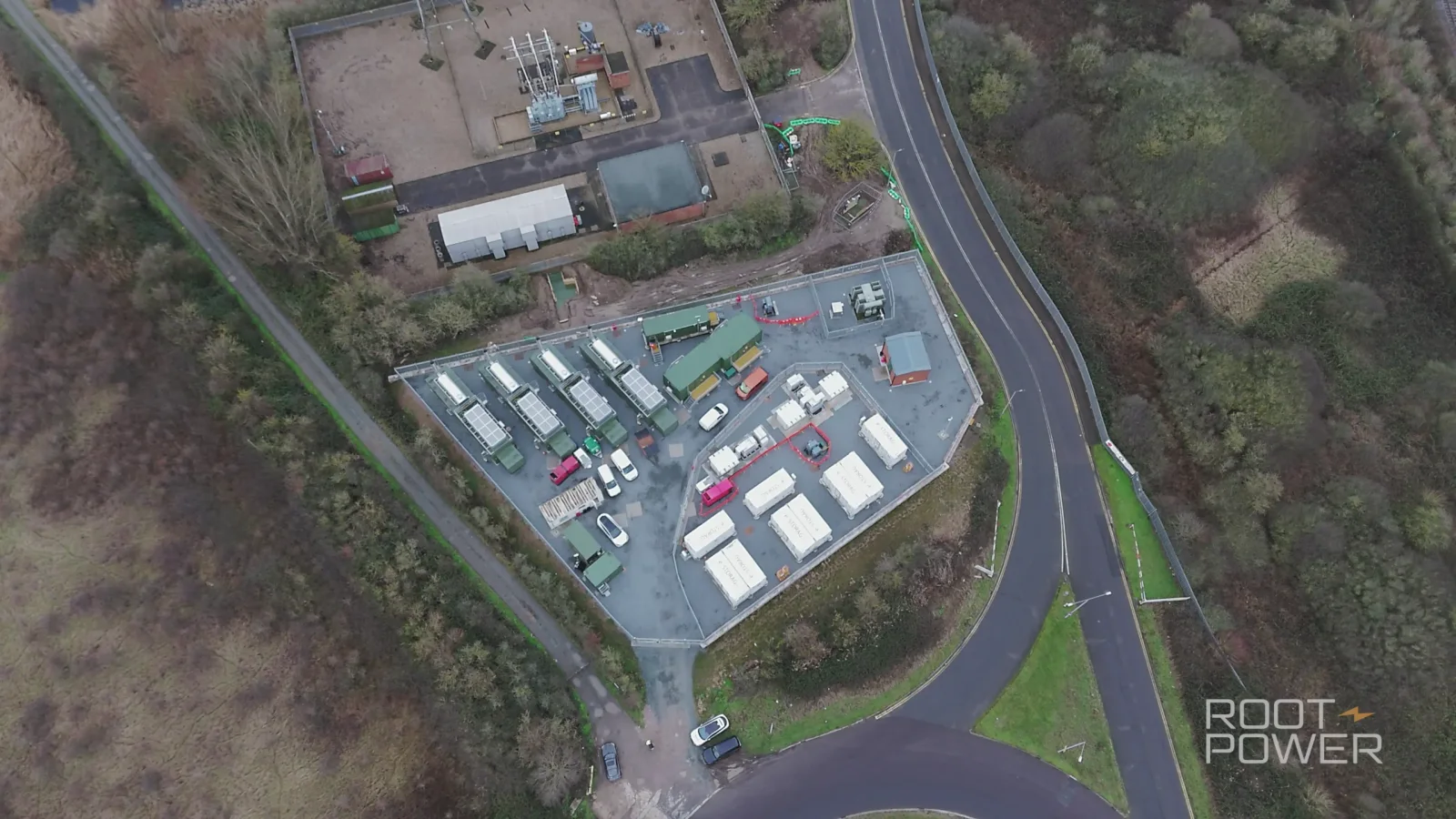
A relevant Camera Guys example is our work with Root-Power at Tillingdown. The brief involved direct-to-camera project updates from development and engineering perspectives, supported by ground-level and aerial context. The films were suitable for both internal and public project communications. The useful lesson here is not that every internal update needs a drone; it is that the pictures should help the viewer understand the thing being discussed.
Training and process films should concentrate on decision points
A training film should follow the job in the order someone actually performs it.
Start by recording the complete process once so the editor understands the sequence. Then repeat the critical stages for closer coverage: hands, controls, labels, screens, correct positioning, warning indicators and the result the employee should expect.
The most valuable shots are often the places where someone can make a mistake.
For example, a process film might need to show:
- the correct control before it is operated;
- the state the machine or system must be in first;
- what a successful result looks like;
- the warning sign that means the person should stop;
- what to do if the normal process does not work;
- where the current written procedure can be found.
Avoid creating a beautifully filmed demonstration of a process that has not been approved. The process owner should confirm the sequence before filming and should be part of factual review afterwards.
It is also worth assigning a review date. A training film can remain in circulation long after a procedure, interface, safety requirement or piece of equipment has changed. The video needs an owner just as the written procedure does.
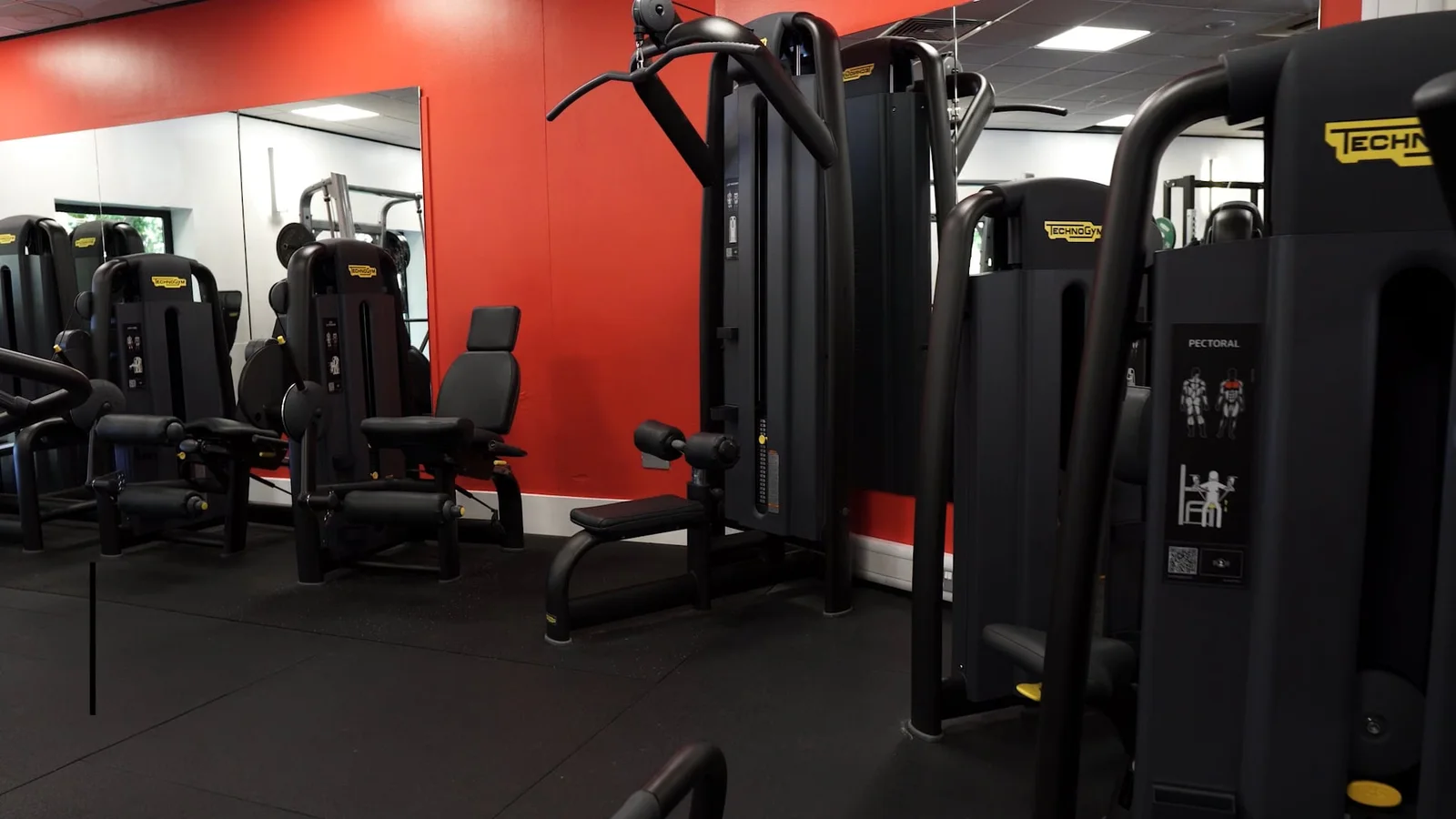
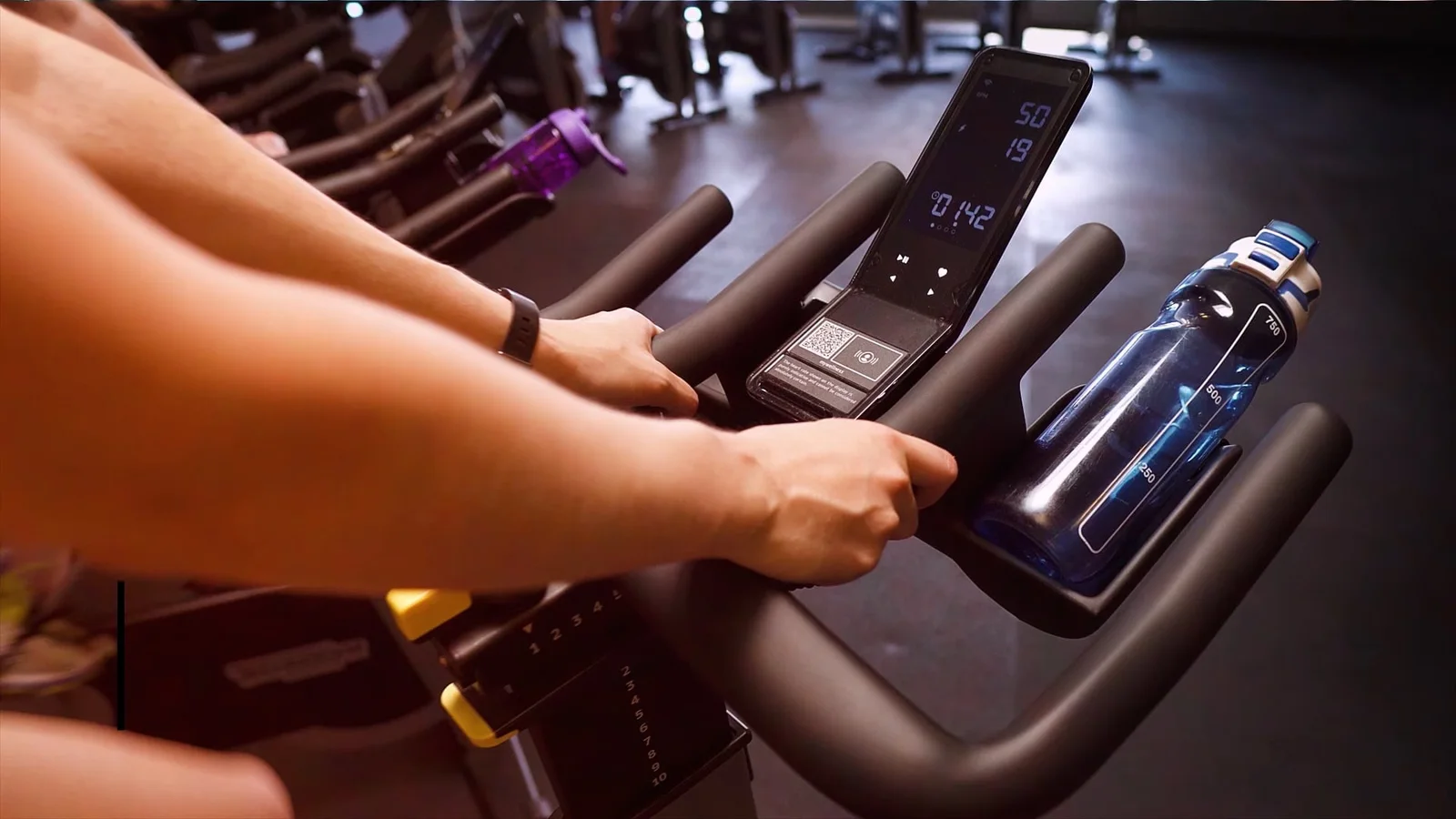
An older Camera Guys project for Essex Sport’s gym induction was customer-facing rather than an internal staff film, but it demonstrates the same production principle: the useful material was the layout, equipment, safety information and practical details people needed before using the space. Training content works when the camera shows the task, not merely the trainer talking about it.
Employee stories work better when they are about something specific
“Tell us about your role” and “what do you like about working here?” are easy questions to ask. They also produce remarkably similar answers.
A better employee story follows a real piece of work, a decision, a challenge, a career moment or something the person helped change.
Try questions such as:
- What were you trying to solve?
- What happened the first time you realised this needed to change?
- What does your part of the process look like in practice?
- What would somebody outside the team misunderstand about this work?
- What changed because of what the team did?
- What are you most proud of from the last six months?
Specific questions give people something real to remember rather than asking them to perform the organisation’s values statement.
Many employees are not used to professional filming. Preparation should reduce uncertainty rather than give them a page of lines to memorise. Tell them what the film is for, the topics you want to discuss, roughly how long they will be needed and whether they will be speaking to an interviewer or directly to camera. Our guide to helping employees feel comfortable on camera goes into that process in more detail.
Then film the person doing something recognisable from their real work where permissions, confidentiality and safety allow. A staff story becomes more credible when the viewer can connect the speaker to the environment and activity they are describing.
Town halls and internal events: decide what deserves to live beyond the room
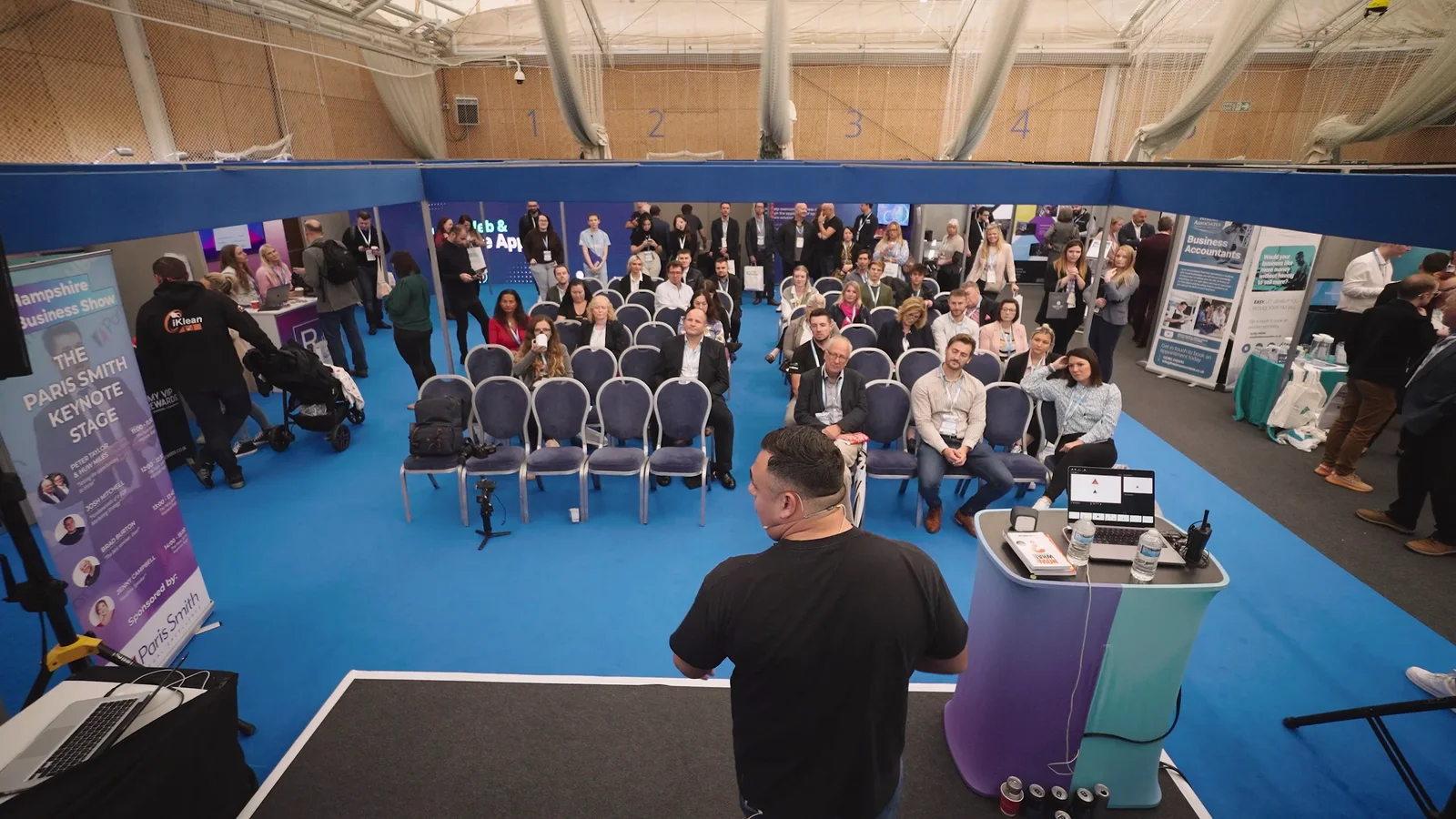
An internal conference or town hall can generate far more useful material than a single highlights film, but only if the coverage is planned around what people will need afterwards.
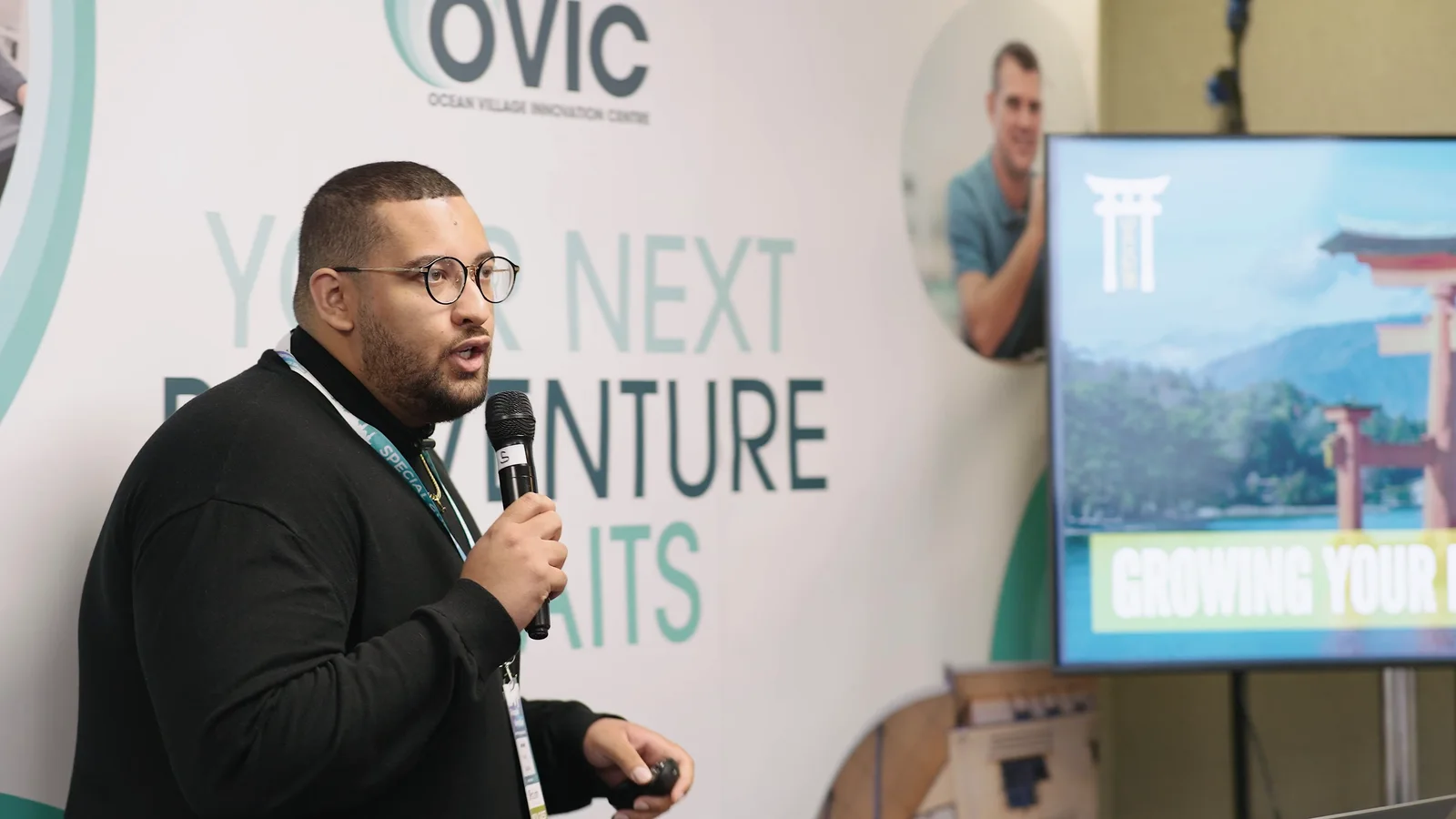
A complete leadership presentation might need uninterrupted multi-camera coverage. A panel discussion may need a clean recording for colleagues who could not attend. Another session may only justify a two-minute summary. Short interviews filmed during breaks can capture reactions, explanations and next steps while the relevant people are already together.
Potential outputs include:
- complete keynote or town-hall recordings;
- concise highlights;
- a short leadership follow-up filmed after the session;
- selected speaker excerpts;
- employee questions and answers;
- team or department-specific cut-downs;
- still photography for the intranet and internal newsletter;
- captions and transcripts for people who need to catch up later.
The running order determines the crew. One experienced videographer can manage several fixed cameras in a suitable room, but simultaneous sessions, interviews, photography and roaming coverage may require additional people. Our conference videography service explains that distinction in more detail.
One filming day can become an internal communications toolkit
Internal teams rarely need only one master film.
A leadership filming session might also produce three short topic clips. A project visit can create the main update, a 30-second version for an internal feed and a library of clean footage for the next presentation. An employee interview might support a culture film, onboarding content and a short team introduction.
The efficiency comes from deciding those uses before filming.
If a vertical version is needed for an internal mobile feed, the crew should know before composing a wide group shot that cannot sensibly crop to 9:16. If individual answers need to work as separate clips, contributors should answer with enough context for each extract to stand alone.
For a typical internal filming day, it may be useful to capture:
- a main interview or leadership contribution;
- clean standalone answers to individual topics;
- purposeful workplace sequences;
- room tone and clean environmental sound;
- a few deliberate still frames or commissioned photographs where needed;
- alternate openings or sign-offs for different teams;
- space within key compositions for captions and graphics.
This is the same reason a good video production brief should name the required outputs and destinations rather than simply saying “we need a video”.
Build accessibility into the production, not onto the end
Internal communication still needs to reach the people it is intended for.
The Health and Safety Executive’s guidance on workplace communication recommends information that is accessible, clear, concise and easy to understand, and advises organisations to consider the format, medium and content for their workforce. HSE’s accessible communication guidance is worth reviewing when planning internal content.
For video, that means thinking about accessibility while the film is being designed:
- record speech cleanly so captions and transcripts can be produced accurately;
- avoid placing important text over visually busy backgrounds;
- leave enough time for people to read on-screen instructions;
- do not rely on colour alone to communicate a status or warning;
- ensure essential visual information is also explained where the audience needs it;
- establish whether captions, transcripts, BSL, audio description or another format is required for the intended workforce.
GOV.UK’s updated accessible communication formats guidance also recommends considering audience needs and alternative formats early rather than adding them after publication.
Our own video accessibility guide covers captions, subtitles, transcripts and audio description from a production point of view.
Internal films can contain more risk than public marketing films
The audience may be internal, but the filming environment can still expose information that should not appear on screen.
Before the cameras arrive, check for:
- customer or employee information on monitors;
- whiteboards containing financial, HR or project details;
- access cards and ID badges;
- unreleased products or confidential prototypes;
- names, addresses or account details on paperwork;
- computer notifications appearing during screen recordings;
- people who should not be filmed;
- areas with security, safety or commercial restrictions.
It is far easier to turn over a document, move a whiteboard or close a browser tab before filming than to mask dozens of frames afterwards.
The same applies to audio. Internal locations can be noisy, and a technically important answer is not useful if staff cannot understand it. Our guide to why professional audio matters explains why microphone choice, placement, monitoring and location selection need planning rather than relying on repair in post-production.
Decide who approves facts and who approves the film
Internal projects often have more stakeholders than public marketing content.
A process owner may need to confirm technical accuracy. HR may need to review employee messaging. Leadership may approve the tone. Legal, compliance, health and safety or information-security teams may need to check specific details.
That does not mean everybody should send separate notes directly to the editor.
Agree:
- who owns factual accuracy;
- who consolidates stakeholder comments;
- which review stage each person is involved in;
- what can still change after filming;
- the final approver;
- the date after which the information should be reviewed again.
A single consolidated feedback route is usually much faster than asking the edit to reconcile five contradictory comment threads.
It is also worth separating factual review from creative review. Check the message, sequence, omissions and accuracy first. Once those are right, fine-tune music, graphics and smaller presentation choices.
A practical internal video brief
You do not need to write a production treatment before contacting a video company. A useful internal communications brief can be surprisingly short if it answers the right questions.
Audience
Who exactly needs this?
Not simply “employees”. Is it all staff, new starters, line managers, engineers at one site, sales teams in several countries or people affected by a particular change?
Outcome
What should they understand or do afterwards?
Write this in one sentence if possible.
Message
What must be accurate?
List mandatory terminology, approved facts, policy wording and anything that must not be paraphrased.
Contributors
Who actually knows the subject?
Name the accountable leader, process owner, employee voices or subject specialists rather than filling the film with people purely because they are senior.
Evidence and visuals
What can we show that makes the message tangible?
Think systems, processes, locations, equipment, demonstrations, meetings, project stages and real working activity.
Channels and versions
Where will people encounter it?
Intranet, Teams, Slack, email, learning platform, event screens and mobile feeds may need different runtimes, framing, captions or supporting assets.
Access and restrictions
What affects filming?
Include contributor availability, inductions, PPE, shift patterns, sensitive areas, screen restrictions, noise, operational downtime and whether normal work must continue around the crew.
Approval and lifespan
Who signs it off, and when does it become outdated?
A video about a system being replaced next spring should not be treated as evergreen content.
If you need a fuller commissioning framework, use our video production brief guide.
What should you film first?
If your internal communications plan currently contains a long list of possible videos, prioritise the messages where moving image solves a real problem.
Film the process people need to see. Put the accountable person on camera when their presence matters. Show progress rather than merely reporting it. Let employees describe real experiences rather than recite values. Capture internal events according to what people will need afterwards, not simply because a camera is available.
Then support the film with the written information, accessible formats and current source material people will need after watching.
That gives internal video a clear job: not to make every message more cinematic, but to make the important ones easier to understand, trust and act on.
If you are planning a leadership update, training series, employee story, internal event or broader campaign, explore our internal communications production service or tell us what your team needs to communicate.