
Professional Photography vs Smartphone Photography for Businesses

Your phone can take a very good photograph.
That is not really the question.
The more useful question for a business is:
What does this photograph need to do, and what happens if it does not work?
A quick image from the office Christmas jumper day might be online for 24 hours. A new staff portrait could sit on the company website for three years. A product photograph might appear on every sales page, advert and retailer listing. A conference photograph may be the only record of a speaker or presentation that will not happen again.
Those jobs do not carry the same risk, so they do not need the same production.
Professional photography is not automatically better because the camera costs more. Smartphone photography is not automatically more authentic because it was taken casually.
For most businesses, the sensible answer is to use both — deliberately.
The same project can need a professional camera and a phone
One of the clearest examples comes from our work with Jellyshotz.
Over more than a year of working together, we created product photographs, product films, festival coverage and social content for the brand.
The main product photography needed control.
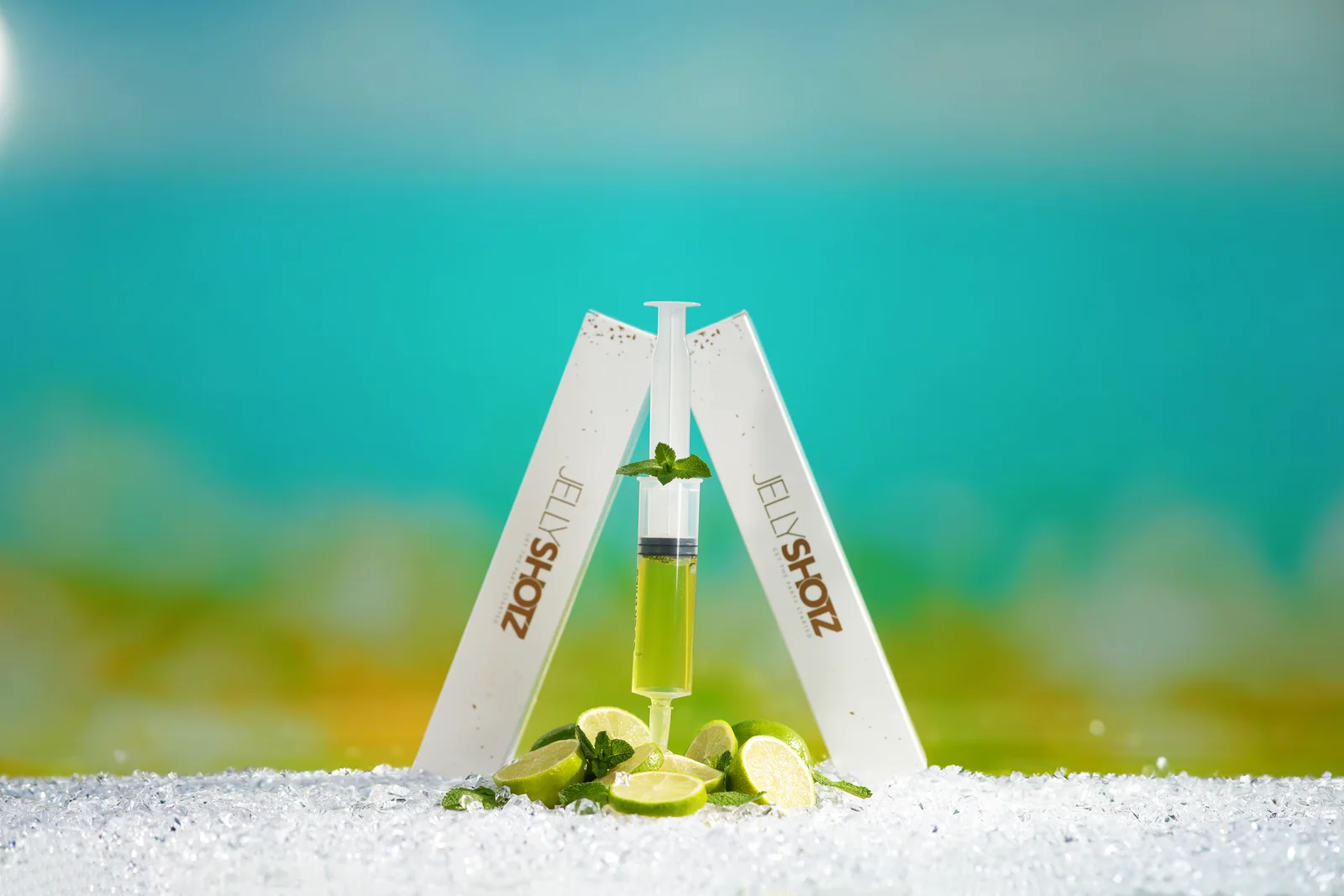
Each flavour had its own visual world. The products were positioned carefully, lit with studio lighting and photographed in compositions designed to work across the online store, Amazon listings and marketing material. Alongside the styled images, we also photographed products against clean and removable backgrounds so the brand had more flexible design assets.
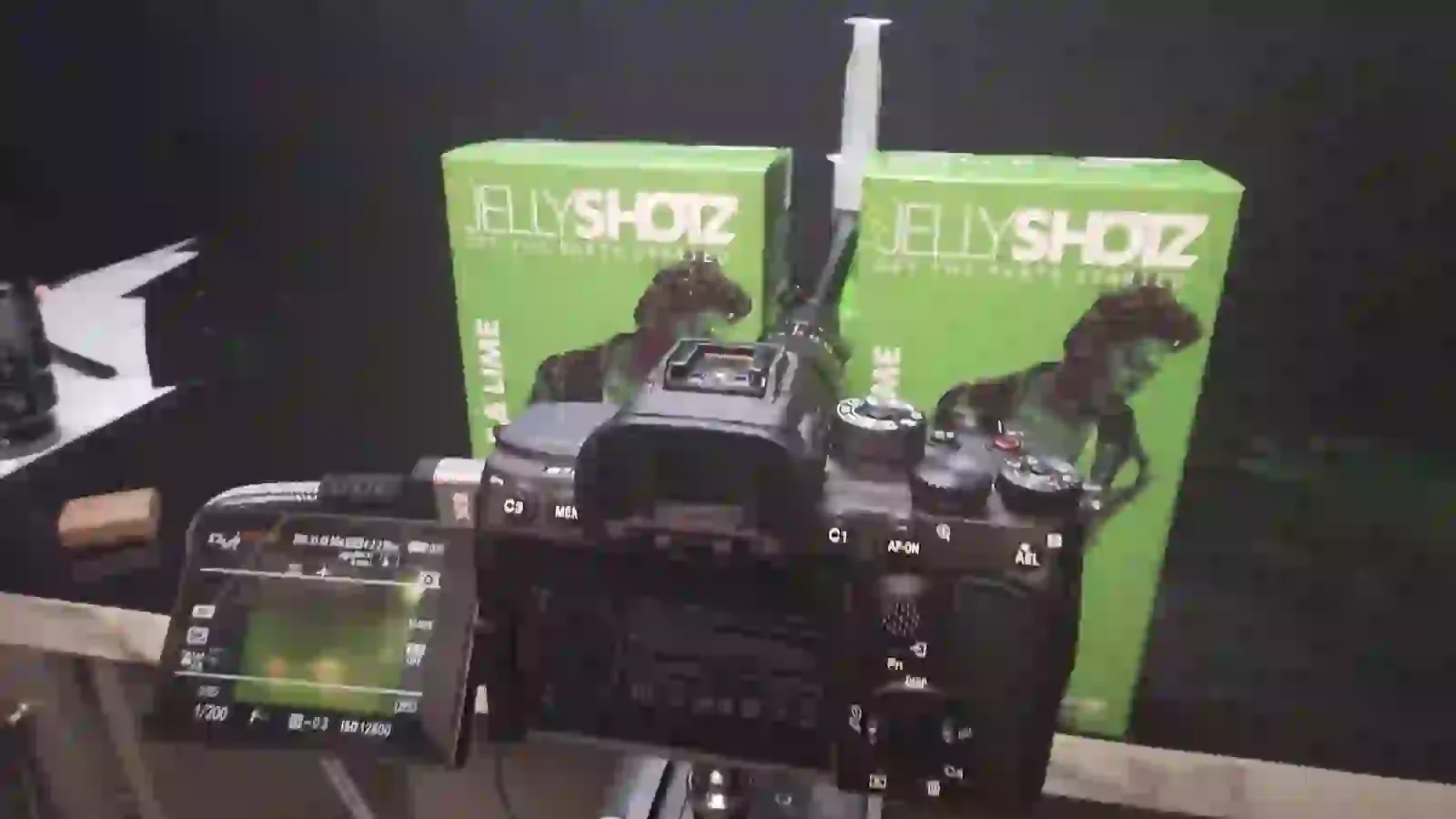
During the same project, we also recorded behind-the-scenes footage of one of the product-video setups on a phone.
That footage did not need studio lighting, a controlled backdrop or a polished campaign finish. Its value was that it showed what was happening behind the finished work: the turntable, camera, lighting, diffusion and improvised home setup.
The phone was not a worse version of the professional camera.
It was the right tool for a different job.
That is the distinction businesses should make before deciding what to use.

Start with the lifetime of the image
A useful way to make the decision is to ask how long the photograph needs to keep working.
A few hours or days
Think:
- an Instagram Story;
- a quick event update;
- somebody visiting the office;
- a delivery arriving;
- a behind-the-scenes moment;
- a temporary progress photo.
A smartphone is often exactly right.
Speed matters more than elaborate production. The person already there can record the moment and publish it quickly.
A few months
Think:
- regular LinkedIn content;
- recruitment updates;
- workshop or project progress;
- internal communications;
- recurring social posts.
A phone can still do much of this work, particularly when staff have some simple visual guidelines.
It may also be useful to mix those everyday images with stronger photographs from a planned corporate photography shoot.
A few years
Think:
- homepage imagery;
- team headshots;
- key service pages;
- sales brochures;
- product listings;
- press photographs;
- campaign assets;
- investor or recruitment material.
Now the cost of getting the image wrong becomes much larger.
The photograph may be seen thousands of times, cropped into several layouts and used long after the person who took it has forgotten about the shoot.
That is where planning, lighting, direction, repeatability and a proper delivery workflow become much more valuable.

The difference is control, not just megapixels
Phone specifications are easy to compare.
Business photography is not.
A technically high-resolution image can still be the wrong image.
It might have an awkward reflection across the product. The person's face might be distorted because the camera was too close. A bright window may dominate the room. The background might contain confidential information. The composition might work beautifully in portrait orientation but become useless when the website needs a wide banner.
The professional advantage is often the ability to control those variables before they become problems.
That can include:
- choosing the right position and camera distance;
- controlling or modifying light;
- selecting an appropriate lens and perspective;
- arranging the background;
- planning space for website copy;
- directing people;
- keeping colour consistent;
- recording variations for several layouts;
- checking important details while the subject is still available.
None of those things are impossible with a phone.
The point is that a professional photography job builds them into the process.
When the phone wins
There are plenty of situations where hiring a photographer would be unnecessary.
Something useful is happening right now
If your engineer has just completed an interesting installation and nobody from the marketing team is on site, take the photograph.
An imperfect but genuine image can be more useful than no record at all.
The same applies to a delivery, team moment, work-in-progress update or interesting detail that was never going to justify its own commissioned shoot.
The content benefits from immediacy
A polished campaign image and a quick workplace update do not have to look the same.
Social feeds often benefit from a mixture of content. A phone photograph can show what is happening today between more carefully planned campaigns.
The image is low risk
If the post will disappear quickly, can easily be repeated and does not represent a critical product, person or announcement, the production risk is low.
Use the simple tool.
Familiarity helps
Some people behave more naturally when a colleague takes a quick photograph than when lights and cameras arrive.
That can be genuinely useful for informal culture content.
It becomes less useful when the business needs twenty people to look consistent, which is where professional headshot photography starts solving a different problem.
When professional photography earns its place
There is no single point at which a phone suddenly becomes incapable.
Instead, professional photography becomes more valuable as the number of things that need controlling increases.
1. When consistency matters more than one good photo
Taking one pleasing portrait on a phone is relatively easy.
Photographing forty members of staff over several months so that they still look like part of the same team is harder.
The background needs to remain consistent. So does the camera position, crop, lighting, colour and general treatment. New starters may need to match photographs taken months earlier.
That is a system, not a lucky frame.
The same principle applies to product ranges, property portfolios and multi-location businesses.
For staff photography, our guide to getting better staff photos without awkward posing also explains why direction matters just as much as the equipment.
2. When lighting is difficult
A phone performs very well in many everyday conditions.
Business locations are not always everyday conditions.
You may have:
- bright windows behind a subject;
- dark conference rooms;
- mixed office lighting;
- reflective packaging;
- glossy machinery;
- theatrical stage lighting;
- interiors where the outside view also matters;
- small products where tiny highlights change the appearance.
The more difficult the light becomes, the more useful it is to be able to shape it rather than simply accept it.
Professional lighting is not about making every photograph look dramatic.
Sometimes its entire job is to make the result look clean, natural and repeatable.
3. When people need direction
Pointing the camera is only one part of photographing people.
Someone also needs to notice:
- whether the person looks uncomfortable;
- where their hands are;
- whether their jacket or lanyard is sitting correctly;
- what is happening in the background;
- whether their face is turned into the best light;
- whether the expression actually looks like them.
A colleague with a phone may be able to do all of that.
But they are now doing the job of a photographer.
For planned corporate and brand photography, separating the subject from the technical and directing responsibilities usually makes the process easier.
The people being photographed can concentrate on what they are doing. The photographer can concentrate on making the frame work.
4. When the subject cannot simply be reshot tomorrow
Live events are the obvious example.
A keynote speaker will not repeat the applause because somebody missed focus.
The awards presentation will not happen again because the background was distracting.
A networking moment may last a few seconds.
That is why event photography is less about owning a large camera than being ready for moments before they happen.
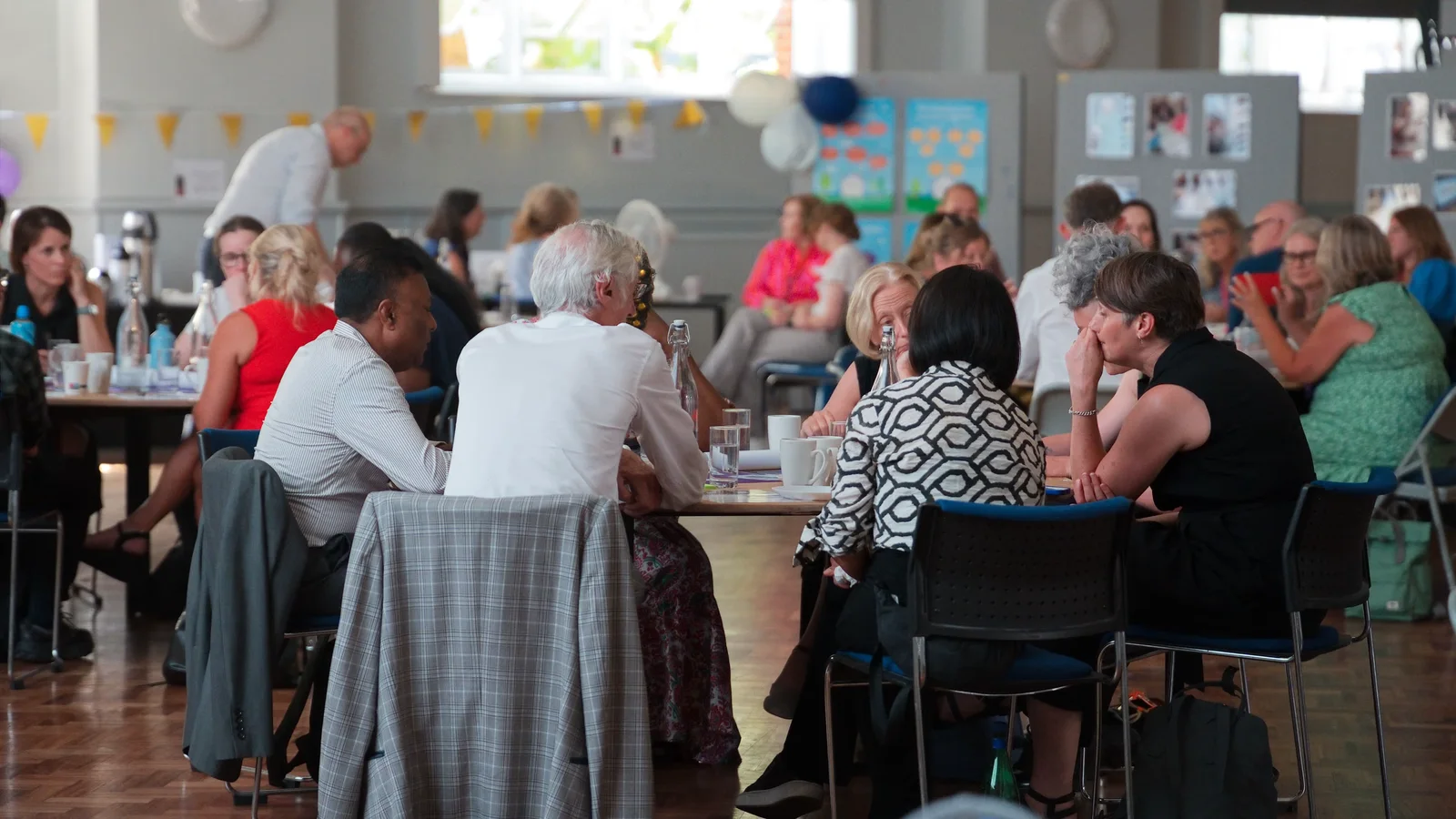
For our ongoing work with My Home Life England, the London anniversary event combined conference recording, interviews, event photography and live activity within one real schedule. The still photographs needed to cover speakers, discussion, reception, people and atmosphere while the event continued around the production.
That is a very different requirement from taking a photograph after the room has emptied.
5. When the photograph is part of the product experience
For ecommerce, the image is not simply marketing around the product.
It may be one of the main ways the customer evaluates it.
Shape, colour, detail, scale, finish and packaging all need to read clearly.
Creative images may also need a consistent visual identity across a complete range.
The Jellyshotz example makes this distinction particularly clear. Their phone footage was useful because it documented the production process. Their professional product photography had a different responsibility: make the products clear, distinctive and usable across actual sales and marketing channels.
Those are not interchangeable outputs.
6. When the image has to fit a design, not just look good on a phone screen
This is one of the most common things businesses overlook.
You can take a lovely portrait and still discover that it cannot be used in the website hero because the person's face sits exactly where the heading needs to go.
A square social image may not survive a wide banner crop.
An image that looks bright on a phone may expose distracting detail when used across a large desktop display or printed brochure.
A planned brand photography shoot starts with the intended layouts rather than deciding afterwards what each photograph might be useful for.
That is also why good website photography is about more than replacing stock photographs with prettier images.
The photograph needs a job on the page.
A quick way to decide
Instead of asking “phone or photographer?”, run the image through these questions.
| Question | Phone is often enough when… | Professional photography becomes useful when… |
|---|---|---|
| How long will it be used? | Hours, days or a short campaign | Months or years |
| Can we repeat it? | The moment or subject is easy to recreate | Access, people or timing are difficult to repeat |
| How consistent must it be? | One-off images can vary | A team, range or campaign must match |
| How difficult is the light? | Good available light is enough | Lighting needs controlling or repeating |
| How important is the exact colour/detail? | Broad visual communication is enough | Product, brand or technical accuracy matters |
| Does the person need direction? | Informal familiarity is useful | Consistent, polished portraits are required |
| Where will it appear? | Temporary social or internal update | Website, press, print, ecommerce or advertising |
| What happens if it fails? | Take another one | The moment, launch or access may be lost |
There is no points system.
A photograph can sit on the professional side for one reason alone. If it is the only opportunity to photograph the CEO before a major announcement, repeatability matters even if the lighting is easy.
Build a core library, then let phones keep it current
For many businesses, the strongest approach is hybrid.
Commission professional photography for the material that needs to carry the brand:
- staff portraits;
- website hero images;
- important workplace scenes;
- products;
- campaigns;
- key events;
- PR imagery;
- reusable marketing assets.
Then give the people inside the business a simple way to capture what changes between those shoots.
That might mean a short internal guide covering:
- where to stand in the office for decent light;
- avoiding confidential screens and documents;
- checking the background before shooting;
- when to use portrait and landscape orientation;
- leaving enough room around the subject;
- how files should be shared and named;
- who can approve images before publishing;
- when a moment is important enough to call the photographer instead.
The professional library creates the visual foundation.
The phone keeps the story current.


Do not force phone content to pretend it was professionally shot
There is another benefit to using both deliberately: they do not have to imitate each other.
A behind-the-scenes phone image can look like behind-the-scenes content.
That is part of its value.
Trying to add excessive filters, artificial background blur or aggressive editing to make every quick office photograph resemble a campaign image can remove the immediacy that made the phone useful in the first place.
Likewise, professional photographs do not need to look sterile or corporate simply because they were planned.
Our Hive Kids photography and video project combined staff portraits with photographs of workshops and activities. The portraits had a clear website role, while the activity images showed what the organisation actually did.
Planning did not make those images less real.
It made sure the real moments became usable photographs.
So, should your business use a smartphone or a professional photographer?
Probably both.
Use the phone when speed, access and immediacy are the main advantages.
Bring in a photographer when control, consistency, repeatability and long-term use matter more.
And before spending money on either, decide where the photograph is going.
A £0 phone image that never gets used is not efficient.
A carefully commissioned professional image with no clear purpose is not efficient either.
The useful photograph is the one that does the job you planned for it.
If your business needs a more permanent image library, explore our professional photography services, see how we approach corporate photography or tell us what you need the images for. We can help work out whether you need a dedicated shoot, a combined photography and video day, or simply a smaller set of important images around the content your team already creates.