
Single-Camera vs Multi-Camera Video Production: Which Do You Actually Need?
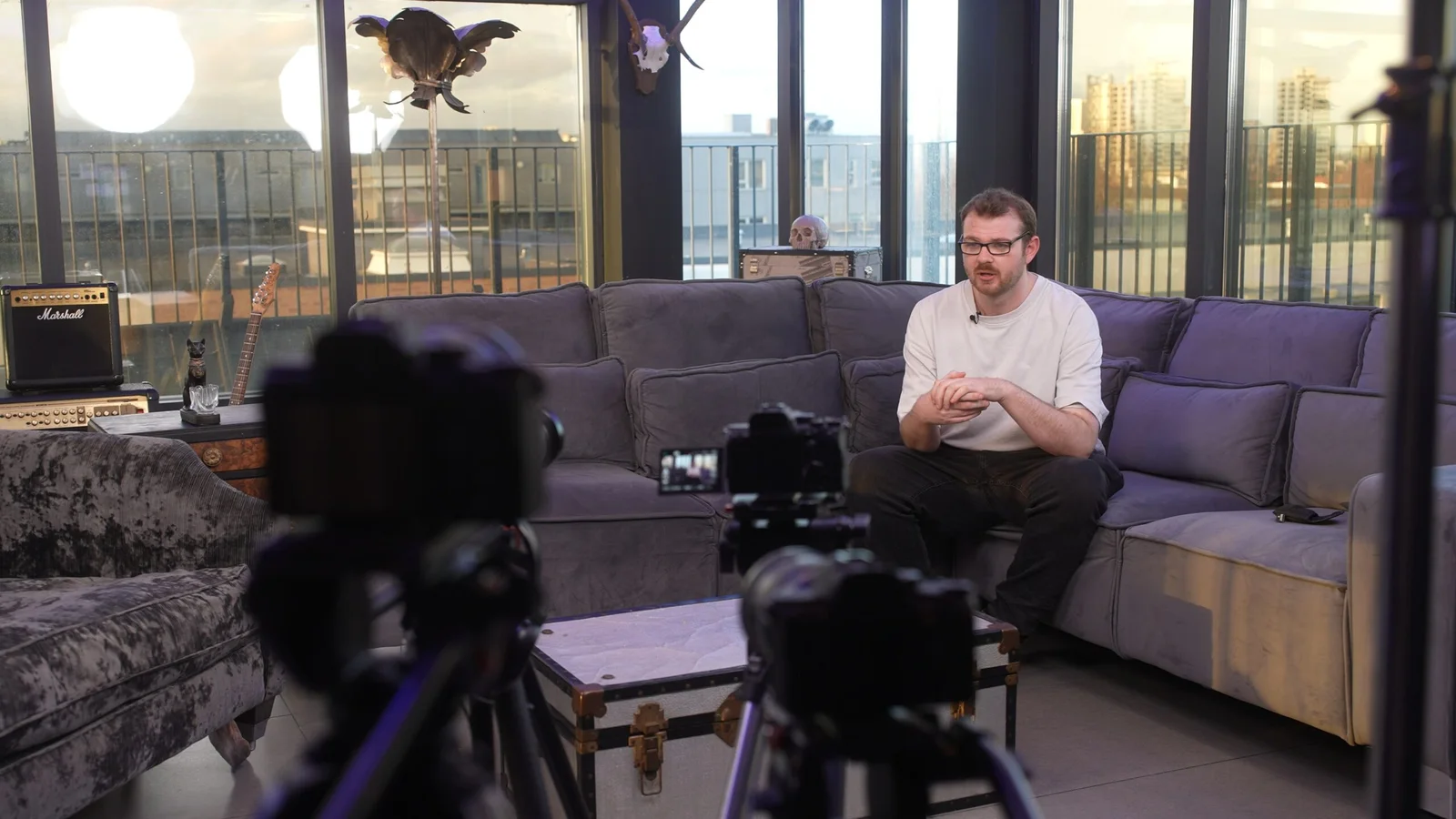
More cameras do not automatically mean a better video.
For some productions, one camera gives the crew more control and keeps the shoot simple. For others, a second or third angle protects moments that cannot be repeated. And sometimes the real issue is not how many cameras you need at all — it is how many people need to operate them.
That distinction matters when you are planning a professional video production, because camera count and crew size are not the same thing.
One experienced videographer can use more than one camera where the setup allows it. Equally, a production using a single main camera may still need additional crew for sound, lighting, direction or logistics.
The useful question is not:
“How many cameras should we have?”
It is:
“What needs to be captured at the same time?”
Once that is clear, the camera plan usually becomes much easier.
There are really three different versions of “multi-camera”
People often use multi-camera production to describe several quite different setups.
| Setup | What it means | Well suited to |
|---|---|---|
| Single camera | One primary camera records each setup in sequence | Controlled interviews, product films, demonstrations, scripted content |
| Several cameras, one operator | One videographer manages a planned set of cameras | Interviews, presentations and fixed event coverage where secondary angles can run safely |
| Several cameras, several operators | Each operator can actively follow different action | Conferences, performances, sport, busy events and simultaneous activity |
| Live-switched multi-camera | Several camera feeds are selected in real time for a live programme | Livestreams, broadcasts, hybrid events and some performances |
Those approaches can look similar on a quote because they all contain the words “multi-camera”, but they solve different problems.
At The Camera Guys, one videographer can work with up to three cameras where the production suits it. If the action needs several cameras to be actively reframed or followed at the same time, we can scale up with additional operators. Our guide to how many camera operators a production needs goes into that crew decision in more detail.
When one camera is genuinely the better choice
A single-camera production works particularly well when the scene can be controlled, repeated or broken into separate setups.
Imagine we are filming a manufacturing process for a corporate video. We might capture a wide shot showing the complete workstation, then repeat part of the process for a closer view of the operator, followed by details of controls, tools or the finished result.
The audience experiences those shots as one continuous sequence. They do not all have to be recorded at exactly the same moment.
The same principle works for scripted pieces to camera, controlled demonstrations, product films, property videos, training sequences, many promotional films and carefully planned B-roll.
Working this way can give the crew time to refine the lighting, framing and movement for each shot instead of spreading attention across several cameras.
It also keeps the physical footprint smaller. That can matter in offices, homes, workshops and other locations where there simply is not space for multiple tripods and operators.
But single-camera filming creates a continuity job
If an action is repeated for different angles, it needs to remain believable between shots.
A coffee cup that was full in the wide shot should not suddenly be empty in the close-up. A machine should be at the same stage of its cycle. Someone demonstrating a product needs to repeat the important movement in a similar way.
None of that is unusual. It is simply part of planning a controlled single-camera shoot.
The problem comes when the important moment cannot be repeated.
That is where another camera starts earning its place.
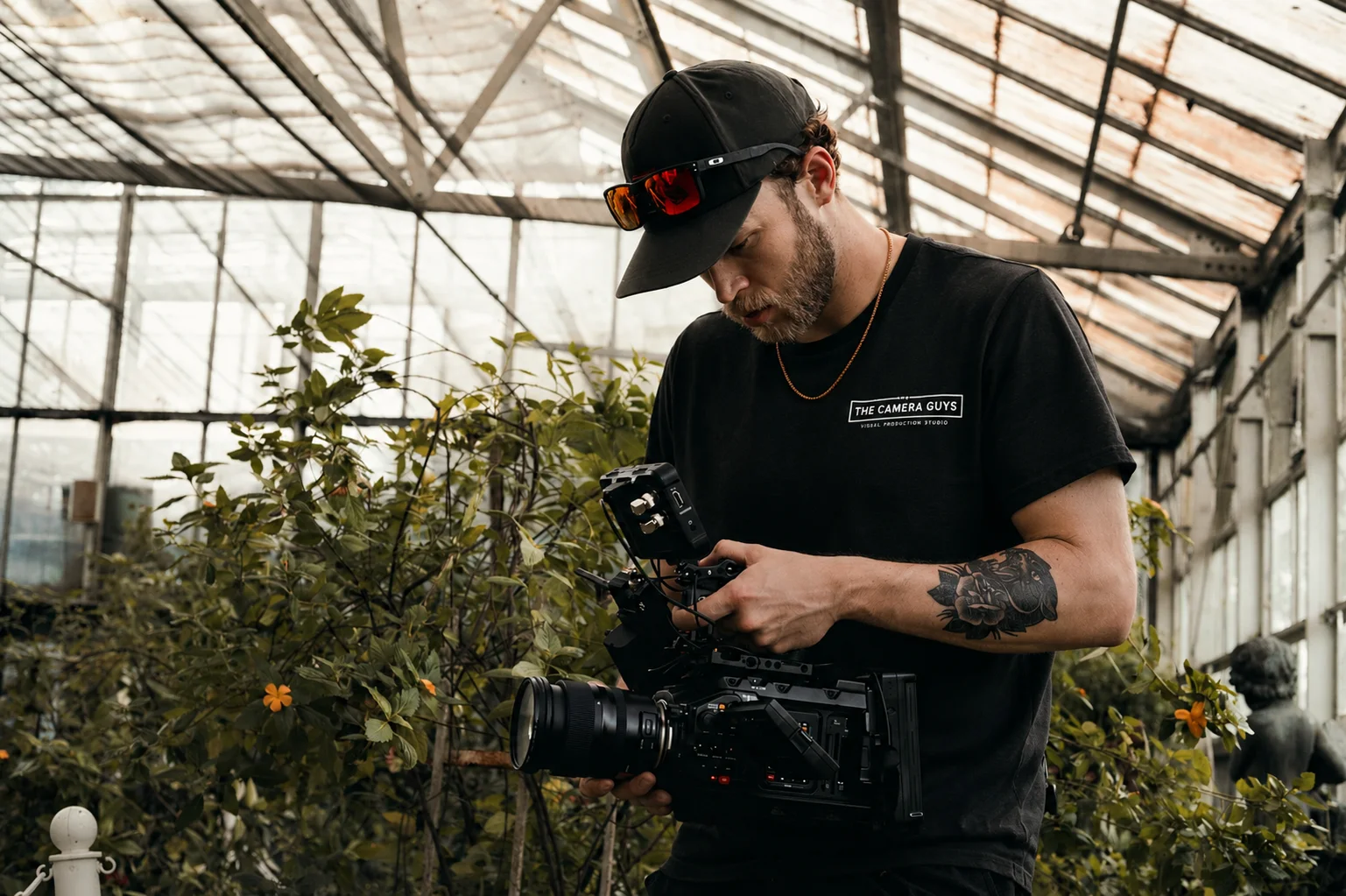
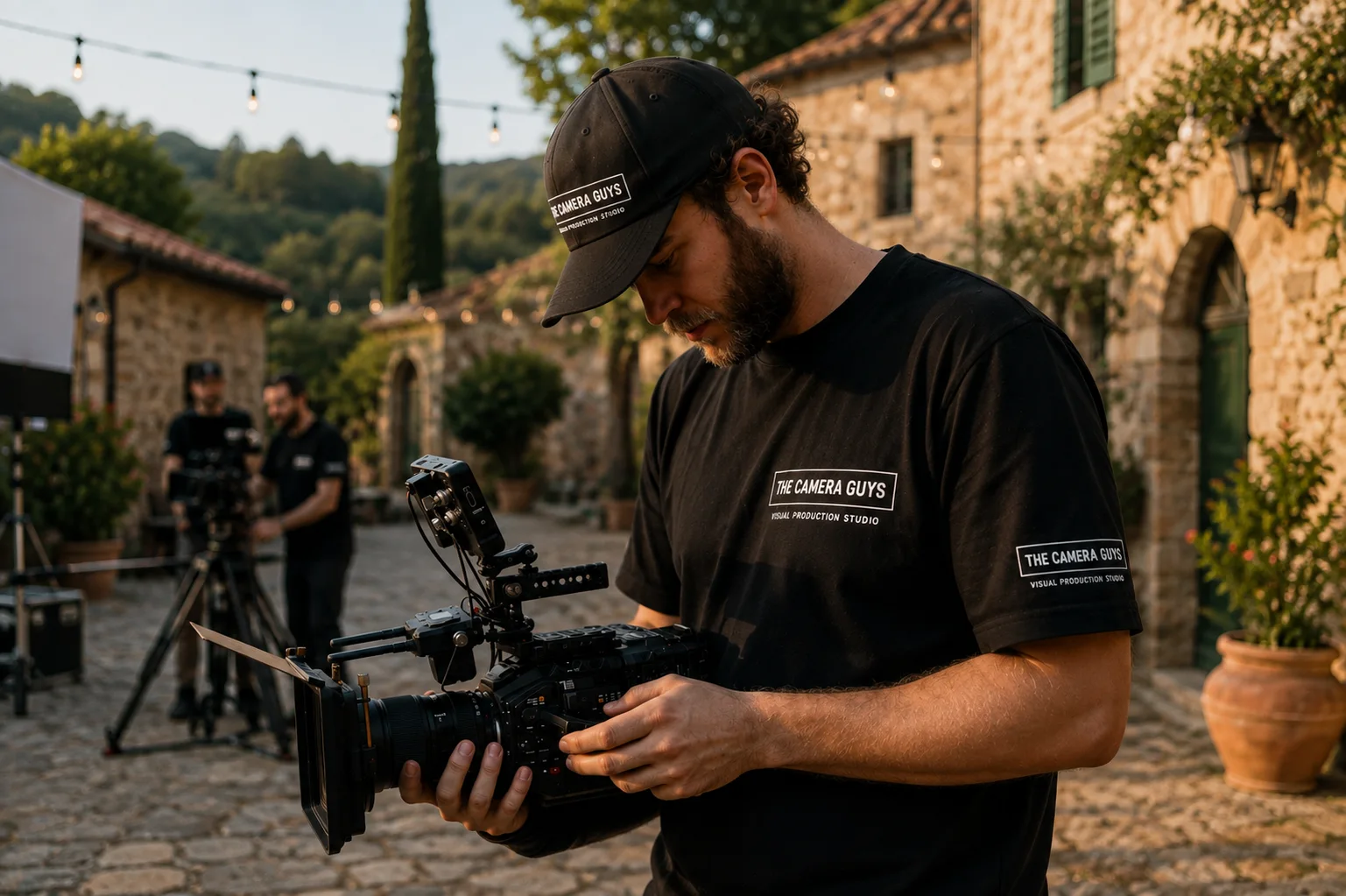
Multi-camera filming is valuable when the moment only happens once
A conference speaker will not usually restart a keynote because the videographer wants a different angle.
A customer reacting during a live demonstration cannot be recreated naturally ten minutes later.
A panel discussion may move between four speakers with little warning. A performance, ceremony or sporting moment continues whether the camera is ready or not.
These are situations where multi-camera filming can protect the production.
One camera might hold a reliable wide shot while another gives the editor a closer angle. At a panel, a wide view can establish everyone on stage while another camera follows whoever is speaking. During an event, one position might cover the formal presentation while another captures audience reactions or detail.
The important thing is that each camera has a job.
Putting three cameras next to each other and pointing them at essentially the same frame does not create much extra coverage. Good multi-camera planning gives each angle a reason to exist.
You can see the wider range of filming approaches we offer on our video production services page.
A second camera does not automatically mean a second videographer
This is probably the biggest misunderstanding around multi-camera production.
A controlled interview is a good example.
We may set one camera for the main medium shot and a second camera for a tighter angle. Once both are correctly framed, exposed and monitored, one videographer can often manage that setup while also handling professional audio and the interview itself.
The second angle gives the edit options without necessarily doubling the crew.
That can be useful for longer corporate interviews, testimonials and case-study films. A tighter frame can add visual variation or give the editor a clean place to make a sensible cut.
But even here, more angles are not automatically better.
If the two cameras are almost identical, the cut between them can feel like a mistake. If a second camera forces an awkward eyeline or compromises the lighting, it may add less than useful supporting footage would.
Sometimes the better production choice is one strong interview angle plus better B-roll.
When you actually need another operator
A locked-off second camera can protect a predictable angle.
It cannot make decisions.
It cannot follow somebody who unexpectedly leaves the stage. It cannot reframe from one panel guest to another. It cannot move across a venue to capture a separate session while the main presentation continues.
That is the point at which the question becomes one of crew rather than cameras.
A second operator becomes useful when:
Two important things happen at once.
If a keynote is underway while a sponsor demonstration begins elsewhere, one person cannot actively cover both.
The subject moves unpredictably.
Sport, performances, demonstrations and some live events need cameras that respond to changing action.
Several rooms need coverage.
Parallel conference sessions are an obvious example. A camera cannot be in two rooms at the same time, regardless of how sophisticated it is.
You need both continuous coverage and creative event footage.
A complete speaker recording cannot be abandoned every time an interesting audience reaction happens elsewhere.
The production cannot tolerate an unattended angle.
Some jobs need each important camera actively monitored for framing, focus, battery, media and unexpected problems.
Our conference videography service is a good example of where the running order, number of rooms and required finished films determine the crew far more than an arbitrary camera count.
Real example: My Home Life England
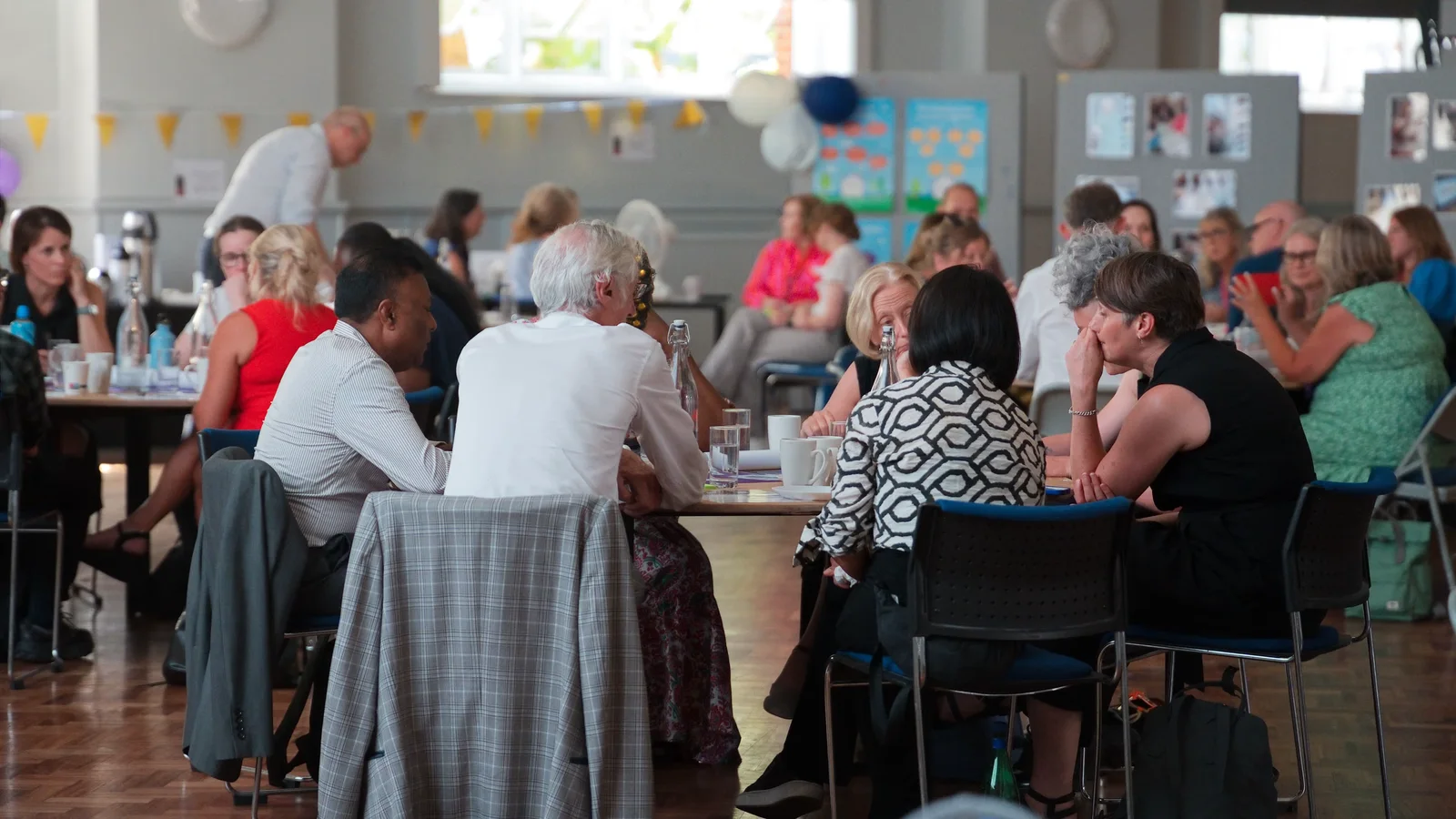
For My Home Life England's 20th-anniversary event, one experienced operator worked across video and photography while a multi-camera setup protected the formal conference content.
That was a good fit for the brief because the formal sessions happened in a predictable space and could be covered from planned camera positions. The wider event could then also be documented through photographs, interviews and atmosphere.
The result included a complete multi-camera event edit, industry soundbites, photography and shorter highlight content.
That does not mean one operator is the answer for every conference. If several stages had been active simultaneously, or each camera had needed constant hands-on operation, the production requirements would have been different.
The setup followed the schedule.
That is the important bit.
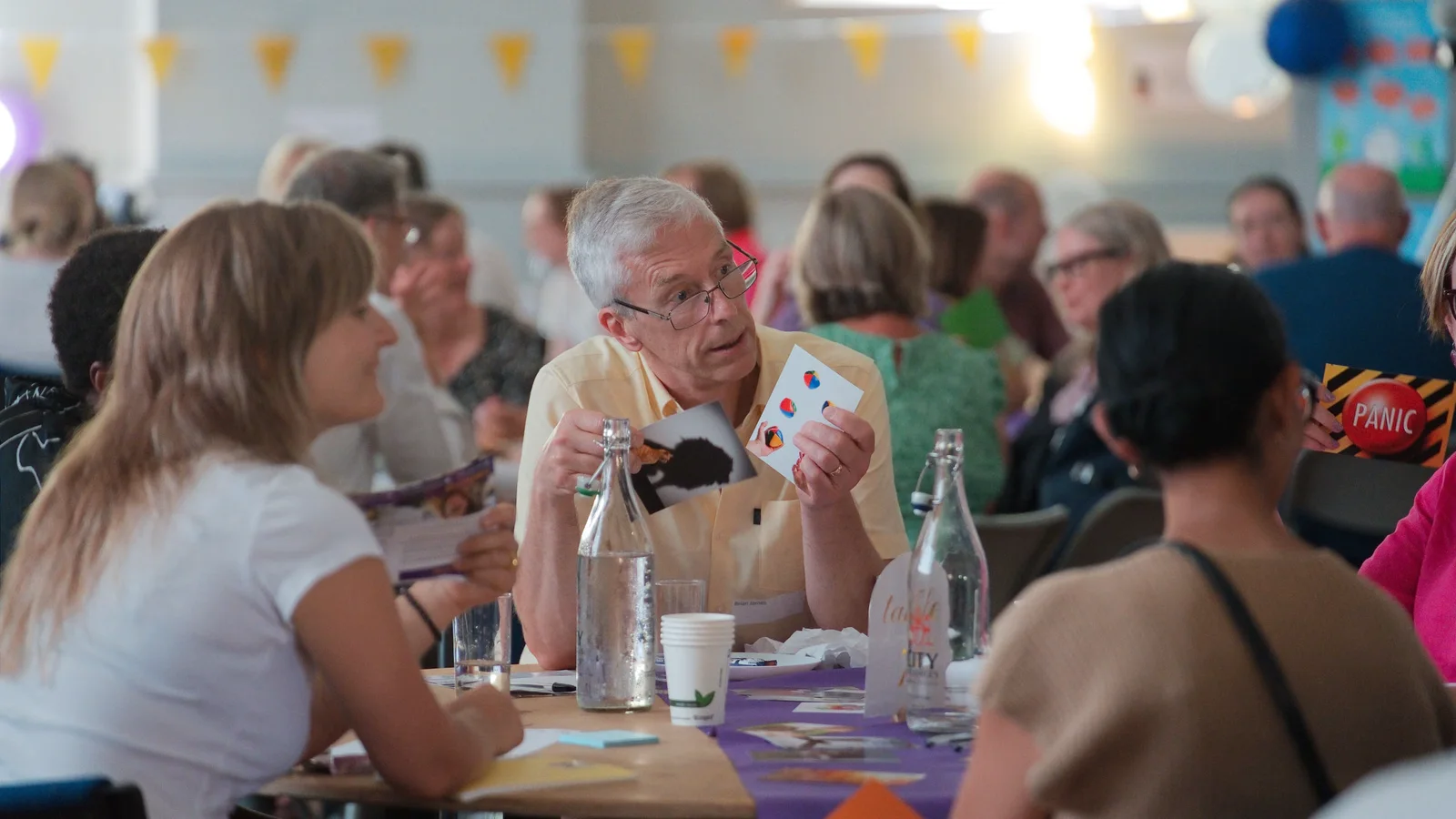
Real example: one videographer, multi-camera speaker content
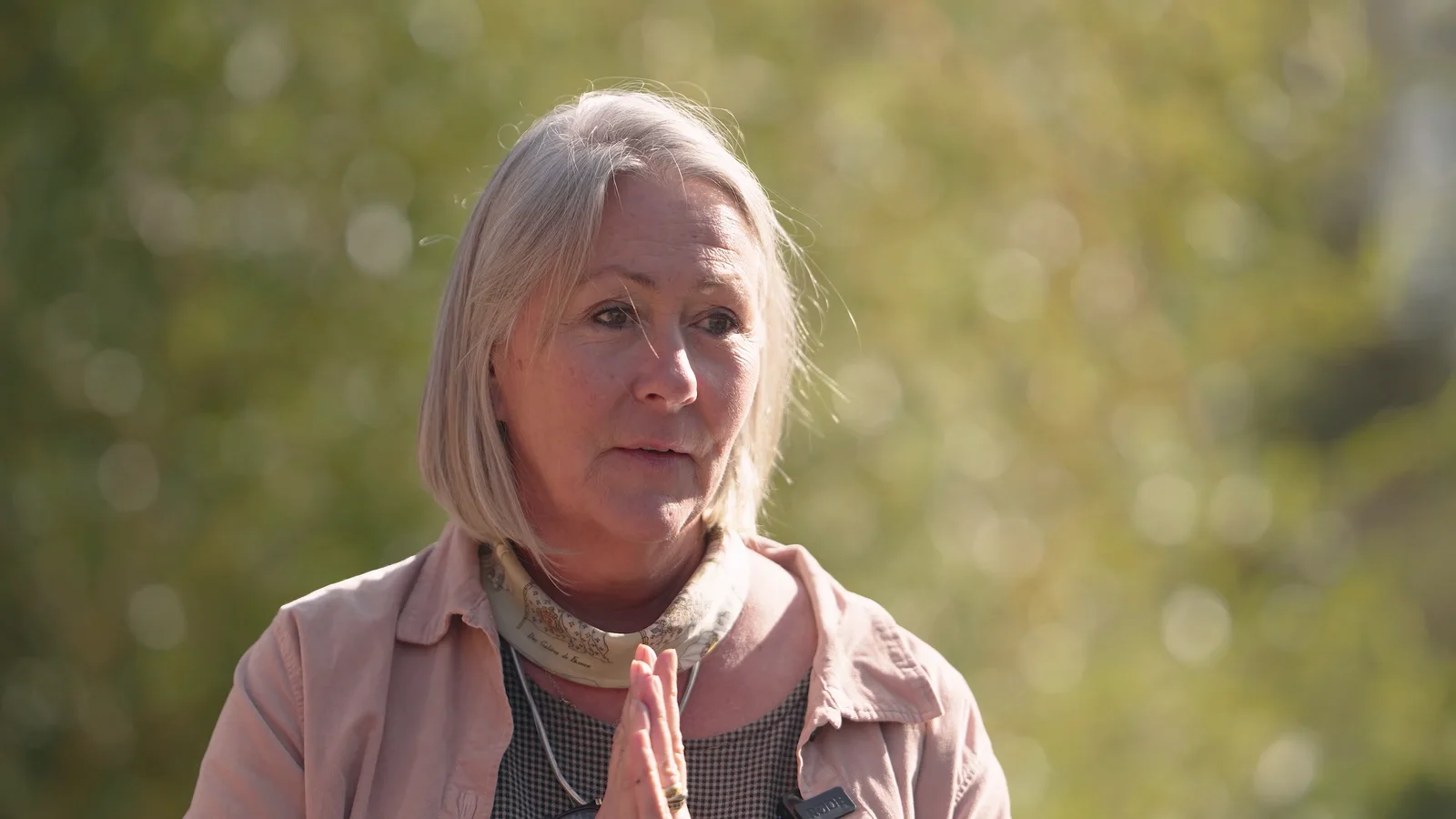
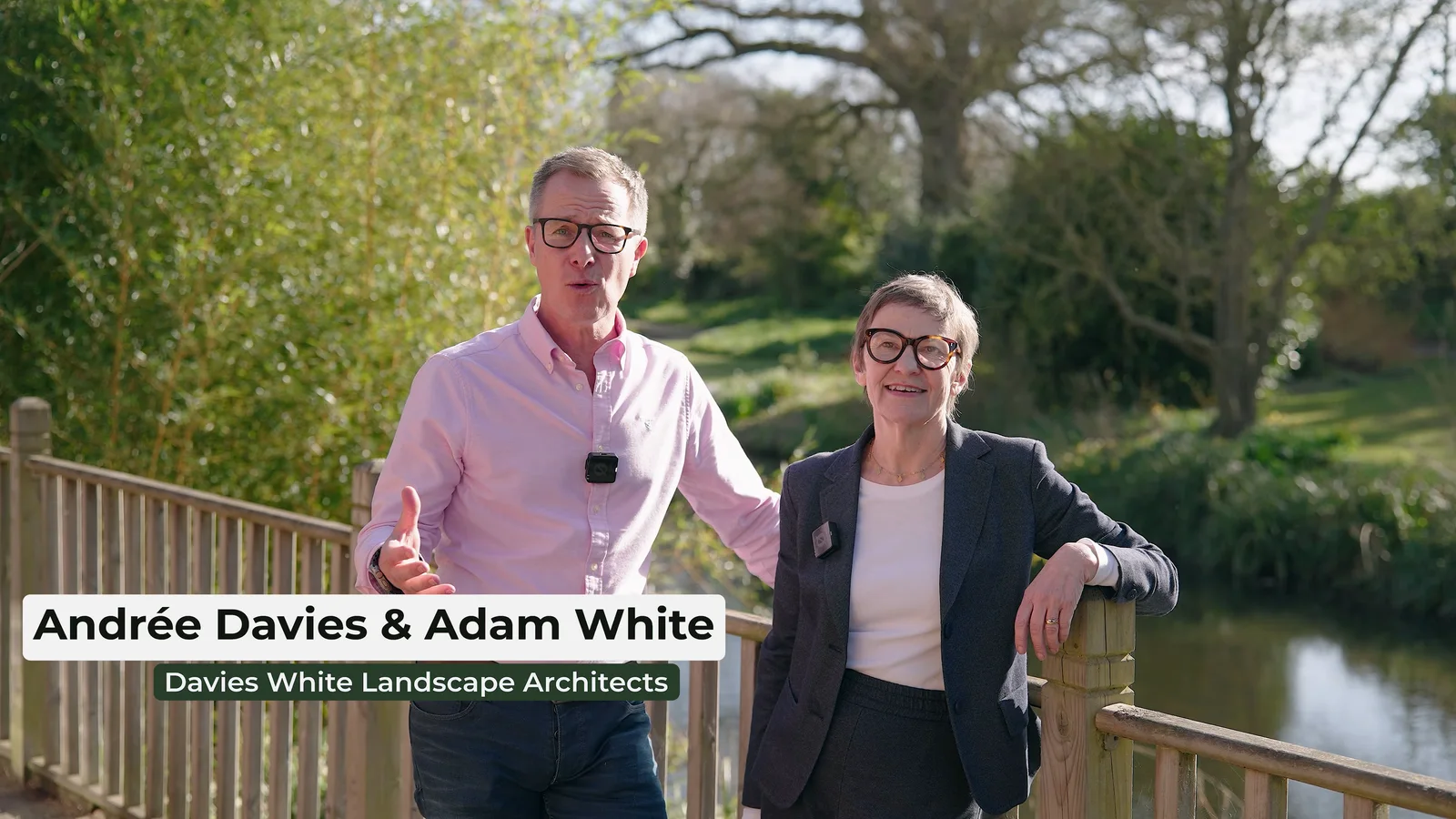
The Davies White workshop at Beth Chatto Gardens provides another useful example.
One videographer covered six hours of presentations, interviews and activity. The finished package included multi-camera speaker content, a main promotional film, a short teaser and ten participant interview clips.
Again, the production was not made efficient by simply bringing lots of cameras. It worked because the day was planned around what had to be protected continuously and what could be captured between those fixed moments.
For anyone commissioning event videography, that is a more useful way to think about coverage than asking for a particular number of cameras at the outset.
And sometimes one camera operator means choosing priorities
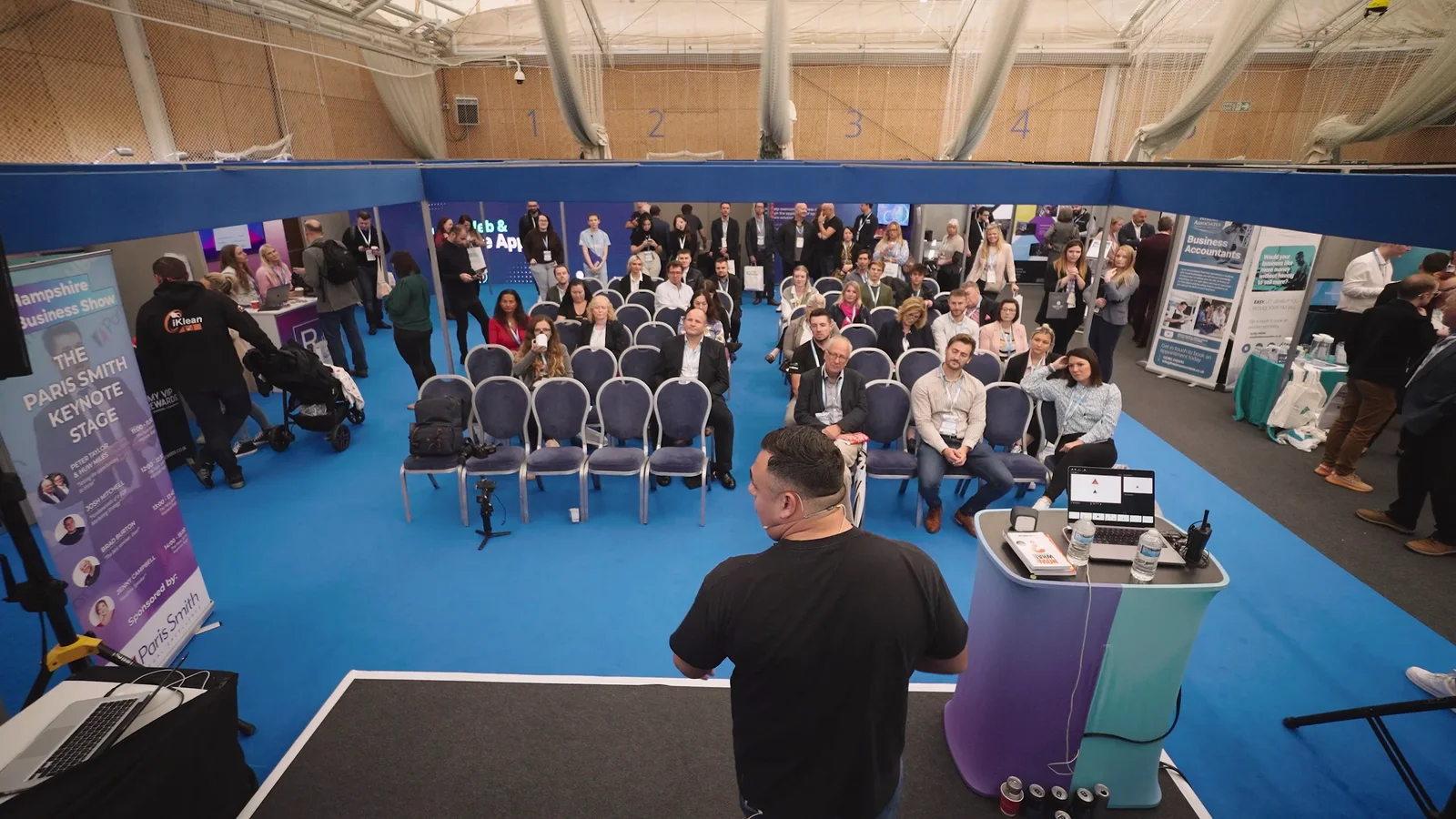
At the Hampshire Business Show, the production was planned around a single videographer covering a busy exhibition day.
Unrepeatable stage moments took priority. Exhibition-floor footage, signage, conversations and interviews were then gathered around those fixed points in the schedule.
That is an important alternative to automatically adding more equipment.
Sometimes the right answer is not “add three more cameras”.
It is decide what matters most and plan the day properly.
If the client had needed uninterrupted recordings of several simultaneous sessions as well as roaming coverage elsewhere, the crew would have needed to grow.
Multi-camera interviews: useful, but not compulsory
Two-camera interviews have become common enough that some clients assume they are automatically more professional.
They are not.
A single, well-composed camera can be completely appropriate when the interview will be supported heavily by relevant footage, graphics or demonstrations.
A second angle becomes useful when it has a clear editorial purpose. It might provide a closer emotional frame, help pace a long interview, protect natural pauses and sensible edits, create different versions for a longer case study and shorter extracts, or give the editor an alternative when B-roll is limited.
What it should not do is turn every sentence into frantic angle changes.
The viewer should be listening to the person, not noticing the edit.
Multi-camera event filming is partly about insurance
With an unrepeatable live event, an additional angle can do more than make the edit look varied.
It can protect the programme.
A wide camera may continue recording if the close camera temporarily loses the speaker. A second angle may cover a sightline blocked by an audience member. Separate recordings can provide options if one position needs attention.
That resilience is valuable, but it still has to be designed sensibly.
Every camera adds another battery or power source, another recording medium, another file set, another synchronisation task and another angle that somebody needs to check.
More equipment creates more opportunities and more things to manage.
Recording several cameras is different from live switching them
This distinction matters particularly for events.
In a normal multi-camera recording, each camera can record its own footage. The choices between angles are made later during video post-production.
A live-switched production makes those decisions in real time.
The director or operator selects which camera the audience sees at that moment. Presentations, graphics, remote contributors and other sources may also need to be integrated.
That requires a different technical plan.
If you are broadcasting the programme to viewers elsewhere, read about our professional live streaming options. A multi-camera livestream can involve switching, monitoring, venue connectivity, audio routing, graphics and redundancy in addition to the cameras themselves.
“Three cameras” therefore tells you very little about the complexity of a production unless you also know what those cameras are expected to do.
What changes in the edit when you use several cameras?
Multi-camera filming gives the editor choices, but those choices have to be prepared properly.
Footage needs to be organised and synchronised. Camera colour and exposure should feel consistent. Separate audio recordings need to line up correctly. Long event recordings also create significantly more data than a short single-camera shoot.
The edit then needs a reason for each cut.
For a panel discussion, the programme may move between a wide shot and individual speakers. For an interview, cuts may be much less frequent. For a performance, camera choice may follow the action, timing and audience experience.
This is why more footage is not automatically better footage.
If a camera does not contribute a useful viewpoint, it can simply create more material to ingest, store, review and colour-match.
When comparing production quotes, consider the filming and editing costs as well as the equipment on the day.
So, which setup should you choose?
You do not need to decide the camera count before contacting a production company.
Start by describing the finished result and the things that cannot be missed.
A useful brief might say:
We need the complete 45-minute keynote recorded, a short highlights film from the day and three interviews with delegates. There is only one stage and the interviews can happen before or after the presentation.
That gives us something useful to plan.
Compare it with:
We have three conference rooms running simultaneously, need every presentation recorded in full and also want a roaming highlights film of the exhibition floor.
Those briefs clearly do not require the same production.
Before deciding between single-camera and multi-camera filming, ask:
- What must be recorded continuously?
- What can be repeated?
- Are important things happening simultaneously?
- Does each extra camera have a distinct purpose?
- Can secondary angles safely run without an operator?
- Do any cameras need to move or follow unpredictable action?
- Are we recording for post-production or switching live?
- What finished films need to come from the footage?
Answer those questions first and the right camera setup tends to follow.
Build the camera plan around the production, not the equipment list
Professional production is not about turning up with the maximum amount of kit.
It is about having the right coverage for the job.
Sometimes that is one camera and one videographer working carefully through a controlled shot list. Sometimes it is three cameras managed by one person. Sometimes it is several operators covering a live event simultaneously.
We can scale from focused single-operator filming to broader multi-camera productions, with audio, lighting, photography and additional crew added where the brief actually needs them.
If you are planning something and are not sure which approach makes sense, tell us what needs to be captured. We can work backwards from the schedule and the finished videos rather than asking you to choose the technical setup yourself.