
How to Prepare for a Corporate Video Shoot
The filming date is booked. The brief is agreed. Now the most useful preparation is rarely practising how to stand in front of a camera.
It is making sure the people, places and things the video depends on are actually ready.
That means the interviewee is available for long enough. The room is not double-booked. The product being demonstrated is the correct version. Reception knows a crew is arriving with equipment. The customer data on the office screen has been replaced with something safe to film.
A good corporate video production should not require your business to pretend to be something different for the camera.
Prepare the environment. Prepare the facts. Let the people be people.
The crew can handle the cameras, microphones, lighting and direction. Your organisation is best placed to solve the things a production team cannot: access, availability, accuracy and what may or may not appear on screen.
Start with the people who actually need to be there
Create one final list of contributors.
For each person, confirm:
- what they are doing in the video;
- where they need to be;
- when they are available;
- how much time has actually been reserved;
- who can contact them if the schedule changes.
Do not treat a twenty-minute interview as twenty minutes away from someone's normal job.
They need time to arrive, understand the setup, have a microphone fitted, settle into the conversation and repeat an answer when necessary. There may also be supporting footage to film afterwards.
If a manager has told a colleague, “You’ll only be away from your desk for ten minutes,” the pressure is already being transferred into the filming room.
Choose contributors for what they know
The most senior person is not automatically the most useful person to put on camera.
If the film is explaining a day-to-day technical process, the employee who actually carries it out may give the clearest account. A customer case study needs somebody who can genuinely describe the experience. A recruitment film benefits from people who understand the role being discussed.
Choose credibility over job title.
When somebody becomes unavailable, replacing them with a person who cannot confidently discuss the same subject may save the appointment but weaken the film.
Do not make interviewees memorise the marketing copy
One of the easiest ways to make a normal employee sound uncomfortable is to hand them three paragraphs and ask them to reproduce the wording exactly.
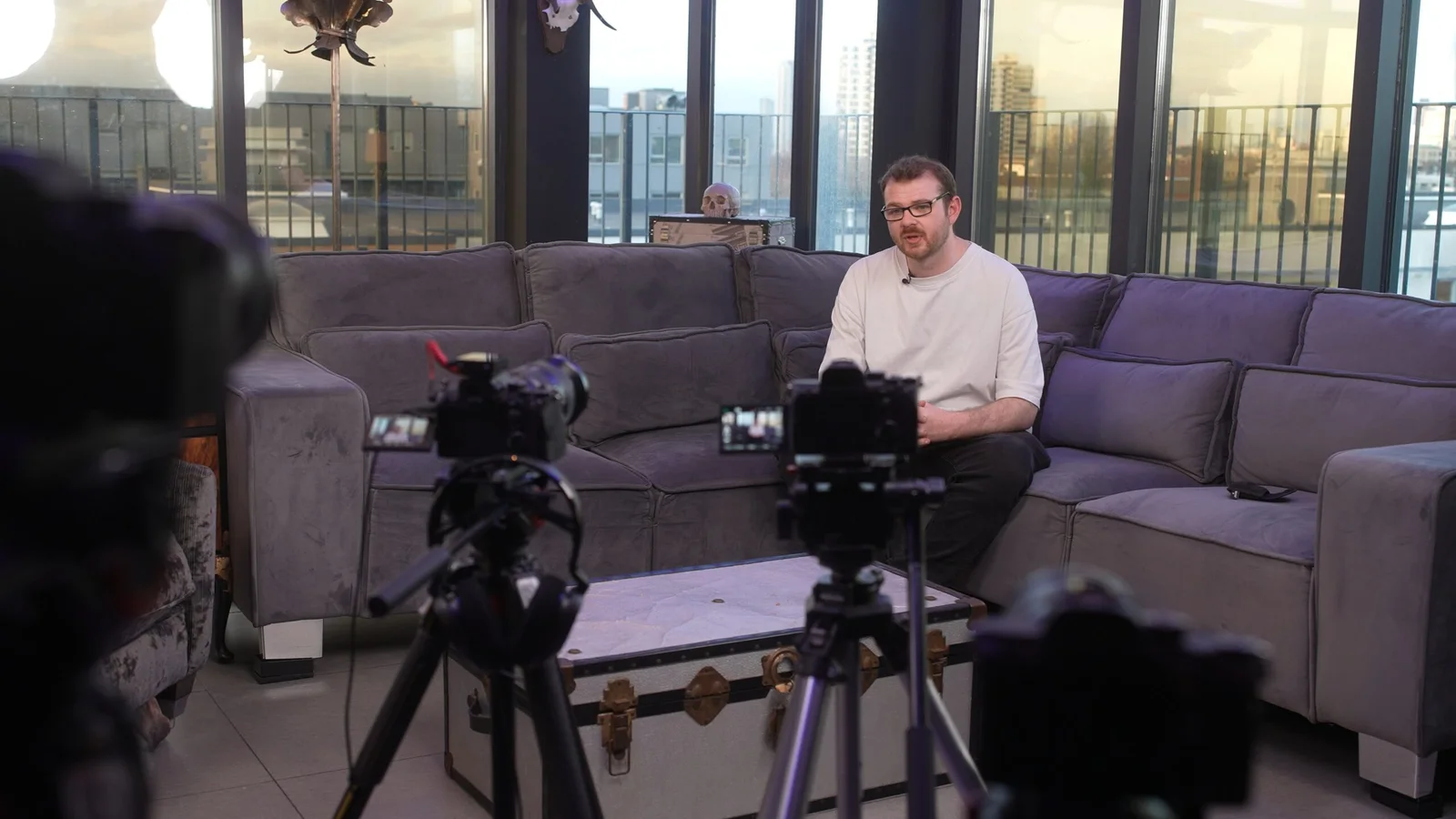
For a conversational interview, send the themes in advance.
For example:
We’ll talk about what you do, what customers usually need help with, how the process works and an example you are particularly proud of.
That gives the contributor enough context to think about useful examples without teaching them a performance.
Tell them that:
- they can pause;
- they can start an answer again;
- the interviewer may rephrase a question;
- hesitations and repeated takes are normal;
- they usually do not need to look into the camera unless specifically directed.
Our guide to what happens on a professional video shoot explains how those conversations are normally recorded.
When a script is the right choice
Some material needs exact wording.
A regulated statement, technical announcement, safety instruction or detailed project update may be better scripted. A teleprompter can help someone deliver approved wording while still speaking naturally.
That needs to be agreed before the filming day.
Do not arrive with a newly written five-minute script and assume a teleprompter, operator workflow and additional recording time are already part of the plan.
The format should have been resolved during pre-production.
Clothing: aim for believable, not artificially "corporate"
There is no universal rule that everyone must arrive in dark blue and avoid every pattern.
Ask what makes sense for the person's real role.
If technicians normally wear branded workwear, use the correct workwear. If the business is informal, putting everybody in suits for one filming day may make the finished video less representative rather than more professional.
A few practical checks are still worth making:
- very tight stripes, checks and tiny repeating patterns can sometimes look distracting on camera;
- noisy jewellery can interfere with a microphone;
- reflective items can become conspicuous under lighting;
- unrelated brand logos may draw attention for the wrong reason;
- uniforms should be clean, correct and consistent where consistency matters;
- required PPE should remain required PPE.
If somebody is unsure, bringing an alternative top or jacket gives the crew another option.
The objective is not to costume the workforce. It is to avoid preventable distractions while allowing people to look like themselves.
The best interview room is not always the nicest meeting room
A glass boardroom overlooking the office may look impressive in person.
Then the camera arrives and you discover:
- the windows are far brighter than the person;
- the air conditioning is clearly audible;
- people keep walking behind the glass;
- the boardroom table leaves nowhere useful for lights;
- the room is booked again forty minutes later.
Choose rooms for space, sound, control and background, not prestige.
Send photographs or a short phone video to the production team beforehand when possible. Show the whole room rather than only the chair you expect somebody to sit in.
Listen to the room
Stand quietly for thirty seconds.
Can you hear:
- air conditioning;
- refrigerators;
- machinery;
- traffic;
- building work;
- music;
- lift announcements;
- conversations through the wall?
Some noise can be managed. Some cannot.
The production team should know what is controllable and what is part of normal operations so the schedule and microphone setup can reflect reality. Our guide to professional audio explains why a beautiful room with poor sound can still be a bad interview location.
Do not switch off essential ventilation, alarms, machinery or safety systems simply because they are audible. Find a workable production solution instead.
Look through the camera's background before the camera arrives
The crew will choose the final frame, but you can remove obvious problems.
Check for:
- confidential whiteboards;
- customer or employee information;
- visitor names;
- temporary posters;
- overflowing bins;
- trailing clutter;
- incorrect products;
- damaged signage;
- computer screens showing live data.
Do not strip every room until it becomes anonymous.
A workplace should still look like a workplace.
The useful goal is intentional rather than empty.
Make the business demonstrable
Interviews can tell the viewer what the company does. The rest of the shoot should help show it.
This supporting footage is often called B-roll.
Before filming, identify the activities that would make the interview claims visible.
If somebody is going to talk about quality control, what can the camera actually see?
If the company describes a custom manufacturing process, will the relevant machine be running?
If a customer film discusses a software platform, is there a demonstration account available?
If the film is about a service delivered on site, is somebody doing that work while the crew is there?
A useful question is:
What would we regret discovering wasn't available after the crew had packed up?
That answer belongs in the schedule.
Prepare real work, not fake busyness
Give people something genuine to do.
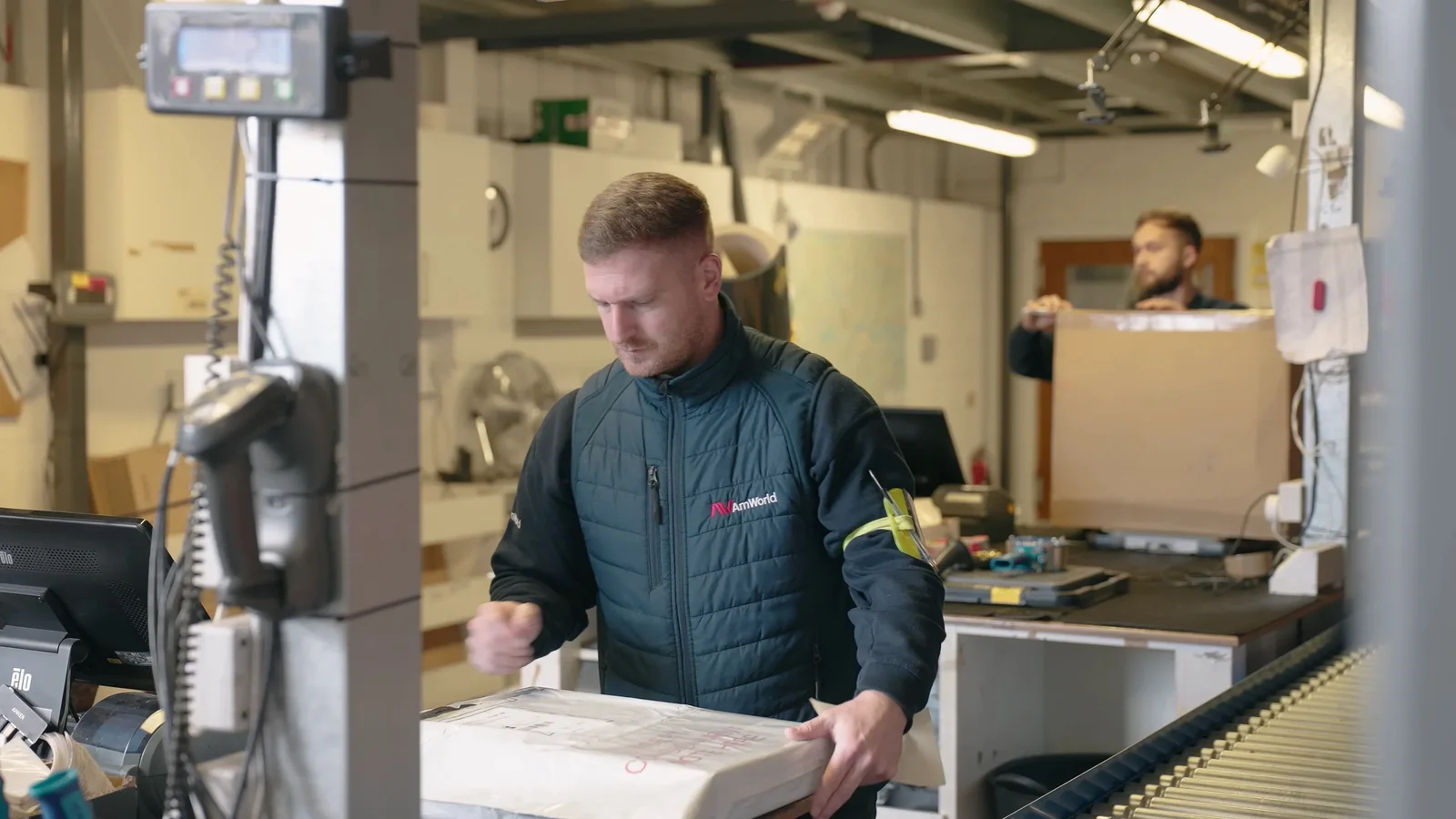
An engineer demonstrating a real check gives the camera useful hand movements, equipment and detail. Asking three employees to point at an empty laptop and pretend to have an important meeting usually produces exactly what it sounds like.
Real activity can sometimes be repeated from another angle. Agree what can safely be repeated, paused or reset.
Never stage a process in a way that misrepresents how the business actually works or encourages somebody to ignore normal safety procedures for a better-looking shot.
Check the products, props and screens
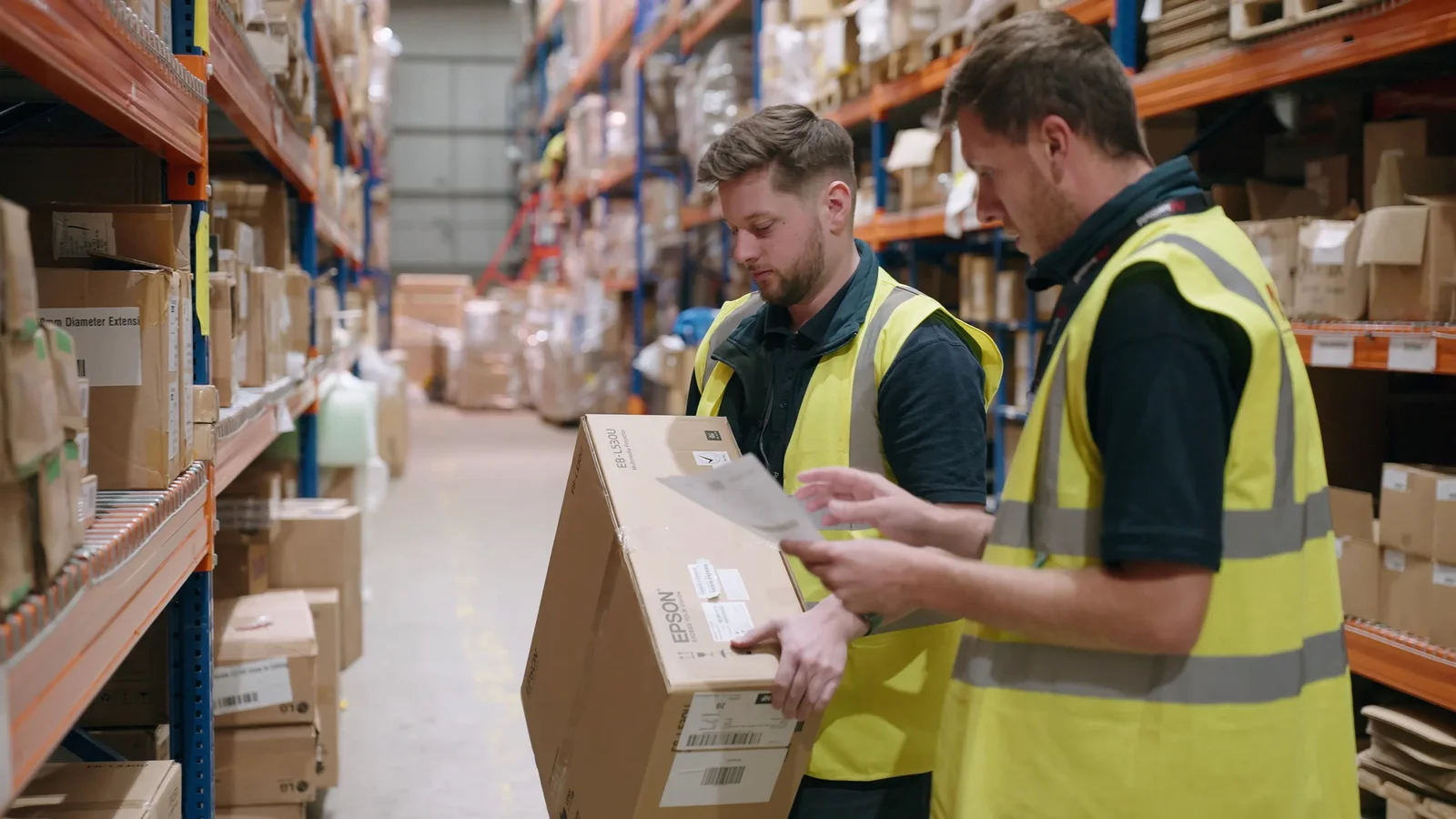
A production can lose surprising amounts of time to a missing cable, dead demo unit or package nobody realised had changed.
Before the shoot, check anything that must appear on camera.
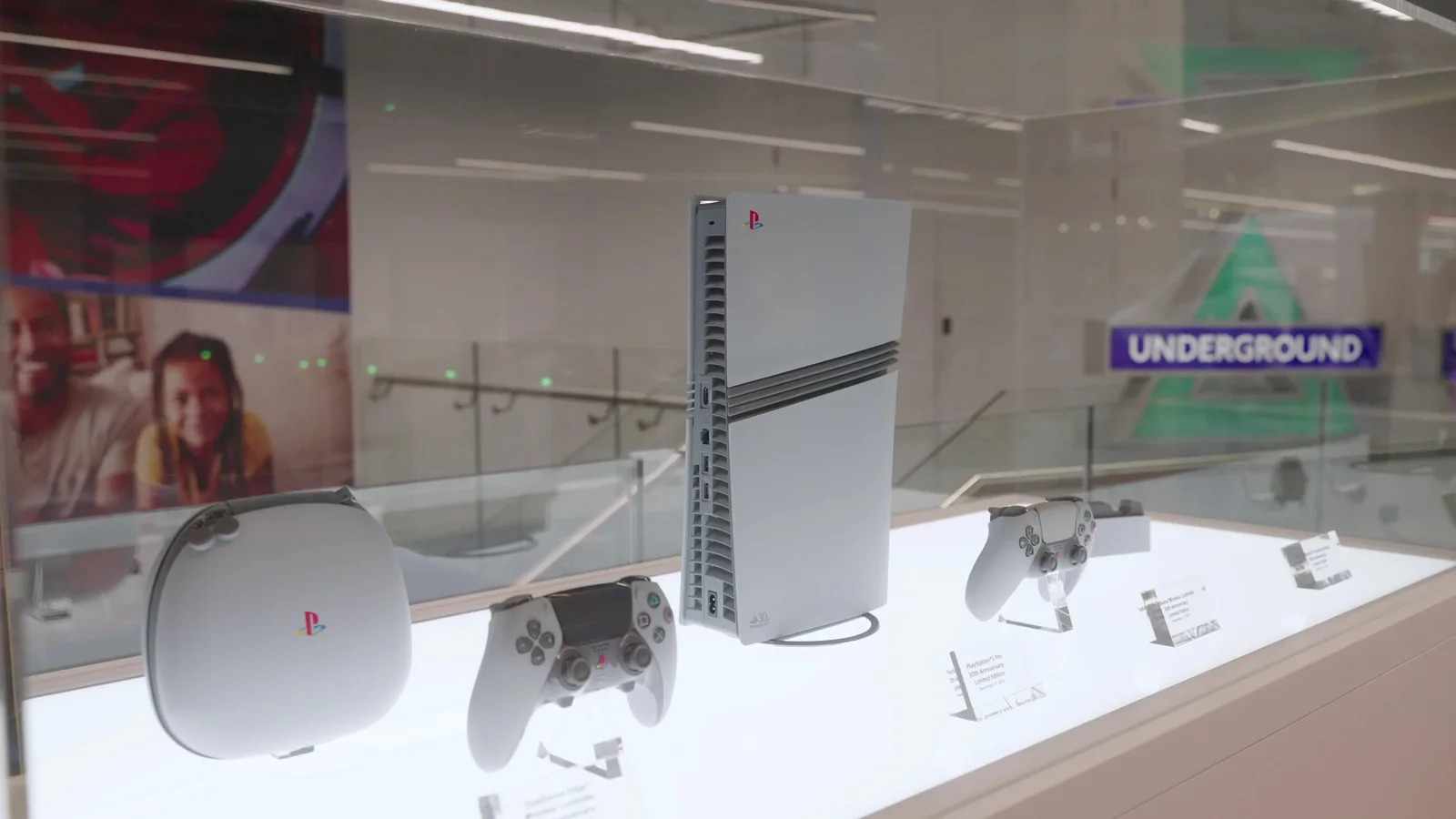
Products
Make sure the correct versions are:
- present;
- clean;
- assembled;
- charged or powered;
- labelled correctly;
- in the packaging you want customers to see.
When several generations look similar, identify the exact unit the crew should film.
Software and screens
Do not open a live customer account because it is convenient.
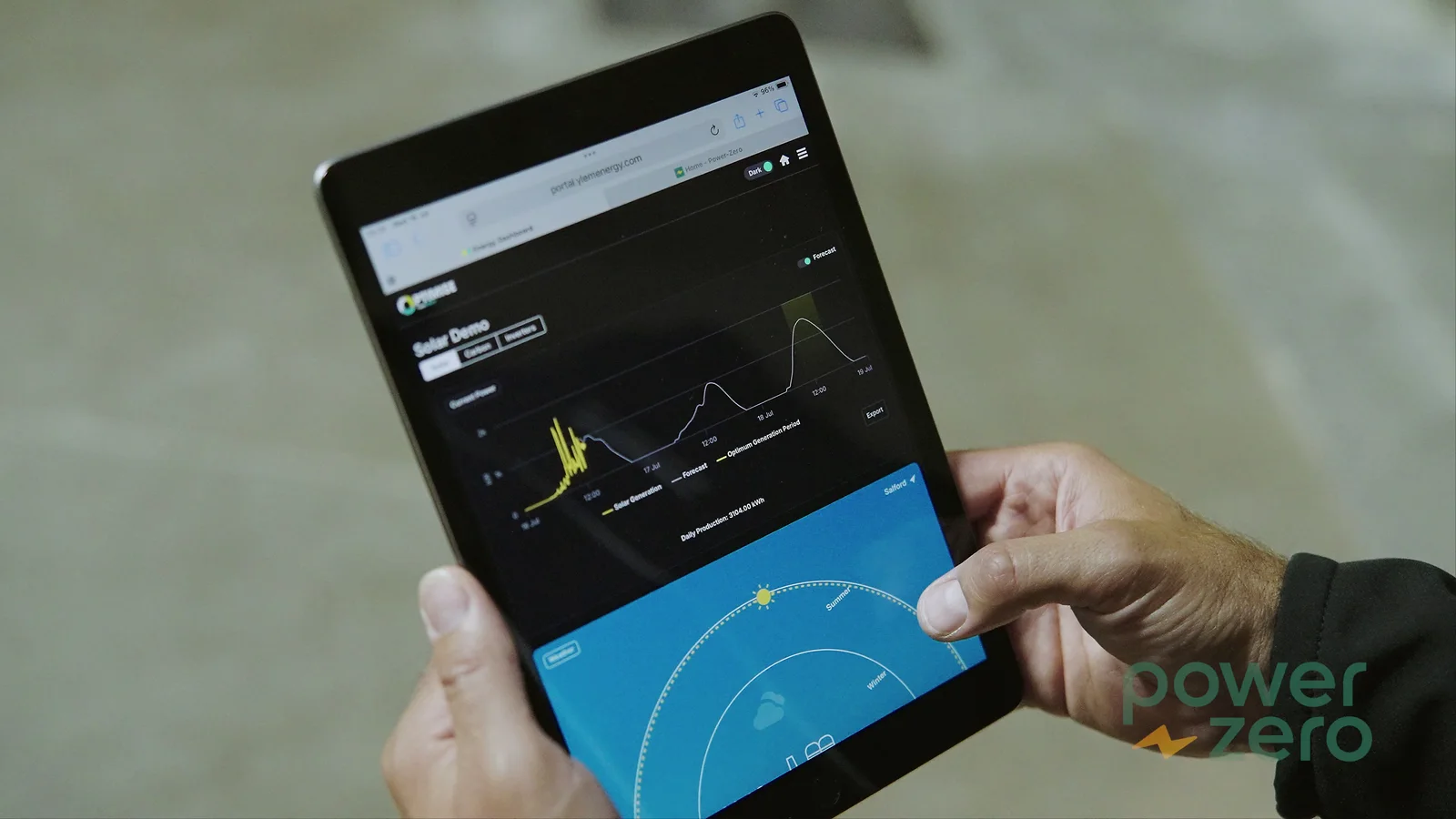
Prepare a demonstration environment containing realistic but invented information. Test the login and the specific screens needed before the crew arrives.
If a display contains flashing notifications, personal messages or constantly changing numbers, decide whether those should be disabled, replaced or filmed another way.
Brand assets
Have the approved versions of logos, fonts, colours and brand guidance available before post-production.
If the video needs a specific end card, URL, job title, product name or call to action, send the approved wording rather than asking the editor to guess.
Accurate input is usually much easier than correcting inaccurate graphics across several finished versions.
Privacy is easier to protect before filming than after it
Corporate locations contain information that visitors stop noticing.
A whiteboard in the distance may contain the next quarter's figures. A monitor may show customer names. A warehouse label might identify a confidential client. A staff board can expose personal details.
Walk through the filming areas before the shoot and look specifically for information that should not be recorded.
Also tell employees where filming will happen.
Identify anybody who should not appear and any area where the public or customers may enter unexpectedly.
The crew can frame carefully, but your organisation knows what is confidential, what permissions it requires and who should be excluded.
Do not build the privacy plan around:
“We can blur it later.”
Sometimes you can. It is still better not to record sensitive information unnecessarily in the first place.
Tell reception and security before a crew arrives with cases and stands
Few things make a filming day feel less organised than a production team arriving on time and spending the first half hour negotiating access nobody knew they needed.
Confirm:
- arrival time;
- exact entrance;
- parking;
- loading access;
- lift availability;
- security procedure;
- visitor registration;
- access cards;
- escorts;
- inductions;
- PPE;
- permits or method statements where required;
- areas with restricted filming;
- a named site contact.
For a large office, industrial location or active site, allow time for those procedures in the schedule.
The crew does not teleport from the car park into a finished interview setup.
Give the crew one useful client contact
Nominate somebody who can make practical decisions.
That person should know:
- where the crew is allowed to go;
- which rooms are available;
- who the contributors are;
- which products or processes are correct;
- who can approve factual questions;
- what matters most if the schedule changes.
They do not need to stand behind the camera all day.
They do need to be reachable.
Having five people independently redirect the filming is usually less helpful than having one authorised person gather requests and make a decision.
Build the schedule around fixed moments first
Not everything on a shoot has the same flexibility.
A customer who can only attend at 10am is fixed.
A production line running only between 1pm and 2pm is fixed.
A general exterior shot is much more flexible.
Put the immovable parts into the schedule first, then arrange interviews, room changes and supporting footage around them.
Do not book every contributor back-to-back.
A realistic schedule includes:
- setup;
- contributor briefing;
- microphone fitting;
- repeat answers;
- moving equipment;
- room changes;
- breaks;
- travel between locations;
- unexpected operational delays.
A timetable should help the crew make decisions.
It should not claim that every minute of an eight-hour day can be used for recording.
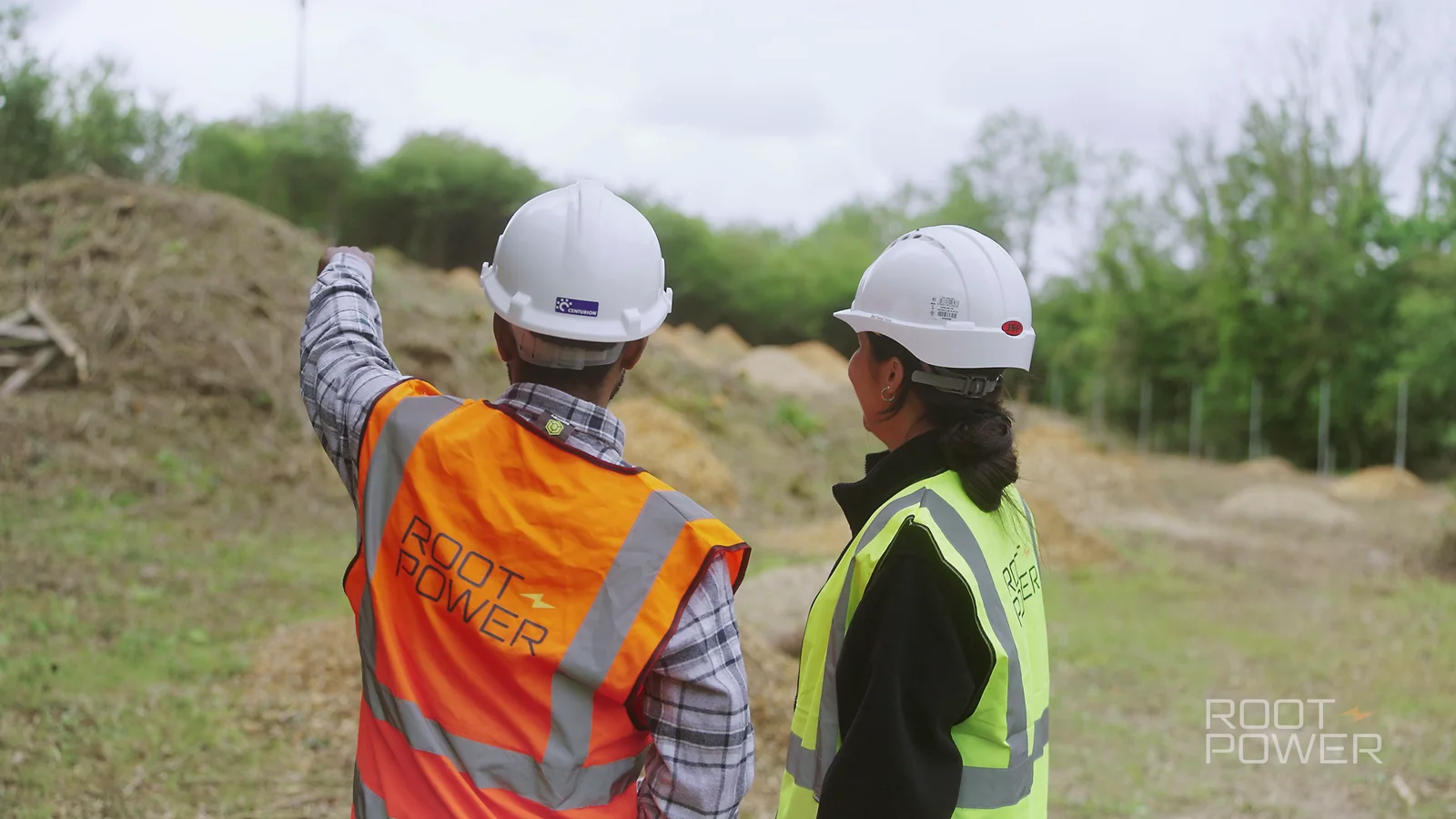
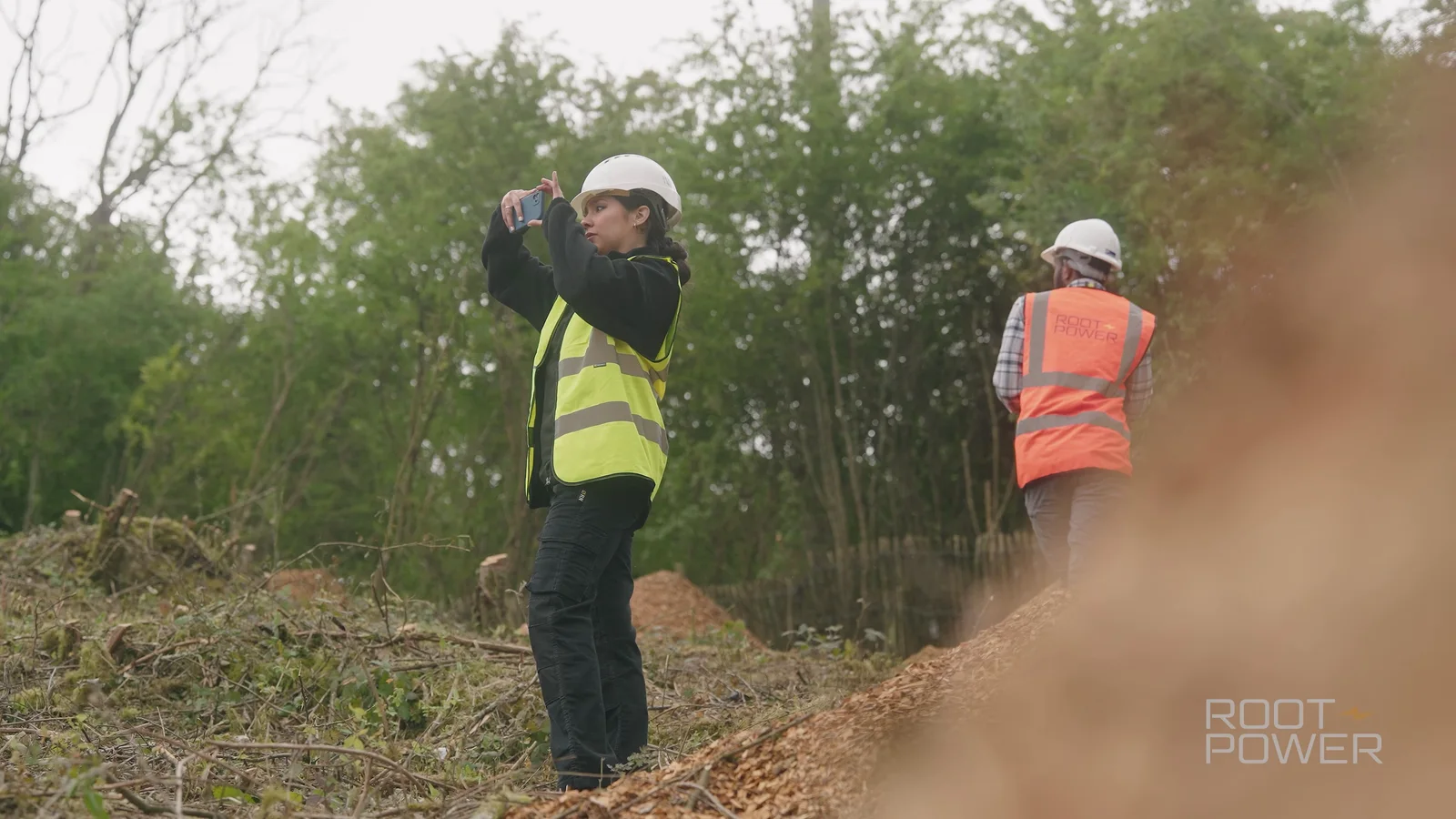
A compact real-world example: Root-Power at Tillingdown
Our Root-Power Tillingdown project shows what preparation can make possible.
The location filming took approximately two hours from setup to pack-down with one videographer. The brief involved two direct-to-camera project updates, a teleprompter, ground-level site coverage and aerial context.
That short on-location period did not mean the production was improvised.
The contributors and purpose were already known. The detailed project information could be prepared as an agreed script. The teleprompter approach was planned. The location footage had a clear job: connect those project updates to the actual site and surrounding infrastructure.
The same videographer then travelled to another Root-Power project later that day.
The efficiency came from compatible briefs and preparation, not from asking everybody to work twice as fast.
That is the useful lesson for a corporate shoot. Good preparation creates room to work; it does not simply create more paperwork.
The final 48-hour handover
By this point, avoid introducing major creative changes unless something genuinely requires them.
Instead, make sure the production team has the latest practical information.
| Confirm | What the crew needs |
|---|---|
| Schedule | Current version with filming windows, breaks, room moves and fixed operational moments. |
| Contributors | Names, roles, availability and a reliable contact if somebody is late. |
| Access | Parking, loading, reception, security, inductions, PPE and escorts. |
| Locations | Confirmed rooms and any known noise, lighting or operational restrictions. |
| Products / demos | Correct items, charged devices, sample data, uniforms, props and people needed to demonstrate them. |
| Brand / facts | Approved logos, titles, spellings, claims, URLs and any wording that must be exact. |
| Privacy | People or areas not to film, confidential information and the organisation's permission requirements. |
| Weather-dependent work | Current plan and an alternative where practical. |
| Decision-maker | The person who can resolve a practical question on the day. |
Send one current version rather than several competing attachments called FINAL, FINAL 2 and FINAL REALLY FINAL.
What should you do on the morning of the shoot?
You do not need to pre-light the room or work out where the cameras should go.
Do the things only your organisation can do.
- Unlock the agreed rooms.
- Tell reception the crew is expected.
- Confirm the key contributors are still coming.
- Put the correct products and demonstration material somewhere accessible.
- Remove confidential information.
- Check the area has not unexpectedly changed.
- Make sure the named client contact is reachable.
Then let the production team set up.
Do not fill the interview room with colleagues trying to help unless their presence is genuinely needed. Being filmed can feel more difficult with an audience.
Once recording begins, route requests through the agreed contact so the contributor is not receiving contradictory instructions from several departments.
What if something changes?
Something probably will.
A meeting overruns.
The weather turns.
A customer cancels.
A delivery blocks the planned location.
The room next door suddenly becomes noisy.
Tell the production team as soon as you know.
More importantly, tell them which outcome matters most.
If the customer testimonial is essential and the exterior footage is optional, say so. If a process only happens once that afternoon, that becomes a scheduling priority.
A good filming plan has structure without becoming so fragile that one change destroys the whole day.
The crew can suggest another room, a different sequence or another way of showing the same idea when the objective remains clear.
What should the production company already be handling?
You should not have to become a videographer to prepare for a video shoot.
The production team should be responsible for the agreed professional production work, which may include:
- camera choice and operation;
- lighting;
- microphones and sound recording;
- interview direction;
- shot planning;
- framing;
- media management;
- post-production;
- agreed delivery formats.
Exactly what is included depends on the quote.
Our guide to what a videographer does explains the hands-on role, while what a video production company does covers the wider coordination around a production.
Your job is to bring the business knowledge, access, people and approvals that the crew cannot manufacture for you.
If you are still deciding the concept, you are one step earlier
This guide assumes the main idea, audience and deliverables are already reasonably clear.
If they are not, do not rush into room bookings and wardrobe emails.
Start with how to plan a corporate video and how to write a video production brief.
Those articles deal with what the film should achieve.
This one is about making sure the filming day can actually achieve it.
Make the filming day easy to work in
A well-prepared corporate shoot should feel organised without feeling theatrical.
The real employees still sound like themselves.
The workplace still looks recognisable.
The products are the right products.
The crew can get where it needs to go.
The important activity happens while the cameras are there.
That leaves more of the filming time for the work you are actually paying for.
If you already have a date or rough brief, send us the details of your corporate video project. Tell us who is likely to appear, where the filming would take place and anything operational that could affect the day. We can help turn that into a practical shoot plan.