
How to Plan a Corporate Video Without Overcomplicating It
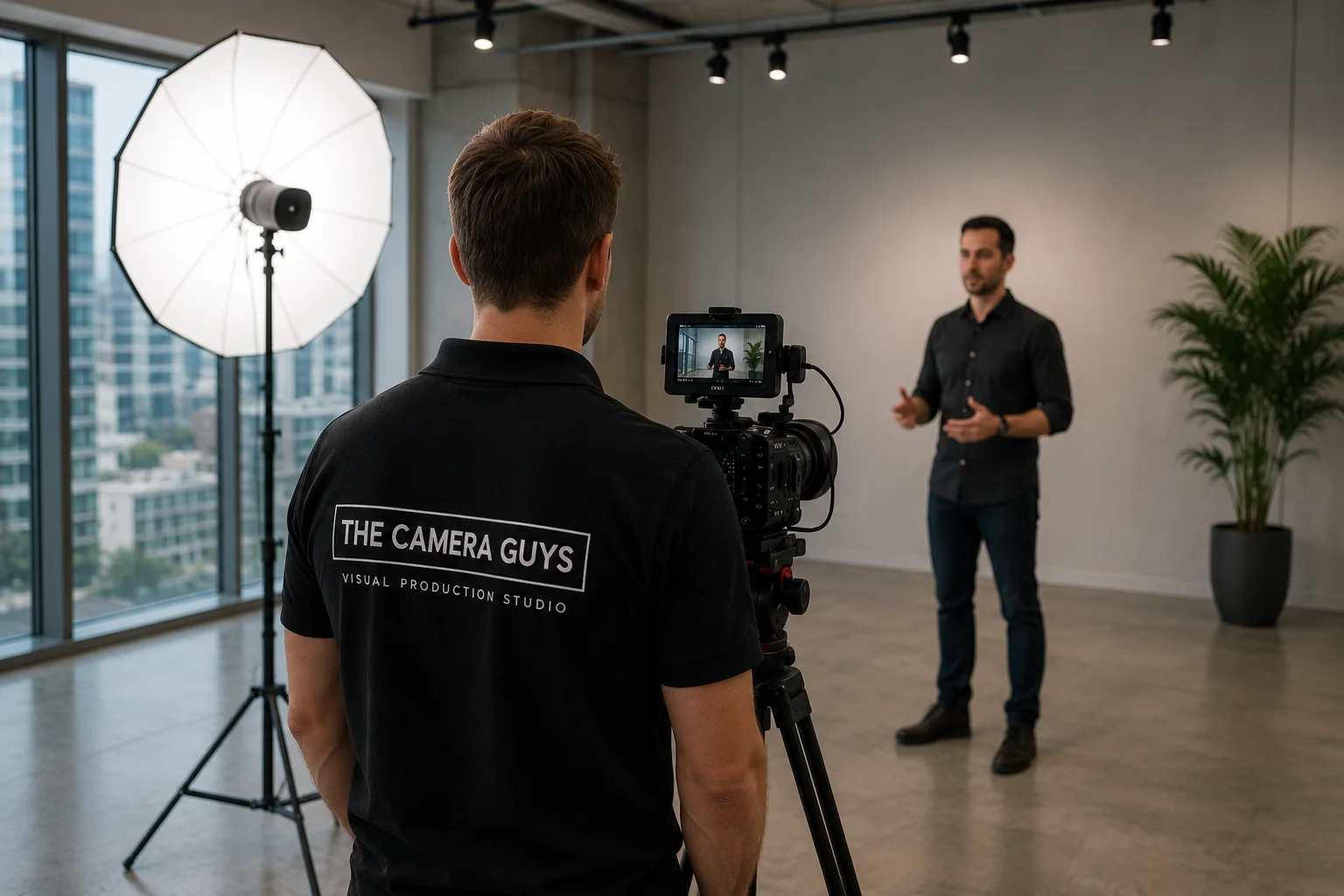
Someone in the business says, “We should make a video.”
That is usually the easy part.
The difficult bit is deciding what the video should actually do, who needs to appear, what needs to be filmed and what the business wants to receive at the end.
Those decisions matter far more than choosing a camera or deciding whether the finished film should be exactly two minutes long.
A good corporate video production can begin with something quite rough:
We need potential customers to understand this service before they speak to sales.
or:
We want applicants to see what working here is really like.
or:
Our customers keep asking the same five questions and we want a clearer way to answer them.
That is enough to start.
The production plan can come afterwards.
Begin with the problem the video needs to solve
“Make us look professional” is understandable, but it is not yet a useful brief.
What should be easier after somebody watches?
Maybe the viewer should:
- understand a complicated service;
- trust a claim because they have seen the evidence;
- recognise that a role suits them;
- feel confident enough to enquire;
- know what happens after they buy;
- see how a product works;
- understand the scale of an organisation;
- hear a customer describe a genuine result.
Try to reduce the project to one primary sentence.
For example:
After watching this film, a facilities manager should understand how our maintenance service works and feel confident arranging an initial conversation.
Now the project has something to test itself against.
Does the managing director need to appear?
Perhaps.
Do we need a drone?
Maybe.
Do we need to film three locations?
Only if doing so helps that facilities manager understand or believe something important.
This is why we would rather start with the communication problem than an equipment list.
If you are still working out what kind of film you need, our guide to what corporate video production actually covers explains the difference between company films, interviews, testimonials, recruitment content, training and other business formats.
Do not make one video responsible for the whole company
This is where corporate films often become bloated.
Marketing wants the new service included.
Recruitment wants a section about culture.
The managing director wants the company history.
Sales wants three product benefits.
Operations wants a process explanation.
Someone remembers an award from 2018.
By the time filming begins, the original two-minute company film has become a compressed version of the entire website.
It is usually better to decide what the main film is responsible for and let other content do the rest.
A company overview might introduce the organisation and give the viewer a reason to explore further.
A separate case study can provide proof.
A recruitment film can speak properly to applicants.
Short social edits can answer individual questions.
A service page can carry detail that would slow the film down.
Planning a family of useful content is different from forcing every message into one master video.
Our guide to short-form versus long-form video is useful if several messages are competing for the same runtime.
Work out who needs to speak — and who does not
The most senior person is not always the most useful contributor.
A managing director may be ideal for the company story or strategic direction.
A technician may be much better at explaining the process.
A customer can provide evidence the business cannot credibly give itself.
A recent employee may describe a role more helpfully than somebody who has not done it for fifteen years.
The question is:
Who can say this point with the most authority or authenticity?
That often produces a better film than simply interviewing the leadership team in order of seniority.
For interview-led projects, it also helps to give each person a distinct job.
Instead of interviewing four people on the same broad question — “Tell us why the company is great” — you might decide:
| Contributor | What they add |
|---|---|
| Managing director | Why the organisation exists and where it is going |
| Technical lead | How the service or process actually works |
| Employee | What the work is like day to day |
| Customer | What changed from their point of view |
Now the edit has different voices rather than four versions of the same answer.
If the film will rely heavily on contributors, our interview videography service page explains how interview-led productions can be built around natural conversation, professional sound and relevant supporting footage.
Decide what needs exact wording and what should sound natural
Not every corporate video needs a script.
Not every corporate video should be unscripted either.
The sensible approach is often to decide this section by section.
Exact wording may be useful for:
- a legal or compliance statement;
- a product claim that must be carefully qualified;
- a short announcement;
- a technical instruction;
- a direct-to-camera introduction with strict timing;
- a call to action that needs approved language.
Natural interview answers often work better for:
- personal experience;
- customer stories;
- leadership perspective;
- company culture;
- expert explanation;
- examples from real work.
A hybrid can work particularly well.
A presenter might deliver a concise scripted opening, followed by a natural expert interview, a practical demonstration and an approved closing statement.
The point is not to choose between “scripted” and “unscripted” as if one were more professional.
Choose the method that suits the information.
Our guide to scripted versus unscripted corporate video goes into that decision in more detail.
Plan what the viewer needs to see
Corporate video becomes much stronger when the spoken claims have something useful to sit beside.
If somebody says the business has an unusual process, what can we show?
If they describe the scale of an operation, what picture makes that scale obvious?
If they say customers receive personal support, can we see a genuine interaction?
If a product is easier to understand in use, can the camera capture that use?
This is where B-roll stops being “extra footage” and becomes evidence.
A simple planning table can help:
| What the film needs to communicate | Who can explain it? | What could prove or illustrate it? |
|---|---|---|
| The service is personal | Adviser or customer | Genuine conversation, meeting or outreach |
| The process is technically robust | Technical lead | Real process, tools, equipment, detail |
| The company works at scale | Leadership / narration | Wider site, multiple teams, aerial view if relevant |
| The product is simple to use | Product specialist | Demonstration from start to finish |
| The workplace suits the role | Employee | Real environment, colleagues, routine activity |
This is much more useful than arriving with a generic list containing “office shots”, “people working” and “exterior”.
Real example: Opul Life needed more than an office interview
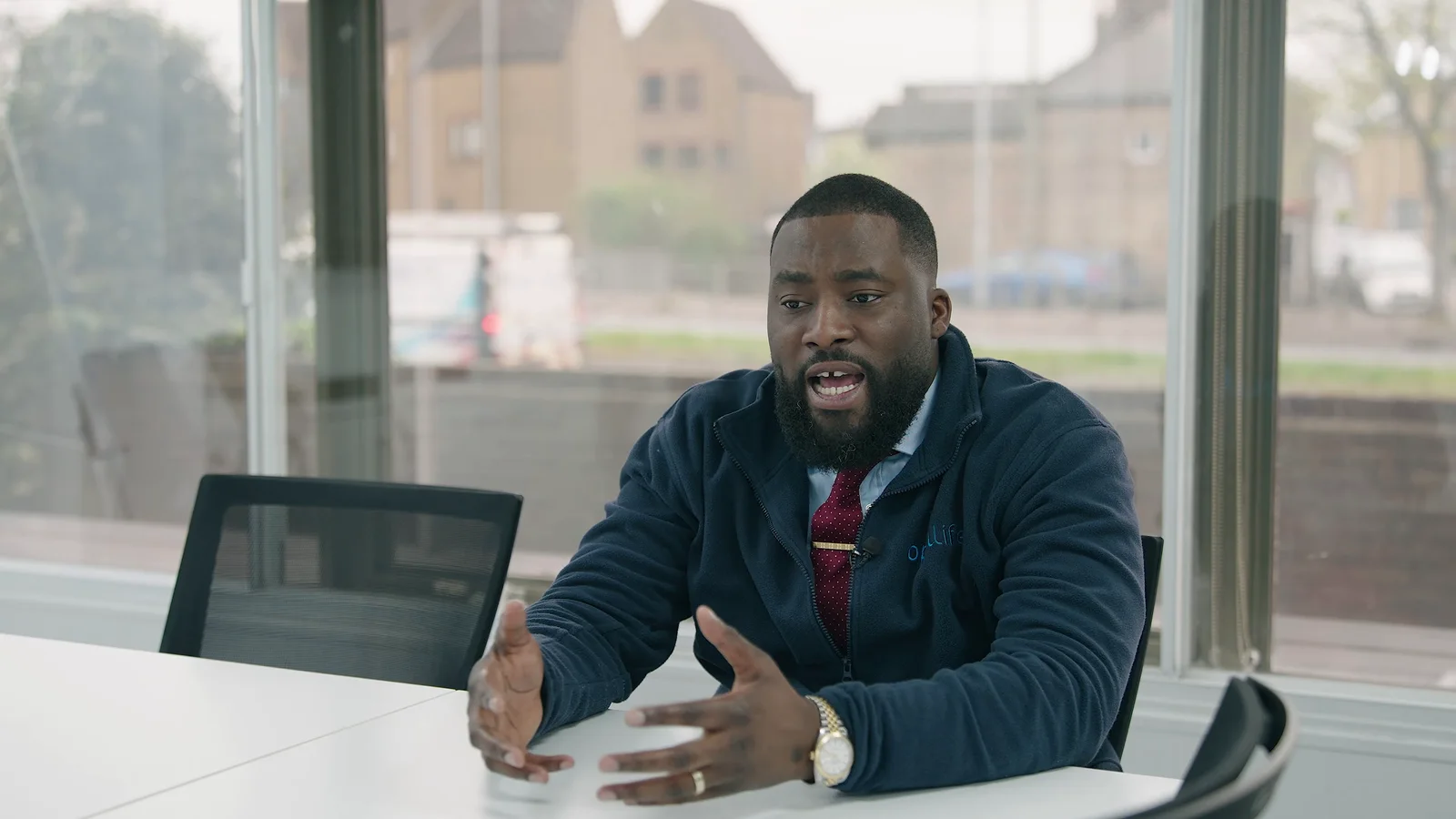
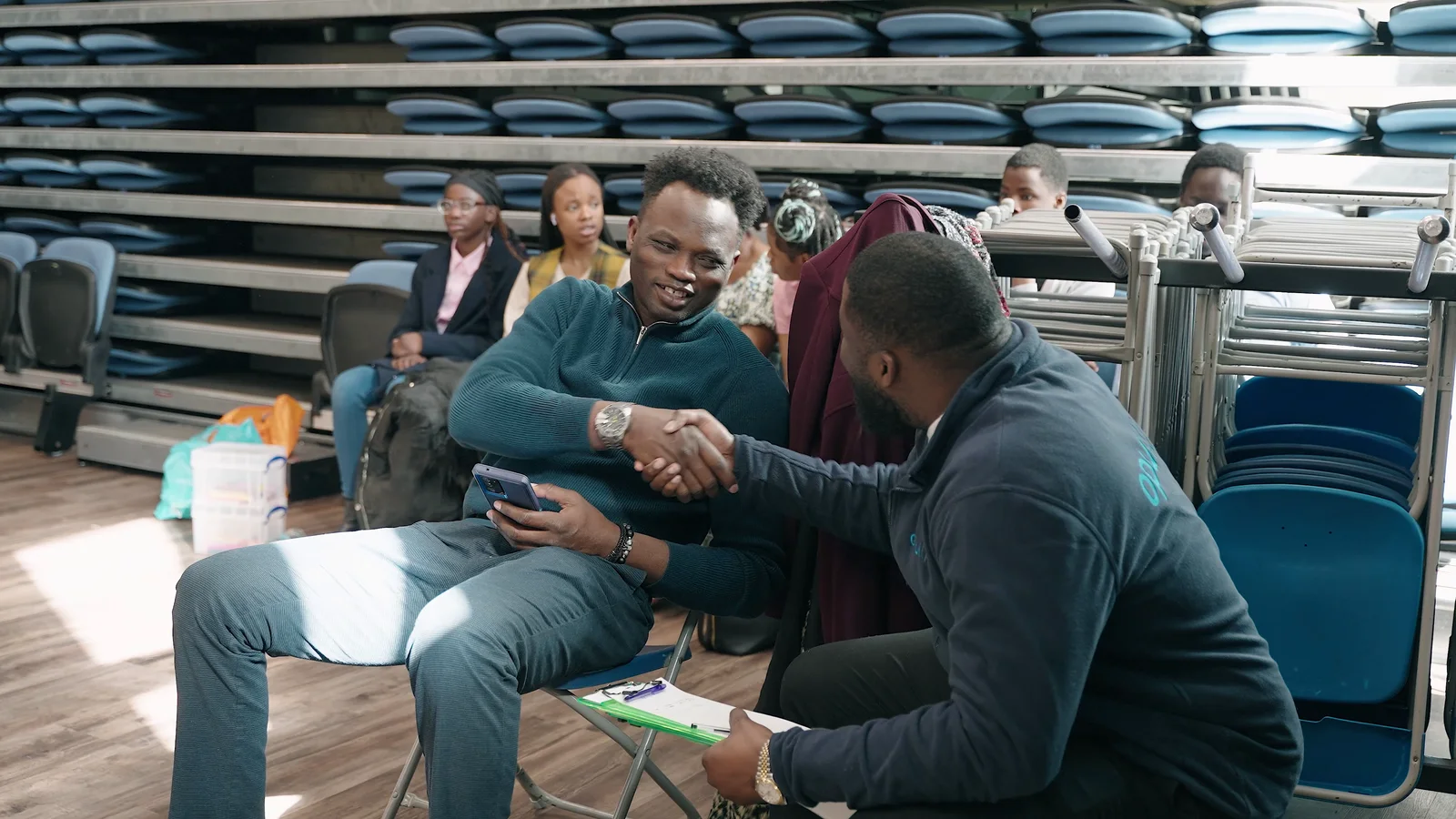
The Opul Life corporate film is a useful example of letting the story determine the filming.
An interview with CEO Henry Dankwa at the company’s Chelmsford headquarters could explain who Opul Life is and what the business does.
But the brief was also about the company’s work in the communities it serves.
That part of the story could not be communicated convincingly through another office shot.
So the production also followed the team across community outreach sessions in Chelmsford and Colchester.
The interview gave the film its explanation.
The outreach footage gave that explanation something real to connect with.
We also captured corporate photography during the wider project, creating another useful set of assets from the same activity.
The important planning lesson is not “film in lots of places”.
It is:
If a claim matters to the story, decide what the viewer would need to see to believe or understand it.
Real example: Sony × AMWORLD needed one clear perspective
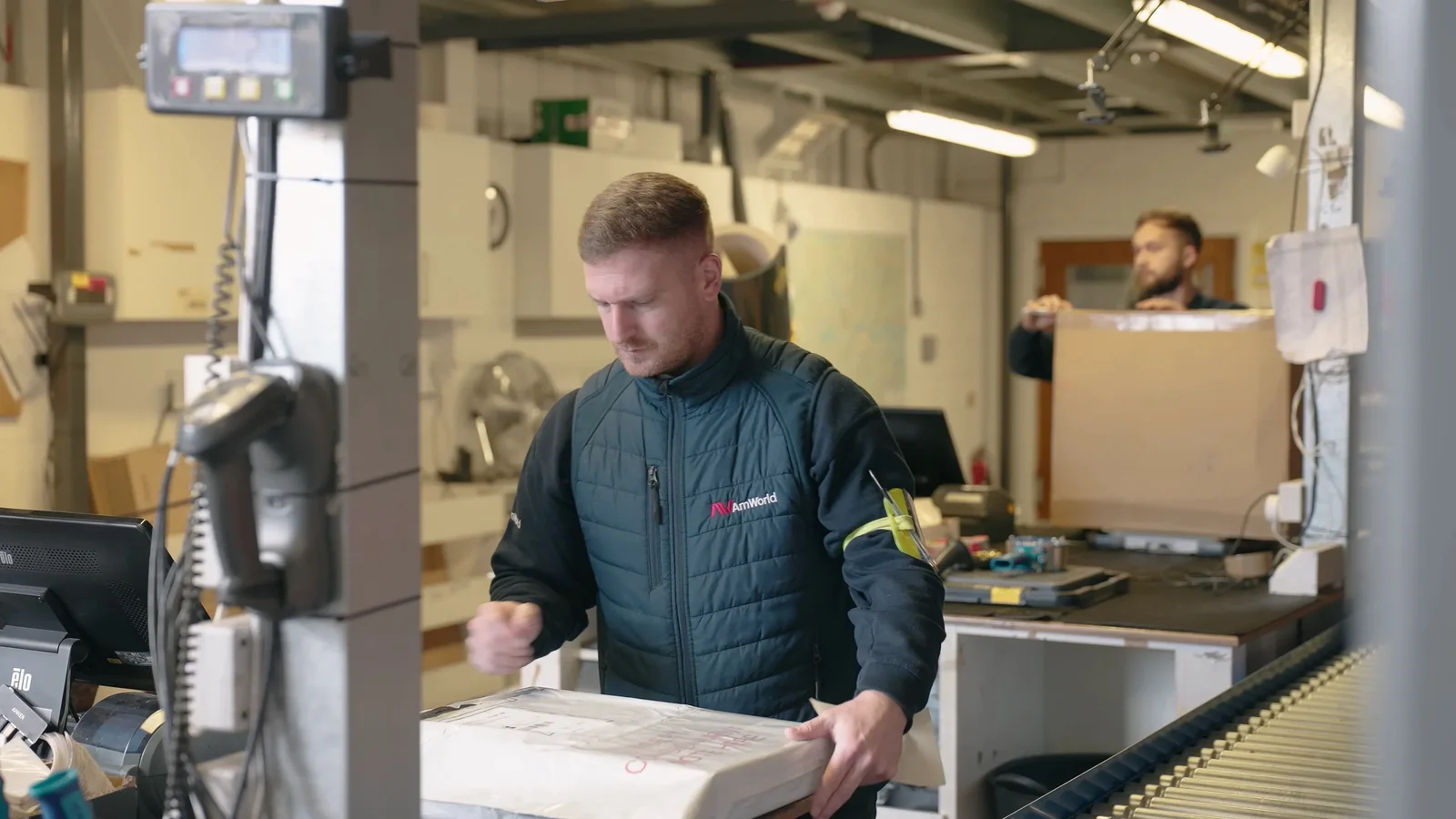
The Sony × AMWORLD testimonial had a different shape.
The film was built around Darren from Sony describing the working relationship with AMWORLD.
That gave the project a very clear point of view.
The interview was supported by footage of the people, spaces and operational details around the relationship, rather than trying to include every possible company message.
The filming itself was focused: one videographer, a two-camera interview setup and supporting footage.
That is a useful reminder that corporate production does not have to become large to feel considered.
A clear brief can often do more for a film than a larger crew.

Choose locations for sound and story, not just appearance
The best-looking meeting room can be the worst place for an interview.
A glass boardroom may have:
- heavy echo;
- traffic outside;
- air-conditioning directly above the chair;
- people walking past the glass;
- a coffee machine on the other side of the wall.
A simpler room may produce a much better result.
When choosing locations, think about:
What does the room say about the business?
A real workshop, showroom, office, laboratory or site can add context.
Can we control the sound?
Interviews become much harder when the room is full of unavoidable noise.
Can we control access?
If people constantly walk through the shot, the crew may spend more time waiting than filming.
Can the production equipment get there?
Parking, lifts, security, inductions and restricted areas matter.
Does the activity we need actually happen there?
A beautifully prepared room is no use if the process discussed in the film happens in another building.
For location-heavy productions, the filming plan should include movement time rather than treating every site as if it were next door.
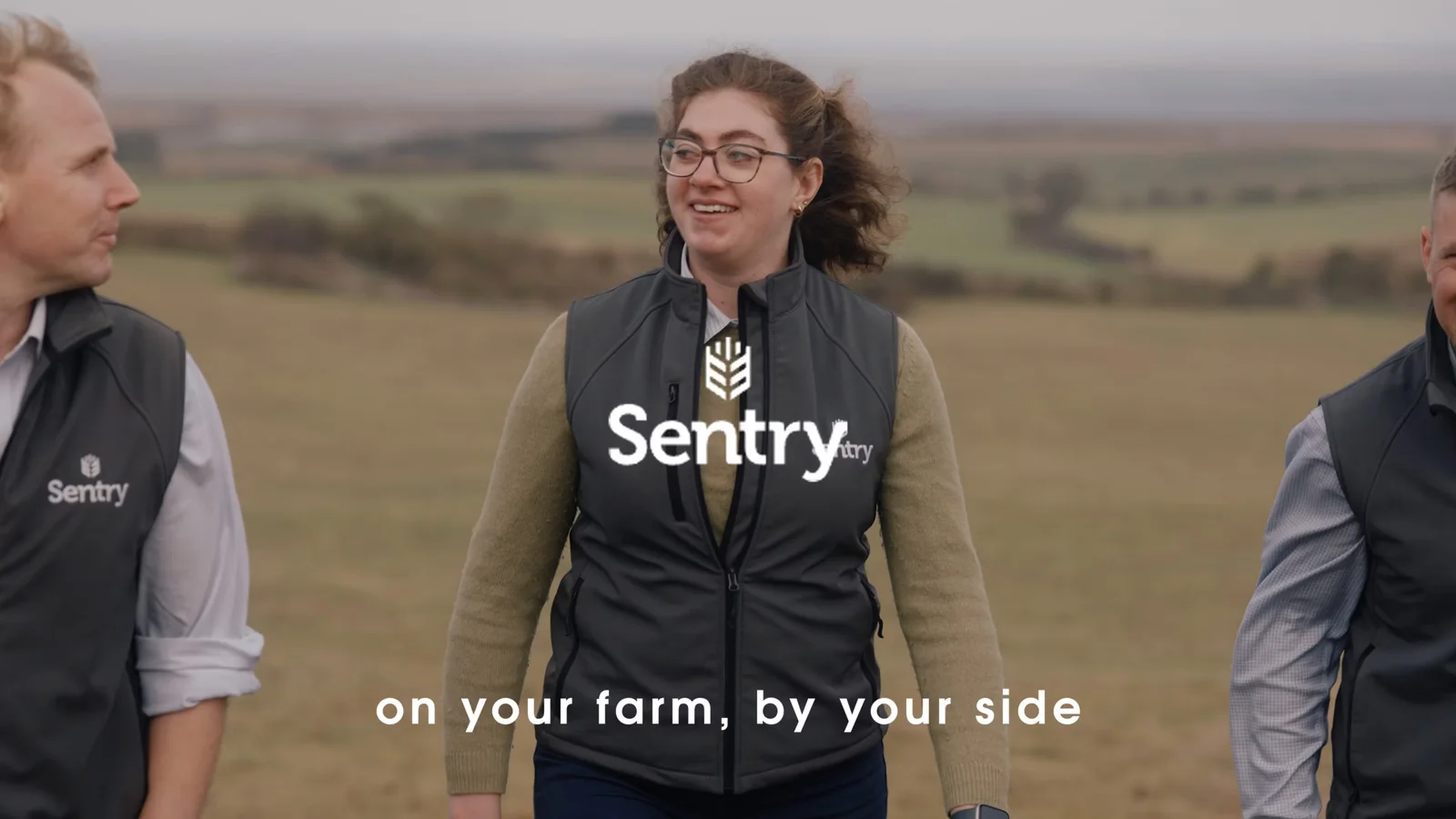
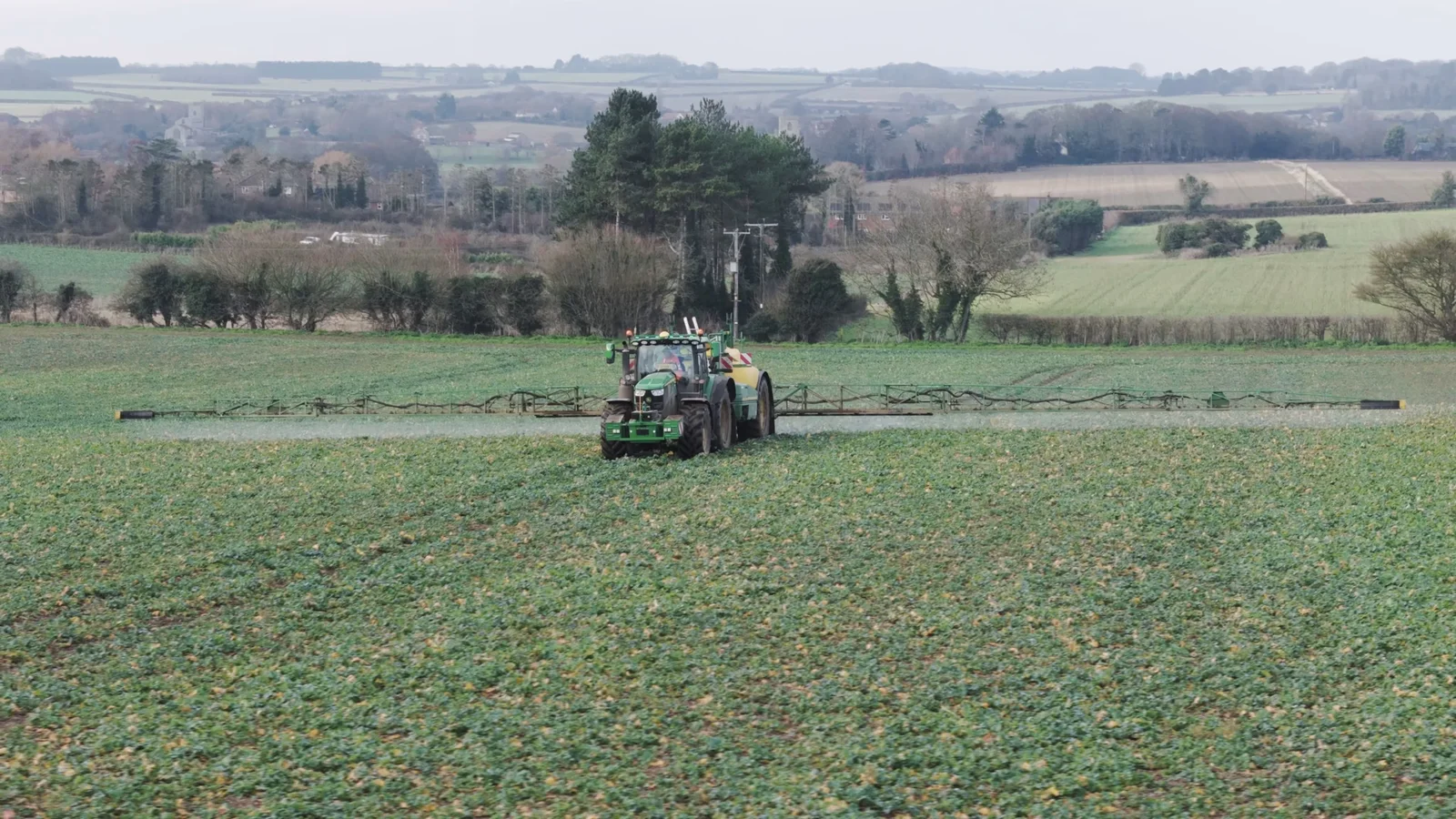
Our Sentry project is a good example of a production where several working farm locations were necessary because the wider operation was part of the story. Ground-level footage and drone filming connected individual activity with the scale of the Norfolk landscape.
Decide the final deliverables before filming
This is one of the most important planning decisions because it affects both the shoot and the edit.
“Corporate video” might mean:
- one main website film;
- one customer case study;
- three short social edits;
- a vertical version;
- a clean version without captions;
- a subtitled version;
- individual interview extracts;
- an event playback file;
- a silent website background loop;
- a photography library alongside the video.
Those are not all the same deliverable.
If vertical content matters, the camera operator needs to consider portrait framing while filming.
If interview answers will also become standalone social clips, each answer may need enough context to make sense by itself.
If the main film will appear on a website, it should be planned around what the page already explains rather than duplicating everything in text.
Our guide to using video on your company website covers that last point in more detail.
Planning deliverables early also makes the quote more meaningful because post-production can be estimated around actual finished outputs rather than “some editing”.
Do not choose the runtime before you understand the content
“We need a two-minute video” is not necessarily wrong.
It is just often too early.
A sixty-second film can involve several filming days if it contains multiple locations, contributors and carefully planned scenes.
A five-minute interview-led case study may be relatively straightforward.
Finished runtime tells you surprisingly little about production complexity.
The useful question is whether the viewer needs the material.
A homepage introduction may only need a concise overview.
A customer case study may deserve enough time to explain the original problem, the experience and the result.
A training film should not remove important steps simply to reach an arbitrary target.
Our guide to how long a corporate video should be explains how purpose, platform and audience affect runtime.
Decide how many filming days from the activity, not the final duration
One day is often enough for a straightforward corporate production.
It is not a universal rule.
The filming schedule depends on:
- how many contributors are involved;
- how many locations are needed;
- whether processes happen at fixed times;
- how long each setup takes;
- whether the business can pause normal activity;
- how far the crew needs to travel between locations;
- whether photography is happening too;
- whether exterior footage depends on conditions;
- how much content needs to be captured for separate edits.
Sometimes splitting a production across shorter sessions is the better answer.
That was useful for Opul Life because the real community activity took place on different days. Trying to manufacture the same variety during one long shoot would have changed the character of the footage.
At the other end of the spectrum, a focused interview and workplace B-roll can often be captured efficiently in one visit.
Do not optimise the schedule for the neatest-looking quotation.
Optimise it for getting the material the film actually needs.
Work backwards from the real deadline
The deadline is not always the day you plan to publish.
Imagine the film needs to play at an exhibition on Friday.
The final file may need to be supplied several days earlier so somebody can:
- load it onto the venue system;
- check the resolution;
- test the audio;
- confirm captions or graphics;
- replace the file if anything goes wrong.
Then work backwards again.
Before final delivery, the business needs time to review the finished version.
Before that, the editor needs time to make revisions.
Before that, the first cut needs to be assembled.
Before that, filming needs to happen.
Before filming, contributors, locations, messages and practical access need to be agreed.
Our guide to how long professional video production takes gives some example schedules, but the important principle is simple:
Book the review dates as deliberately as the filming date.
A production can be filmed perfectly on schedule and still miss the launch because nobody reserved time to approve it.
Decide who gets to approve what
“Everyone will have a look” is not an approval process.
Decide who owns:
- factual accuracy;
- brand;
- technical detail;
- legal or compliance;
- final creative approval.
Then nominate one person to collect the comments.
This avoids a familiar situation where:
- marketing asks for the opening to be shorter;
- a director asks for more company history;
- sales wants another product section;
- legal responds three days later;
- two people give contradictory wording changes.
The production company can respond to feedback much more efficiently when the business has already reconciled it.
This also helps separate a correction from a change of direction.
Changing somebody’s job title is a correction.
Deciding after the first cut that the film should now target a completely different audience is a new creative decision.
Those are not the same kind of revision.
Budget should shape the approach before the idea becomes expensive
You do not need to know the exact production cost before speaking to a video company.
But if the organisation has a real budget limit, sharing it can prevent wasted planning.
A £2,000 production and a £20,000 production can both be professionally made.
They simply should not be developed as if they have the same number of locations, contributors, crew, filming days, specialist equipment and finished versions.
A useful conversation sounds like:
We have around £4,000 available and need a company film plus a few social edits. What would you prioritise?
That gives the production team a chance to recommend the strongest approach within the constraint.
The alternative is spending time developing a multi-location concept and only discovering at quotation stage that the available budget was always much smaller.
You can see our current straightforward production and editing rates on the video production pricing page, while the guide to corporate video costs in the UK explains how crew, locations, editing and deliverables affect a complete project.
You probably do not need to choose the cameras
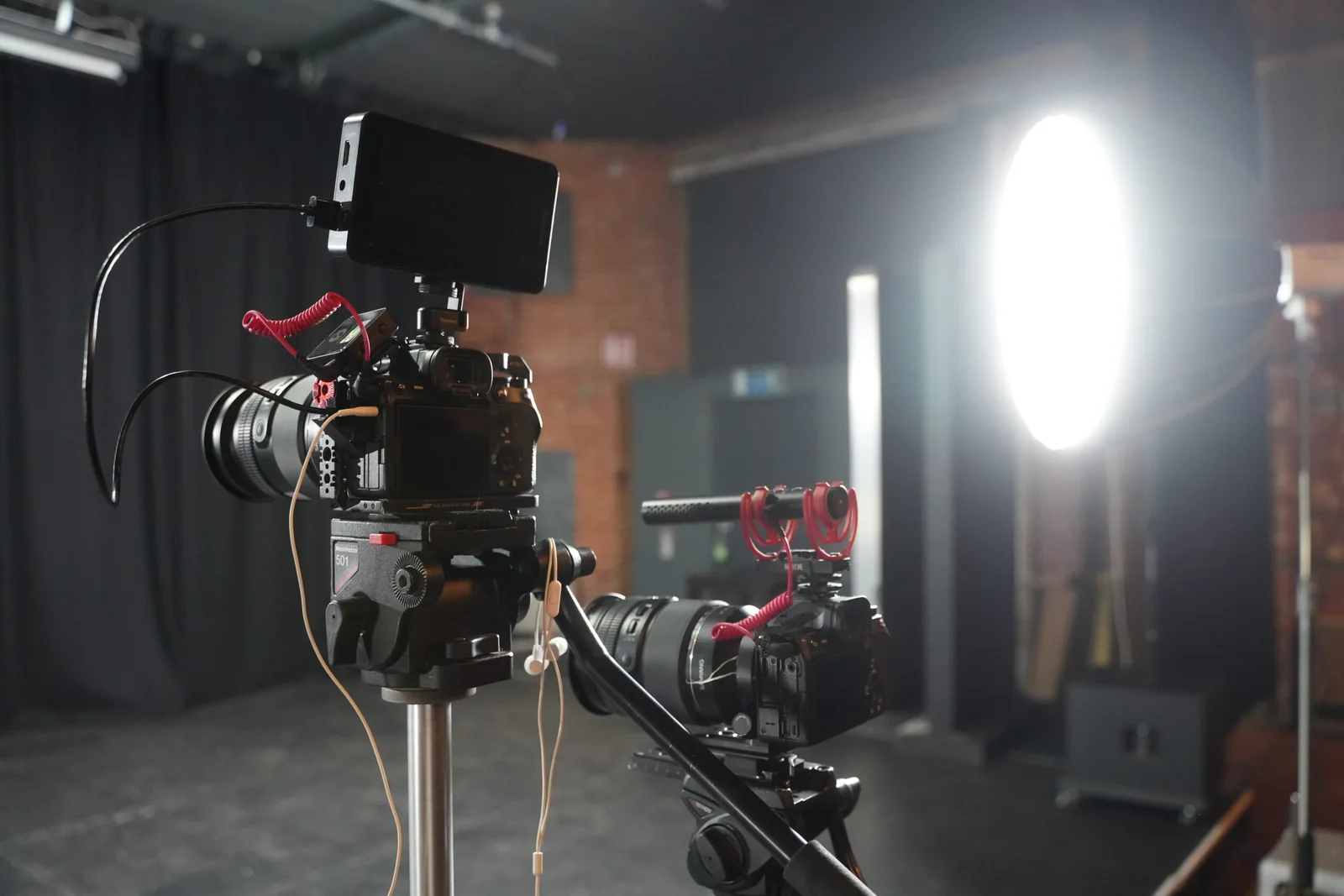
A useful corporate video brief does not need to specify lenses, camera bodies, lights or microphones.
Tell the production company:
- what the film needs to achieve;
- who will watch it;
- what needs to be shown;
- who can appear;
- where filming may happen;
- what finished content is required;
- when it needs to be ready;
- what practical constraints exist.
The crew can work out the technical approach from there.
One operator may be enough for a controlled interview and B-roll shoot.
A larger event or production with simultaneous activity may need several people.
Our guide to how many camera operators you need explains when adding crew genuinely improves coverage rather than simply making the production look bigger.
A useful one-page corporate video plan
If you want something practical to take into an internal meeting, use this.
| Question | Your answer |
|---|---|
| What problem are we trying to solve? | |
| Who is the primary viewer? | |
| What should they understand, feel or do afterwards? | |
| What are the three most important points? | |
| Who can communicate those points credibly? | |
| What does the viewer need to see? | |
| Where will the finished content be used? | |
| What files/versions do we actually need? | |
| Which locations and people are available? | |
| What is the real delivery deadline? | |
| Who approves facts, brand and the final edit? | |
| What budget or range are we working within? |
If the team can answer most of that table, you are ready for a productive conversation with a production company.
If half the boxes are still unknown, that is fine too.
They become the planning questions.
You can turn the answers into a more formal document using our guide to writing a video production brief.
What should happen before the filming day?
Once the concept is settled, planning becomes much more practical.
You will need to confirm things such as:
- contributor times;
- interview questions or approved scripts;
- room access;
- site contacts;
- parking and unloading;
- products, props or demonstrations;
- uniforms and PPE;
- confidential areas;
- logos and brand files;
- permissions;
- the production schedule.
This is a different stage from deciding what the film should be.
Our first video shoot preparation guide covers that practical checklist so you do not have to turn the strategic brief into a list of extension leads and parking instructions.
What should you send when asking for a quote?
You do not need a finished script or storyboard.
A useful first enquiry might say:
We manufacture specialist equipment and want a film for our website that helps prospective customers understand the production process. We would like to interview our operations director and film the team at work in our Suffolk facility. We may also want three short LinkedIn clips from the same shoot. We are aiming to launch in March and have a budget in the region of £4,000–£5,000.
That already tells a production company a great deal.
It gives us:
- the audience;
- the subject;
- likely contributors;
- likely location;
- desired outputs;
- deadline;
- budget context.
From there, we can ask the useful questions and recommend a filming approach.
That is much easier than asking you to decide whether you need two cameras, a gimbal, a drone and fourteen hours of editing before we have discussed the job.
Good corporate video planning removes uncertainty before it becomes expensive
The purpose of pre-production is not to create paperwork for its own sake.
It is to make the expensive parts of the project more productive.
A clear plan means:
- contributors know why they are there;
- the crew knows what cannot be missed;
- locations are ready;
- the editor knows what needs to be delivered;
- stakeholders know when they must review;
- the business understands what the film is responsible for;
- fewer decisions are being made while everybody is waiting on location.
You do not need every creative detail solved before speaking to us.
In fact, it is often better if you do not.
Bring the business problem, the audience, the deadline and whatever you already know.
We can help turn that into a practical corporate video production rather than asking you to design the entire production yourself.
If you have a project in mind, send us the rough idea. A paragraph like the example above is enough to start.