
Corporate Video Production: A Complete Guide for Businesses
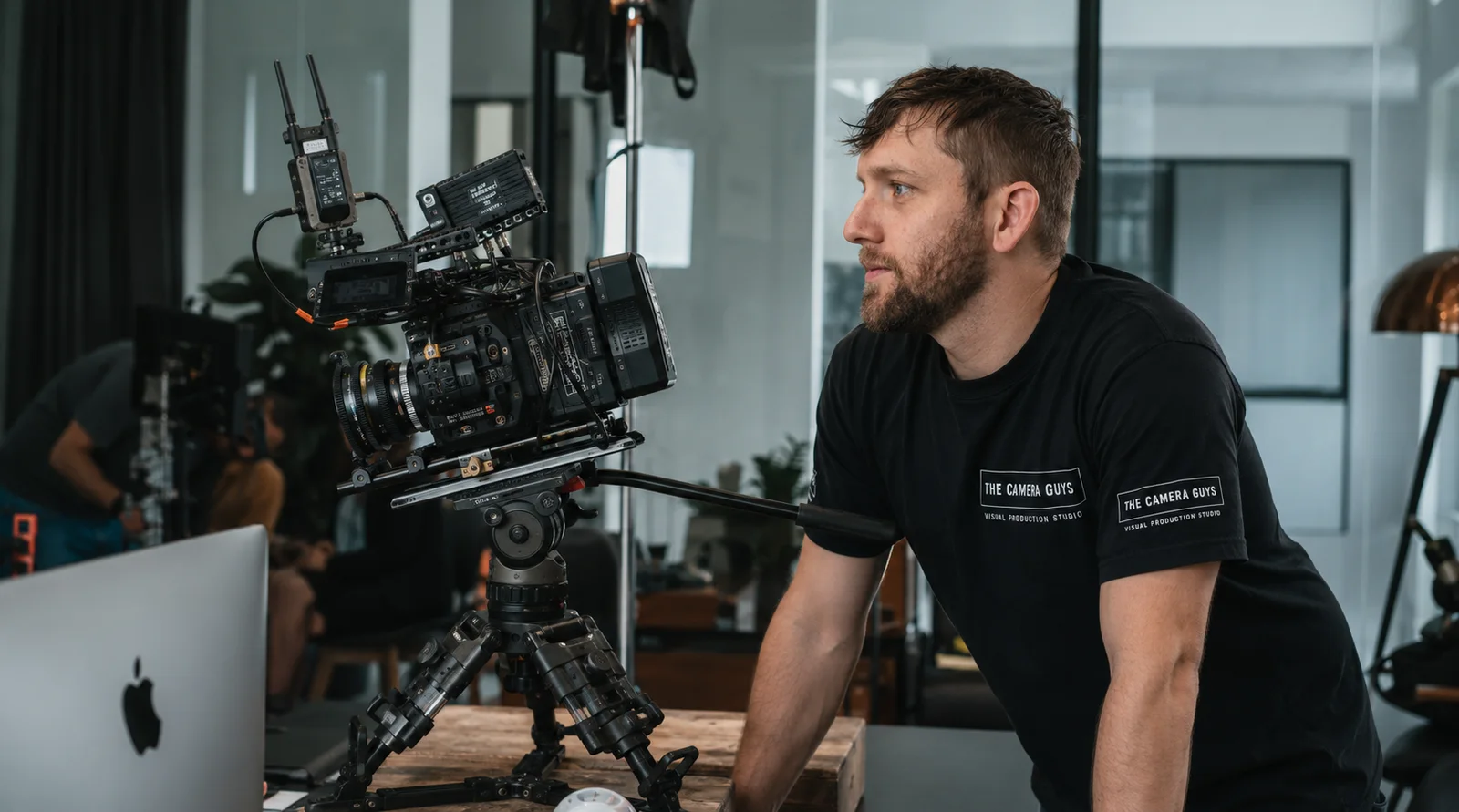
A corporate video is a film made to help a business communicate with customers, employees, potential recruits or other stakeholders. That might mean introducing the company, explaining a service, sharing a customer's experience or showing someone how to do their job.
The production process brings together planning, filming and post-production. For the person commissioning it, though, the immediate questions are usually more practical: what should we make, what will it cost, who needs to be involved and what happens after the cameras leave?
Our corporate video production service covers that process. This guide explains the decisions on your side of it, without expecting you to arrive with a finished script or a list of equipment.
Choose the film around the question it needs to answer
Before deciding on a style, think about the person watching. What do they need to understand that they do not understand already?
A potential customer might need reassurance that you can handle a complicated project. An applicant might want to see the actual working environment. A new employee might need a clear demonstration of a process. Those are different jobs for a film to do.
| What the viewer needs | A useful format | Material to plan for |
|---|---|---|
| A clear introduction to the business | Company overview | What you do, who you help and examples of the work |
| Evidence of a customer's experience | Testimonial or case study | The customer's account, the original problem and the work involved |
| An explanation of a product or service | Demonstration or explainer | The process in action, useful details and answers to common questions |
| A realistic picture of a job | Recruitment film | Staff experiences, responsibilities and the working environment |
| Instructions they can return to | Training or onboarding video | Accurate demonstrations, clear steps and supporting graphics |
| Access to an event or its main messages | Event coverage | Talks, interviews, audience activity or highlights, depending on the purpose |
These formats can overlap, but the audience should still be clear. A recruitment film does not need to include every sales message, and a customer case study should give the customer room to explain their experience rather than simply repeat your marketing copy.
For our Mail Solutions testimonial, commissioned by Power-Zero, the production combined a leadership interview with manufacturing footage and aerial views of the rooftop solar installation. One videographer captured the material during a four-hour shoot. The interview gave the film its account of the project; the surrounding footage showed the setting and installation being discussed. That four-hour figure describes filming, not the entire production and editing process.
Decide what you need to receive, not just what to film
"A corporate video and some social clips" leaves quite a lot open. How many clips? What will each one say? Where will they appear? Do they need their own captions, graphics or ending?
Specify the main film first, then the additional versions with a clear use. A website introduction might be supported by separate customer stories. A recruitment project might produce an overview and individual role videos. A training production might work better as a set of modules than one long recording.
Our Sentry project produced two exhibition films from filming across working farms, combining ground-level footage with aerial coverage. It is a useful example of planning a production around more than one finished film, rather than assuming everything must fit into a single company overview.
There is no length that suits every corporate video. A viewer researching a specialist service may need more detail than someone encountering a short introduction. Use our guide to choosing a corporate video's runtime to consider duration alongside the viewing situation.
Tell the team about portrait, square or landscape versions before filming. A shot of several people spread across a meeting table may not survive a narrow crop. Different versions can also need different openings, rather than simply a shorter ending.
Give the production team a useful brief
Start with the business situation, the audience and the information the film needs to convey. Add likely contributors, locations, intended uses, your deadline, budget and the people who will approve the work. Mark anything undecided as a question rather than filling the gap with a guess.
For an imagined recruitment project, a starting brief could look like this:
We are recruiting service engineers, but applicants do not always understand how much of the role happens at customer sites. We need a film for the vacancies page showing a normal working day, with contributions from two engineers. We would also like two short recruitment clips. HR will approve the wording, and our operations manager will arrange access.
That gives a production team something concrete to develop. It also makes the missing questions visible: can customer sites be filmed, who is available, and when does recruitment begin? You can discuss the brief with us before every creative decision is settled.
Useful references help explain your taste. Say whether you like a film's natural interviews, pace, lighting or use of graphics. "Something like this" can otherwise mean quite different things to different people. Our video production brief guide provides a fuller structure.
Read the proposal as a description of the work
A proposal should explain how the team intends to answer your brief. Look for the approach to the story, who will appear, where filming will happen and what you will receive. Then check who is responsible for preparation, filming, editing and keeping the project moving.
Watch relevant complete films, not only a showreel. For an interview-led project, listen to the answers and the sound. For a demonstration, check whether you can follow the process without someone beside you explaining it.
The team should suit the work. An interview and some workplace footage may be manageable for one experienced videographer; simultaneous activity in several rooms creates a different coverage problem. Our comparison of production companies and freelance videographers explains what to ask about the people behind either arrangement.
What changes the budget?
The main variables include preparation, crew, time on location, travel, equipment requirements and post-production. Editing is affected by the amount of material to review, the complexity of the story, graphics, captions, revisions and the number of versions.
A short finished film can therefore involve considerable work. Reducing its runtime does not necessarily remove a location, an interview or an animation sequence.
Our current pricing page separates on-location coverage from video editing, with travel and agreed extras considered separately. The corporate video cost guide explains the wider scope. Compare those inclusions before comparing totals, and agree how additional work will be authorised.
Confirm payment dates, postponement arrangements, included review rounds and delivery terms in the booking agreement. Questions are easier to resolve before a date is committed than halfway through an edit.
Put the review dates in the diary too
The filming date is only one part of the schedule. Before it comes preparation and access; afterwards come editing, review, changes, finishing and delivery.
Work backwards from when the approved files must be ready to use. An event organiser may need the film before the event itself so it can be tested on the playback system. Your website team may need time to build the page around it.
Agree dates for the first edit, consolidated feedback and final approval. Check that the relevant people are actually available on those dates. A short film can still be delayed by an unavailable customer approver or an unresolved technical claim.
Our guide to video production timescales looks at those dependencies in more detail. Ask for a schedule based on your project rather than treating the finished runtime as a turnaround estimate.
Before filming: people, places and proof
Pre-production turns the agreed approach into a workable day. Depending on the film, that may involve a script, interview questions, a shot plan, a location visit and a schedule.
Start with the material the story depends on. If the video explains a testing process, arrange for that process to be available. If it relies on a customer's experience, confirm their participation before building the whole film around them.
Prepare contributors without asking everyone to memorise a speech. Explain the purpose, likely topics, intended use and time needed. Precise statements may need approved wording; an employee describing their work may be better served by a conversation and space to answer in their own words.
The location needs practical attention too. Check access, parking, inductions, noise, available rooms and operational restrictions. Remove confidential paperwork and prepare safe demonstration screens. Build setup, movement between spaces and pack-down into the booking rather than filling every minute with interviews.
Our guide to preparing for a corporate video shoot covers the client-side preparation in more detail.
Give those tasks named owners. Your project lead keeps the scope and decisions together; a site contact arranges access; subject specialists check facts; and one feedback lead collects approvals. In a small business, one person may cover several roles. The important part is knowing who can answer each question.
Agree who will arrange contributor and location permissions, supply approved brand materials and confirm the intended use of third-party content. Flag sensitive subjects early so the appropriate people can review them before filming.
What you should expect on the filming day
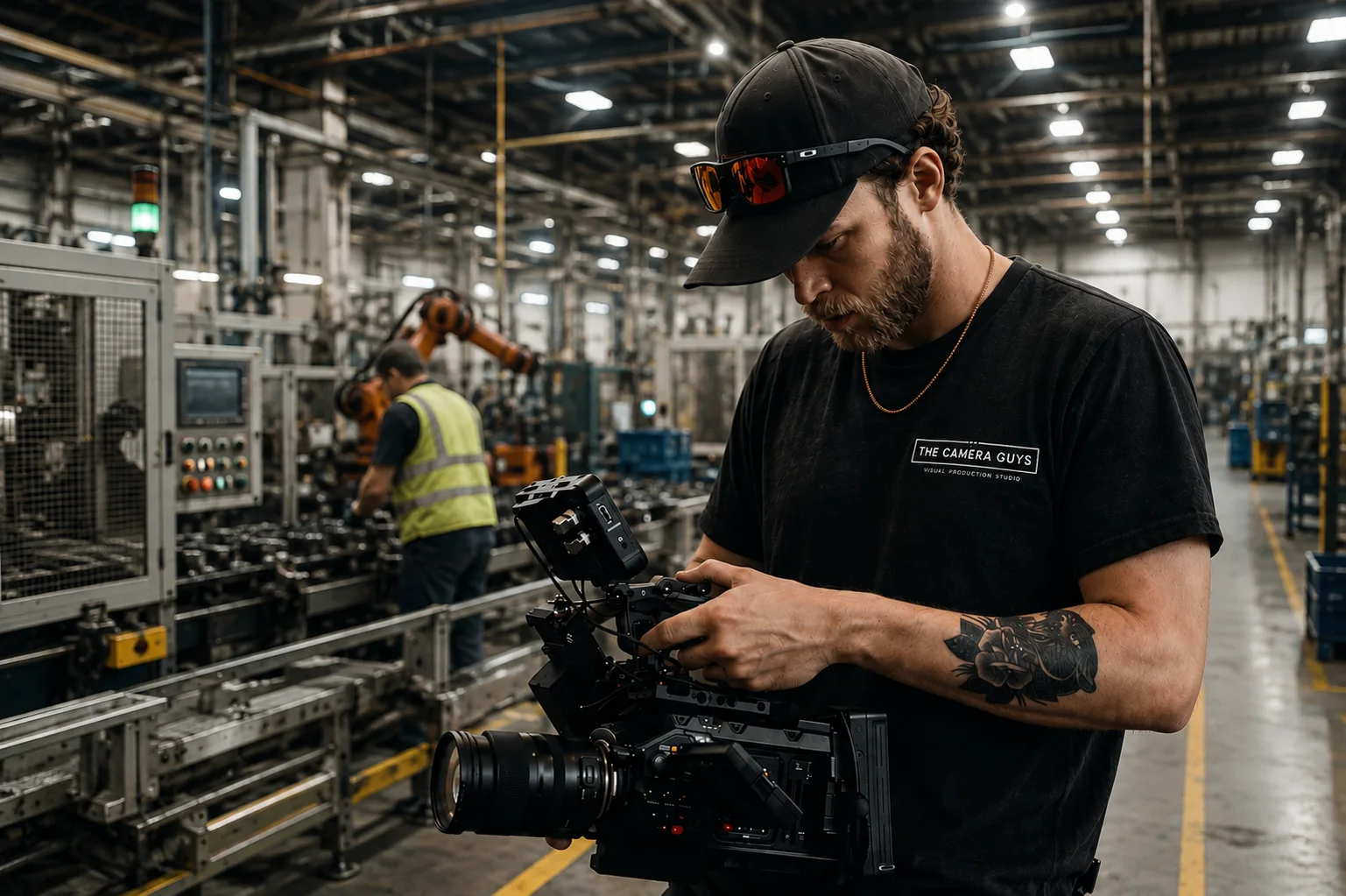
The crew will need time to set up cameras, lighting and sound before the first contribution. There may be pauses to adjust a microphone, repeat an answer or wait for noise to stop. These are part of recording usable material.
A room that looks excellent in photographs may be difficult for an interview if it has hard, reflective surfaces or machinery nearby. Professional audio depends on recording speech clearly at source, not assuming every distraction can be removed afterwards.
Supporting footage, often called B-roll, deserves time in the schedule too. For a film about your service, that could mean an enquiry being handled, equipment being prepared or a specific check being carried out. Those details help explain the work, rather than leaving every claim to a talking head.
Keep one informed client contact available to resolve access issues and check factual details. Contributors do not need several managers giving different directions between takes. Raise changes promptly, but ask what an extra interview or location would mean for the remaining plan before adding it.
How the footage becomes a finished video
Post-production begins with organising and reviewing the recordings. The editor selects useful answers, builds a sequence and combines speech with footage that explains or supports it.
An interview may have been recorded in a different order from the finished story. Repetition can be removed, explanations brought forward and technical detail given room to make sense. That is why the first edit is more than the day's clips joined together.
Finishing can include dialogue cleanup, music, titles, graphics, captions and colour correction and grading. Colour work helps shots sit together and establishes an appropriate visual treatment; sound work keeps speech clear and balances it against music and other audio.
Ask what stage a review version represents. A first cut may be intended to settle the structure before all the finishing is complete. Knowing that prevents reviewers spending time on temporary details while missing a problem with the message.
Give feedback the editor can act on
Watch the first edit as someone outside the organisation. Is the subject clear? Are unfamiliar terms explained? Does the film answer the viewer's question? Check that the people, products and processes are represented accurately.
Collect comments from the agreed reviewers, resolve contradictions internally and return one set of notes. Timecodes and a description of the problem are more useful than several people sending separate impressions.
For example, an actionable note might read: "At 00:42, the shot shows the previous packaging. Please use the current version filmed beside the packing bench." That tells the editor what is wrong and where to look, without prescribing every cut.
Distinguish corrections from a new brief. Fixing a name is not the same as adding a service that was never discussed or changing the intended audience. Agree any effect on cost and delivery before that additional work begins.
Check the handover, not only the main film
Before approval, check names, job titles, figures, claims, logos and the closing message. Review captions for names and specialist language, and check that important on-screen text is readable at the size viewers will actually see it.
Watch every final version. A portrait edit can have a framing problem that the landscape film does not. A short version can lose context when an earlier explanation is removed.
Confirm the agreed exports, caption files, thumbnails, transcripts or language versions are present. Test the film in its intended environment, whether that is a website player, presentation system or learning platform. Accessibility needs should already be part of the brief, not discovered during this final check.
Also confirm the handover arrangements: who stores the approved files, how long production material will be retained and what reuse is agreed. Finished exports, original camera footage and editable project files are different things. Ask for the files and permissions you need rather than assuming every category is included.
Give the finished film somewhere useful to go
Decide who will publish the film while it is still being made. A case study needs a suitable page or a place in the sales process. Recruitment content needs to reach applicants. Training material needs to be easy for staff to find and revisit.
Look beyond the number of views. A sales film could be assessed alongside relevant enquiries and feedback from the team using it. Recruitment content might be reviewed against applicant understanding and suitability. For training, ask whether people can follow the process, not simply whether they reached the end of the video.
Those observations do not prove that the film alone caused a result. They do help you decide what to reuse, change or explain differently. Our guide to getting more from video marketing explores planning distribution and reviewing performance.
Keep a record of what may date the content: product details, staff roles, branding or procedures. A useful film does not need replacing simply because it is older, but it does need reviewing when the information changes. Give someone responsibility for that review, just as you did for the original production.